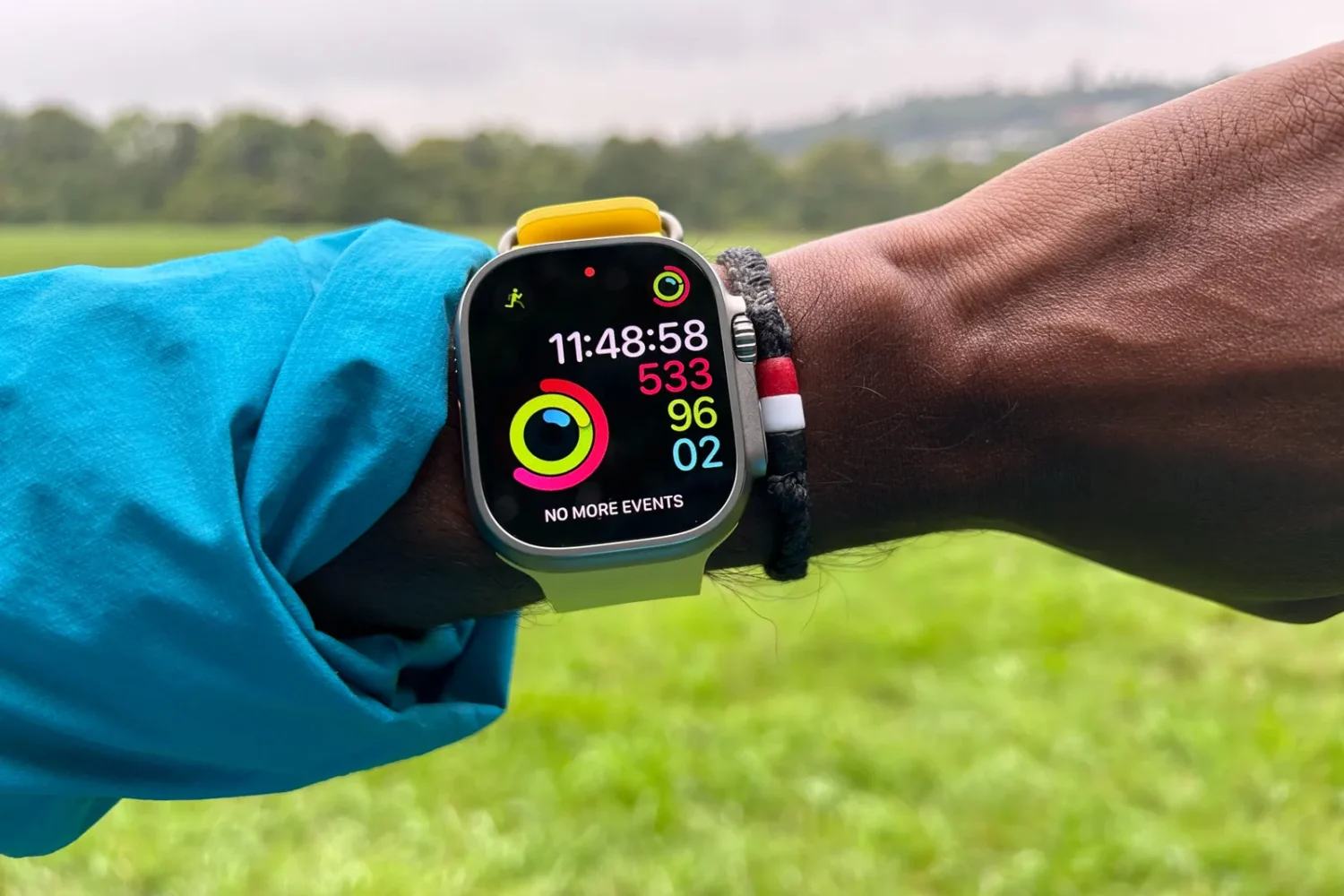
Apple has released watchOS 26 beta 2 to developers, continuing the rollout of its next major Apple Watch software update. While other Apple platforms like iOS 26, iPadOS 26, and macOS Tahoe are undergoing more noticeable interface overhauls, watchOS 26 remains largely familiar in appearance. The changes so far reflect a cautious evolution rather than a design overhaul.
Users updating to watchOS 26 beta 2 will notice minor adjustments to the Control Center and app icons, but the overall layout and user interface are mostly intact. However, the update does expand functionality, especially for those using an iPhone 15 Pro or newer. These devices can enable more of Apple’s on-device intelligence features that extend into the watchOS ecosystem.
One of the more prominent additions is Workout Buddy, a feature that uses voice data from Apple Fitness+ trainers to deliver personalized motivational messages. The system leverages user health data to create more tailored fitness guidance, aiming to enhance workout engagement. Another significant change is the introduction of Live Translation within the Messages app. This feature translates ongoing conversations in real time, depending on your preferred language settings, though it’s limited to the latest Apple Watch hardware.
The update also introduces gesture-based controls intended to streamline interaction. For instance, users can now dismiss notifications and return to the watch face with a simple wrist flick, offering a more intuitive navigation experience.
Smart Stack continues to evolve as well. Now, context-aware suggestions will surface in relevant scenarios. Heading to the gym, for example, might trigger a workout recommendation in the stack. Additionally, Apple Watch can now help users retrace their steps when disconnected from cellular service, potentially improving usability in off-grid situations.
It remains to be seen whether Apple plans to introduce entirely new watch faces in watchOS 26. For now, only subtle updates to existing designs have appeared, such as the new Liquid Glass styling and adaptations for the enhanced display of the Apple Watch Series 10.
watchOS 26 beta 2 arrives alongside the latest beta versions of Apple’s other operating systems, signaling a steady move toward its full public release later this year. For developers and testers, this version offers a more polished preview of what to expect, even if most changes stay under the hood.