
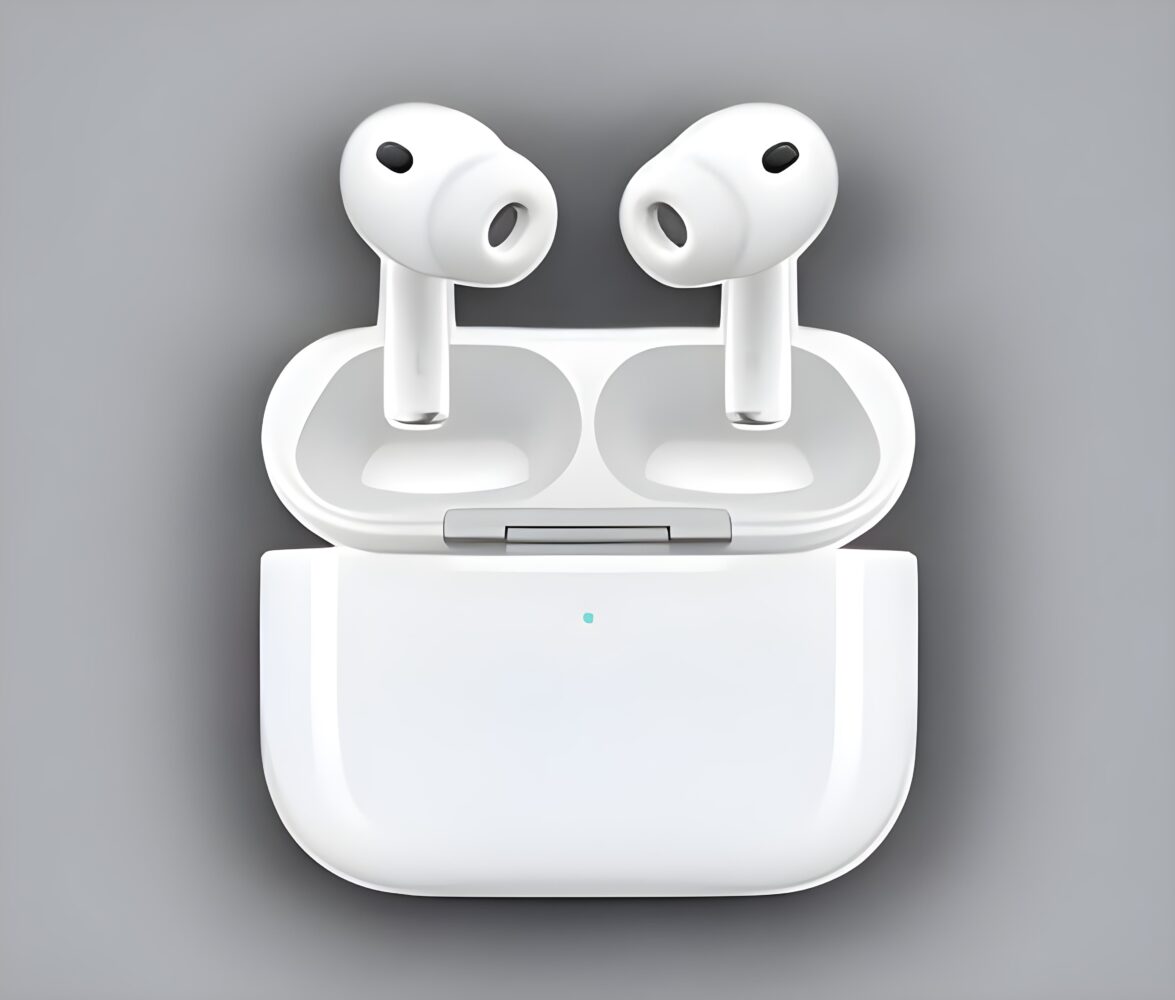
Apple has released a new firmware update for the AirPods Pro 3, making it available to the general public as of January 13, 2026. The update moves the firmware build number to 8B34, replacing the previous 8B30 release. As is typical with AirPods firmware updates, Apple is offering little detail on what has changed, describing the release only as containing bug fixes and other general improvements.
This update applies exclusively to the AirPods Pro 3. No other AirPods models received new firmware at the same time, which suggests the changes are either specific to the newest hardware or address issues that have not affected older models. Apple’s approach to AirPods firmware updates has long favored quiet, incremental maintenance rather than feature announcements, and this release follows that familiar pattern.
Apple’s support documentation outlines a passive update process that offers users limited direct control. To install the firmware, AirPods Pro 3 owners need to ensure their earbuds are within Bluetooth range of an iPhone, iPad, or Mac that is updated to the latest version of iOS, iPadOS, or macOS. The host device must be connected to Wi-Fi, and the AirPods should be placed inside their charging case. Once the case is connected to power and closed, the update installs automatically in the background, typically within 30 minutes.
After waiting, users can open the charging case lid to reconnect the AirPods and verify the firmware version in their device’s Bluetooth settings. If the update does not apply, Apple recommends resetting the AirPods and repeating the process. While this method is simple in theory, it continues to draw criticism for its lack of transparency, as there is no progress indicator or manual trigger for firmware installation.
Alongside the AirPods Pro 3 update, Apple’s latest published firmware list confirms the current versions for all supported AirPods models. AirPods Pro 2, both USB-C and Lightning variants, remain on version 8B28. Older models such as AirPods Pro 1, AirPods 3, AirPods 2, and AirPods 1 continue to receive only maintenance-level updates, while AirPods Max differs depending on whether it uses USB-C or Lightning.
As with previous AirPods firmware releases, users should not expect visible changes or new features. These updates are generally focused on stability, connectivity, and compatibility improvements that quietly support day-to-day use. For AirPods Pro 3 owners, staying current remains worthwhile, even if the benefits are mostly behind the scenes.