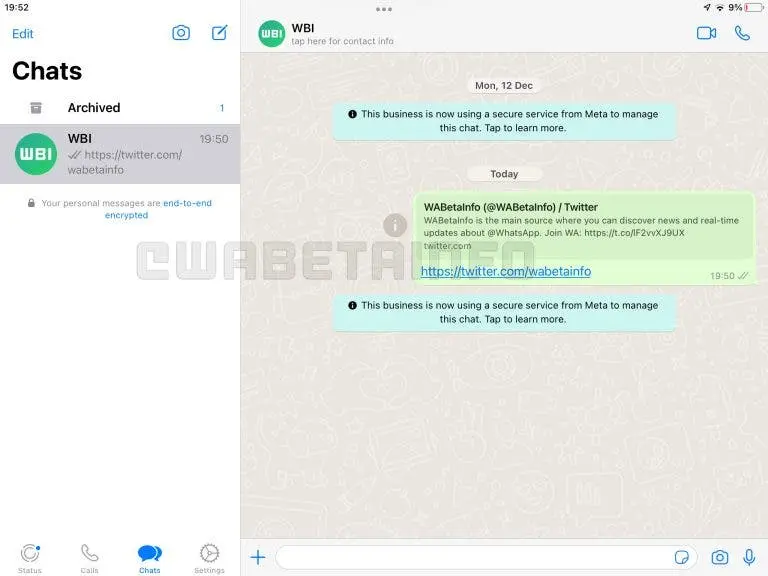
It looks like WhatsApp for iPad is finally close to launch. In the latest version of WhatsApp Beta for iOS, Meta has added an option to use WhatsApp on an iPad independently of an iPhone, through its Link a Device feature, as reported by WABetaInfo.
To install WhatsApp on iPad, follow these steps:
1. Ensure you have the beta version of WhatsApp installed on your iPhone and iPad
2. Navigate to Settings > Linked Devices on you iPhone
3. Click on “Link a Device” and scan the QR code displayed on your iPhone using your iPad
Keep in mind this is still a beta version after all, and would contain bugs.