Google has simplified the enrollment process for its Advanced Protection Program, designed for those at higher risk of targeted online attacks, such as political campaign workers and journalists handling sensitive information. Previously, enrolling required two physical security keys. Now, users can set up the program using just a single passkey, leveraging the built-in biometric authentication of a Pixel phone or iPhone.
When it was first introduced, the Advanced Protection Program mandated two physical security keys for activation, and subsequently required one of these keys plus a password for login. In 2023, Google updated the feature to allow login with a passkey — a passwordless method that utilizes device-based authentication. However, setting up still required the two physical security keys until now.
To enable the program, users can visit the Google Advanced Protection Program page, click “Get started,” and follow the setup instructions. At the end, they will have the option to set up using a passkey or a physical security key. Google also necessitates recovery methods such as a phone number, an email address, or a second passkey to regain account access if needed.
The setup process is straightforward — I recently did it myself. I simply pointed my iPhone at a QR code in my browser and authenticated with Face ID.
What Are Passkeys?
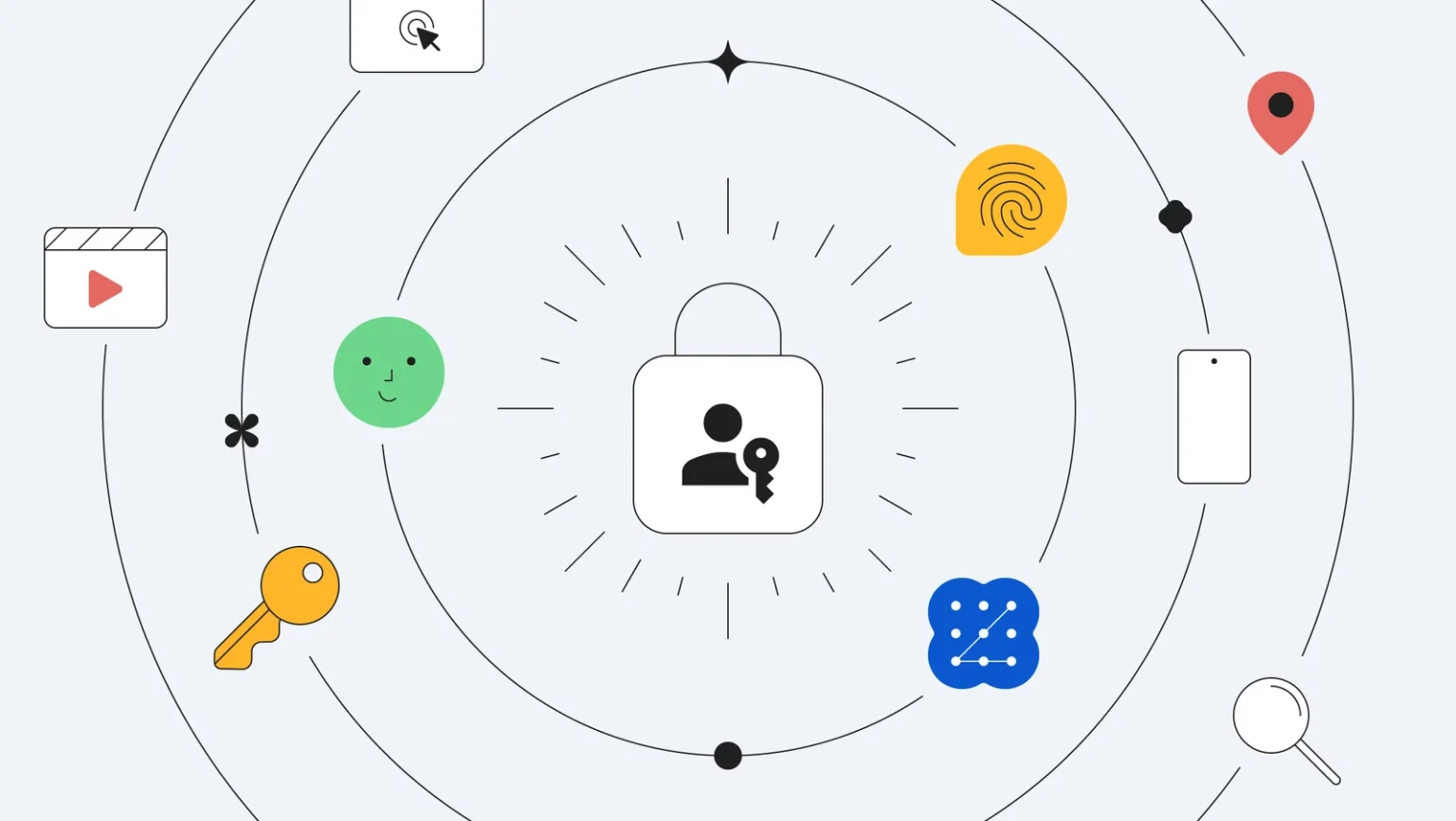
Passkeys can replace traditional passwords by using your device’s own authentication methods. This allows you to sign in to services like Gmail, PayPal, or iCloud using Face ID on your iPhone, a fingerprint sensor on your Android phone, or Windows Hello on a PC.
Built on WebAuthn technology, passkeys generate two different keys when created: a public key stored by the service and a private key stored on your device.
But what if your device gets lost or broken? Passkeys are designed to work across multiple devices, so you may have a backup available. Many services that support passkeys will also allow reauthentication through your phone number, email address, or a hardware security key.
Apple’s and Google’s password vaults support passkeys, as do password managers like 1Password and Dashlane. 1Password has even created an online directory listing services that support passkey sign-ins.