
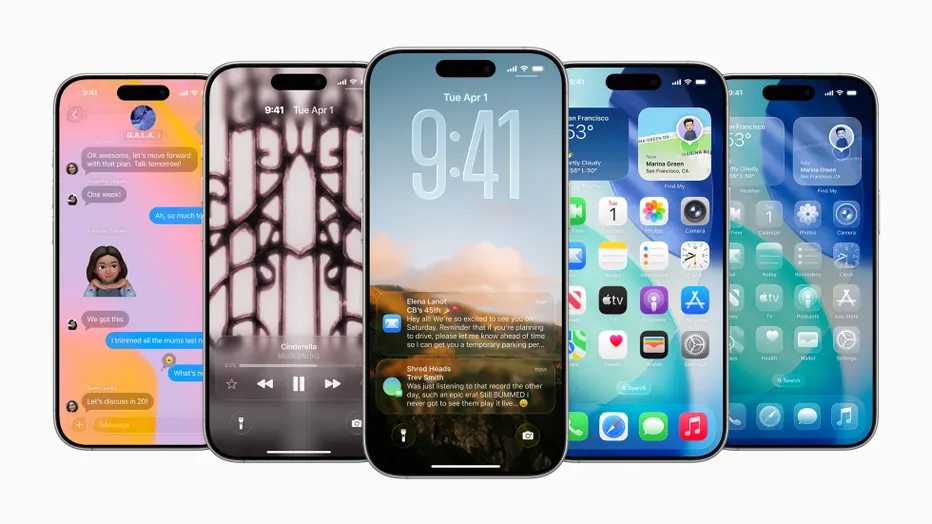
Apple has released iOS 26.4.1, a small point update for the iPhone 11 and newer models. The official release notes mention only generic bug fixes, but two specific improvements have now surfaced.
The first change addresses an iCloud syncing issue that appeared in iOS 26.4, where some apps failed to properly update data across devices. The fix should restore reliable synchronization for affected users.
The second update concerns Stolen Device Protection. On enterprise-managed iPhones, the feature will now turn on automatically after installing iOS 26.4.1. For regular consumer devices, the same protection became enabled by default starting with iOS 26.4. Originally introduced in iOS 17.3, Stolen Device Protection adds extra safeguards in situations where a thief might know the phone’s passcode.
With the feature active, many sensitive actions require Face ID or Touch ID instead of just the passcode. These include viewing saved passwords in iCloud Keychain, applying for a new Apple Card, turning off Lost Mode, erasing the device, and using saved payment methods in Safari. For certain high-risk changes, such as altering the Apple ID password, the system adds a one-hour security delay after the initial biometric check—unless the phone is in a familiar location like home or work, where the delay is skipped.
Before iOS 26.4, Stolen Device Protection was off by default and had to be manually enabled in Settings under Face ID & Passcode. The gradual rollout to automatic activation reflects Apple’s ongoing efforts to strengthen baseline security without requiring users to hunt through menus.
These kinds of incremental updates are typical for iOS maintenance releases. They quietly patch glitches and tighten protections while most attention stays focused on larger feature drops. For everyday users, the iCloud fix should reduce frustration with missing or duplicated data, while the broader enforcement of Stolen Device Protection adds another layer against opportunistic theft.
The update is available now through the Settings app under General > Software Update. As with any minor release, it is generally recommended to install it once convenient, especially if you have encountered the syncing problems it targets.