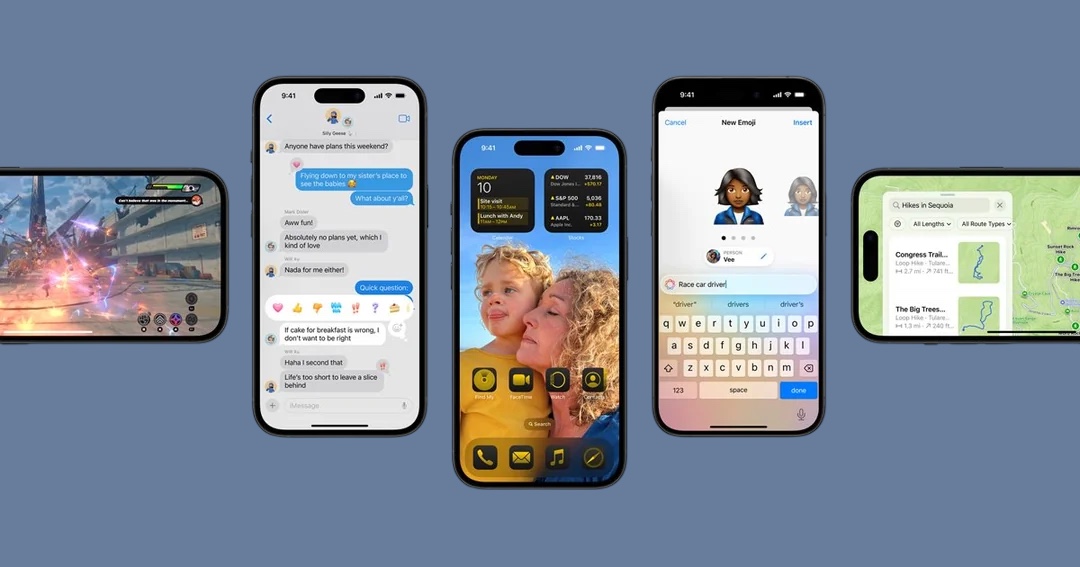
Apple has released iOS 18 beta 3 for developers, bringing notable changes to Home Screen customization, various design and interface tweaks, and more. Here’s a full roundup of everything new in iOS 18 beta 3.
Currently, iOS 18 is available for developer beta testers, with a public beta expected in July and a general release scheduled for September. It’s important to remember that in the early beta stages, changes and improvements can be unpredictable. This means that something functional in iOS 18 beta 2 might be broken in iOS 18 beta 3. As always, proceed with caution.
iOS 18 Beta 3: New Features and Changes
1. Home Screen Dark Mode Icons
iOS 18 beta 3 introduces a feature that automatically converts Home Screen app icons to dark mode, utilizing some form of machine learning image separation technology.
2. Dynamic Wallpaper
The default wallpaper in iOS 18 beta 3 now includes a new color-changing “dynamic” option. Enabling this setting will change your wallpaper’s color at various points throughout the day.
3. Flashlight Interface Update
The flashlight interface for iPhone 15 Pro and iPhone 15 Pro Max users has been refined in the Dynamic Island with iOS 18 beta 3.
4. Photos App Enhancements
The “Select” button is now always visible in the Photos app, eliminating the need to swipe up to the grid of photos.
The pinch-to-zoom gesture in the Photos app and Photos viewer has been reverted to function like it did in iOS 17 and earlier.
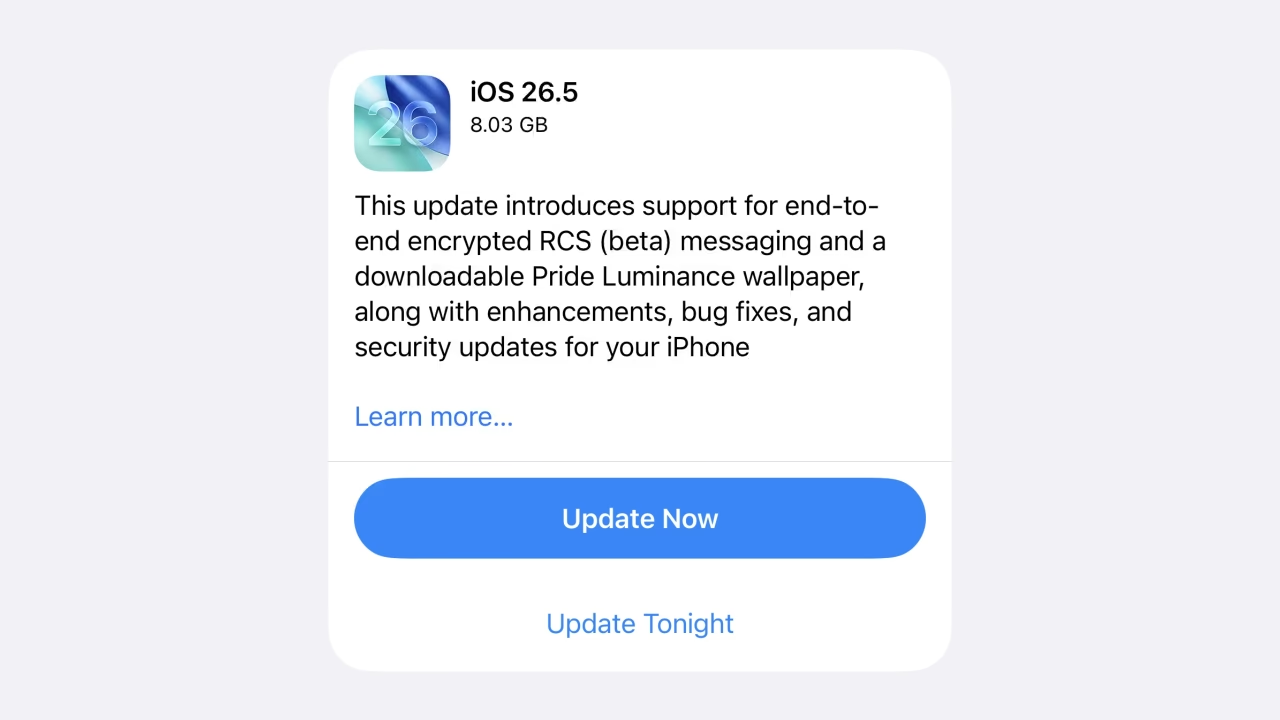
5. RCS Messaging Details
The “RCS Messaging” option in the Settings app now offers more detailed information about the feature. This can be found in Settings > Apps > Messages > RCS Messaging.
6. Emoji Keyboard Tweaks
The emoji keyboard has been updated to display larger icons that are easier to see and tap. You can also access stickers and emoji beneath the keyboard.
7. Focus Mode in Messages
When in a Focus mode, the Messages app no longer shows the contact name for silenced notifications, displaying just “Messages” instead.
8. Apple Maps Dark Mode Icon
The dark mode icon for Apple Maps has been redesigned, as spotted by Andrew Clare on Threads.