
Apple has previewed an expanded set of parental controls and child safety features coming to iOS 27, iPadOS 27, and macOS 27 this fall, building on its existing tools to help parents manage content access, communications, and screen time more effectively. These updates arrive amid ongoing public debate about the impact of digital devices on children, where concerns around exposure to inappropriate material, excessive screen use, and online interactions continue to grow despite years of platform-level efforts.
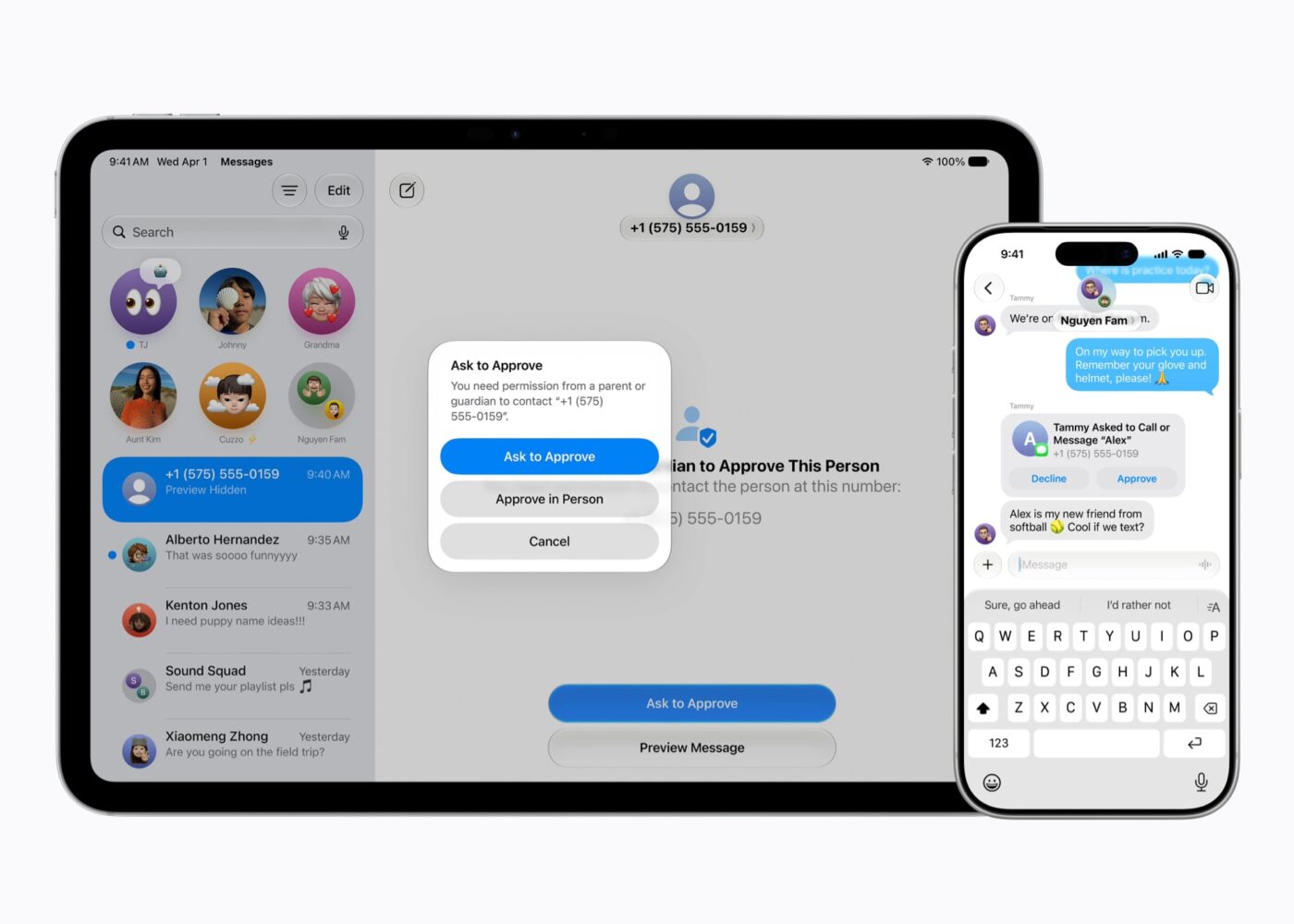
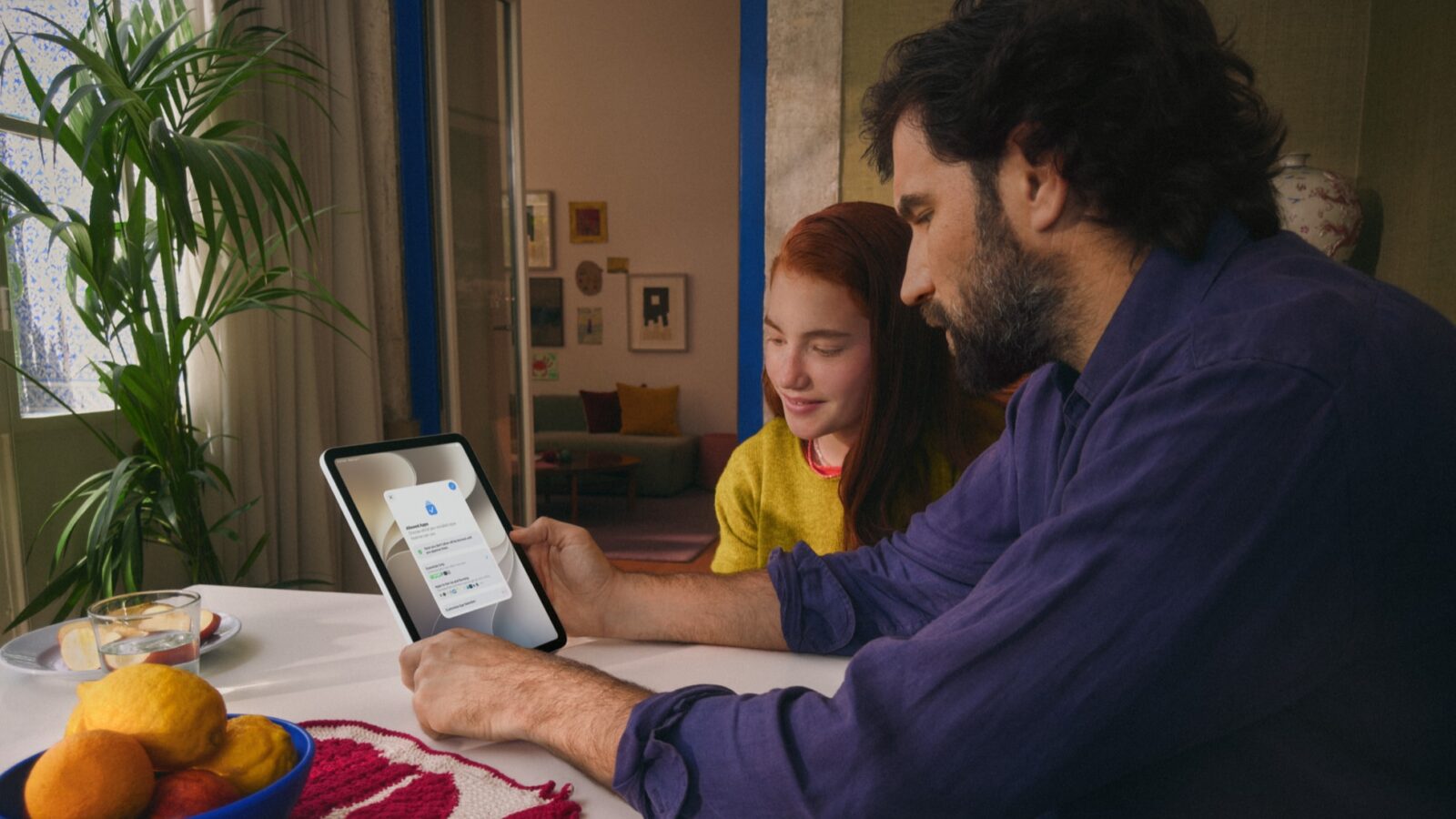
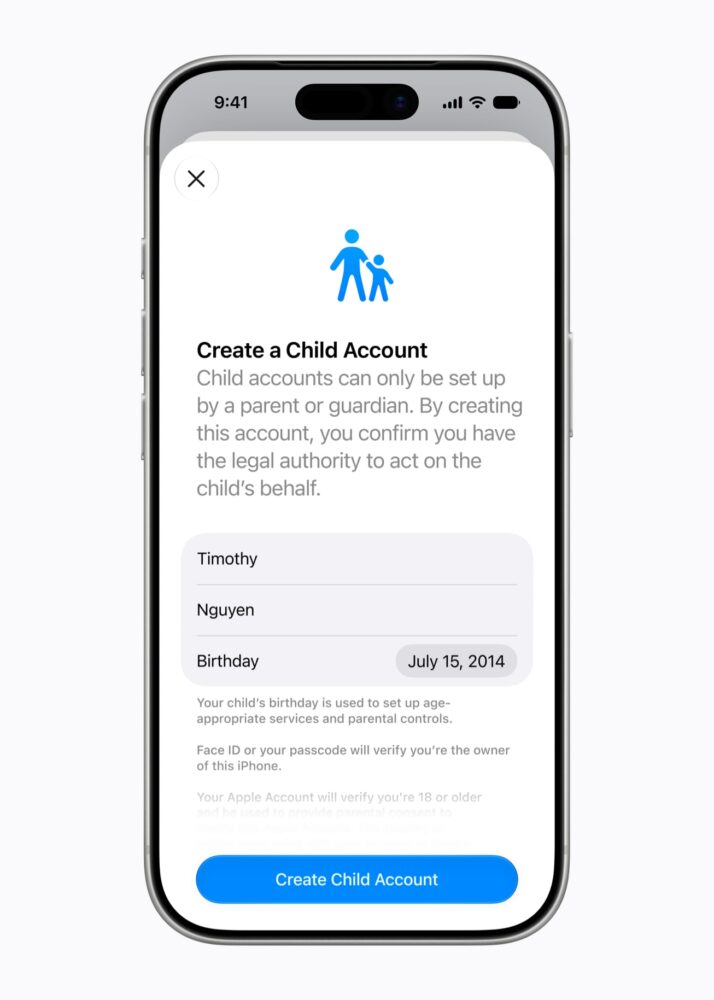
The foundation remains the child account setup, which applies age-based restrictions such as limiting adult websites, curating media, and enforcing App Store rules. Parents can guide initial device configuration by selecting a minimal set of essential apps or a curated collection, then expand access gradually while retaining oversight through Ask to Buy for downloads and in-app purchases. A new Ask to Browse feature extends this to Safari, requiring approval before children visit new websites across iPhone, iPad, and Mac. This layered approach aims to give families more granular control from the start, though success still depends heavily on consistent parental involvement rather than automated systems alone.
Communication safeguards include requiring approval for new contacts in Messages, FaceTime, and Phone. Communication Safety, already active by default for users under 18, will now also detect and block gore or violent content in shared images and videos alongside its existing nudity blurring. These interventions reflect Apple’s collaboration with safety experts, yet they highlight persistent challenges: detection technologies are imperfect, and determined children or evolving online threats can sometimes circumvent them. No single platform feature fully replaces open conversations within families about digital responsibility.
On screen time management, Time Allowances introduce category-based limits for Entertainment, Games, and Social Media, with expert-informed recommendations tailored by age as a starting point for customization. Daily and weekly Schedules allow parents to restrict access during school hours or family time. The redesigned Screen Time dashboard provides quicker at-a-glance insights into usage patterns and top apps, with options for on-the-spot adjustments or temporary extensions. These tools build on prior versions that many parents found useful but occasionally cumbersome, potentially improving usability while addressing common pain points around enforcement.
Apple positions the features within a broader commitment to child wellbeing, including partnerships with the American Academy of Pediatrics to adapt family media plans and ongoing research into technology’s effects. A new dedicated website compiles resources, FAQs, and guidance, supplementing existing options like Screen Time passcode notifications, user reporting tools for harmful content, and Apple Watch For Your Kids for younger users without their own iPhone. The latter enables location sharing, limited communication, activity goals, and Schooltime mode to reduce distractions.
For developers, Apple offers APIs such as Sensitive Content Analysis, PermissionKit, and Declared Age Range to support age-appropriate in-app experiences without compromising privacy. These initiatives acknowledge that platform controls work best alongside responsible app design.
The features will roll out with the Screen Time update this fall, subject to regional variations in minimum account ages and other regulations. While Apple’s ecosystem has long emphasized safety through curation and restrictions, critics often point to the tension between protection and over-control, as well as the reality that many families use mixed-device environments where cross-platform consistency remains elusive. These updates represent thoughtful iteration rather than a complete solution, offering practical enhancements for engaged parents navigating a complex digital landscape. Their real value will emerge in everyday use, where they supplement—not supplant—family guidance and education around healthy technology habits.