
TL;DR: This Gemini Omni guide walks you through setup, powerful prompting, conversational editing, advanced storytelling techniques, and practical workflows for mind-blowing videos. Start simple, iterate with references and natural language, respect physics and context for best results. Available now to subscribers. Essential skill for any 2026 creator who wants to work smarter and create bigger. Go make something epic.
Hey fellow geeks, welcome to the future where your phone turns into a pocket-sized Hollywood studio. I still remember the first time I fired up Gemini Omni Flash after the I/O 2026 announcements and watched my clunky smartphone footage transform into something that looked like it cost a small fortune in post-production. If you’re tired of wrestling with clunky editors or settling for generic AI clips that forget what they started with halfway through, this guide is your backstage pass. We’re diving deep into everything Gemini Omni, from getting started to crafting pro-level creations that actually tell stories instead of just looking pretty.
Getting Started with Gemini Omni: Setup and First Steps That Actually Matter
Let’s cut through the noise. Head straight to the Gemini app if you’re on Google AI Plus, Pro, or Ultra. The Flash version rolls out smoothly and feels zippy even on mid-range devices, which was a pleasant surprise during my battery-draining tests. YouTube Shorts and Create app users get free access too, perfect for quick experiments without subscriptions. Once you’re in, the interface is refreshingly clean. No overwhelming menus. Just a chat-like space where you drop your inputs and start talking.
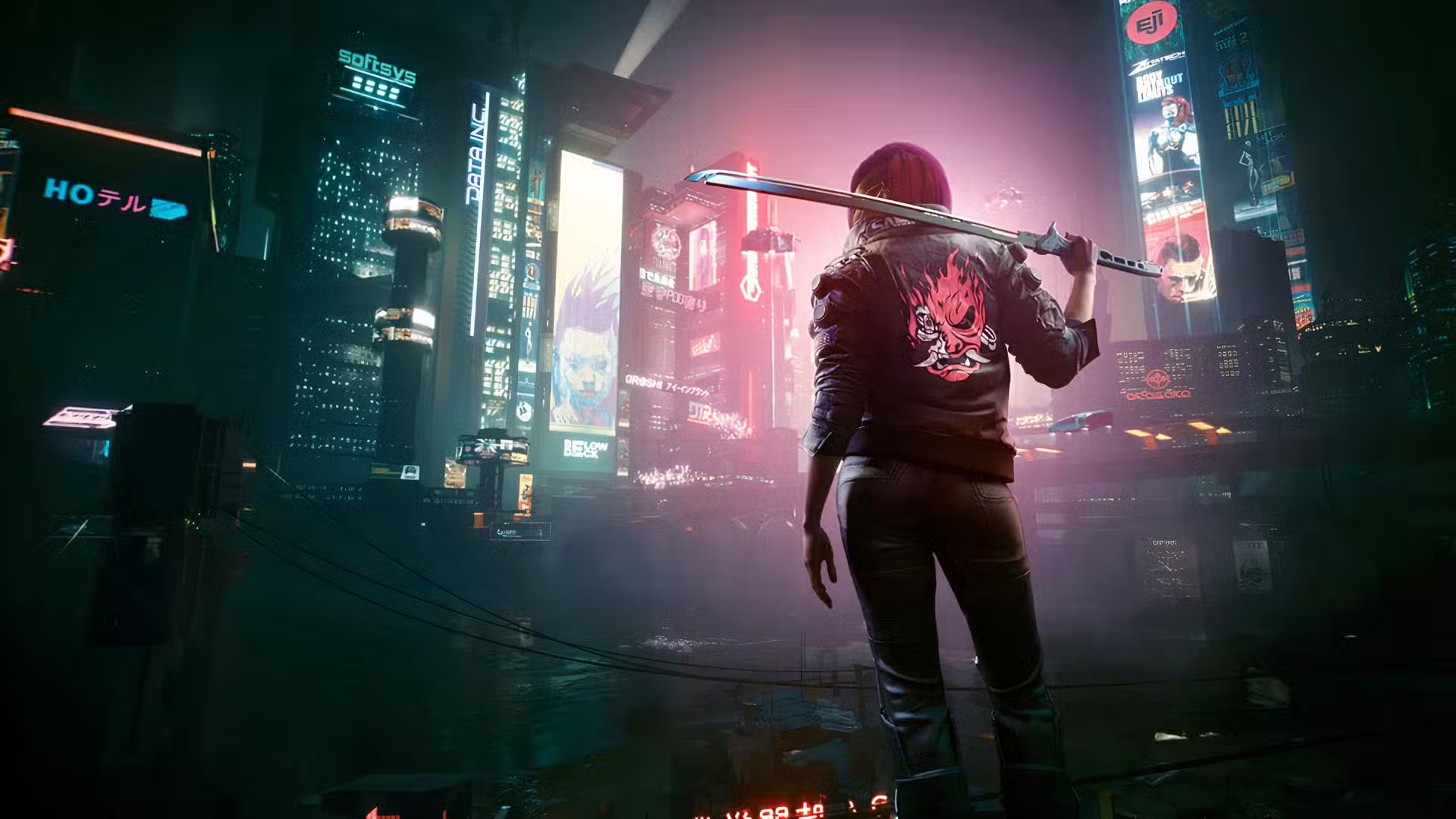
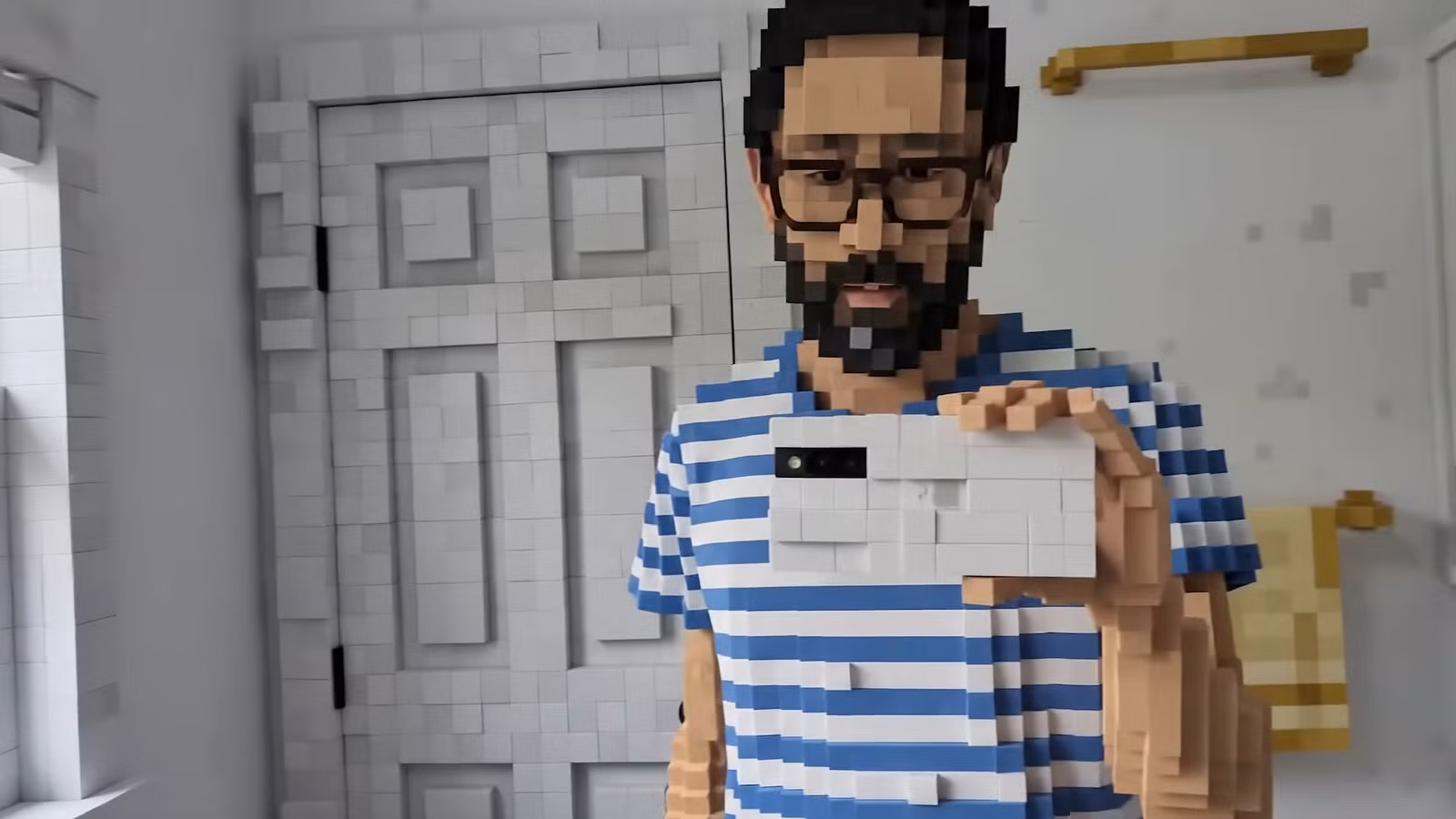
Start simple. Grab a short video from your camera roll, maybe that shaky clip of you walking through a market or your cat causing chaos. Type something like “keep the main action but turn the background into a floating cyberpunk city at dusk.” Watch how Omni respects the original motion while layering in new elements. The key here is iteration. Don’t expect perfection on the first try. Treat it like a conversation with a talented but literal-minded collaborator. Build one change at a time, and the model remembers context across turns, which is pure gold compared to tools that reset every prompt.
I recommend enabling the SynthID watermark visibility right away so you stay transparent about your creations. For avatars, if you want to use your own likeness and voice, follow the in-app prompts carefully. It’s gated responsibly, and that’s a good thing in 2026’s wild content world. Upload reference images early. A clear selfie or character sketch helps maintain consistency when things get wild later.
Crafting Prompts That Unlock Gemini Omni’s True Power
Prompting is an art form here, and mastering it separates decent clips from jaw-dropping ones. Think like a film director giving notes to a VFX team that actually understands real-world rules. Instead of vague commands, layer in specifics about physics, lighting, emotion, and sequence. I learned this the hard way after my first few attempts looked flashy but fell apart on closer inspection.
Try something like this: “Take my walking video and gradually transform the street into a retro-futuristic 1980s Tokyo as I move, with grainy film texture matching this reference image, synced to the provided synth audio track.” The model blends inputs beautifully. Images set visual style, videos dictate motion language, audio drives rhythm. One of my favorite sessions involved turning a mundane coffee-making clip into a miniature heist thriller. I described lighting shifts, added gadget props with realistic reflections, and kept the kitchen layout intact. The result felt cinematic because I built the scene step by step.
Google Example video:
Prompt: Prompt: Imagine the world gradually changing into retro futuristic style (grainy and moody as image-1) as I walk. Use the audio for a retro-futuristic background music. 10s.
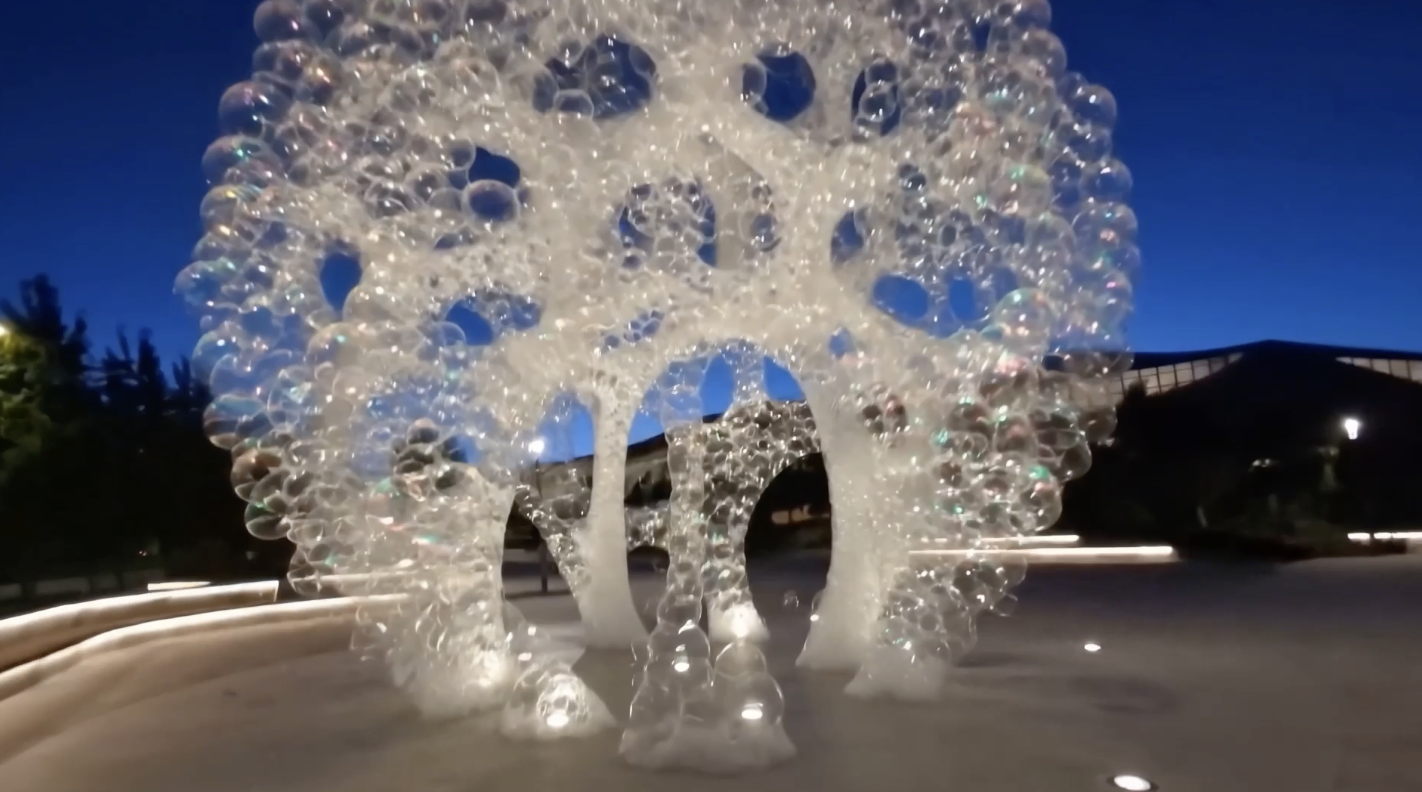
For complex ideas, break them down. Want an educational explainer? Start with “claymation style stop-motion of protein folding, everything made of colorful clay, accurate scientific steps, no hands visible.” Then refine: “slow down the folding sequence and add glowing labels that appear naturally.” Omni’s grounding in real knowledge shines here. It doesn’t just copy patterns. It reasons about how things should behave, whether that’s gravity in a marble run or cultural accuracy in historical recreations.
Experiment with mixed references. Drop in a sci-fi image, a dynamic video clip for timing, and audio for mood. The seamless fusion is where the magic lives.
Advanced Techniques: Conversational Editing, Consistency, and Storytelling
This is where Gemini Omni separates itself from the pack. Conversational editing means your video has memory. Change one element and the rest adapts without breaking continuity. I spent an evening building a violin performance scene. Started basic, then added aurora lighting, digital spark trails from the bow, and a crowd of holographic spectators. Each edit layered naturally because the model tracked the original musician’s movements and posture across every version.
Use this for storytelling. Film a simple sequence on your phone, then direct the narrative through text. “When the character reaches the mirror, make it ripple like liquid mercury and transform their arm into reflective material.” The physics hold because Omni understands forces and materials intuitively. Want chain-reaction chaos? Describe a marble track with realistic bounces, collisions, and momentum transfer. It works better than you’d expect.

For longer projects, plan your vision in segments. Generate 8-10 second clips and stitch them thoughtfully in another editor if needed. Maintain character consistency by referencing the same images repeatedly. Style shifts feel cohesive when you describe transitions gradually: “evolve the scene from daytime realism into moody neon night over five seconds.”
I tested this with a fake trailer project. Started with me in my gaming chair, evolved the setup into a spaceship cockpit, launched through my window into orbit, all while keeping my expressions and movements intact. The iterative process let me tweak camera angles, add dramatic shakes, and sync explosive audio without losing the thread. Hours of work condensed into an afternoon of fun back-and-forth.
Real-World Applications and Creative Workflows That Save Time
Think beyond fun experiments. Content creators can prototype entire Shorts in minutes. I now use Gemini Omni to visualize thumbnail concepts before shooting. Students turn textbook diagrams into animated explainers with accurate details. Indie filmmakers get fast pre-vis that respects real physics and history. The time savings are massive once you build a rhythm.
Combine it with other tools in your pipeline. Generate the core clip in Omni, export, then polish audio or add final effects elsewhere. For avatars, create personalized videos that look and sound like you for tutorials or stories, always respecting the responsible use guidelines. The watermark verification tools help build trust when sharing.

One practical workflow I love: shoot raw footage during the day, upload in the evening, spend 30-45 minutes iterating edits while referencing notes or sketches. The result often needs minimal additional work. It’s perfect for busy geeks who want high-quality output without quitting their day jobs.
Push boundaries with knowledge-grounded prompts. Ask for scenes that blend science, history, or culture accurately. The model draws on Gemini’s broad understanding to make visuals meaningful instead of random eye candy. That depth turns simple clips into compelling stories.
Common Pitfalls, Pro Tips, and Pushing the Limits
Even the best tools have quirks. Overloading a single prompt with too many changes can muddy results, so layer gradually. Extreme motions or crowded scenes sometimes need extra refinement turns. If physics looks off, add specific descriptors like “realistic gravity and kinetic energy transfer.”
Pro tip: keep sessions focused. Start fresh when switching completely different concepts to avoid context bleed. Save favorite reference packs for recurring characters or styles. Experiment during off-peak hours for faster generation if you’re on shared tiers.
The Flash model handles most short-form needs brilliantly, but plan for patience on more ambitious pieces. Future updates promising fuller audio and image outputs will expand this even more. For now, lean into video strengths and build from there. I keep discovering new tricks daily, like using it for rapid A/B testing of different visual languages on the same base clip.
Why Gemini Omni Matters for Creators in 2026 and Beyond
We’re at the start of something transformative. Tools like this democratize high-end creation. No more massive budgets or years of training needed to tell visual stories. The combination of reasoning, memory, and multimodality sets a new standard that other AIs will chase. As someone who’s tested nearly every major generator out there, this feels like the one that finally clicks for practical, joyful use.
Gemini Omni isn’t just another AI video tool. It’s a conversational creative partner that understands context, physics, and storytelling in ways that make real production workflows exciting again. Master the prompting and iterative editing techniques in this guide, and you’ll unlock ideas you couldn’t film or animate traditionally. Jump in today through the Gemini app, experiment fearlessly, and join the wave of creators turning wild concepts into shareable reality. The future of video is here, and it’s ridiculously fun to play with.