• Menu Item
  • STORIES
    • TECH
    • AUTOMOTIVE
    • GUIDES
    • OPINIONS
  • REVIEWS
    • READERS’ CHOICE
    • ALL REVIEWS
    • ━
    • SMARTPHONES
    • CARS
    • HEADPHONES
    • ACCESSORIES
    • LAPTOPS
    • TABLETS
    • WEARABLES
    • SPEAKERS
    • APPS
  • FINAL CUT
    • TV & MOVIES REVIEWS
    • SPOTLIGHT
  • GAMING
    • GAMING NEWS
    • GAMING REVIEWS
  • n
  • m
  • menu
  • SEARCH
  • STORIES
    • TECH
    • AUTOMOTIVE
    • GUIDES
    • OPINIONS
  • REVIEWS
    • READERS’ CHOICE
    • ALL REVIEWS
    • ━
    • SMARTPHONES
    • CARS
    • HEADPHONES
    • ACCESSORIES
    • LAPTOPS
    • TABLETS
    • WEARABLES
    • SPEAKERS
    • APPS
  • FINAL CUT
    • TV & MOVIES REVIEWS
    • SPOTLIGHT
  • GAMING
    • GAMING NEWS
    • GAMING REVIEWS
  • n
  • m
Follow US

How to turn your Echo Show 5 (3rd Gen) into a security monitoring station

GEEK DESK
GEEK DESK
Feb 21

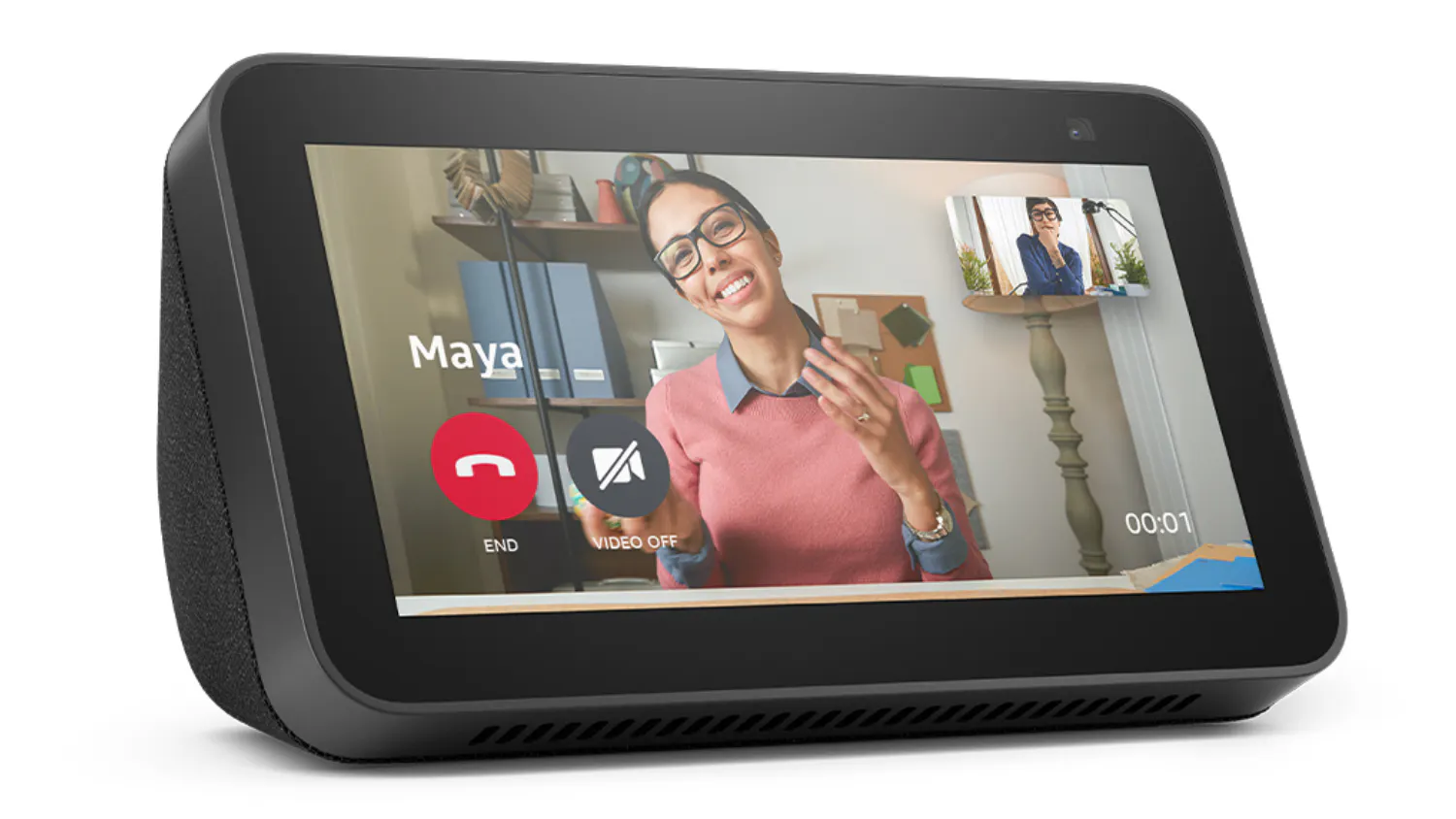
Want to add an extra layer of security to your home without hassle? The newly launched Echo Show 5 (3rd Gen) in the UAE can easily double as a security camera. With a few quick taps, you’ll be able to monitor your space from anywhere. Here’s how to get started.

  1. Go into your Echo Show’s Settings.
  2. Tap on Camera and switch Home Monitoring to “on”.
  3. Verify your account for security.
  4. That’s it! Now you can say “Alexa, show me [Echo Show Device]” or use the Alexa app to check your camera feed.

Want to keep an eye on multiple areas of your home without juggling apps or devices? Your Echo Show can become a convenient security hub! By connecting your compatible security cameras, you can easily monitor different parts of your space from one central screen. Here’s how to set it up.

  1. Group Cameras: Use the Alexa app’s “Add Group” function to create a camera group. From here, you can either create a room or combine rooms and device groups you have running.
  2. Voice Command: Ask Alexa, “Show me my [Group Name] cameras” for a multi-feed view.
  3. Manage Easily: Swap cameras in and out of your group as needed.

With these simple steps, your Echo Show becomes a convenient and versatile way to monitor your home for added peace of mind.

Read our full review of the Echo Show 5 here.

Share
What do you think?
Happy0
Sad0
Love0
Surprise0
Cry0
Angry0
Dead0

WHAT'S HOT ❰

Disney Worldbuilders documentary reveals Disneyland Abu Dhabi
Galaxy Z Fold8 series pre-order ends today in UAE
Samsung Spotify Premium offer on select devices Middle East
Cloudflare OS open source AI agent sandbox for enterprises
Level Infinite Gamescom 2026 booth lineup revealed
Follow US
Caffeine. Chaos. Content.
© Absolute Geeks Media FZE LLC 2014–2026.
Proudly made in Dubai, UAE ❤️
Contact · About · Editorial Policy · Privacy Policy
Welcome Back!

Sign in to your account

Username or Email Address
Password

Lost your password?