Here’s how to clean your MacBook keyboard depending on the model:
For MacBooks with a non-removable keyboard (2015 and later):
Materials:
- Compressed air (canned or with compressor)
- Soft, lint-free cloth (microfiber recommended)
- Isopropyl alcohol (70% solution)
- Cotton swabs (optional)
- Toothbrush (optional)
Steps:
- Power off your MacBook and unplug it from any power source.
- Hold your MacBook at a 75-degree angle, keyboard facing down.
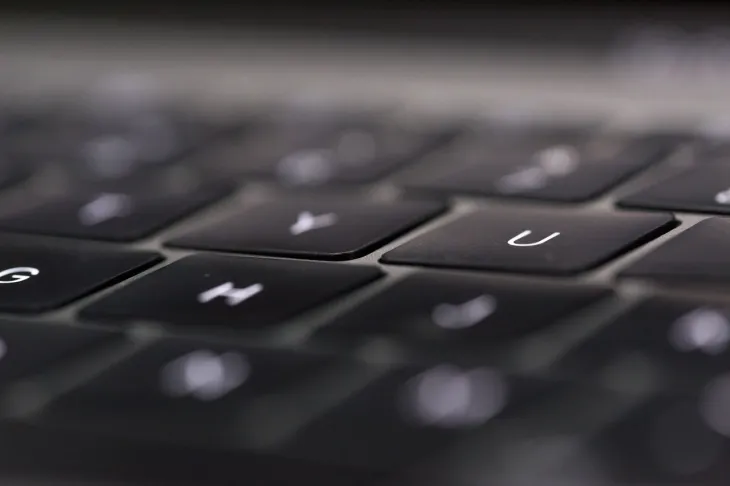
- Use compressed air to blow out any debris from between the keys. Start from the top and gradually move down, working your way from left to right. Repeat this process for the other side of the keyboard.
- Dip a soft, lint-free cloth in isopropyl alcohol (70% solution) and wring it out so it’s damp but not dripping.
- Wipe the surface of the keyboard gently with the damp cloth, avoiding the trackpad and any openings.
- For any stubborn dirt or grime between the keys, you can use a cotton swab dipped in isopropyl alcohol to carefully clean those areas.
- If you have stubborn debris stuck under the keys, you can use a soft-bristled toothbrush dipped in isopropyl alcohol to gently brush it away. Be careful not to press too hard, as you could damage the keys.
- Let the keyboard air dry completely before using your MacBook again.
For MacBooks with a removable keyboard (pre-2015):
Materials:
- Small flathead screwdriver
- Soft, lint-free cloth
- Isopropyl alcohol (70% solution)
Steps:
- Power off your MacBook and unplug it from any power source.
- Use a small flathead screwdriver to carefully pry the keyboard out of its housing. Be careful not to damage the keyboard or any surrounding components.
- Turn the keyboard upside down and gently tap it to remove any loose debris.
- Wipe the surface of the keyboard with a soft, lint-free cloth dampened with isopropyl alcohol.
- Let the keyboard air dry completely before placing it back in its housing.
- Press the keyboard firmly back into its housing until it clicks into place.
Additional tips:
- Never use harsh chemicals or abrasive cleaners on your MacBook keyboard.
- Avoid getting any liquid inside your MacBook, as this could damage the internal components.
- If you are uncomfortable cleaning your MacBook keyboard yourself, you can take it to an Apple Store or authorized service provider for cleaning.
By following these steps, you can safely and effectively clean your MacBook keyboard and keep it looking and functioning its best.