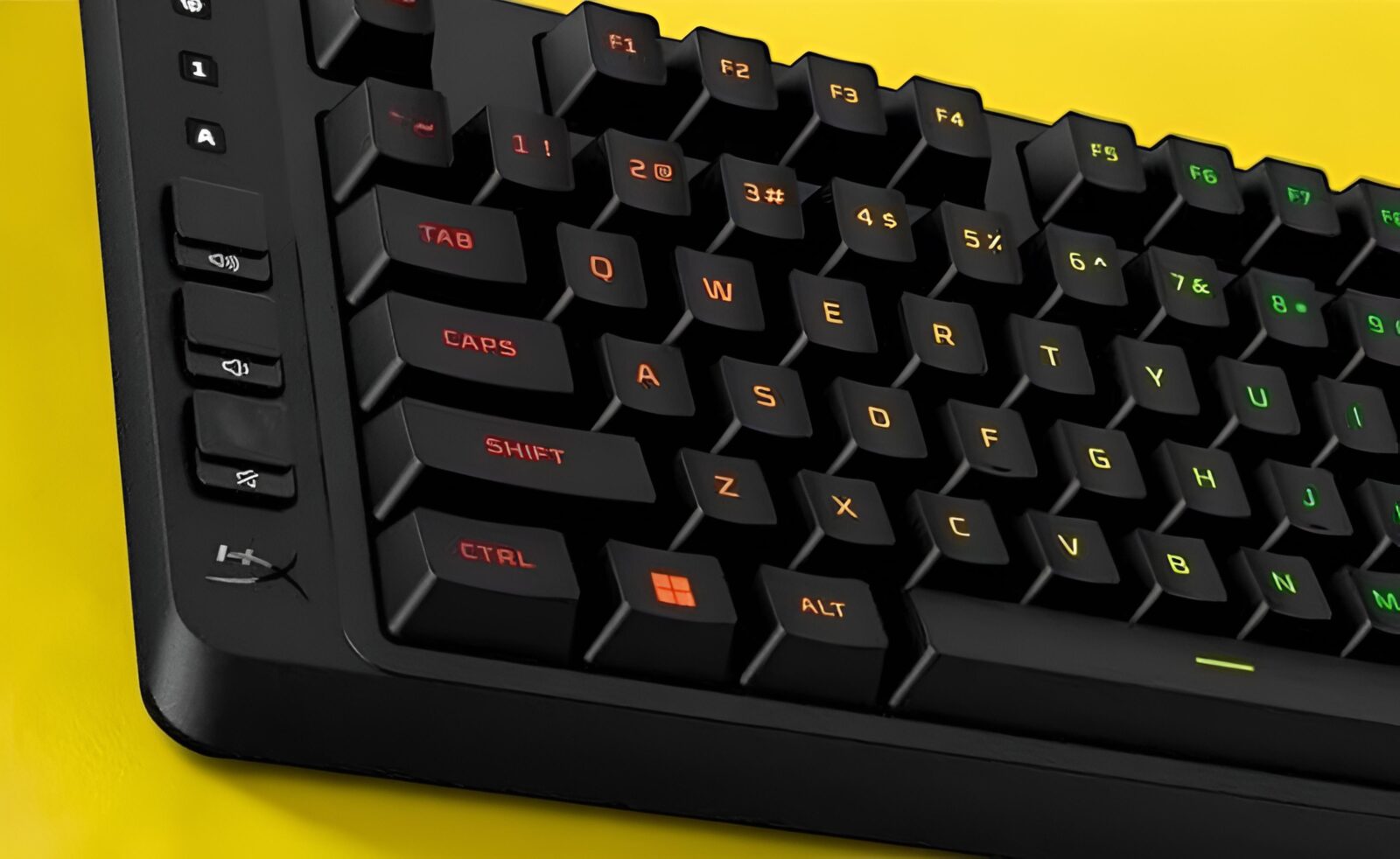
TL;DR: The HyperX Eve 1800 packs a numpad into a compact 1800 layout and adds quiet membrane switches, 10-zone RGB, three onboard profiles and PC and console support for just AED 169. It isn’t for mechanical keyboard enthusiasts, but as a starter gaming keyboard, it’s excellent value.
Some keyboards try to be everything to everyone, with aluminium frames, hot-swap sockets and a price that looks like a phone number. The HyperX Eve 1800 isn’t one of them. It’s a wired membrane gaming keyboard built for people setting up their first proper battle station, console players who want a keyboard that just works, and anyone who’d rather spend their budget on games than on boutique switches. At AED 169, it’s priced like a starter kit and packs in more than you’d expect.
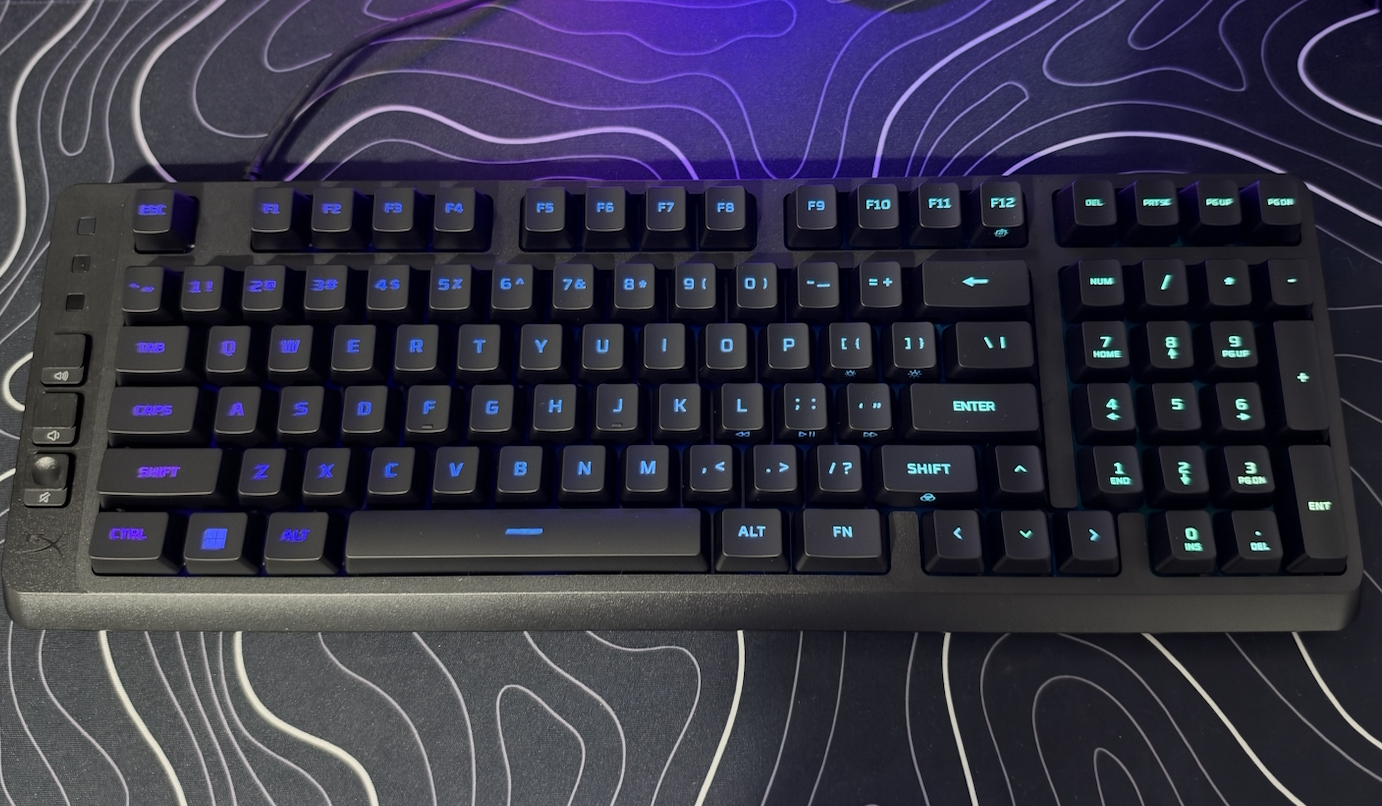
The headline is the 1800 form factor, which feels like HyperX pulled off a magic trick. HP lists the board at 409.2mm wide and 144.6mm deep, weighing 653.3g with the cable, yet it still includes a numpad. Add 10-zone RGB, onboard profiles, a 1000Hz polling rate and support for PC, PS5 and Xbox, and the Eve 1800 starts to look less like a budget compromise and more like a clever value play. This HyperX Eve 1800 review looks at what that magic trick gets you, and where the price shows.
The 1800 layout is the hero of the story
If you’ve ever lost a ranked match because your mouse slammed into the numpad mid-flick, the 1800 layout is about to become your favourite thing on the desk. Full-size boards eat up mouse space, while tenkeyless boards get rid of the numpad entirely, which is great right up until you need to punch in numbers or use a numpad-heavy app. The 1800 layout keeps almost everything, then tucks the arrows and numpad tightly together so there are no gaps between the clusters. It’s the TARDIS of keyboards: bigger on the inside, smaller on your desk.
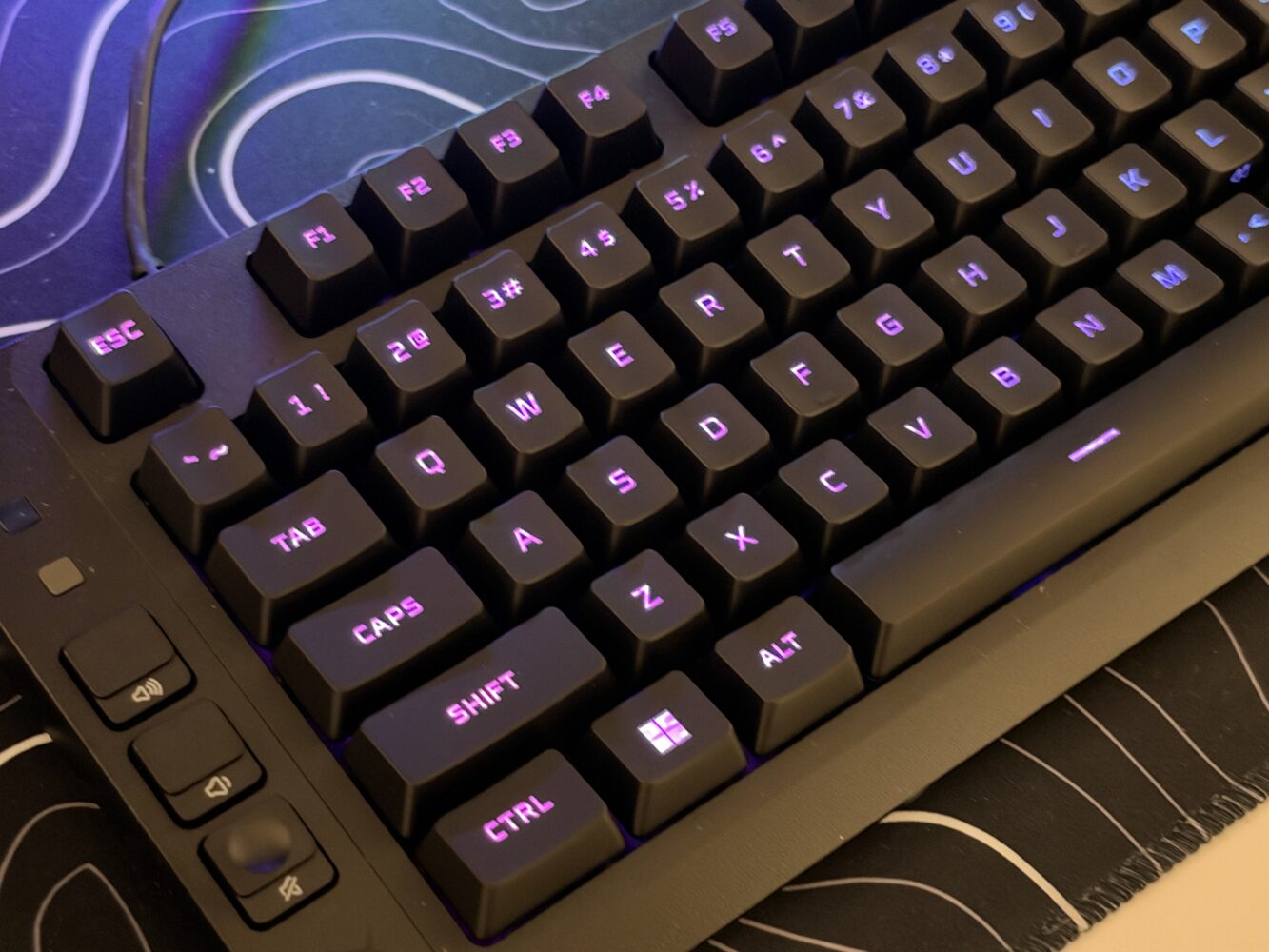
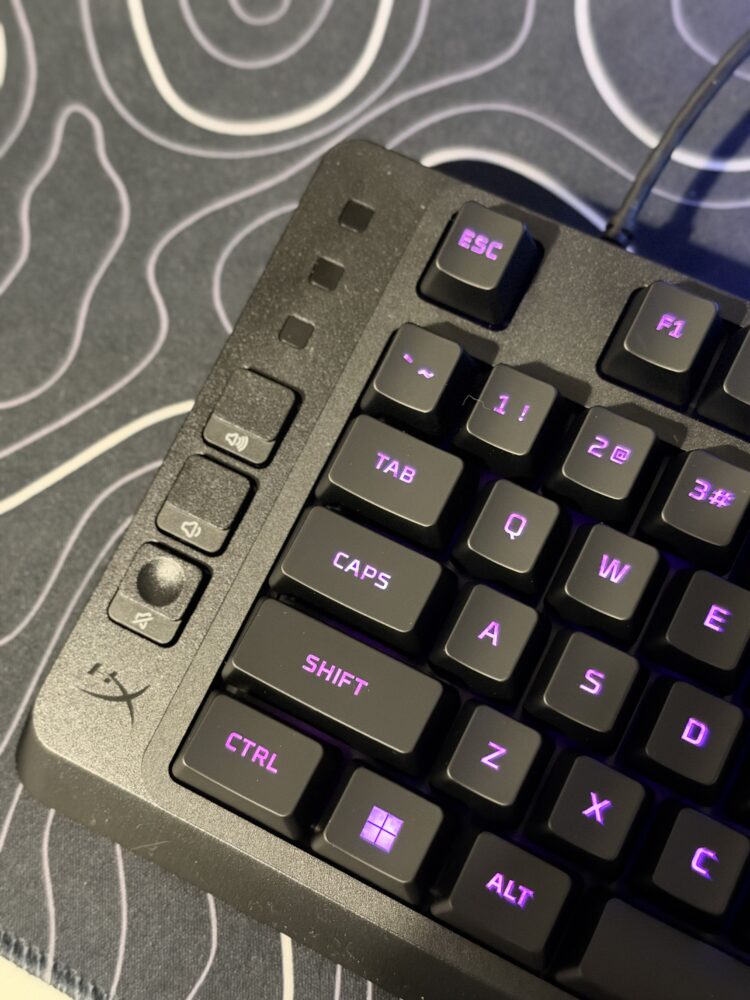
That compact footprint matters even more if your setup is crowded with a headset stand, a microphone arm and a mouse pad the size of a small country. Dedicated controls for volume, Game Mode and profile switching are on the board, so you can turn down a loud cutscene or lock out the Windows key without alt-tabbing. Expect a short adjustment period while your fingers learn where the arrows and right-hand keys have moved, because condensed layouts always ask for a few days of practice. Once your muscle memory catches up, getting that desk space back is extremely satisfying.
Quiet membrane switches make it a great roommate
HyperX uses cushioned membrane switches here, and the main benefit is how civilised they are. Membrane keyboards are generally much quieter than most mechanical ones, so this is a board you can use for late-night raids without waking the household, and your squad won’t hear a typewriter every time you open your mic. The cushioned feel also makes long typing sessions easy going, which is handy for a keyboard that will likely handle homework, emails and Discord arguments as well as gaming.
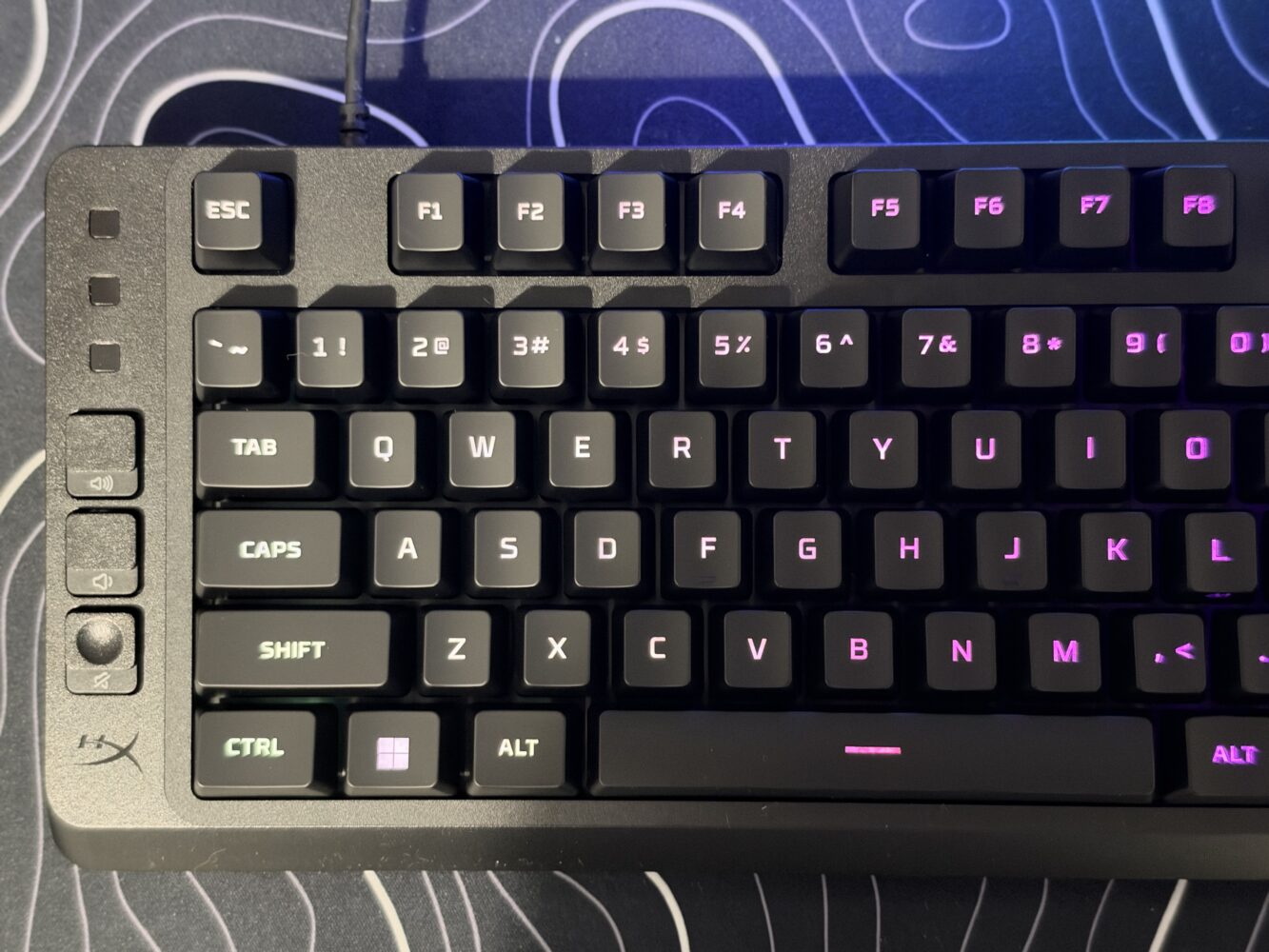
Under the hood, the specs are more than enough for the games most people play. The 1000Hz polling rate keeps input responsive, while anti-ghosting and 12-key rollover mean up to 12 simultaneous keypresses register cleanly, more than you’ll need outside the most frantic fighting game combos or MMO rotations. Competitive players chasing crisp actuation and n-key rollover will still be happier on mechanical switches. For RPGs, shooters, strategy games and couch-to-desk gaming, though, the Eve 1800 has everything covered.
10-zone RGB and onboard profiles punch above the price
This is an RGB gaming keyboard, so of course it glows, with 16.8 million colours, 10 lighting zones and five brightness levels. Zone lighting means keys light up in groups rather than individually, which is plenty for waves, gradients and themes that match the rest of your gear. The five brightness steps are especially welcome, because sometimes you want a full rave and sometimes you want a gentle glow that won’t light up the room at 2am.
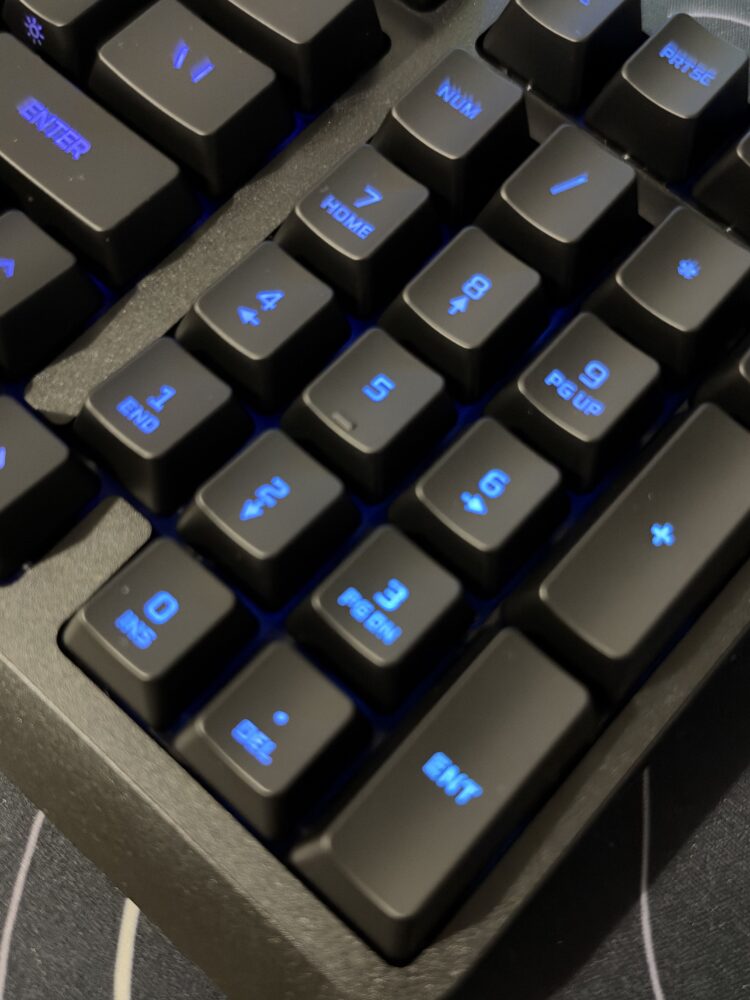
The real bonus feature is the onboard memory, which stores three profiles directly on the keyboard. You set up lighting, macros and Game Mode in HyperX NGENUITY on Windows 10 or later, and the keyboard remembers everything. Plug it into a PS5 or Xbox and your profiles come along for the ride, which is great for anyone who games on both PC and console. Mac users will be limited to the on-board controls, as NGENUITY is Windows-only, but for everyone else this is a welcome perk at this price.
Simple build, sensible priorities
The Eve 1800 keeps things refreshingly straightforward. It’s a wired board with a 1.5m fixed rubber cable, and the box contains the keyboard and a quick start guide, nothing more and nothing less. A detachable USB-C cable would have been nice, especially if you swap between a desk and a TV-connected console, so keep the cable away from chair wheels and pet teeth. At 653.3g it’s light enough to move around easily, and while there’s no metal plate, nothing here suggests HyperX was trying to sell premium build for budget money.
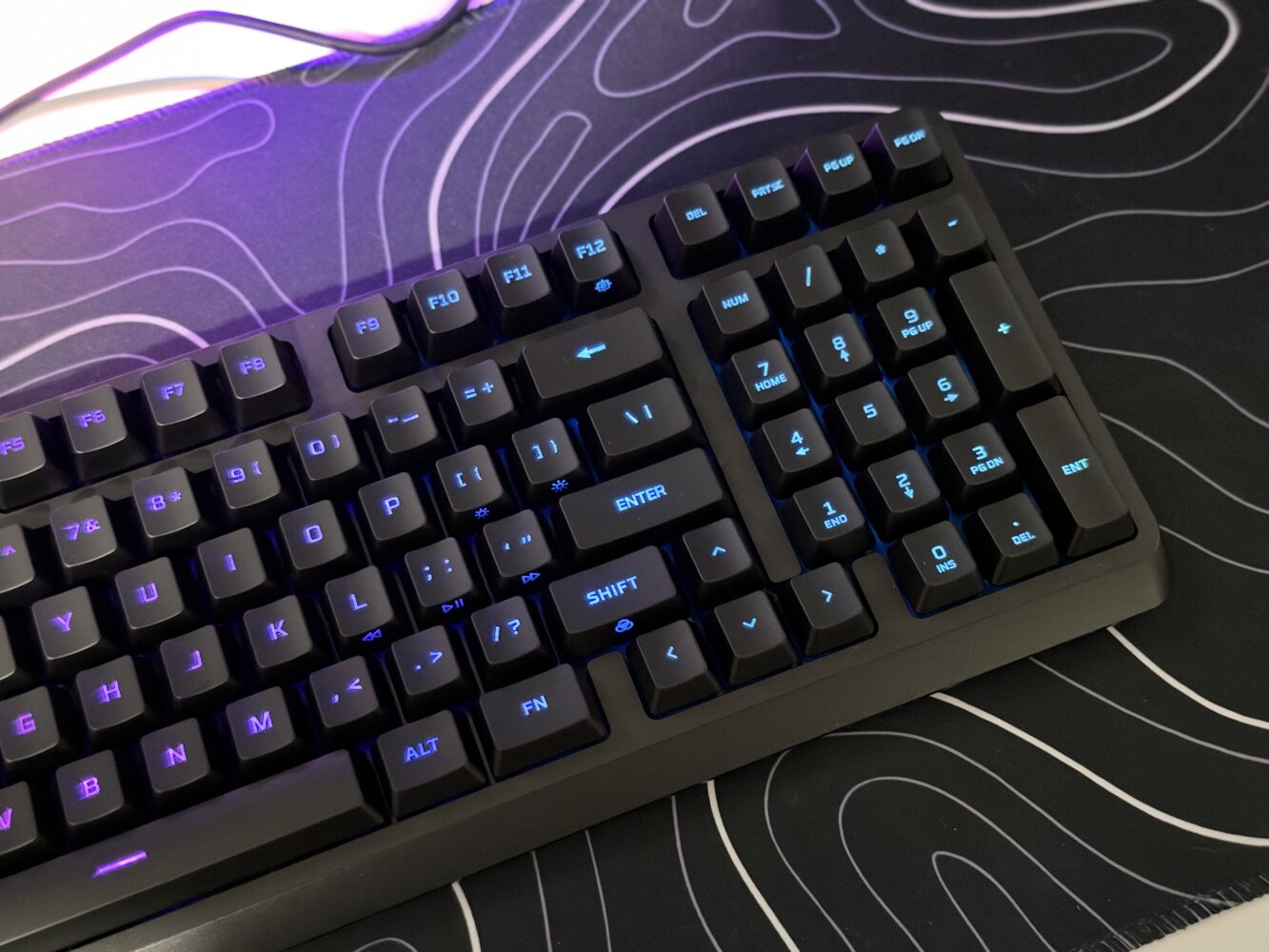
It also fits neatly into the wider HP gaming world, with HP listing it as compatible with its Victus and OMEN gaming laptops. That pairing makes a lot of sense, since a slim 1800 board alongside a gaming laptop gives you a full-featured setup without taking over the entire desk. HyperX advertises a two-year warranty, though retail listings can quote different terms, so it’s worth checking before you check out. The priorities are clear: put the money into layout, lighting and compatibility, and keep everything else simple.
Price and value: AED 169 is where it shines
At AED 169, the HyperX Eve 1800 is excellent value. You’re getting an 1800 layout, quiet switches, RGB, onboard profiles and cross-platform support for roughly what some brands charge for a gaming mouse. The best-known budget membrane boards, such as the Logitech G213 Prodigy, Corsair’s K55 range and Razer’s Ornata series, stick to traditional layouts, which gives the Eve something they don’t offer. It isn’t just another glowing rectangle, but a genuinely smarter shape at an entry-level price.
It also works as a gateway into HyperX’s wider lineup. The Origins 2 1800 offers the same layout with mechanical switches but typically costs close to three times the Eve’s list price, so the Eve 1800 is the affordable way to discover whether the 1800 life is for you. Enthusiasts who want hot-swap sockets and per-key RGB should look elsewhere, and that’s fine. For everyone else, AED 169 buys a lot of keyboard.
Final Verdict
The HyperX Eve 1800 is a cheerful, clever starter keyboard that gets the most important thing right: its 1800 layout keeps the numpad while giving your mouse room to breathe, something few budget boards offer. Quiet cushioned switches, 1000Hz polling, 10-zone RGB with five brightness levels, three onboard profiles and support for PC, PS5 and Xbox make it a smart pick for new gamers, console players, students and anyone gaming in shared spaces. It isn’t a mechanical keyboard, the cable isn’t detachable, the media controls focus on volume, and NGENUITY only runs on Windows, so enthusiasts and competitive players should look further up the range. At AED 169, though, it delivers more practical value than its price suggests, and it’s easy to recommend to anyone building a first setup or freeing up desk space on a budget.