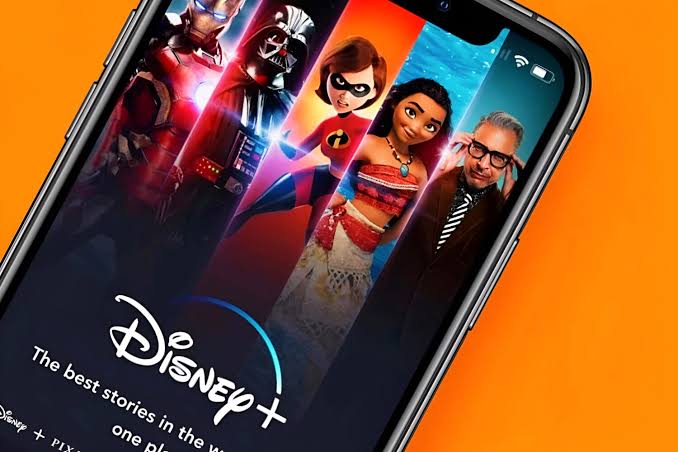
The new Disney+ app is now live across MENA, and the old one is officially on borrowed time. The replacement app switched on on 6 October, while the current app keeps working only until 5 November 2026. After that, the new app is the only way to watch anything.
When we broke down what’s new last week, the headline features were travel streaming, smarter recommendations and Junior Mode. Now that the app has actually landed, the fine print is the bigger story: your profiles, Watchlist and watch history are not coming with you.
The switch at a glance
You have until 5 November to make the jump. Here’s the short version.
| What | Details |
|---|---|
| New app available | 6 October 2026 |
| Current app stops working | 5 November 2026 |
| Cost for existing subscribers | No extra charge |
| Login | Same email address or phone number as today |
| Profiles, Watchlist, watch history | Not transferred |
| New releases after launch | New app only |
| Payment and login changes | New app only |
What carries over, and what gets wiped
Your subscription is safe. Existing subscribers get the new app at no extra cost, keep their current billing period and keep their Premium features. You can also change your plan at any time once you’re in.
Your viewing life is another story. Existing profiles, your Watchlist and your watch history won’t be available in the new app, so you’ll set up a primary profile on first login and rebuild everything else by hand. If you’re mid-way through 37 seasons of The Simpsons, now is a good time to write down where you stopped.
This is the part that stings. Disney spent its launch pitch selling recommendations that learn your viewing habits, then reset everyone’s viewing habits to zero. The algorithm is starting from a blank page, and so are you.
Logging in, and the overlap-month rules
You sign in with the same email address or phone number you use today. If you only ever registered with a phone number, the new app will ask you to add an email address the first time you log in.
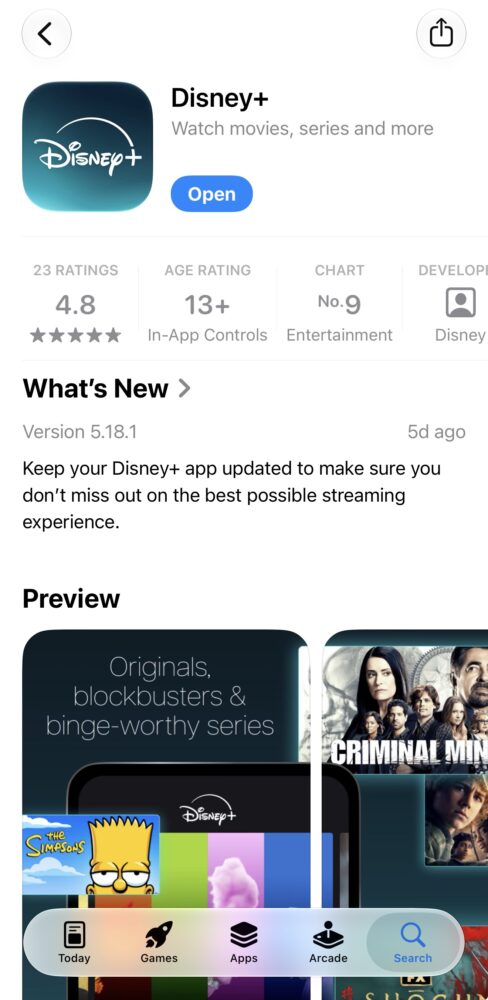
Disney said it would email subscribers when it’s their turn to switch, but there’s no need to wait for that. The new app is already available to download from the App Store, so you can get set up today.
The old app still streams until 5 November, but three rules apply in the meantime:
- Account changes move over. Updating a payment method or login details now has to happen in the new app.
- The old app is frozen in time. Anything released after the new app’s launch is available only in the new app. By that rule, October’s big drops, from The Simpsons season 38 to Marvel’s VisionQuest, skip the old app entirely.
- Third-party billing may differ. If you pay for Disney+ through a third party rather than directly, your switchover dates and plan type may not match the ones above, so check with whoever bills you.
Why Disney is starting from scratch
The reset makes more sense once you remember what the old regional app was. When Disney+ launched across MENA in 2022, it ran on a variant of the Disney+ Hotstar app used in India and Southeast Asia, with phone-number logins instead of a standard Disney account. It’s also why regional accounts so often struggled the moment you left the country.
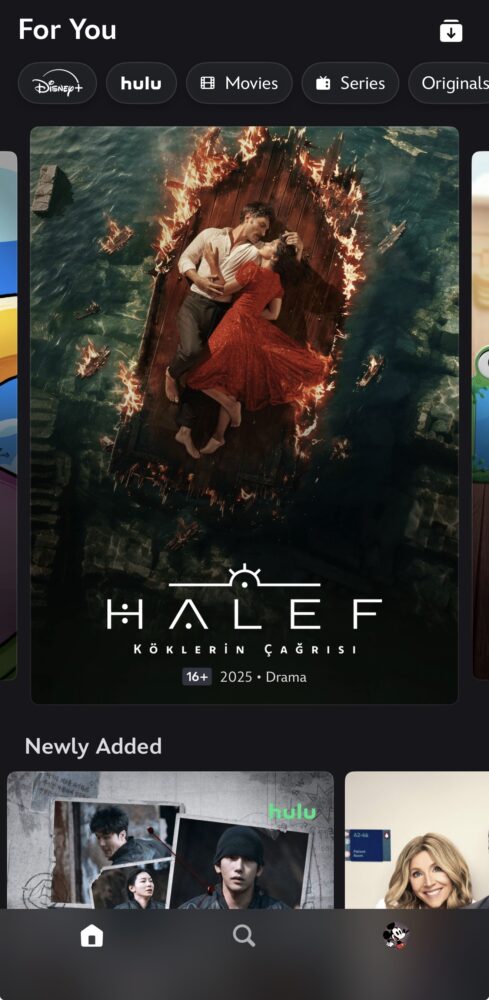
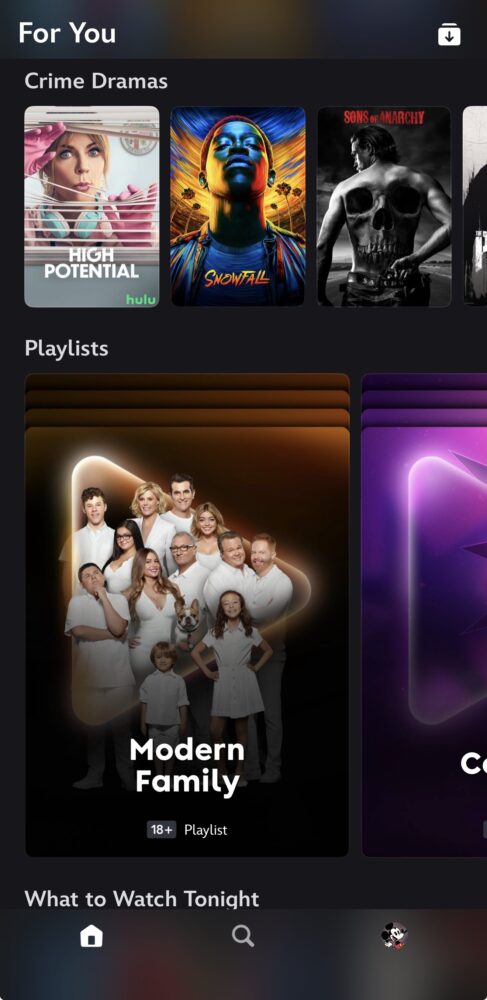
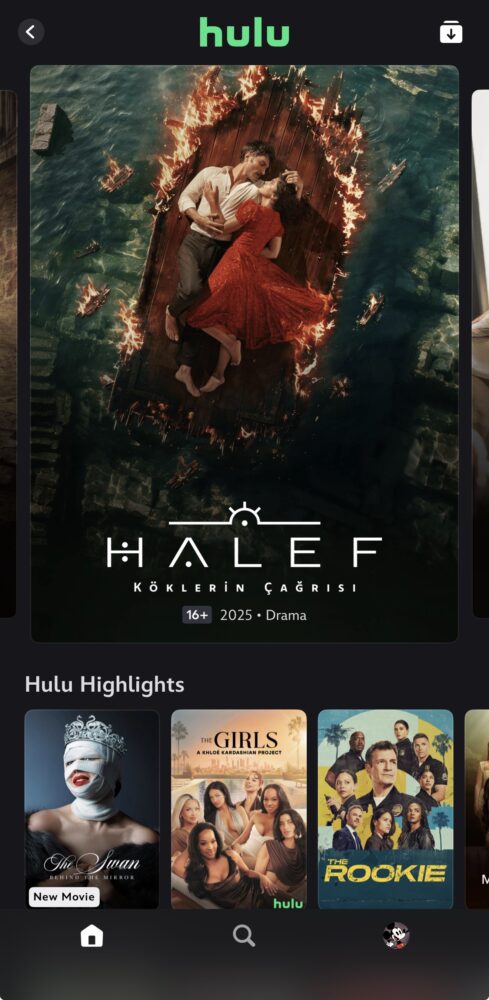
Disney hasn’t said what the new app is built on. But the push for an email login and the arrival of travel streaming both suggest the region is finally getting a more standard Disney+ setup, and a clean break is the price of entry.
The upgrade itself is the one Disney promised. You get streaming while travelling across Europe, the US and other markets, recommendations that learn what you watch, and Junior Mode with tighter parental controls. The Saudi-dialect dub of Toy Story 5, The Walt Disney Company’s first, was also lined up to arrive alongside the new app on 6 October.
What to do before 5 November
Five minutes now saves a lot of scrolling later:
- Screenshot your Watchlist and note where you are in anything you’re mid-way through.
- Download the new Disney+ app on every device you watch on, from your phone to the living-room TV.
- Log in with your current email or phone number, and have an email address ready if you never added one.
- Set up your profiles again, including Junior Mode for the kids.
- Make any payment or login changes in the new app, not the old one.
Losing years of watch history is annoying, but it’s a one-off tax for an app that should finally travel as well as you do. The real test is whether travel streaming and the new recommendations deliver in daily use. We’ll be watching, from a brand-new profile, obviously.