TL;DR: iOS 27 doesn’t reinvent the iPhone; it makes Apple’s current vision considerably more interesting. Liquid Glass gets more flexible, Siri AI becomes the star of the show, Apple Intelligence digs deeper into everyday iPhone use, and the operating system feels smarter without turning everything into an AI demo. The best bits aren’t the flashy tricks — they’re the moments when the phone simply understands what you’re trying to do.
There’s a wonderfully Apple-shaped contradiction at the centre of iOS 27. The tech industry has spent the past few years stuffing AI into absolutely everything, occasionally with all the restraint of a PC gamer discovering RGB lighting for the first time. Apple’s biggest software update of 2026, however, works best when you stop noticing the AI altogether.
That’s what makes iOS 27 interesting. Apple Intelligence is becoming less of a collection of shiny demonstrations and more of an invisible layer running through the iPhone. Siri has been dragged back to engineering school, Liquid Glass is growing into a more confident and flexible design language, familiar apps have learned new tricks, and Apple has spent an unusual amount of effort improving the unsexy stuff: speed, search, connectivity and general usability.
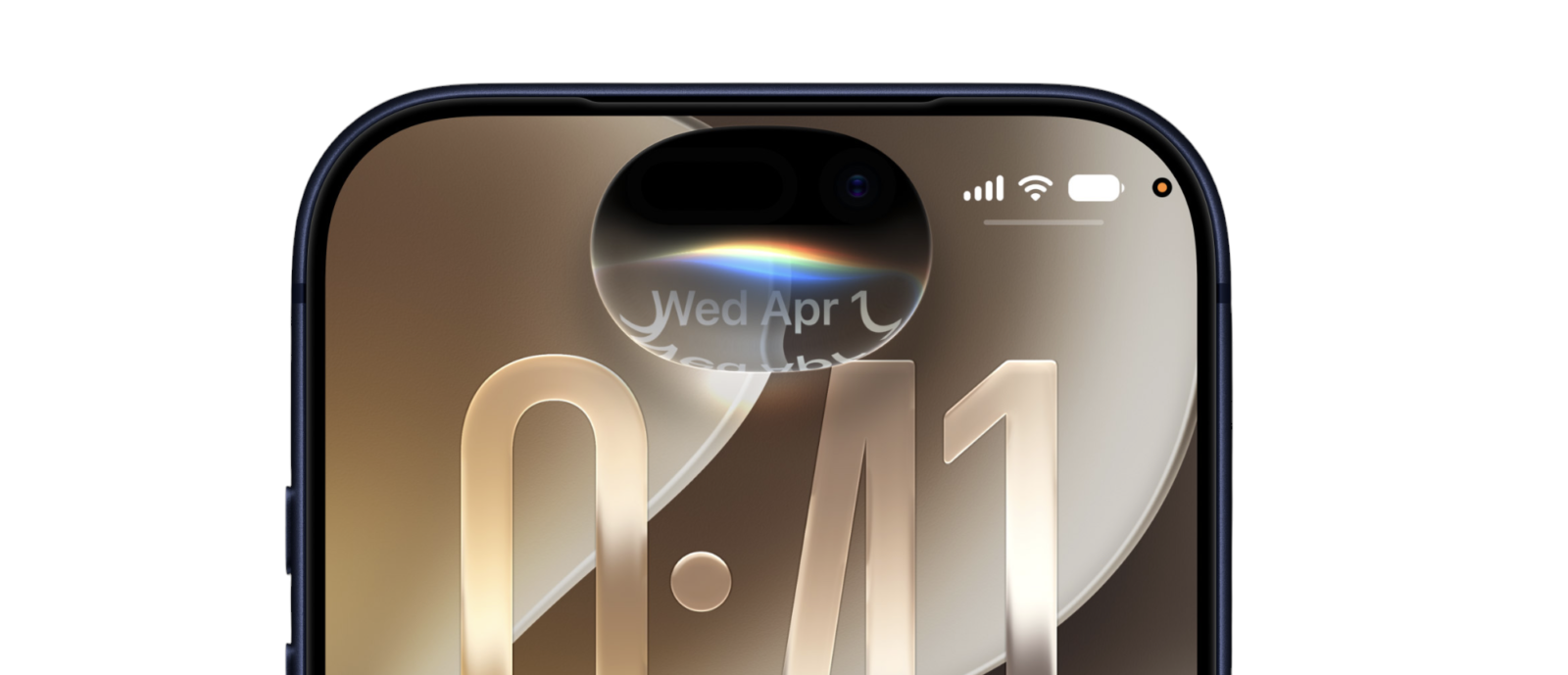
In other words, iOS 27 isn’t Apple throwing the operating system into a blender and hoping everyone enjoys the new icons. It’s Apple taking the enormous visual change introduced with iOS 26 and building something smarter and more mature on top of it.
And Siri apparently got the biggest upgrade.
Liquid Glass is starting to show why Apple went all-in
iOS 26 introduced Liquid Glass, Apple’s biggest visual shake-up in years. Buttons float above content, menus have depth, controls react to what’s underneath them and the whole operating system feels more dynamic than the increasingly flat versions of iOS we’d been staring at for years. I liked the direction from the beginning because, love it or hate it, Liquid Glass gave iOS personality again.
iOS 27 doubles down rather than retreating. Apple has refined the design and added an opacity slider that lets you adjust how transparent the interface becomes, giving users considerably more control over the aesthetic. The update also brings refreshed icons and more customization elsewhere in the interface.
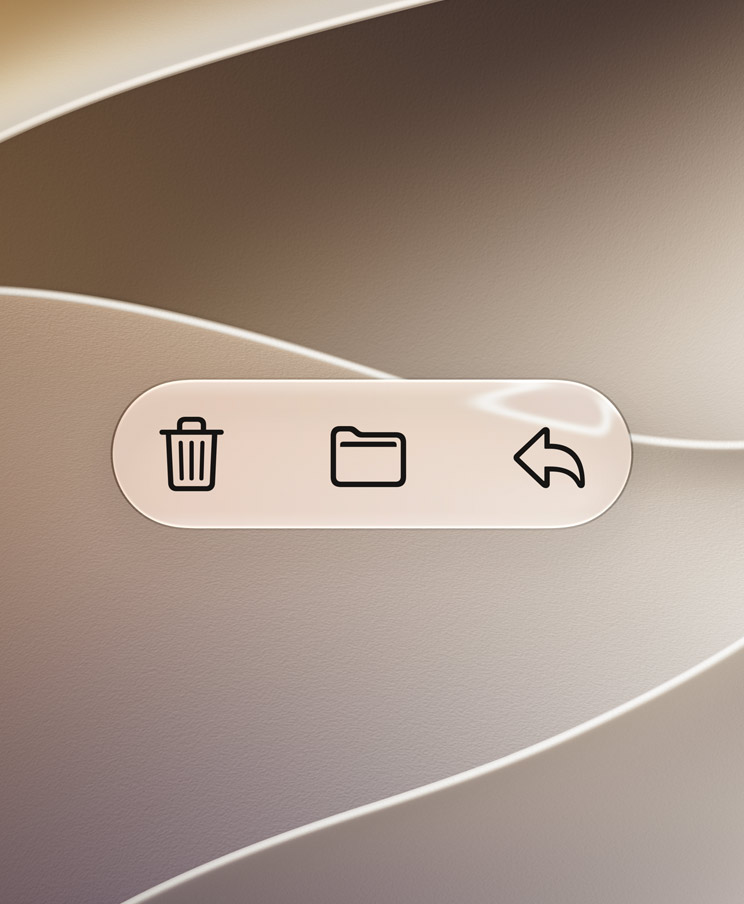
That extra control is exactly what Liquid Glass needed. Some people want their iPhone looking like it was manufactured aboard a Federation starship; others want stronger separation between interface elements. Instead of forcing everyone into one camp, Apple is effectively saying: fine, tune the glass yourself.
I genuinely like that approach.
More importantly, Liquid Glass is beginning to look less like an isolated visual experiment and more like groundwork for Apple’s changing hardware. The new iPhone Duo requires iOS to behave across dramatically different display configurations, and Apple has adapted controls, app layouts, widgets and interface positioning specifically around that foldable format.
Suddenly, an interface built around flexible layers, depth and dynamic surfaces makes a lot of sense.
The result is an iOS that feels less static. Menus and controls aren’t simply painted onto the display; they feel like objects sitting above the content and reacting to it. Visual preference will always be subjective, but iOS 27 has made me more interested in where Apple takes Liquid Glass next, not less.
Siri has been sent to the gym
Siri is obviously the main event in any iOS 27 review, and for once I’m not mentioning it because Apple’s assistant has misunderstood something hilariously simple.
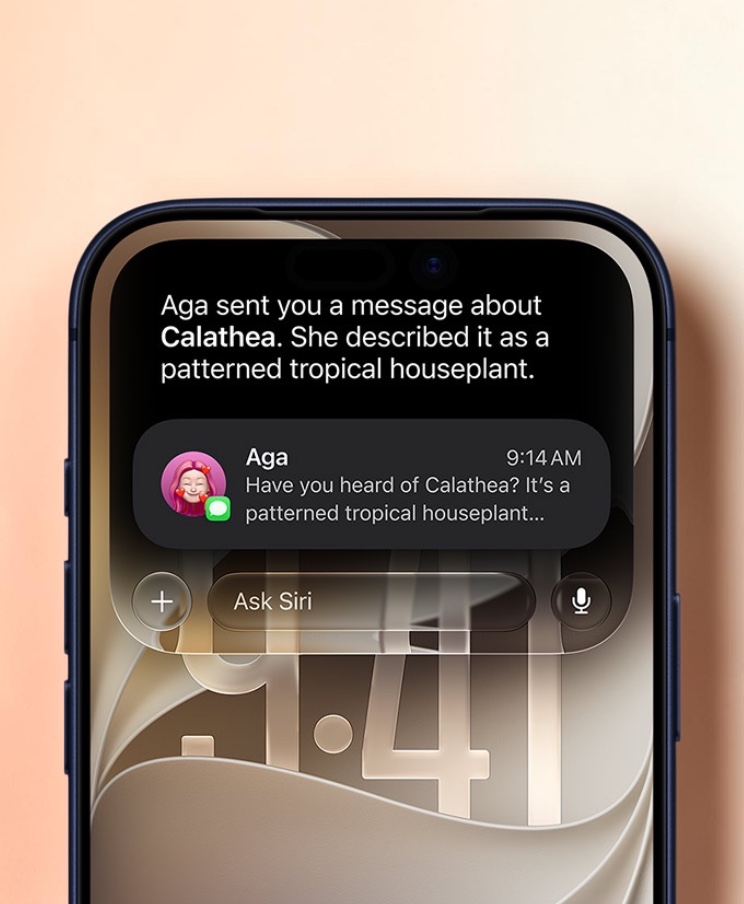
Siri AI brings personal context, onscreen awareness, app actions and much broader intelligence. It can dig into information stored on the iPhone, including messages, emails, calendars and photos, allowing questions to become much more personal and contextual. It can also understand what’s currently displayed on the screen rather than behaving as though you and your iPhone live in separate dimensions.
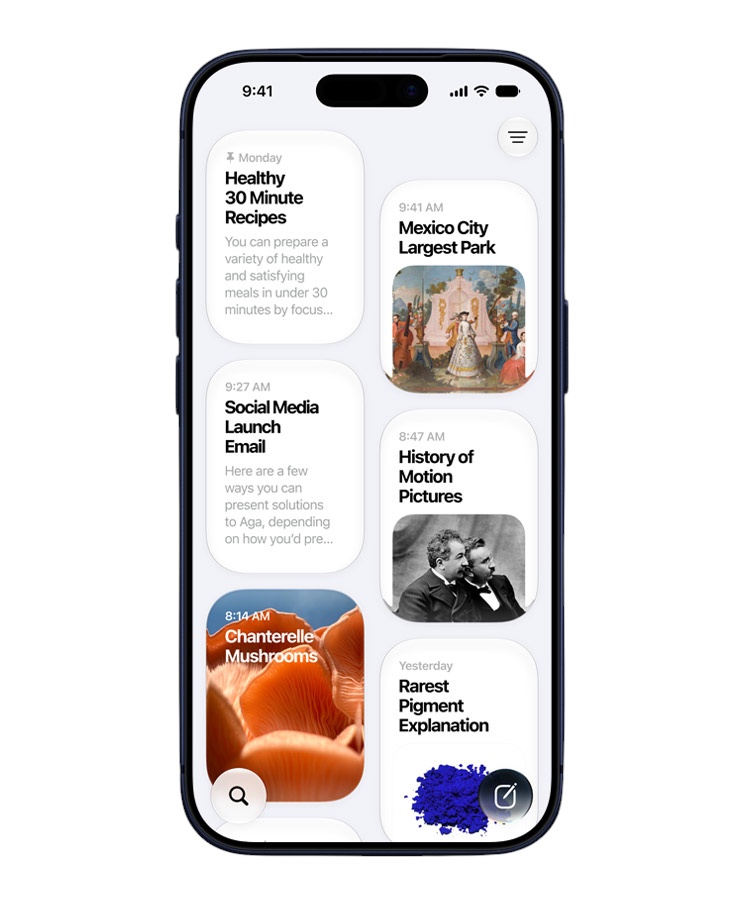
That changes the relationship considerably.
Apple is also giving Siri a dedicated app with conversational history and cross-device syncing. Siri is no longer just the glowing thing you summon by holding the side button. Apple clearly wants it to become another interface through which you interact with the information inside your digital life.
And this is where things get spicy.
Siri is moving closer to ChatGPT, Gemini and Claude, but Apple’s assistant potentially has an advantage those services can’t completely replicate: it lives inside the operating system. Your iPhone already contains your apps, messages, photos, notes, calendar events and countless scraps of context that can turn an AI assistant from an entertaining chatbot into something genuinely useful.
Recent impressions have been encouraging but not universally transformative. Siri’s improved reliability and personal-data integration appear to be the areas where the upgrade makes the most sense, but Apple still has to overcome something much harder than building the technology: years of users learning not to rely on Siri.
That’s the challenge.
I don’t need Siri to impress me for 20 minutes.
I need Siri to become useful enough that six months from now I instinctively ask it to do something rather than opening three apps and doing it myself.
That’s the boss battle.
Siri can now look at the world with you
One of the more interesting extensions of Siri comes through Visual Intelligence.
Siri can understand visual information and onscreen content, allowing you to ask questions about what you’re seeing rather than first translating everything into words yourself. The Camera app becomes another way of communicating with the operating system instead of simply being somewhere you take photos.
That’s a bigger deal than it initially sounds.
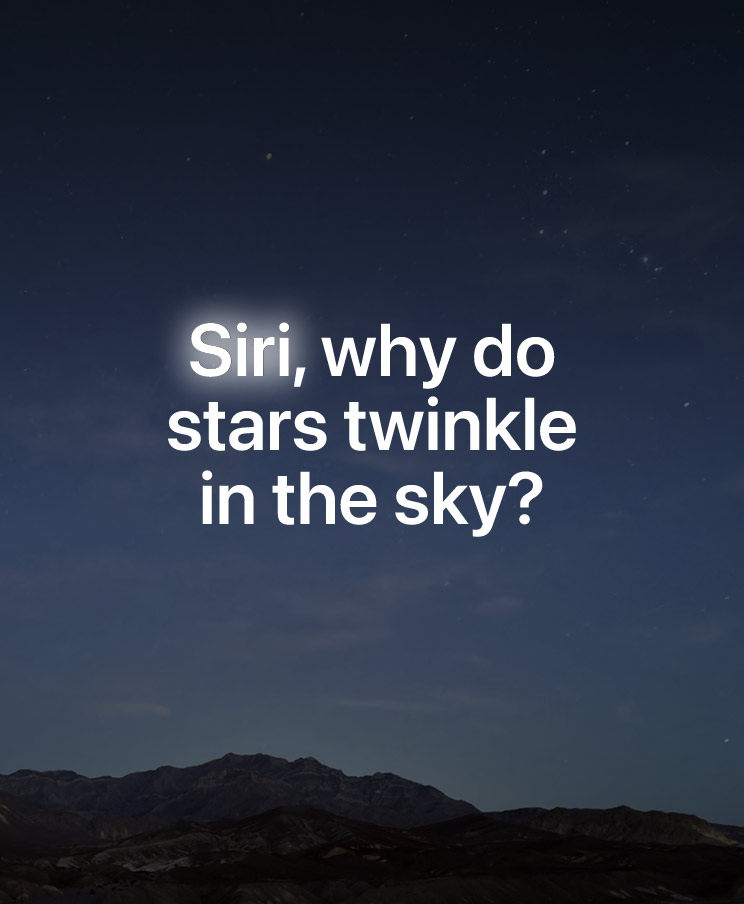
Think about how much information we encounter visually every day: menus, signs, products, documents, labels, appliances and the mysterious collection of symbols on a washing machine that apparently requires three university degrees to decipher.
Giving Siri eyes potentially makes it considerably more useful than simply making its chatbot responses longer.
There will inevitably be moments where AI looks at a toaster and decides you’ve discovered a compact nuclear reactor. AI remains AI. But the concept is exactly where smartphone assistants should be heading.
Don’t make me explain what I’m looking at.
Look at it with me.
Apple Intelligence is better when it shuts up and does something useful
The smartest decision Apple has made with iOS 27 is spreading intelligence throughout ordinary tasks rather than building one enormous AI amusement park and expecting everyone to visit it.
This is the difference between AI as a feature and AI as infrastructure.
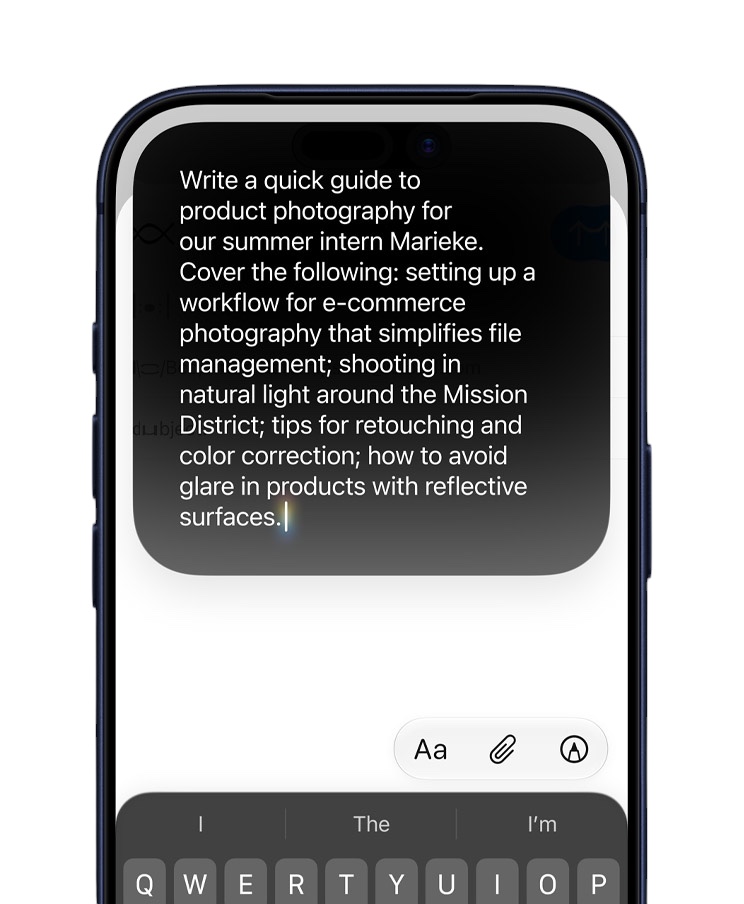
Siri AI can work with personal information stored across the device, manipulate content, interact more deeply with apps and understand what’s currently happening onscreen. Apple is also expanding writing and editing capabilities so AI can help generate and refine text inside everyday communication rather than requiring a trip to a separate chatbot.
That’s the AI experience I want from a phone.
I don’t particularly care which model Apple secretly sends into battle when I ask a question. I don’t need a dropdown menu offering Super Turbo Thinking Max Pro Reasoning Mode. I shouldn’t need to know what model architecture is responsible for finding something buried inside Messages.
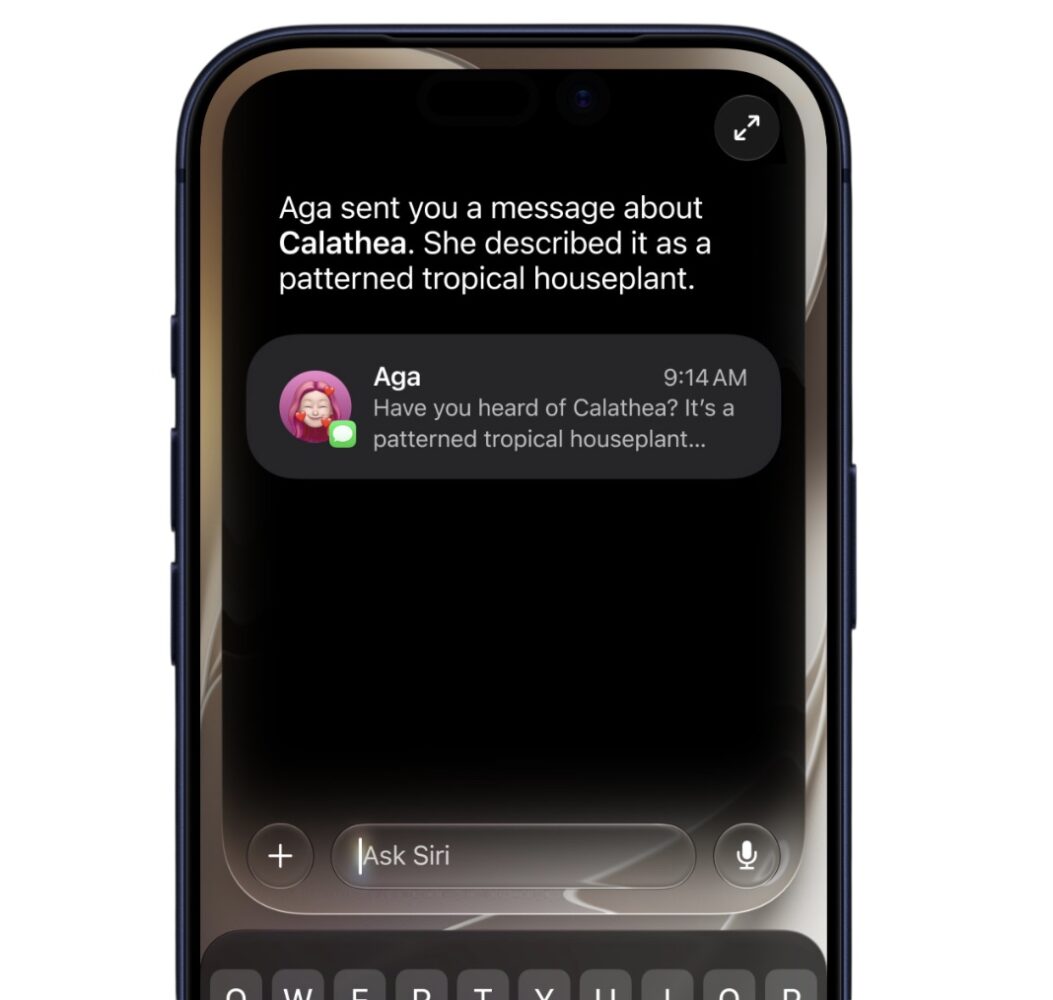
The phone should just do the thing.
That’s also where Apple’s approach differs from some competing AI platforms. The company is increasingly hiding the underlying model complexity and concentrating on what the intelligence can actually accomplish inside iOS.
For geeks, model selection can be fun.
For everyone else, it’s another Settings menu.
Photos is entering its “reality is optional” era
Photos gets some of iOS 27’s most entertaining AI weaponry.
Apple is introducing Spatial Reframing alongside upgraded Clean Up tools, pushing generative photo editing much deeper into the standard Photos experience.
Spatial Reframing is the feature that really makes my inner geek sit forward.
We’ve spent years thinking about photo editing in terms of modifying what’s already inside a frame. Crop it. Straighten it. Change the colours. Remove that random guy who somehow walked directly behind you during the only photo you took on holiday.
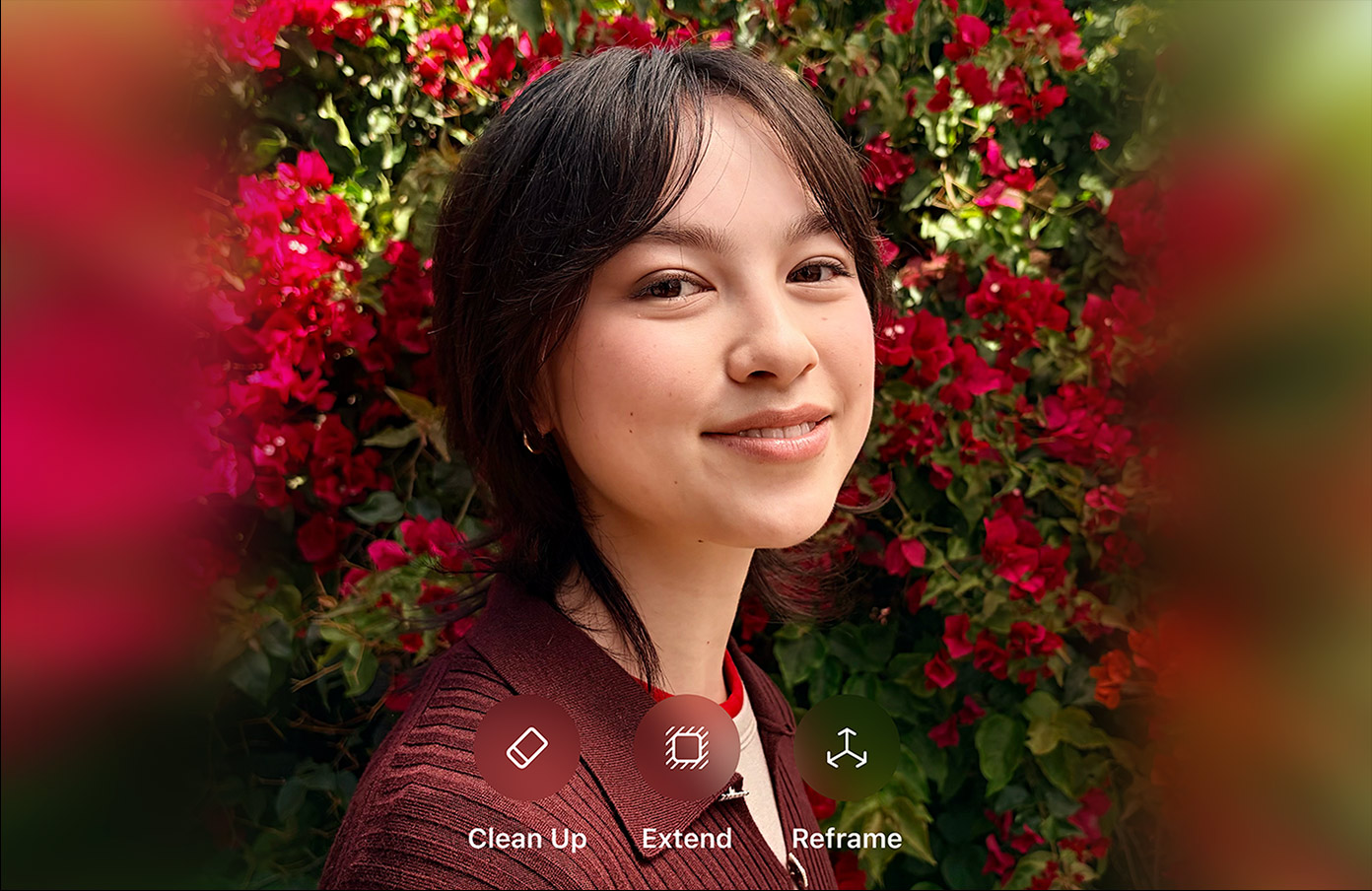
Generative tools increasingly allow software to create information that wasn’t captured in the original photograph.
Photography purists are currently loading their film cameras.
But let’s not pretend smartphone photography has been some sacred documentary medium until AI showed up. HDR combines exposures. Night modes combine frames. Portrait modes calculate depth. Computational photography has been making decisions about what your photograph should look like for years.
iOS 27 simply makes that relationship with reality considerably more obvious.
And considerably weirder.
I love the technology. I also think we’re rapidly approaching the point where saying, “I took this photo,” is going to require a small terms-and-conditions document.
The best iOS 27 upgrades are gloriously boring
Take away the AI fireworks and iOS 27 still has something important going for it: Apple has spent time working on the operating system itself.
There’s a broader emphasis on performance improvements, bug fixes and polish rather than treating iOS 27 purely as an AI delivery vehicle. That matters because an operating system you interact with hundreds of times every day benefits enormously from tiny improvements that never earn five minutes on a keynote stage.
I love this stuff.
Nobody queues outside an Apple Store because search got quicker. There won’t be a cinematic keynote sequence featuring Craig Federighi AirDropping a PDF while Hans Zimmer detonates an orchestra in the background.
But those improvements affect the interactions you perform hundreds of times.
Modern smartphones are incredibly mature computers. There are only so many revolutionary things left to do with a rectangle containing a screen, cameras and an absurd number of transistors.
Sometimes making the rectangle respond faster is progress.
iOS 27 even adds separate volume controls for ringtones, alarms, timers, alerts and system sounds.
Technology has peaked.
Everyone can go home.
The iPhone Duo reveals another side of iOS 27
There’s another reason iOS 27 feels more important than a conventional annual update: Apple now has a foldable iPhone to worry about.
The iPhone Duo forces iOS into territory Apple has never had to navigate on the iPhone before. When unfolded, the interface can rearrange controls and apps around the larger display, while Apple has borrowed ideas from iPadOS to make better use of the additional space. There are also interface adaptations for different folding positions, including a tent-style orientation that can turn the device into a widget-driven smart display.
This matters even if you have absolutely no intention of buying a foldable iPhone.
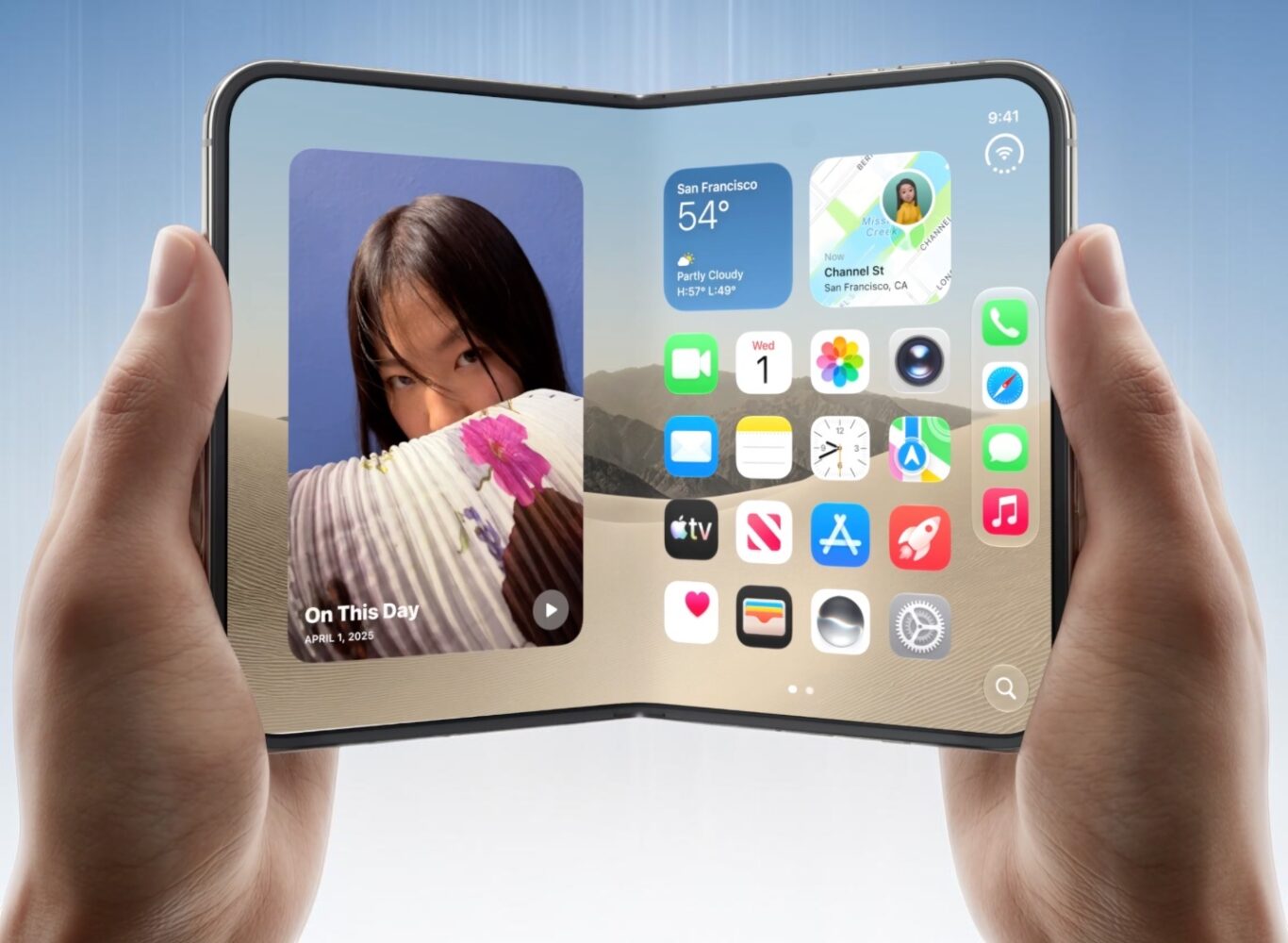
For years, iOS has essentially been designed around variations of the same basic slab. Different sizes, yes, but the fundamental interaction model remained remarkably consistent.
Now iOS has to stretch, fold and rearrange itself.
That pressure could make the entire operating system more adaptable over time. Liquid Glass suddenly has another job beyond looking pretty, and the lines between iPhone and iPad software are getting slightly blurrier.
Things are getting weird.
Good.
Older iPhones aren’t invited to the entire AI party
There is one fairly substantial catch to all this intelligence.
The headline Siri AI experience requires newer hardware. The computational requirements mean an iPhone capable of installing iOS 27 isn’t necessarily an iPhone capable of experiencing everything Apple is advertising.
That effectively creates two versions of iOS 27.
On newer hardware, you’re getting Apple’s most ambitious attempt yet to turn artificial intelligence into part of the operating system. On older supported devices, the update becomes much more about design refinements, customization, performance improvements and the broader collection of quality-of-life changes.
The hardware requirement is understandable. Running increasingly sophisticated AI locally isn’t free, and Apple can’t simply cast an ancient spell over an older processor and summon more neural-compute performance.
But it does complicate the message.
Imagine watching Apple’s AI-heavy presentation, installing iOS 27 and discovering half the Avengers didn’t show up.
Not ideal.
There’s another wrinkle too: Siri AI availability isn’t identical everywhere or in every language at launch. That’s worth remembering before treating iOS 27 and Siri AI as interchangeable terms.
I’m not declaring victory on battery life yet
Then we arrive at everyone’s favourite annual iOS sport: Battery Apocalypse.
Every major update follows approximately the same sequence.
New iOS arrives. Someone installs it. Their battery drops seven percent while they’re making coffee. A screenshot appears online. Within 40 minutes, social media has determined Apple deliberately destroyed battery life because Tim Cook personally wants everyone to buy another iPhone.
I’m not giving iOS 27 a universal battery verdict based on beta and Release Candidate experiences. Battery condition, background activity, indexing, applications, network conditions and individual usage patterns make sweeping early claims difficult to take seriously. A fresh operating-system installation can also spend considerable time performing background tasks before everything settles down.
I’ll judge iOS 27’s battery behaviour when there’s enough meaningful real-world data to judge.
Until then, put the pitchfork back in the charger.
iOS 27 understands what smartphone AI should actually do
What I find most interesting about iOS 27 is that Apple isn’t inventing most of these concepts.
AI photo editing exists elsewhere. Conversational assistants exist elsewhere. Visual AI exists elsewhere. Generative writing tools exist elsewhere. Google, OpenAI and others have been exploring this territory aggressively for years.
Apple’s weapon is integration.
It controls the silicon, hardware, operating system, applications and frameworks connecting everything together. That means Siri doesn’t necessarily need to beat every chatbot at being a chatbot.

It needs to become extraordinarily good at being the intelligence layer of an iPhone.
That’s a much more interesting battle.
I don’t particularly care whether Siri can write me a pirate poem about a hamster. The internet has enough pirate hamster poetry.
I care whether Siri can look at what I’m doing, understand the context, find the information I need and perform the next action without forcing me through six apps and eleven menus.
That’s where iOS 27 starts showing Apple’s hand.
AI isn’t supposed to become another app you remember to open.
It’s supposed to make the phone smarter.
Verdict
iOS 27 isn’t a dramatic reinvention, and that’s a good thing. It builds on iOS 26’s Liquid Glass design while making the iPhone feel smarter and more prepared for what’s next.
Siri is the headline act, with personal context, onscreen awareness and deeper app integration potentially making it genuinely useful. The question is whether people will finally trust it enough to use it regularly.
There are caveats, particularly around hardware requirements, regional availability and battery life, but I like where iOS 27 is heading: more useful automation, more context and fewer AI circus tricks.
And Siri? Congratulations on the character development.
iOS 27 is now available to download.