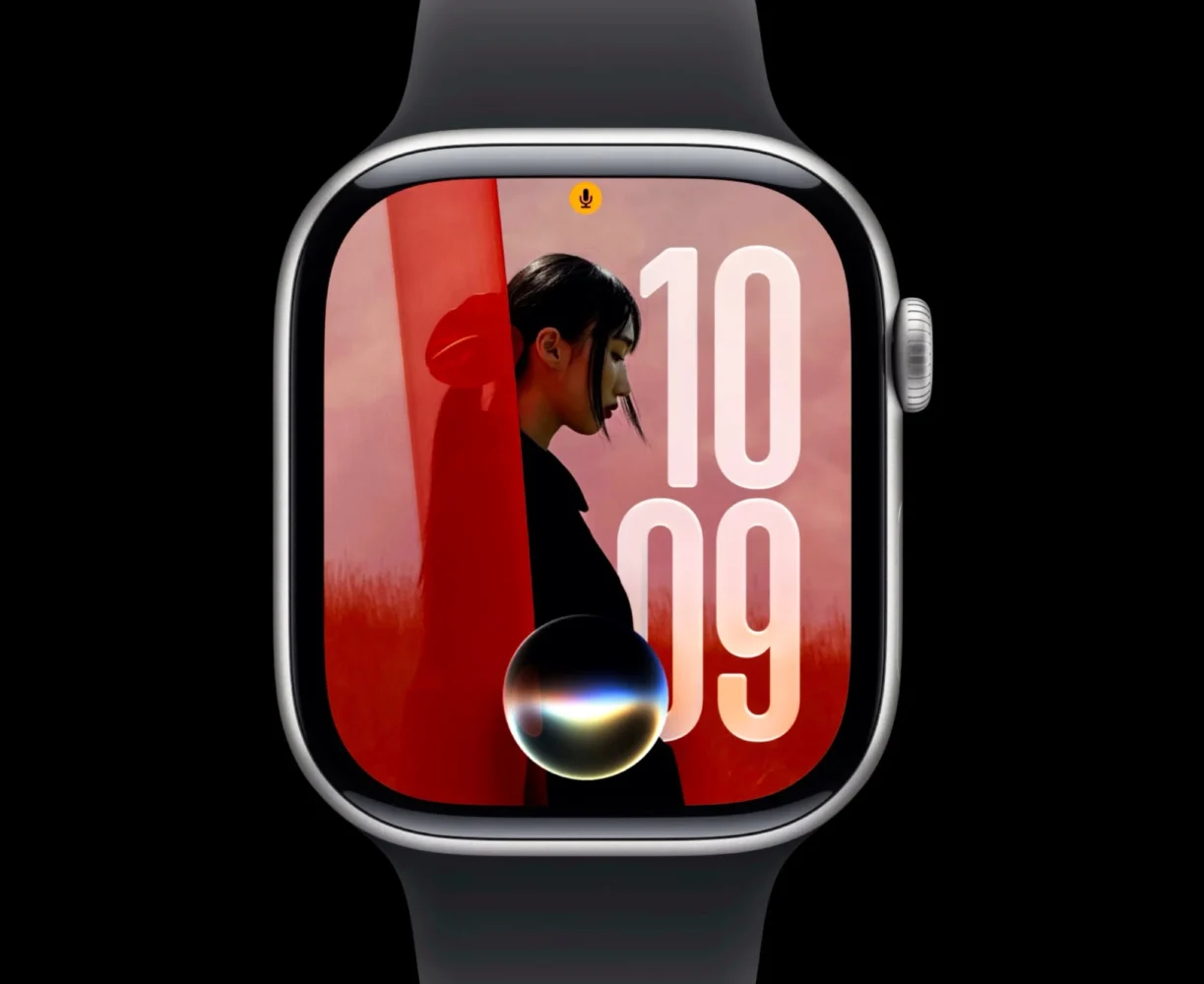
TL;DR: watchOS 27 is a smaller but smarter update. Siri AI, the dynamic app grid, smarter Smart Stack, excellent new tap gesture, improved Workout Buddy and unified Find My make the Apple Watch easier to use without stuffing my wrist with unnecessary features.
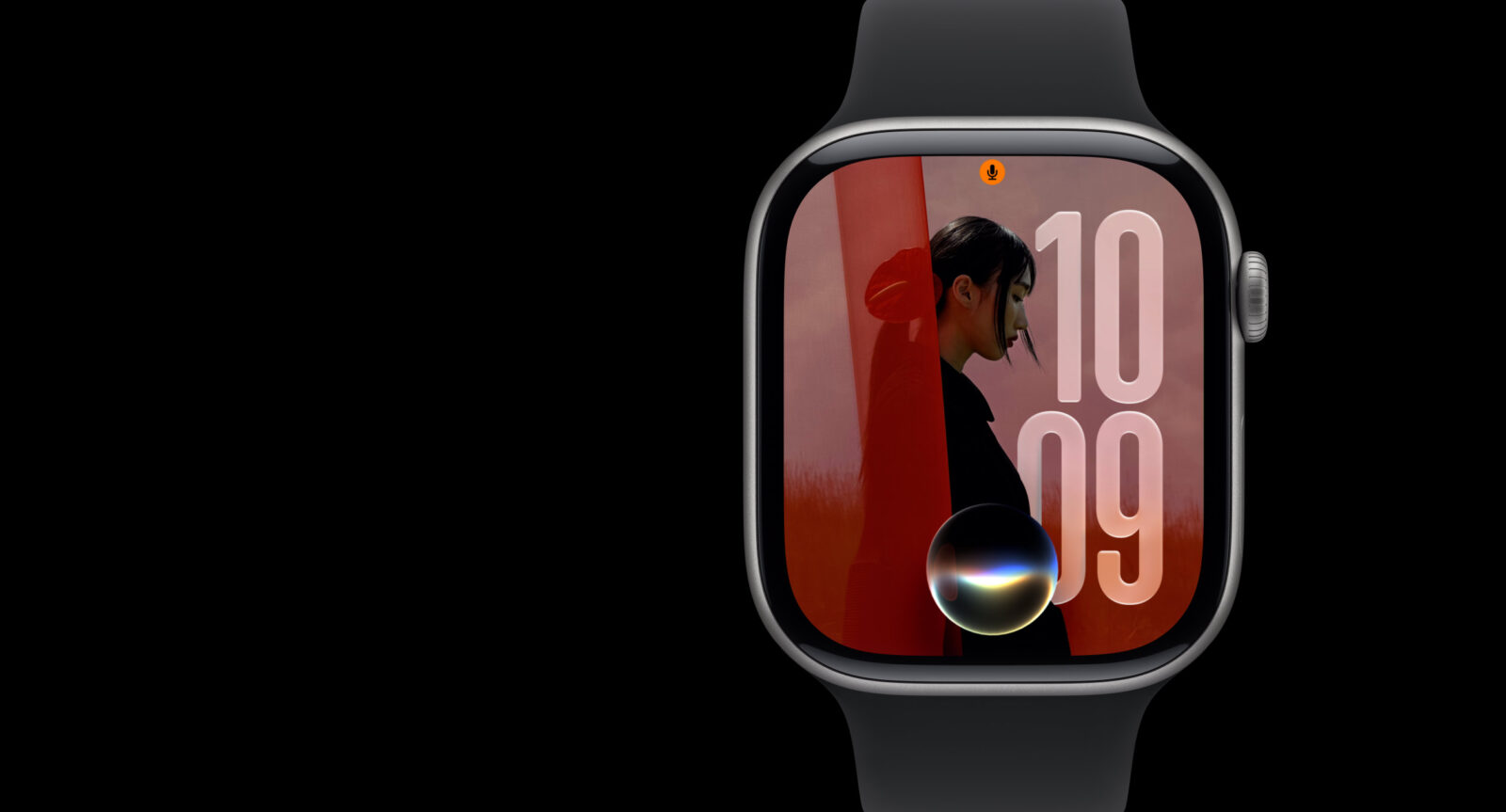
I’ve been using watchOS 27, and this isn’t one of those updates that completely transforms the Apple Watch overnight. That’s actually why I’m enjoying it. Apple has concentrated on making the Watch smarter, quicker to navigate and more useful when my other hand is busy doing something considerably more important than poking a tiny screen.
Siri AI is obviously the big attraction, but the dynamic app grid, smarter Smart Stack, new one-handed gesture and Workout Buddy improvements are the changes that make watchOS 27 feel better throughout the day. It’s refinement rather than revolution, with AI sprinkled where it actually makes sense.
Siri AI finally belongs on my wrist
Siri AI is easily the biggest watchOS 27 upgrade. I can ask more natural questions, continue conversations with follow-ups and get considerably more useful answers without carefully constructing every request like I’m communicating with a confused protocol droid.
More importantly, Siri can understand personal context. I can ask it to find information from my emails or notes, change an Activity goal or perform actions without immediately reaching for my iPhone. There’s also a dedicated Siri app where conversations can continue across Apple devices.
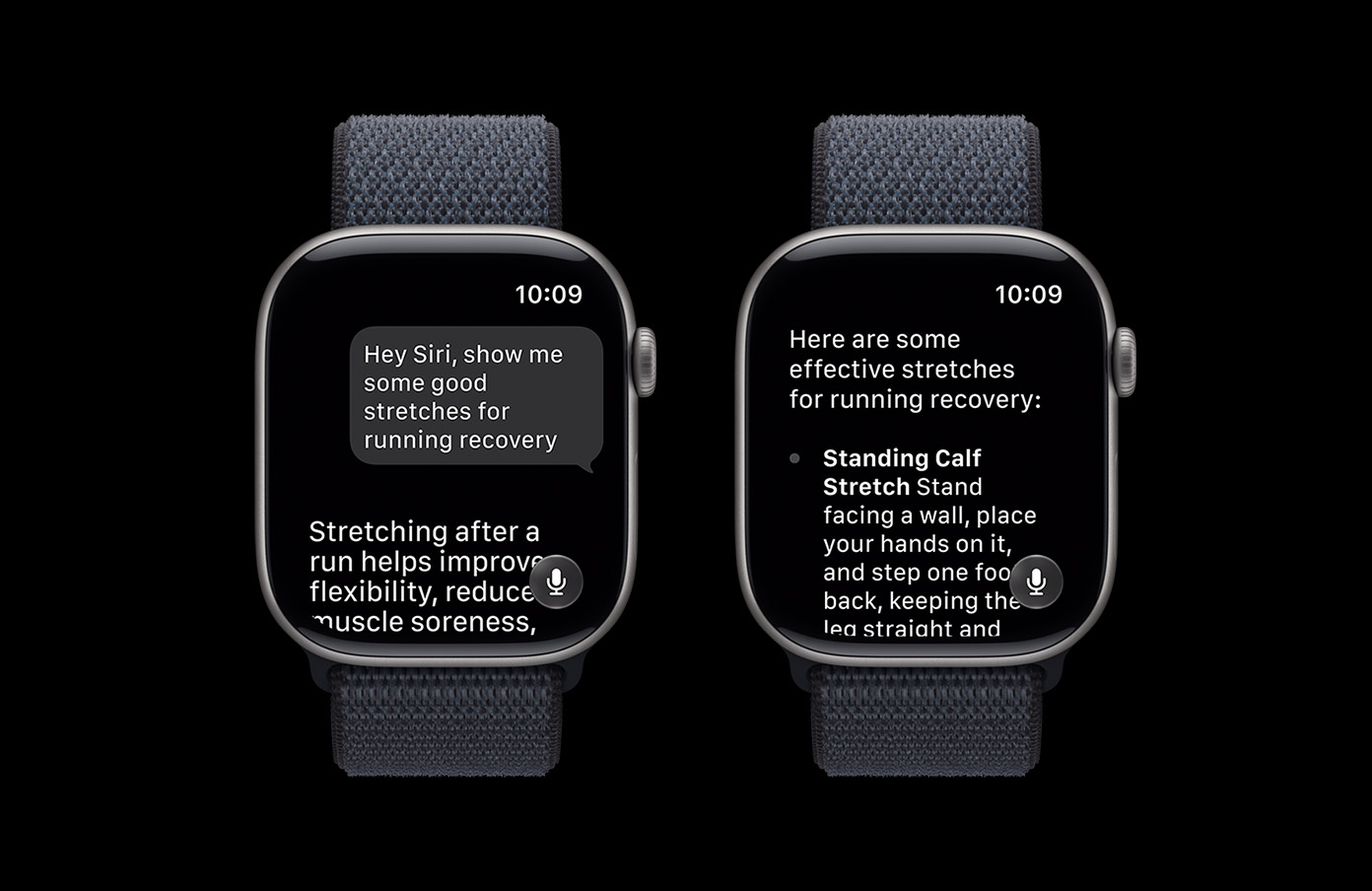
That’s exactly how I want AI to work on the Apple Watch. I don’t need a miniature ChatGPT strapped to my wrist. I need something capable of quickly finding information and completing simple tasks before pulling out my phone becomes the easier option.
The new app grid is much better
I’ve never loved the Apple Watch honeycomb app grid. It looks cool until you have enough apps installed, at which point finding something can feel like playing Where’s Wally? with microscopic icons.
The dynamic app grid in watchOS 27 is much smarter. Siri sits prominently in the layout while recently used and suggested apps appear around it, putting the applications I’m most likely to want closer to the surface.
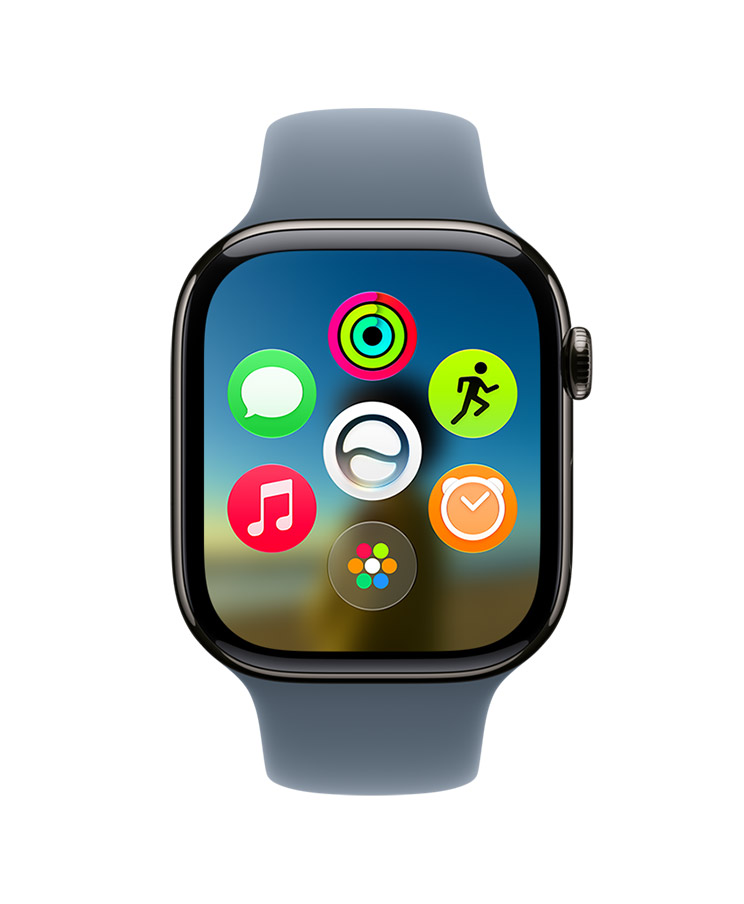
It took me a little time to adjust, but I prefer this approach. Apple Watch interactions should be quick, and anything that reduces hunting around on a tiny display is a win.
One tap makes one-handed control genuinely useful
One of my favourite watchOS 27 additions is ridiculously simple.
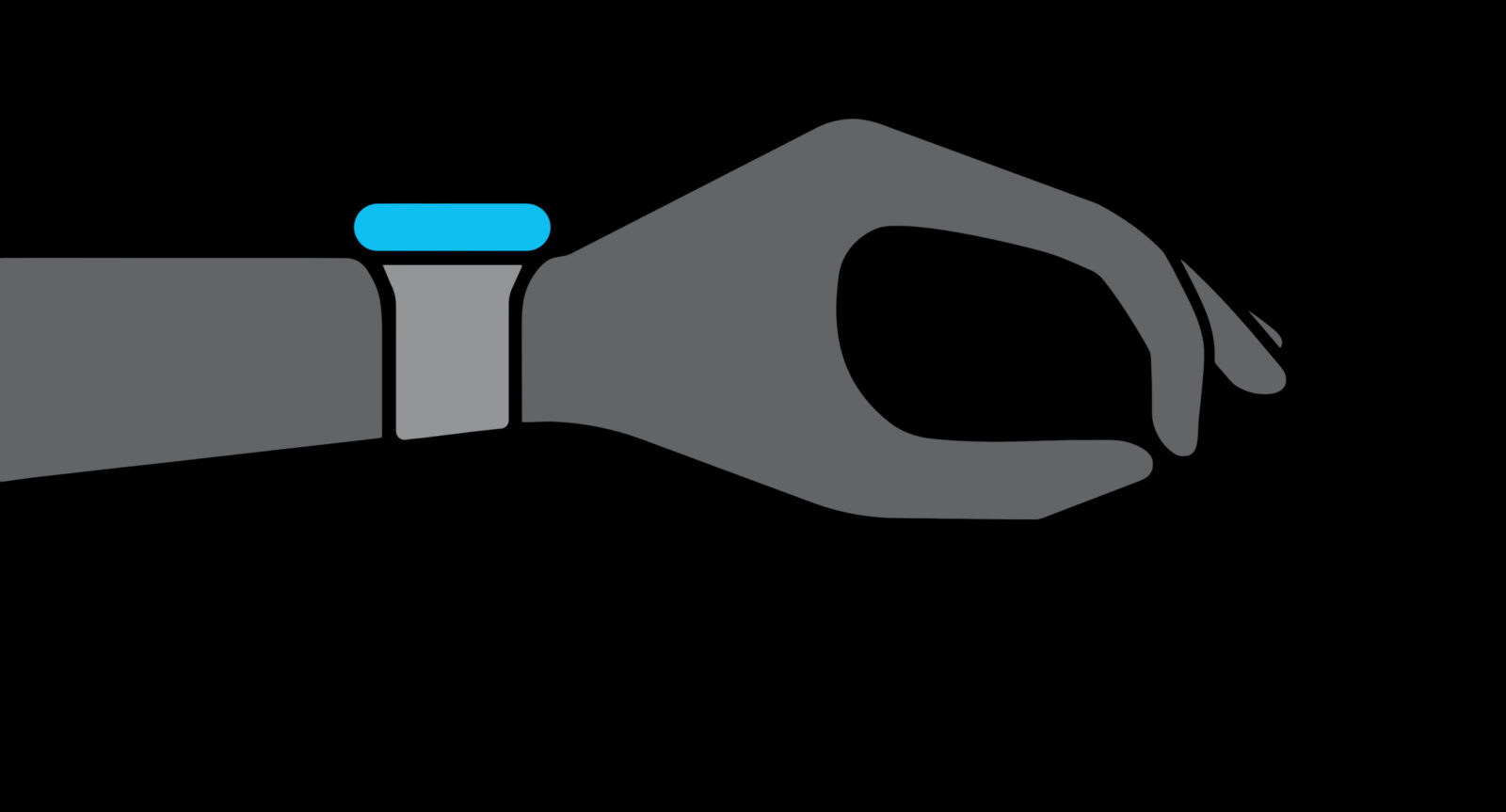
I can tap my index finger and thumb together once to select the highlighted Smart Stack widget. Combined with Double Tap for moving through widgets and Wrist Flick for dismissing things, Apple Watch gesture control suddenly feels much more complete.
This is particularly useful when I’m carrying something, walking or exercising. Instead of touching the screen, I can navigate, select and dismiss with one hand.
It’s not spectacular technology to demonstrate on a giant keynote screen, but it’s exactly the kind of feature I start using without thinking about it. Those usually end up being the best ones.
Smart Stack actually feels smarter
Smart Stack is also becoming much more contextual.
watchOS 27 can surface things such as my parked car, pinned messages, transit cards, noise alerts, birthdays and other information when they’re relevant. Siri conversations can appear there too, making it easier to continue something I started elsewhere.
This is what I’ve always wanted Smart Stack to become.
I don’t want another Home Screen that requires constant organisation. I want the Watch to understand enough about what I’m doing to put useful information in front of me before I start looking for it.
The Apple Watch has a tiny display. Prediction beats navigation every time.
Workout Buddy works better without the iPhone
Workout Buddy also gets a useful upgrade because it can now work without my iPhone nearby.
That matters. One of the reasons I wear an Apple Watch for workouts is precisely because I don’t necessarily want a phone bouncing around in my pocket.
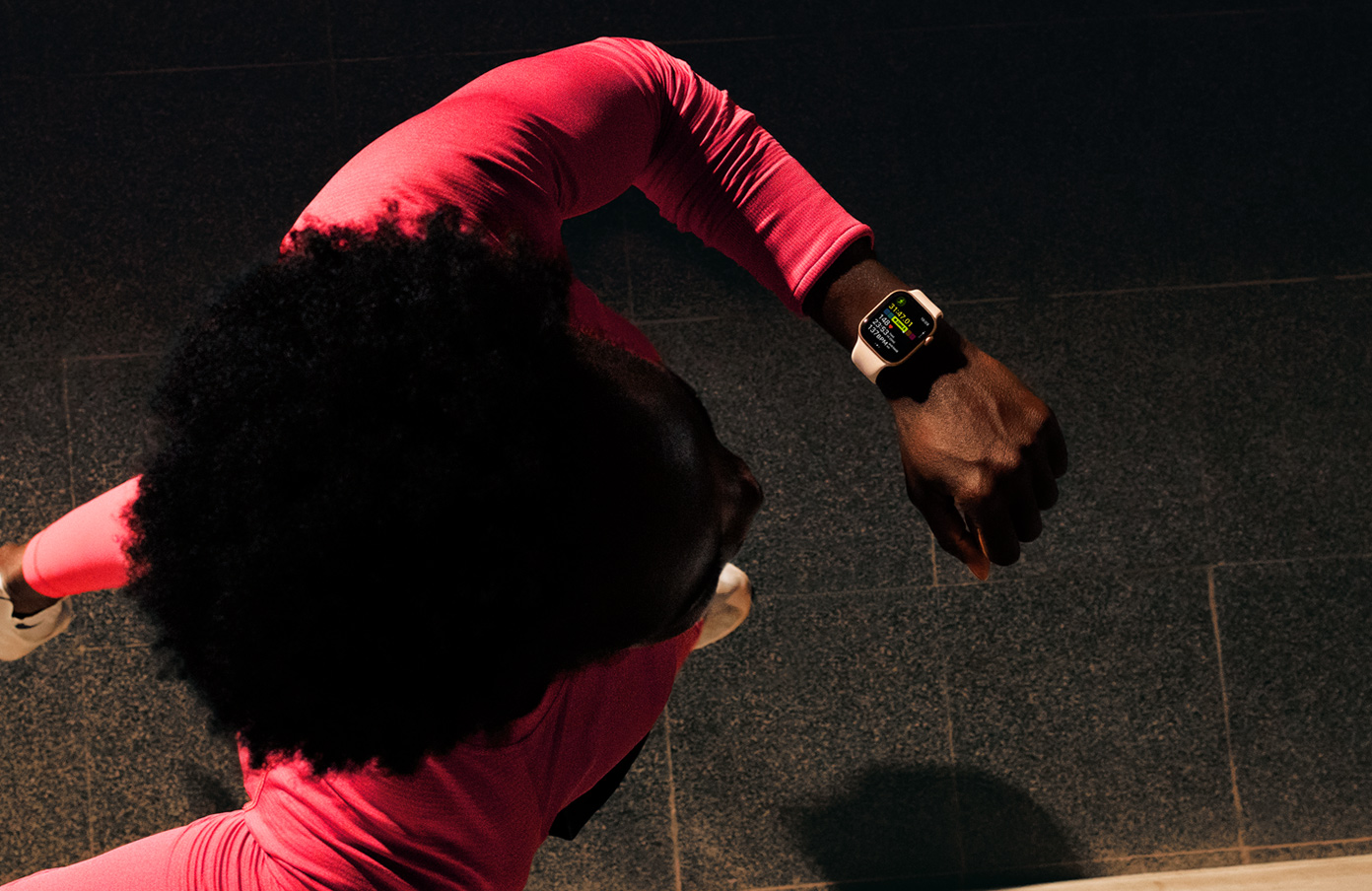
Workout Buddy also pays more attention to improvements in distance, pace and workout duration, making its feedback more relevant to actual progress. Treadmill distance tracking has been improved too, which should help indoor runs and walks line up more accurately with the machine.
I’m still not convinced I need an enthusiastic AI coach celebrating every achievement like I’ve just won the Olympics, but smarter progress feedback makes considerably more sense than generic motivation.
Find My finally becomes one app
Apple has also combined Find Devices, Find Items and Find People into a single Find My app.
Thank you.
I never understood why locating something from my wrist required remembering which flavour of Find My I needed first. Now people, AirTags, AirPods, iPhones and other supported devices live together where they belong.
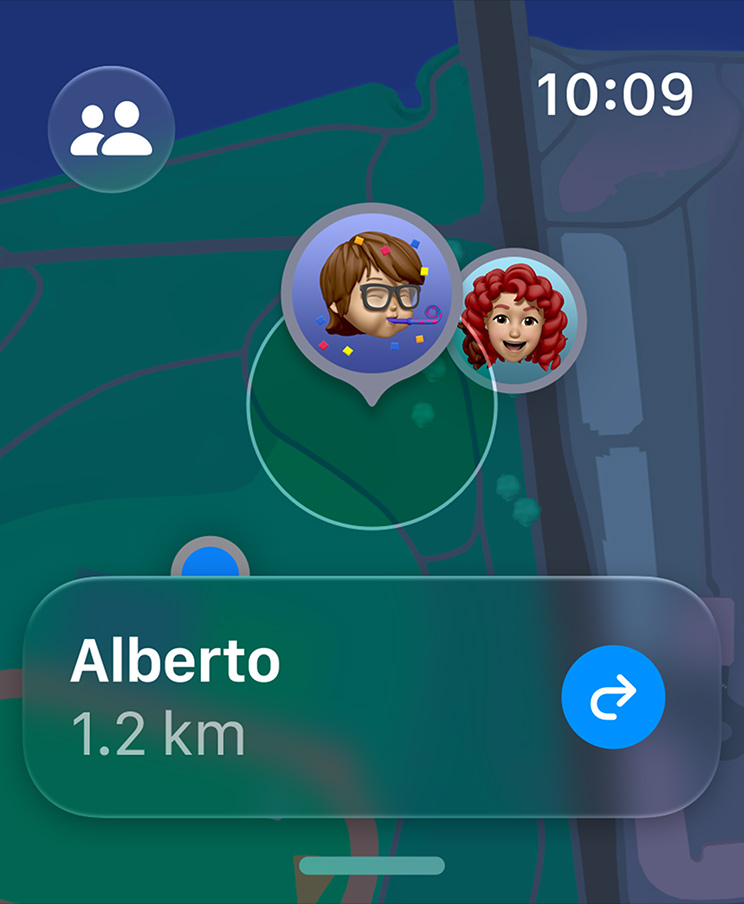
Precision Finding is supported for compatible devices as well, making the Watch much more useful when something has vanished into the mysterious dimension that apparently exists between my sofa cushions.
This is a small change, but it’s exactly the sort of cleanup watchOS needed.
Battery optimisation gets smarter
watchOS 27 also includes optimisations designed to improve battery life, including intelligently disabling certain rarely used features when necessary.
Battery improvements aren’t glamorous, but on a smartwatch they’re incredibly important. Every clever Apple Watch feature becomes considerably less impressive when the thing is sitting on a charger.
I’m not expecting watchOS 27 to magically turn the Apple Watch into a month-long adventure watch, but smarter power management is always welcome. I’ll happily sacrifice something I barely use if it helps keep the Watch alive longer.
Verdict
watchOS 27 isn’t enormous, but I think Apple has focused on the right things. Siri AI makes the Watch considerably more capable, while the dynamic app grid and smarter Smart Stack reduce the amount of time I spend hunting around its tiny display.
The new tap gesture might actually be my favourite addition because it makes one-handed navigation feel complete. Workout Buddy becoming independent of the iPhone is another sensible improvement, while the unified Find My app fixes something that never needed to be complicated.
That’s really the story of watchOS 27 for me. Apple isn’t trying to turn the Watch into a tiny iPhone or an AI computer strapped to my wrist.
It’s simply making the Apple Watch better at giving me what I need in a few seconds.
And that’s exactly what I want from it.