
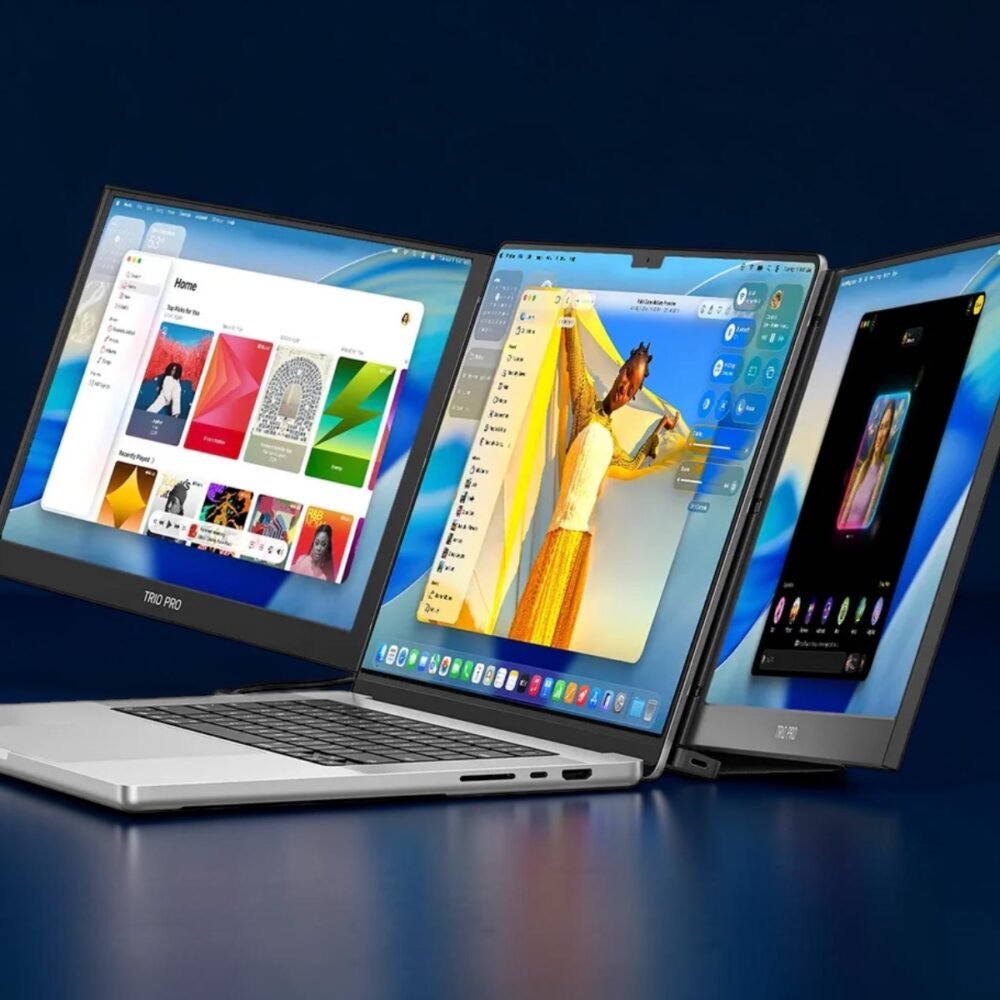
Buying a portable monitor looks simple until you start looking at the technical specification sheets. For someone who travels quite often, selecting the wrong display means carrying a lot of dead weight in your backpack. You need a fast, lightweight setup that makes working on the go simple, rather than one that causes daily hardware headaches.
Investing in an established, highly reliable laptop companion like the Mobile Pixels Trio provides the perfect balance of physical durability and fast setup speed. To find the perfect fit for your travel style, you must focus on the specifications that directly impact your daily remote workflow.
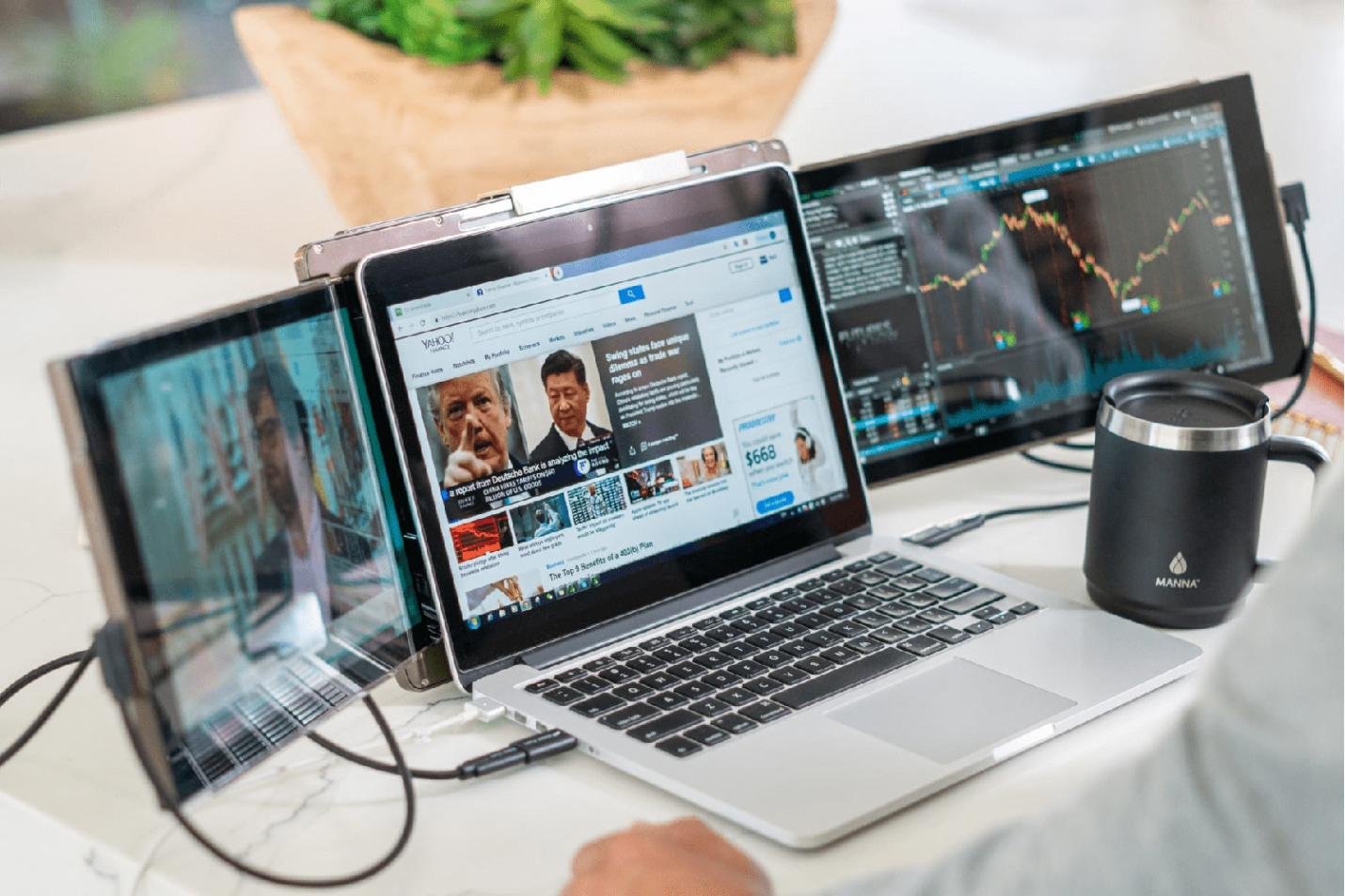
The Five Key Travel Specifications to Consider
1. Weight and Physical Footprint
Every gram matters when you’re constantly carrying your work on your back. A heavy LCD strains your posture and can put too much physical stress on your laptop hinges during long working hours.
For that, you need to:
- Look for a lightweight display that weighs less than two pounds total.
- Ensure the frame is slim enough to slide into your current bag.
- Saves you from carrying unnecessary bulky stands or heavy external mounts on long trips.
2. Screen Brightness and Nits
Working outdoors or near bright airport lounge windows requires a strong screen backlighting system. Low and dim brightness levels cause severe eye strain and force you to squint to read your documents.
Make sure that you:
- Choose a screen with a bright rating of 300 nits or more.
- Choose a display that includes an anti-glare matte screen coating.
- Matte screens prevent harsh reflections from direct sunlight and glowing overhead lights.
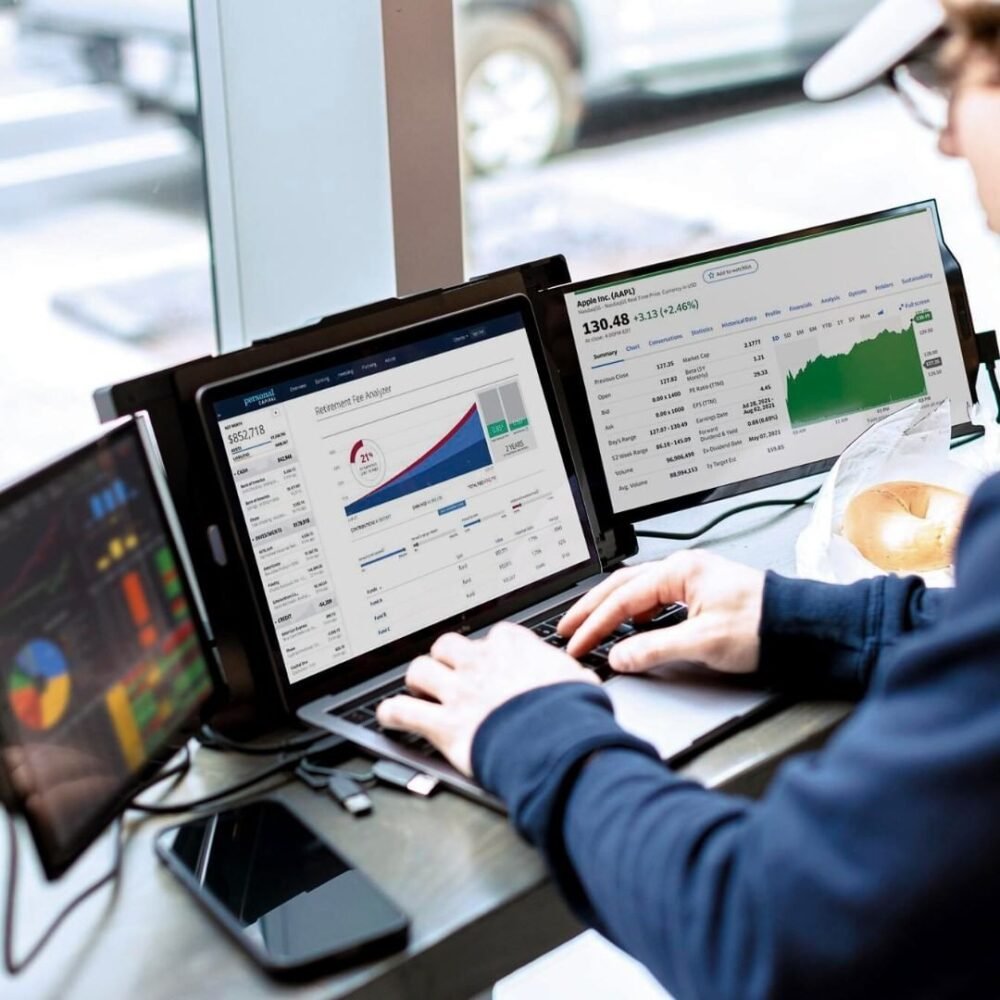
3. Seamless Universal Compatibility
Your secondary screen should plug in and work with your current OS immediately. Avoid products that need complex driver installation, administrative access, or special background software.
Be on the lookout for:
- An extender with high-quality hybrid signal USB-C connectivity.
- Compatibility across major systems like macOS and Windows.
- Single cable connections eliminate messy cords on your desk and keep things clean.
4. Refresh Rate for Smooth Motion
Nothing ruins your work more than a laggy display that not only disrupts the working speed but also causes visual frustration. A standard refresh rate guarantees your mouse cursor and active browser windows glide all across the screen without stuttering.
What you have to do is:
- Find 60Hz refresh rates to prevent annoying mouse lag.
- This effective rate ensures smooth performance for spreadsheets, dense scripts, and research text.
- Do not buy budget screens that display a lagging response while typing.
5. Setup Time and Stability
If you only have a limited time between flights, speed of assembly becomes crucial; kickstands tend to be unstable and unsuitable for the small table on planes.
- Choose the attached sliding screen for the greatest stability.
- Make sure that assembly does not take more than fifteen seconds.
- The secure mounting system keeps your screen protected from any bumping accidents.
Portable Screen Spec Comparison Guide
Use this helpful reference table to evaluate different options before buying:
| Specification | Ideal Travel Range | Why It Matters for Travelers |
| Weight | Under 1 KG | Prevents heavy backpack fatigue during travel |
| Brightness | 300+ Nits | Enables clear reading near bright windows |
| Refresh Rate | 60 Hz | Eliminates sluggish mouse cursor and text lag |
| Compatibility | USB-C Plug and Play | Avoids annoying driver installation and setup steps |
| Setup Time | Under 15 Seconds | Allows quick, productive sprints during brief layovers |
Conclusion
The right travel partner needs a bit of focus on the creature comforts that make everyday feasibility actually happen. If you go for low weight, high brightness, and fast setups, you can keep working efficiently, anywhere on the planet, without breaks. Ready to fully simplify your mobile workspace, like really simplify it? Check out the Mobile Pixels Trio and upgrade your setup today.