
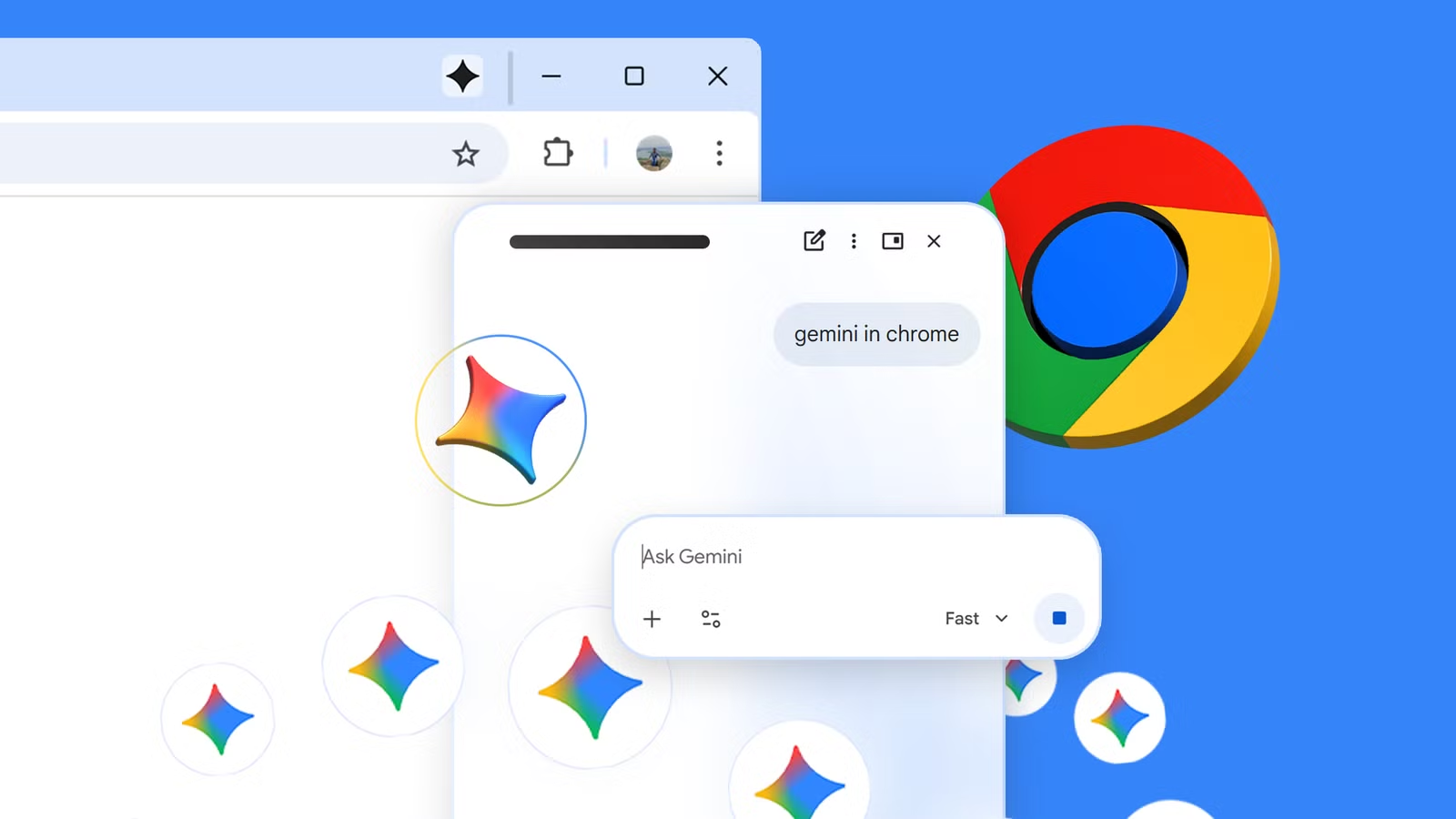
Google has added a new feature called Select from Screen to Gemini’s integration in Chrome. The tool lets users capture portions of a webpage and attach them directly to AI prompts without manual searching or copying text. Rolling out with Chrome version 149, it builds on the existing Ask Gemini button in the browser toolbar.
To use it, users click the Gemini icon, then the plus sign in the side panel, and choose Select from Screen. The current tab highlights, allowing a selection box that can be resized or moved. Once chosen, the image snippet attaches to the prompt field for further questions or analysis. Google positions it as a convenient way to interact with visual content on the page, whether highlighting product images, diagrams, or text sections.
The functionality echoes Circle to Search on mobile devices, extending similar convenience to desktop browsing. Suggested uses include comparing items like sneakers for running suitability, seeking clearer explanations of diagrams, or generating redesign ideas from selected elements. In practice, it streamlines certain tasks that previously required screenshots, uploads, or descriptive text. Yet its usefulness will likely vary. Complex pages with dynamic content or heavy JavaScript may produce inconsistent results, and the AI’s interpretation of visual context remains imperfect.
This update arrives as Google continues embedding Gemini across its products. The Chrome integration makes the AI more accessible during everyday web use, potentially saving time on research or creative work. However, frequent browser AI features also raise questions about data handling and distraction. Users already navigate an attention economy; adding another prompt layer could either enhance productivity or fragment focus further. Privacy considerations around what gets sent to Gemini for processing deserve attention, even if Google applies its standard safeguards.
Chrome version 149 brings the feature immediately for many users, with the browser prompting an update upon checking. The rollout appears gradual but tied to the stable channel release. For those who regularly use Gemini in the browser, the addition feels like a logical step toward more seamless multimodal interaction. Earlier experiments with sidebar AI tools have shown mixed adoption, often depending on how naturally they fit into existing workflows.
Select from Screen reflects the industry’s push toward AI that understands both text and images in context. While not groundbreaking, it reduces friction in a specific pain point. Long-term value depends on accuracy, speed, and how well it complements rather than complicates browsing habits. As browsers evolve into more intelligent environments, features like this test whether AI assistance genuinely empowers users or simply adds another layer of complexity to manage.
For now, it offers a practical convenience for visual queries, fitting Chrome’s tradition of iterative improvements that accumulate into meaningful changes over time.