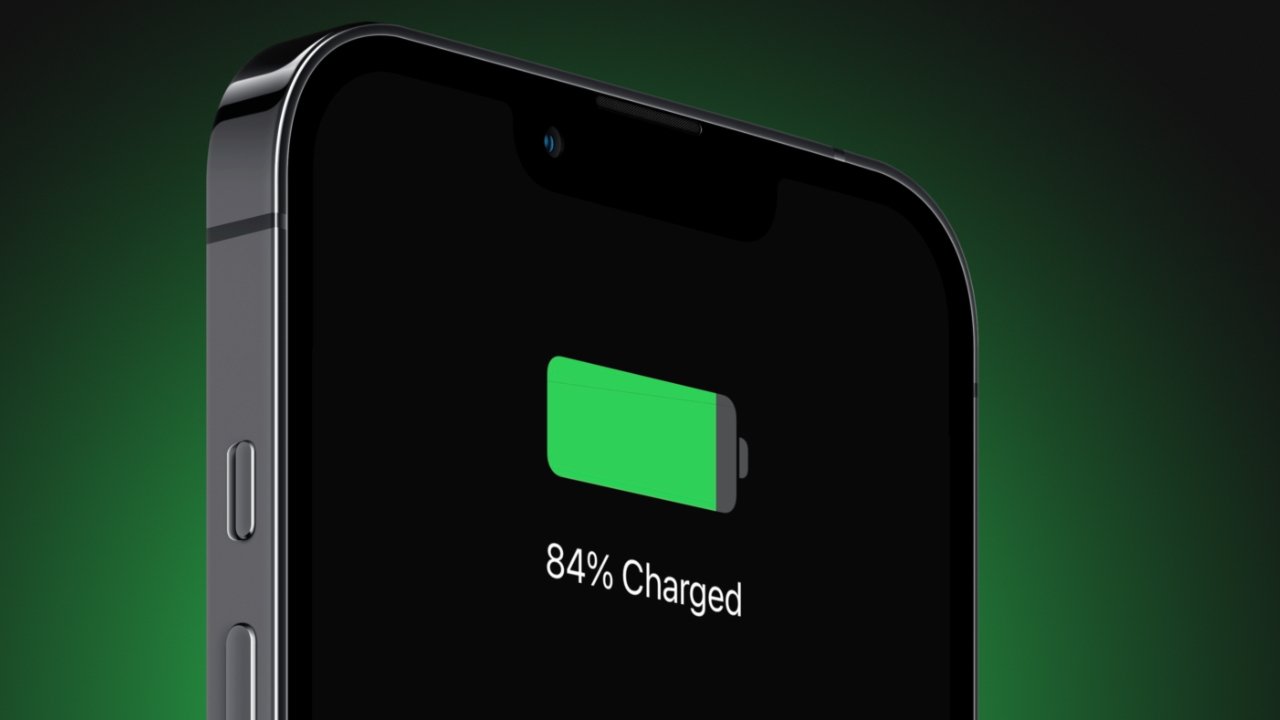
The latest iOS 26.0.1 update isn’t about flashy new features, but users are noticing meaningful improvements where it matters most: battery life, thermals, and day-to-day stability. Reports from early adopters suggest that iPhones—particularly the iPhone 17 series—are running cooler, draining more slowly, and handling background tasks with fewer hiccups compared to the initial iOS 26 release.
Data from user testing shows measurable gains. Screen-on time has climbed from around 3 hours 51 minutes on iOS 26.0 to 4 hours 25 minutes on 26.0.1, while idle time has stretched by nearly an hour. Perhaps more importantly, devices appear to sustain these improvements consistently rather than offering sporadic boosts. Thermals have also improved, with fewer complaints of overheating during extended gaming, camera use, or video streaming.
One recurring theme in community feedback is that how you install the update matters. A simple over-the-air update seems to help, but those who perform a DFU (Device Firmware Update) restore—essentially wiping the phone and reinstalling the system from scratch—often report the biggest gains. By removing leftover files and cached data, this method appears to create a “clean slate” that maximizes the update’s efficiency. The trade-off, of course, is the extra time needed to back up, restore, and reconfigure.
Not all users see benefits. Some continue to experience familiar issues like quick battery drain, Bluetooth instability, or occasional graphical glitches. Others argue that variations in usage patterns, cellular signal strength, or the indexing process after an update could explain why results differ from person to person.
Even with mixed reports, the consensus is that iOS 26.0.1 marks a step in the right direction. While it doesn’t transform battery performance, it smooths out some of the rougher edges of iOS 26’s launch build. For heavy users, especially those on Pro Max models where endurance is critical, the update is a safe bet—and a DFU restore may provide an additional boost.
Looking ahead, attention now shifts to iOS 26.1, expected later this month. If Apple continues refining power management at this pace, it could bring more noticeable efficiency gains before the year’s end.