By: Mohit Bector, Commercial Head – UAE & GCC, ASUS Business
Schools are set to reopen in a few weeks. Before the academic year starts, it is an opportune moment for institutions to assess their IT labs. Today’s learners are what we call ‘digital natives,’ or those who have grown up surrounded by technologies like mobile devices, computers and the internet. They are fluent in navigating devices, and most are used to switching to different apps and platforms. They also expect their school devices to match the performance of their personal devices. For schools and institutions, this means that their IT lab devices should offer not just a basic computing space but also a robust learning hub.
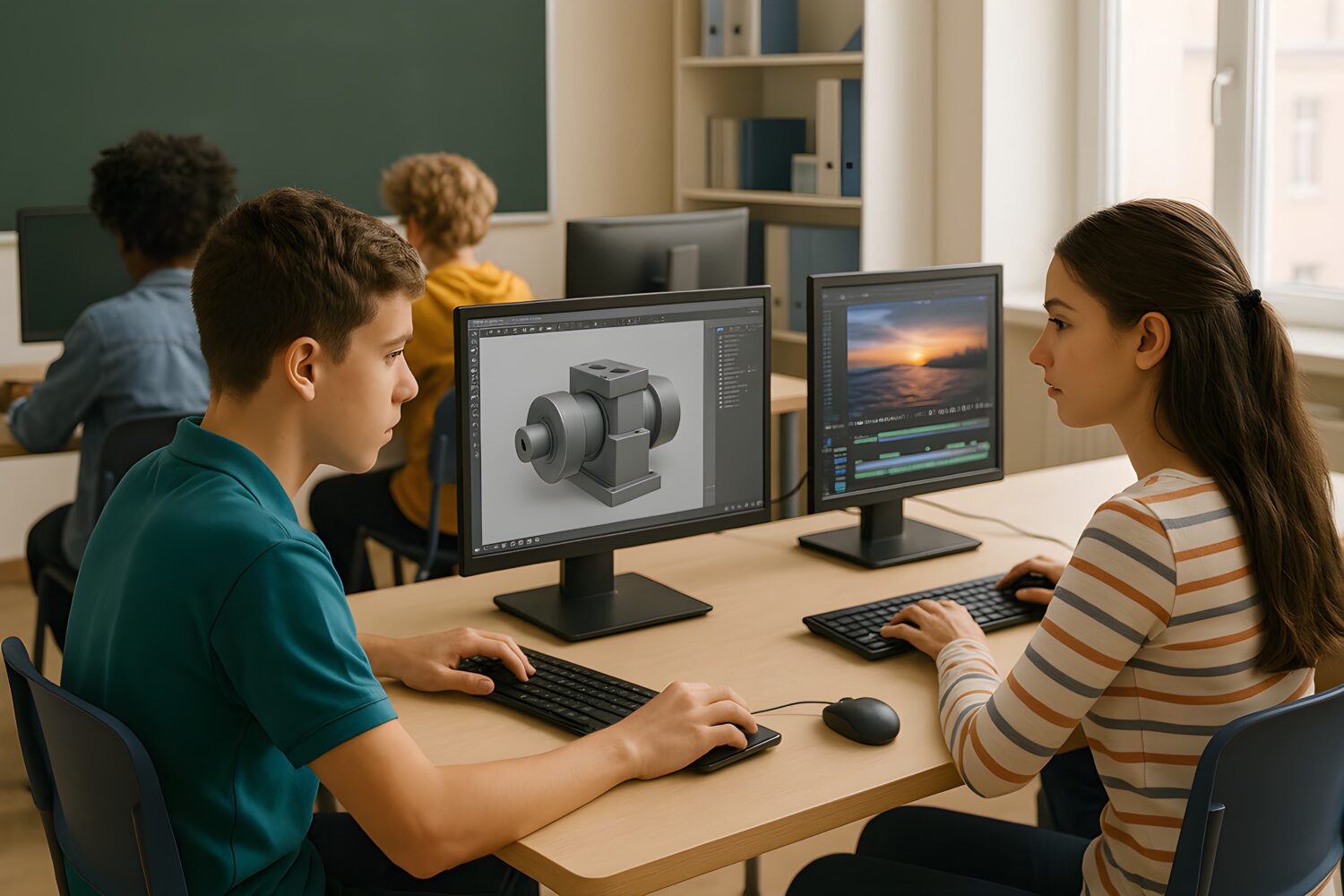
A survey reveals that 38% of students struggle when using outdated equipment. Since they are now more familiar with the newest technologies, institutions should review the effectiveness and reliability of their digital infrastructure. Computers in IT labs should be capable of rendering 3D models or editing high-resolution videos, as these are a part of their learning journey. In the UAE, 94% of individuals in school utilize AI for their studies, meaning that the hardware should be efficient enough to handle larger workloads while simultaneously performing other tasks. More importantly, those from low-income households tend to rely on IT labs to access academic software and complete their assignments.
Core Hardware Requirements for Modern IT Labs
Since an IT lab is built for different purposes, it is essential to ensure that the hardware specifications meet the current minimum requirements. Around 50% of classroom users use computers for in-class activities, making an IT lab a crucial component of the learning experience.
Thus, the IT Lab infrastructure cannot use outdated technology. For example, for most AI-enabled PCs, 16 GB RAM is now becoming the standard. All processor manufacturers have heavily invested in and pivoted their approach towards having native AI processing capability in a PC. Having an optimal resolution screen is also essential to an enriching learning experience.
Software for Academic Success
Institutions should make sure that their IT labs are equipped with the latest learning platforms, including virtualization tools and remote desktop access. A modern IT lab should come with academic security protocols, cloud integration and device management tools that enhance the overall functionality of the hardware.
Prioritizing Connectivity
An IT lab requires the latest connectivity options. High-speed internet is a must-have to facilitate online lectures and share large files easily. Computers should also have I/O ports like USB-C, HDMI or DisplayPort to easily connect devices. While peripherals like webcams, microphones and high-quality speakers were initially optional accessories, they are now mandatory for some applications.
Keeping It Secure and Sustainable
Any up-to-date IT lab should also utilize modern security enhancements to keep it protected. Given that education is the second most vulnerable sector when it comes to compromised backups (71%), computers in IT labs should include hardware-based security features. Computers with Trusted Platform Modules (TPMs), biometric login and BIOS-level protection secure data.
Along with that, most institutions are aligning their digital transformation strategies with their sustainability goals. Devices that are EPEAT-certified or ENERGY STAR-compliant can help achieve these goals. Investing in modular computer systems means that parts can be upgraded instead of replacing the entire hardware.
Technology evolves at a fast rate, and students are always informed of such updates. This means that institutions should also adapt accordingly to meet expectations. Being aware of these changes, along with listening to customer needs, can help institutions deliver a fully capable and future-ready IT lab.