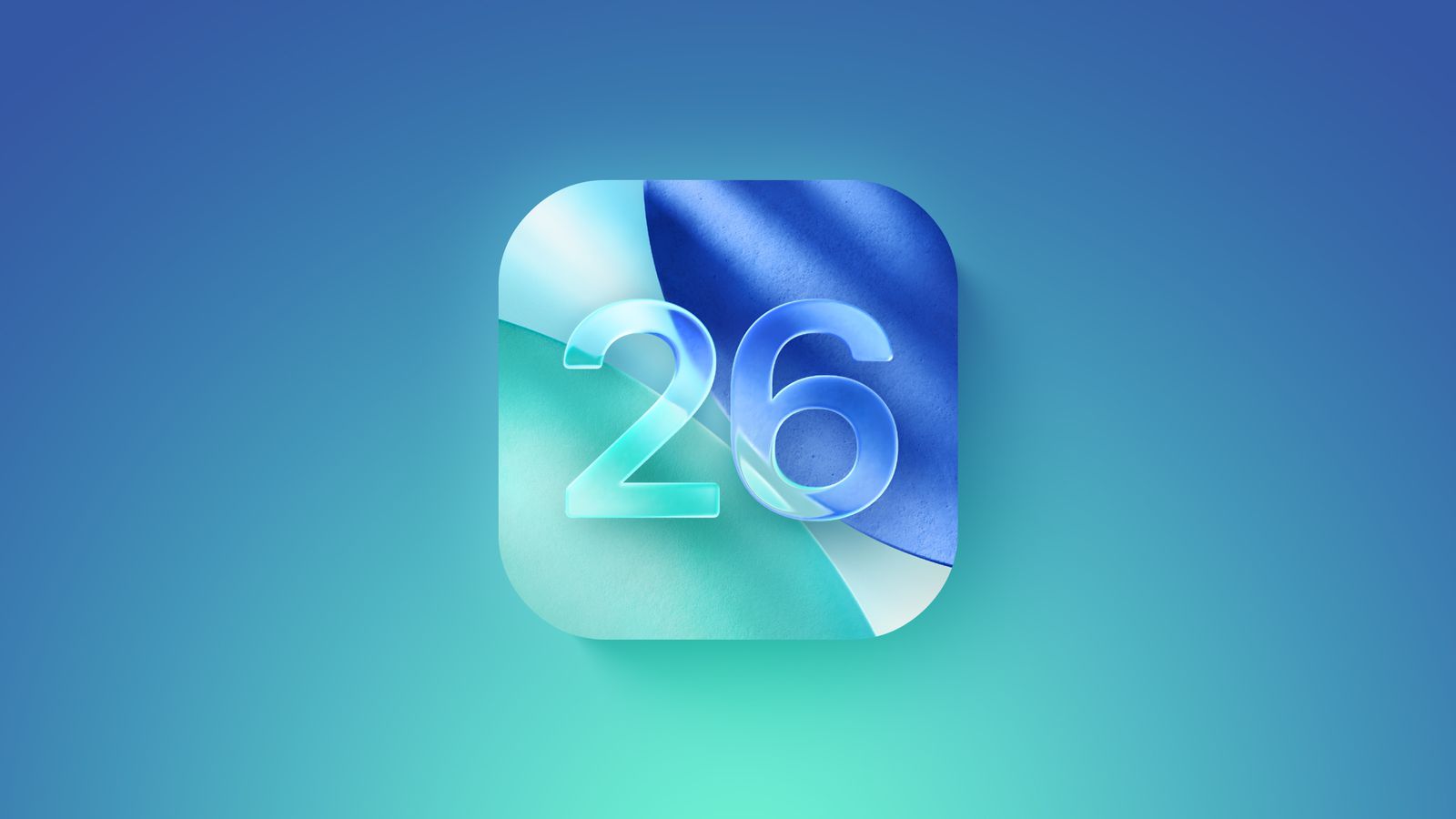
Apple has rolled out iOS 26 Beta 6, and one of its most noticeable changes is almost too quick to notice—literally. App launch animations for certain native apps, such as Calendar and Clock, now move so fast that they’re nearly instantaneous. It’s unclear if this is an intentional performance improvement or simply a quirk of the beta, but if it’s deliberate, expect the snappier feel to carry over to the stable release.
The update also refines the “Liquid Glass” design introduced earlier in iOS 26. The lock screen now appears more transparent, letting more of the background image show through, while the clock is brighter and home screen icons look subtly detached from the wallpaper. Apple has also added six new ringtones, including one called “Dreamer” that’s been drawing attention on social media.
In the Camera app, Apple has reversed one of the more divisive changes from earlier betas. The mode picker’s swipe gestures, which briefly moved in the opposite direction from nearly every other app in iOS, now behave consistently again. A settings toggle to restore the “Classic Mode” was added in Beta 5, but Beta 6 simply makes the consistent swipe direction the default.
As with all betas, the update is available to users enrolled in Apple’s iOS 26 Beta Program via Settings > General > Software Update. With only a few beta cycles left, the stable release is expected in about a month.
For those who have been running the beta since its debut after WWDC 2025, the journey has been relatively smooth aside from the occasional glitch—like a bug that stopped some phones from ringing on incoming calls. Still, Beta 6 feels less like a dramatic overhaul and more like Apple tightening screws and sanding rough edges before the public launch.