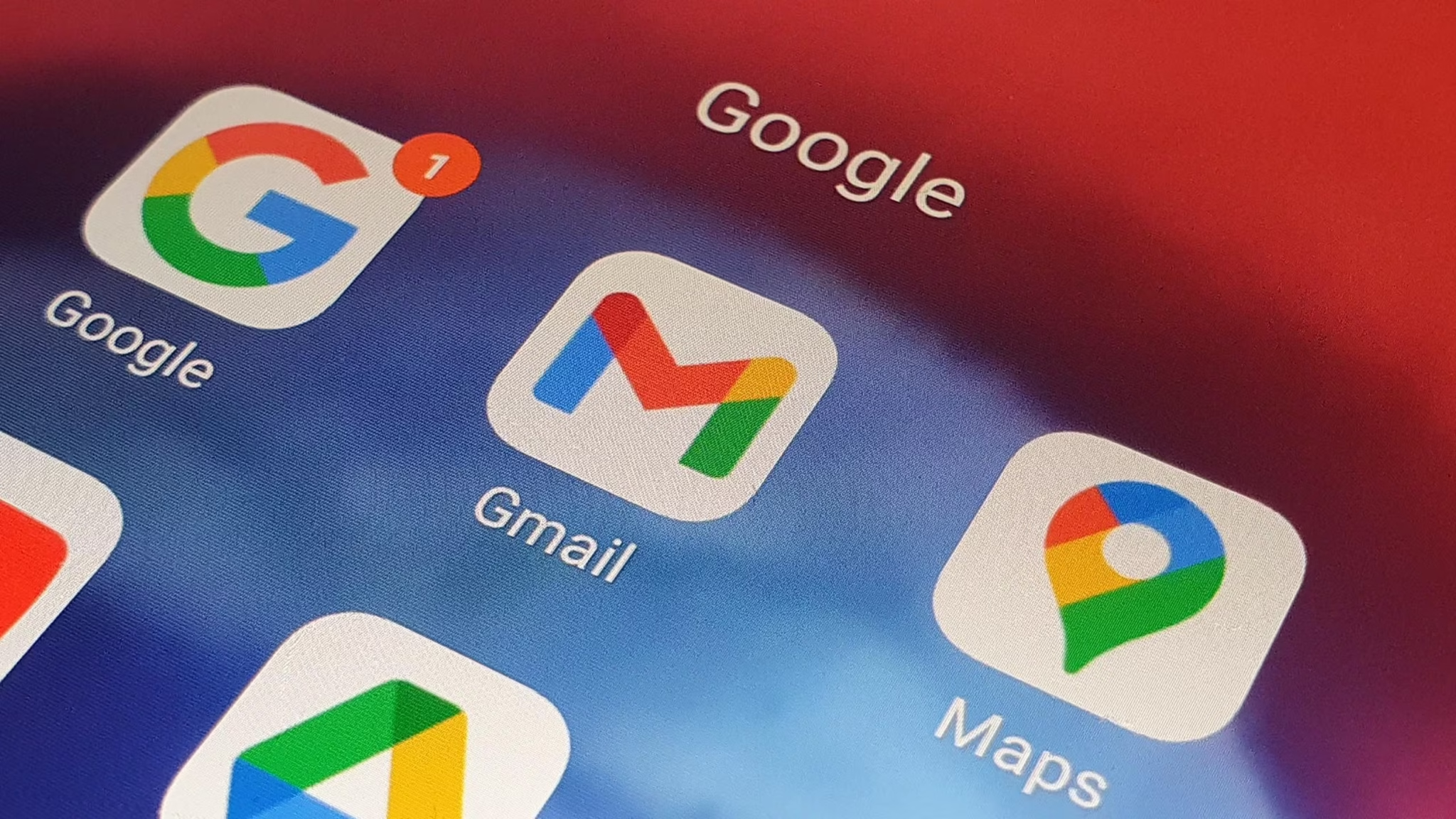
Gmail users overwhelmed by a flood of promotional emails and outdated newsletter subscriptions may soon get a much-needed reprieve. Google is gradually rolling out a new feature designed to streamline the process of managing email subscriptions. The addition, called “Manage subscriptions,” serves as a centralized hub that identifies and organizes recurring senders—those often responsible for inbox bloat.
Instead of requiring users to manually open each email and hunt for the small “unsubscribe” link buried in the footer, this tool surfaces frequent senders in one place, likely based on email frequency patterns and embedded unsubscribe cues. Each listing includes the sender’s name or email address and an estimate of how often their messages land in your inbox. Next to each sender, an “Unsubscribe” button makes it easier to cut ties with newsletters or automated messages that are no longer relevant.
While this doesn’t allow for bulk unsubscribing with a single click, it still offers a more efficient method for handling email overload. Users who recognize a handful of unwanted senders can quickly remove them without the need to open individual messages. However, unsubscribing through this tool doesn’t always guarantee immediate results. Depending on how each sender handles opt-out requests, it could take several days before the emails actually stop. Some may also redirect you to external sites to complete the process, occasionally requiring an additional step like a feedback form.
Currently, the feature appears to be in limited testing, available only on certain Android devices as part of a server-side rollout. It has not yet appeared on iOS or the web version of Gmail, and Google has not provided a timeline for a broader release. Like many Google feature rollouts, it seems to be part of an A/B testing phase, so availability may vary depending on region, app version, or user group.
To check if the tool is available on your device, open the Gmail app and look for a “Manage subscriptions” option in the left-hand menu. If it’s missing, ensure your app is updated and keep an eye out over the coming weeks. This feature could become a small but useful part of Gmail’s evolving toolkit for keeping inboxes manageable—particularly for long-time users with years of accumulated digital clutter.