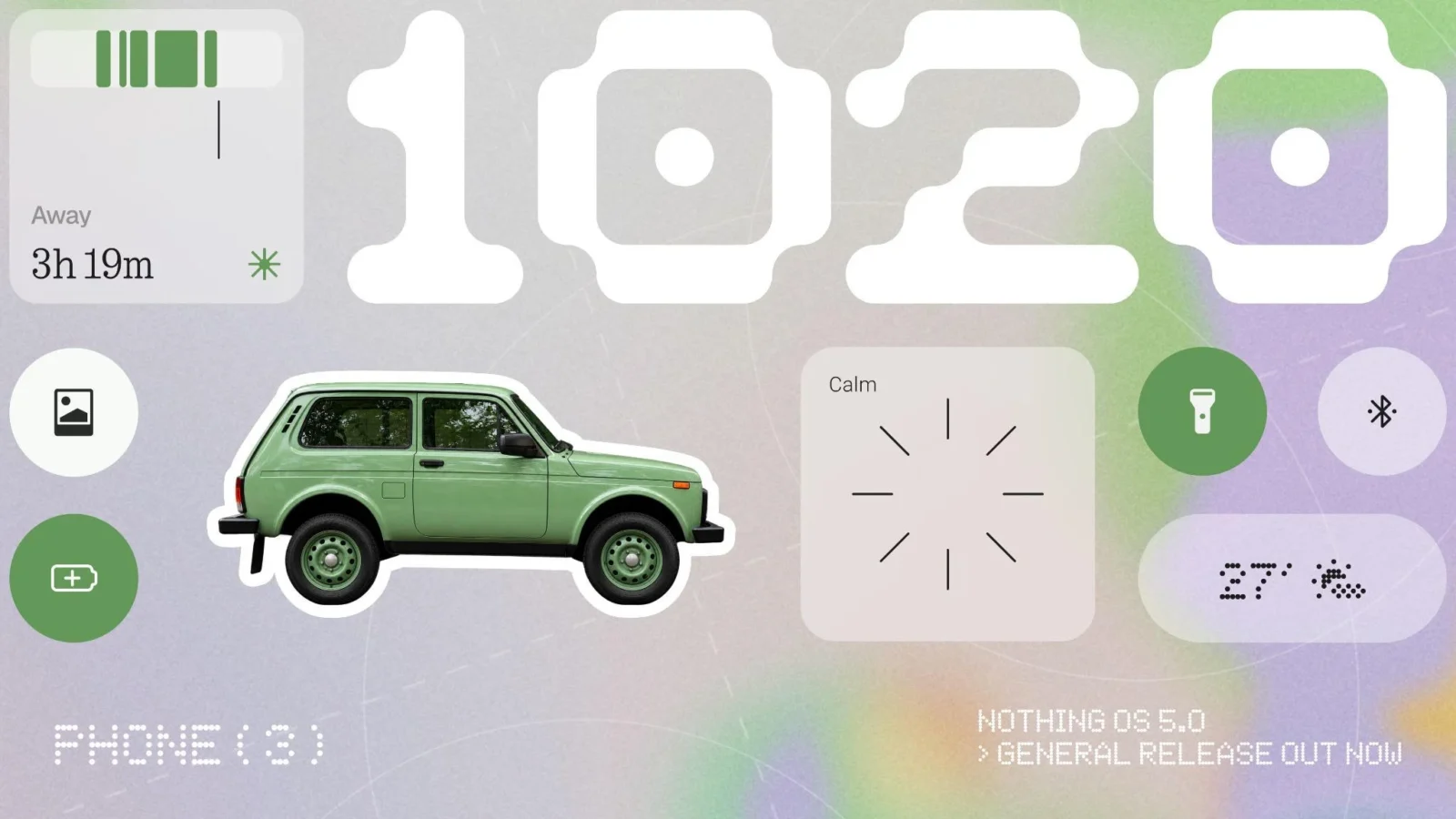
Nothing OS 5.0 has started reaching phones, and the Phone (3) gets it first. The update moves Nothing’s software onto Android 17 and arrives with more than 80 changes spread across design, performance and the company’s growing collection of AI tools. The Phone (4a) and Phone (3a) series are scheduled for November, with remaining Nothing and CMF devices following later, subject to the usual regional and carrier variations.
Visually, this is a refinement rather than a reinvention. The home screen now uses transparent elements in widgets and the search bar, while an adaptive colour system pulls tones from your wallpaper. That brings Nothing closer to what Google’s Material You has offered for years, although Nothing tends to apply these ideas with more restraint and its signature monochrome personality intact. A new Micrographics lock screen clock face packs the time, date, weather and upcoming meetings into one view, and the company has tweaked icons, spacing, typography and animations throughout Settings, the status bar, Camera and Gallery.
Performance work is less flashy but potentially more important. Nothing says it has improved touch response, background app retention and resource management, aiming for smoother multitasking and app switching. Aggressive background app killing is a common frustration on Android skins, so this is the kind of claim worth testing over weeks of real use rather than accepting at launch.
The AI layer continues to build around Essential Space, Nothing’s capture-and-organise hub. Smart Collections sort saved content automatically, Essential Voice promises faster and cleaner transcription, and some Essential Space upgrades are being delivered through Google Play rather than tied to the firmware, a sensible move that lets Nothing ship fixes without waiting for full system updates. The most ambitious addition is Essential Apps Builder, which lets users describe a simple AI-powered app and have it created on the phone without coding. Access is rolling out gradually, so many owners won’t see it immediately, and its usefulness beyond novelty remains unproven.
Android 17 contributes its own changes, including split Notifications and Quick Settings panels, cross-platform Quick Share, tighter privacy controls and a reworked Recents screen. The split panel layout in particular could divide users, since it changes one of the most frequently used gestures on any Android phone.
Nothing has generally been reasonably quick with major Android upgrades for a company of its size, and getting Android 17 to its flagship this early helps that reputation. The real test is how quickly the cheaper CMF phones, which make up a growing share of its sales footprint, get the same treatment.