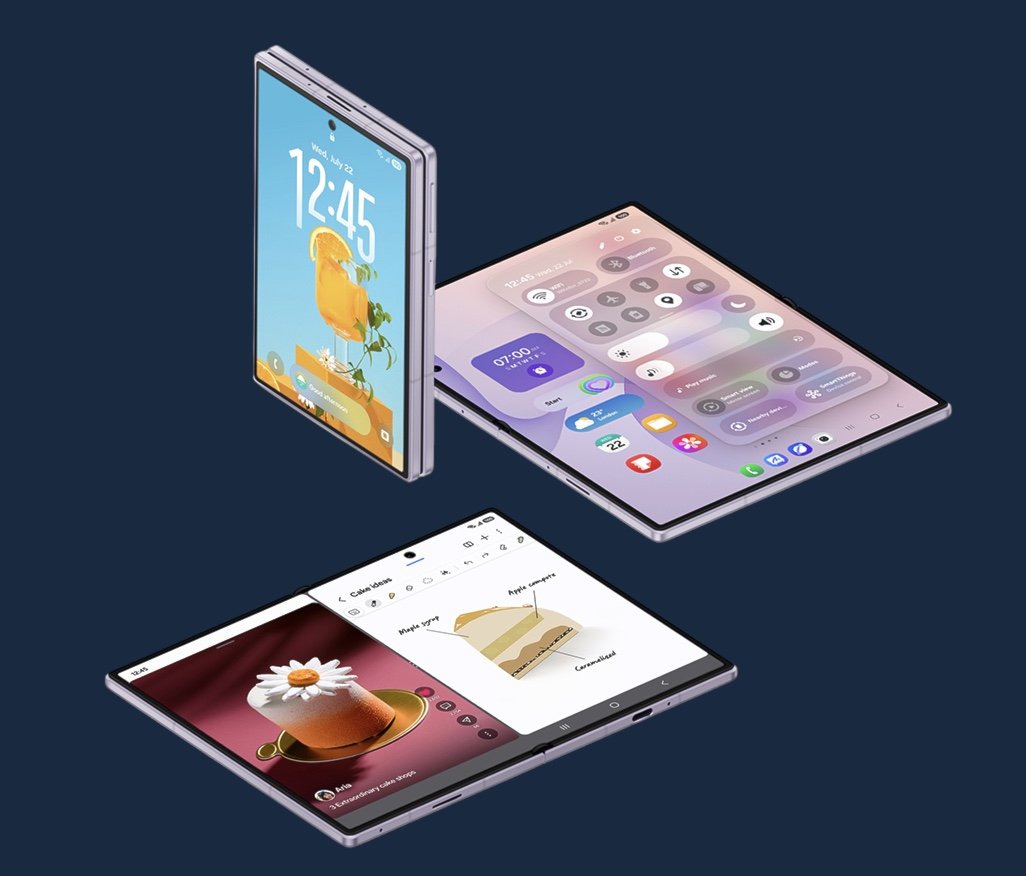
Google is continuing to refine Android’s multitasking experience for foldable devices, with a new experimental feature that could make switching between apps and window layouts considerably more intuitive. The latest Android Canary build introduces an app handle that allows users to move applications between full-screen and split-screen modes using simple drag gestures.
The feature is currently being tested in Android Canary 2608, Google’s preview channel for early platform development. A small handle appears at the top of running apps, allowing users to drag a window into split-screen mode or expand it back to full screen. Apps running as Android 17’s new App Bubbles can also be restored to full-screen by dragging the handle or tapping it to access a quick “Move to full screen” option.
The addition builds on Google’s broader effort to make Android better suited to foldable hardware. Android 17 introduced App Bubbles as a way to keep frequently used apps readily accessible without interrupting the current workflow. The new app handle complements that system by reducing the number of taps and menus required to rearrange windows, making multitasking feel more fluid on larger displays.
The concept is not entirely new. Samsung has offered comparable window management controls in One UI for several generations, particularly when using split-screen mode on Galaxy Fold devices. Google’s implementation, however, signals an effort to bring similar functionality directly into Android itself, potentially creating a more consistent experience across foldable devices from different manufacturers.
At present, the feature is exclusive to foldables and does not appear on conventional smartphones. That limitation reflects the practical realities of multitasking, as foldable displays provide significantly more screen space for running multiple applications simultaneously. On standard phones, the benefit would likely be far less pronounced.
As with many Canary features, there is no guarantee the app handle will reach the stable version of Android. Google’s experimental builds often serve as testing grounds for interface ideas, some of which evolve substantially or never make it into public releases. Even so, its appearance suggests Google remains focused on improving productivity features as foldables become a more established segment of the Android ecosystem.
The timing is also notable. With Google’s next-generation foldable hardware expected later this year, the company could use the feature to further distinguish the software experience on devices such as the anticipated Pixel 11 Pro Fold before expanding support to existing Pixel Fold models through a future Android 17 Feature Drop.
As foldable smartphones continue to mature, software is becoming just as important as hardware innovation. Features that reduce friction when managing multiple apps can have a greater impact on day-to-day usability than incremental hardware upgrades, making refinements like the app handle an important part of Android’s evolution on large-screen devices.