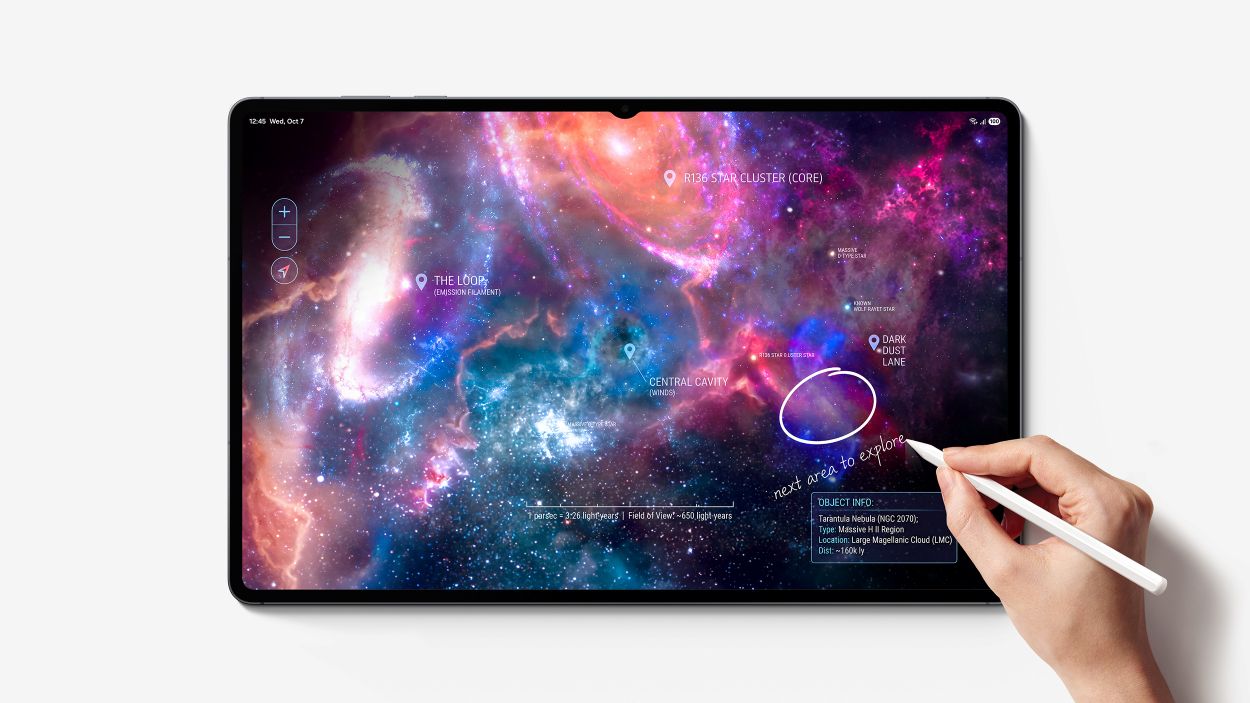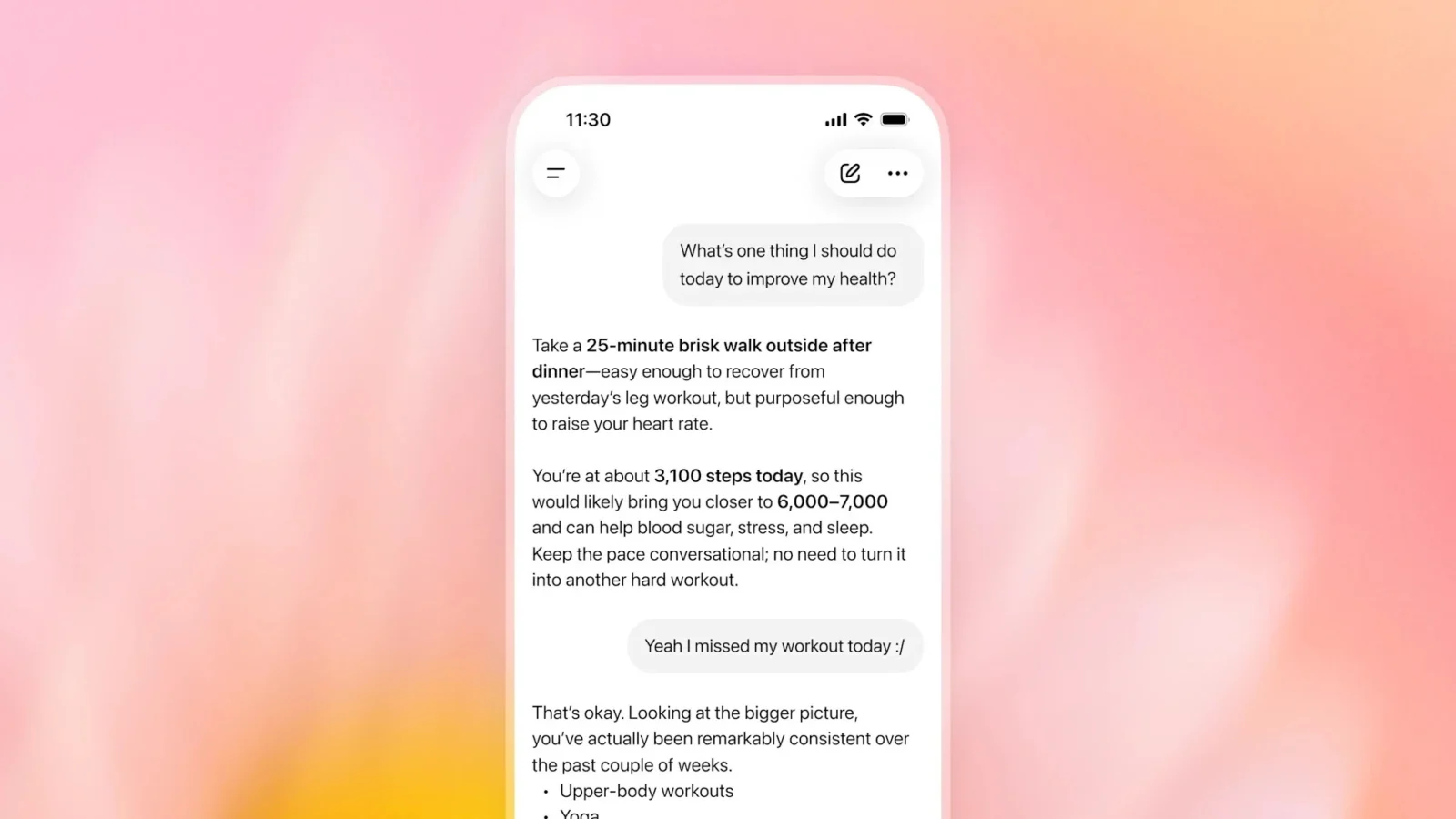

Google is bringing Gemini directly to Windows, giving PC users a dedicated desktop app that can be summoned without leaving whatever they are currently working on. The Gemini app for Windows is available globally from September 10 and supports both Windows 10 and Windows 11.
The most immediately useful feature is a system-wide Alt + Space keyboard shortcut. Pressing it opens Gemini over the current application, allowing users to ask a question, check information or generate content without first navigating to a browser. Once finished, they can dismiss Gemini and return to the application underneath.
That may sound like a relatively small convenience, but reducing friction is becoming an important battleground for desktop AI assistants. Microsoft has naturally been pushing Copilot deeper into Windows, while other AI companies have been looking for ways to move their assistants beyond browser tabs. A native Gemini app gives Google a more persistent position on PCs where Microsoft controls the operating system.
The Windows app isn’t limited to quick prompts. It also provides a dedicated Gemini workspace containing features already available through Google’s wider AI ecosystem. That includes Gemini Spark, which Google describes as a personal AI agent capable of handling multi-step tasks.
Google’s existing app integrations are part of the package as well. Users can ask Gemini to work with information from services including Gmail and Google Drive, potentially making the Windows app particularly useful for people already invested in Google’s productivity ecosystem. As always, the usefulness of that integration will depend heavily on what users are comfortable allowing an AI assistant to access.
Generative media tools are also accessible from the desktop app. Google says users can create images with Nano Banana and generate video through Gemini Omni without moving between separate applications. That turns the Windows release into more than a simple shortcut to a chatbot, although availability and usage limits for individual AI features may still depend on Google’s respective services and plans.
Google describes the application as lightweight and says it is designed to run without noticeably slowing down a PC. That’s the company’s claim rather than an independent performance assessment, and resource consumption will be worth watching as the app reaches a much broader range of Windows hardware.
More native desktop capabilities are also planned, although Google hasn’t detailed everything coming next. That leaves the initial release feeling partly like a foundation for deeper Windows integration rather than the finished version of Google’s desktop AI ambitions.
The larger story is how quickly AI assistants are moving from websites into the operating system layer. Google’s challenge is that Windows already has Microsoft’s own AI strategy built around it. Gemini doesn’t need to replace Copilot to succeed, however. If Alt + Space becomes muscle memory for existing Gemini users, Google will have secured something arguably more valuable: a permanent place in their everyday PC workflow.