


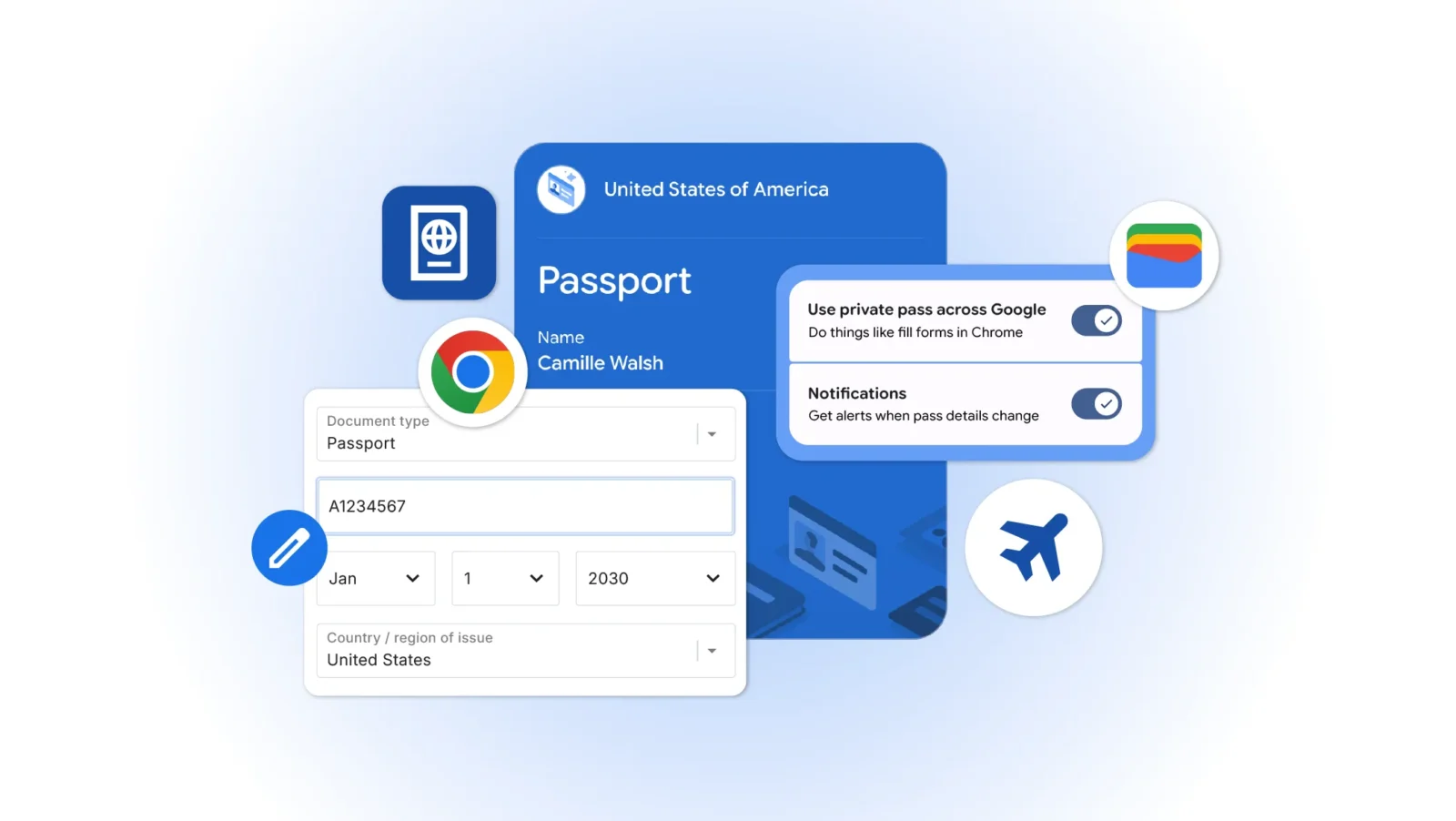
Google Chrome is expanding its autofill features on mobile devices, integrating more closely with Google Wallet to handle complex personal data. The update, rolling out to iOS and Android users, builds on earlier efforts to automate routine online forms such as flight check-ins or parking payments. Chrome can now pull in details like flight information, vehicle license plates, and VINs, aiming to reduce manual entry in everyday scenarios.
At the same time, the browser is pulling additional identity information directly from Google Wallet. This includes driver’s license data, passport details, and Known Traveler Numbers for relevant forms. If the information is not already saved in Wallet, Chrome offers the option to store it there after the first entry. The system requires explicit user permission for saving or filling data, and sensitive information remains encrypted. Users can manage or edit entries through Wallet settings or Chrome’s autofill and passwords section, with private passes like IDs subject to their own controls.
This development continues a longer trend in browsers toward smarter form handling, yet it also raises familiar questions about convenience versus data centralization. Google has steadily expanded autofill over the years, moving from basic passwords and addresses to richer datasets. The Wallet integration makes practical sense for frequent travelers or drivers who repeatedly enter the same details, potentially shaving seconds off repetitive tasks. However, consolidating more identity documents in one ecosystem increases the stakes if access is ever compromised, despite encryption and permission prompts. Past incidents across the industry have shown that no single point of storage is immune to scrutiny over long-term privacy implications.
For many users, the real test will be reliability across different websites and regions. Autofill has occasionally faltered on non-standard forms or international sites, and the added complexity of identity documents could amplify those inconsistencies. Google positions the feature as a time-saver, which holds for straightforward cases, but thoughtful users may prefer selective adoption rather than full automation, especially for sensitive travel or financial contexts. The ability to review and manage data centrally is a positive step, though it still relies on users staying vigilant about permissions and stored information.
Chrome’s move aligns with broader efforts to embed digital wallets deeper into daily browsing, following similar integrations in other platforms. It arrives alongside other Chrome updates, including expanded AI features in various regions, reflecting the browser’s evolution from a simple web viewer into a more proactive personal assistant. While these capabilities can streamline workflows for travelers and daily commuters, they also underscore the ongoing trade-off between frictionless experiences and maintaining control over personal data. Users should weigh the practical benefits against their individual comfort level with centralized storage before enabling the full suite of options.