


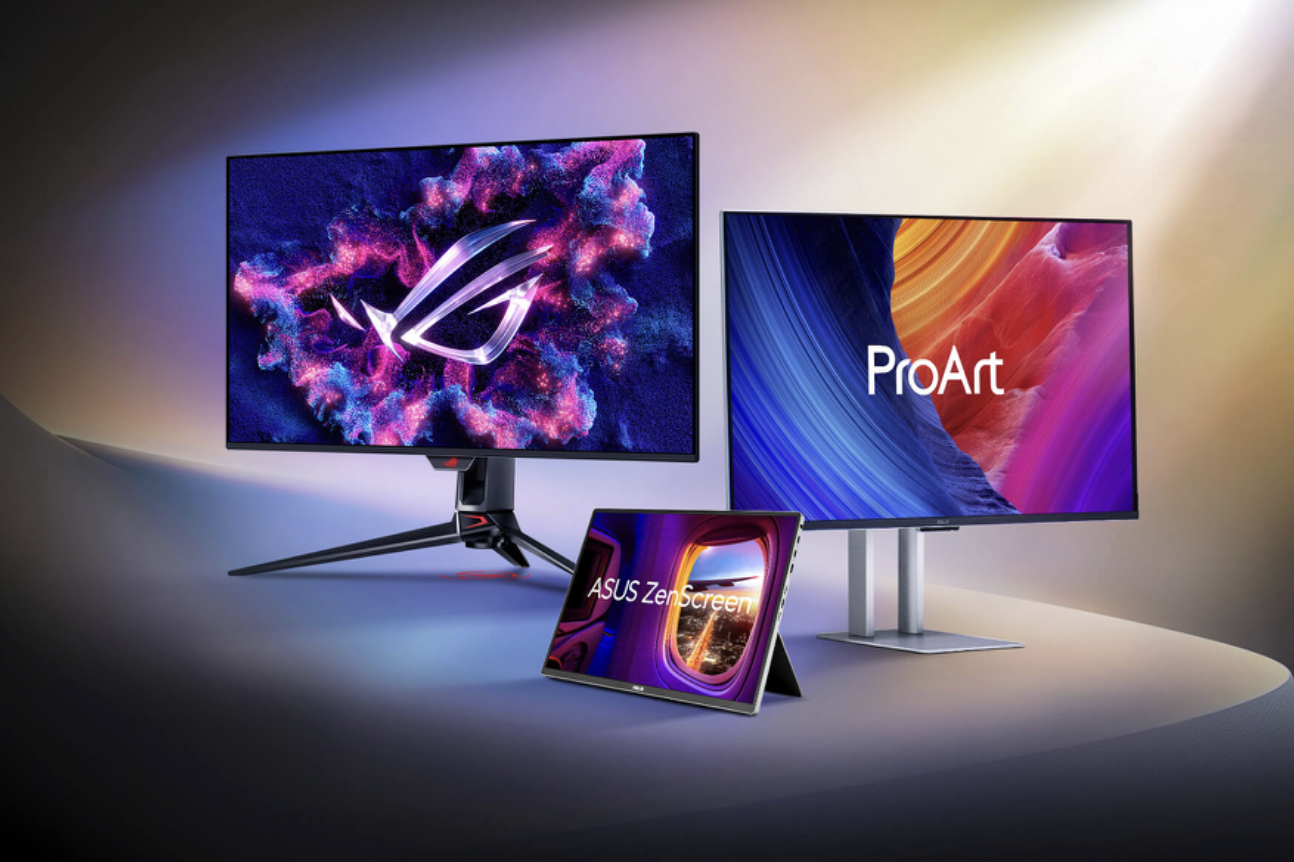

OLED monitors have spent the last few years as the forbidden fruit of PC gaming: gorgeous to look at, painful to pay for, and shadowed by the burn-in boogeyman. ASUS’s Black Friday 2026 promotion takes a real swing at the first problem, with savings of up to 30 percent across its ROG, ProArt and ZenScreen OLED lineups. In the UAE, the deals went live on November 5 at Microless, Adarc and Amazon, with Saudi Arabia starting the same day, Kuwait on November 6 and Qatar on November 20. As always, “up to” means the headline discount applies to selected models, not the whole range. Even so, it’s the most realistic entry point into OLED that ASUS has offered in this region so far.
The brand also arrives with serious momentum. TrendForce’s Q3 2025 data put ASUS at number one in global OLED monitor market share, and it kept the top spot in Q1 2026. That doesn’t automatically make every ASUS panel the right one for you, but it does suggest a mature lineup with solid support behind it. The smarter question is not “which ASUS OLED is best?” but “which one is best for my room, my platform and my workload?”
Your lighting decides more than your refresh rate
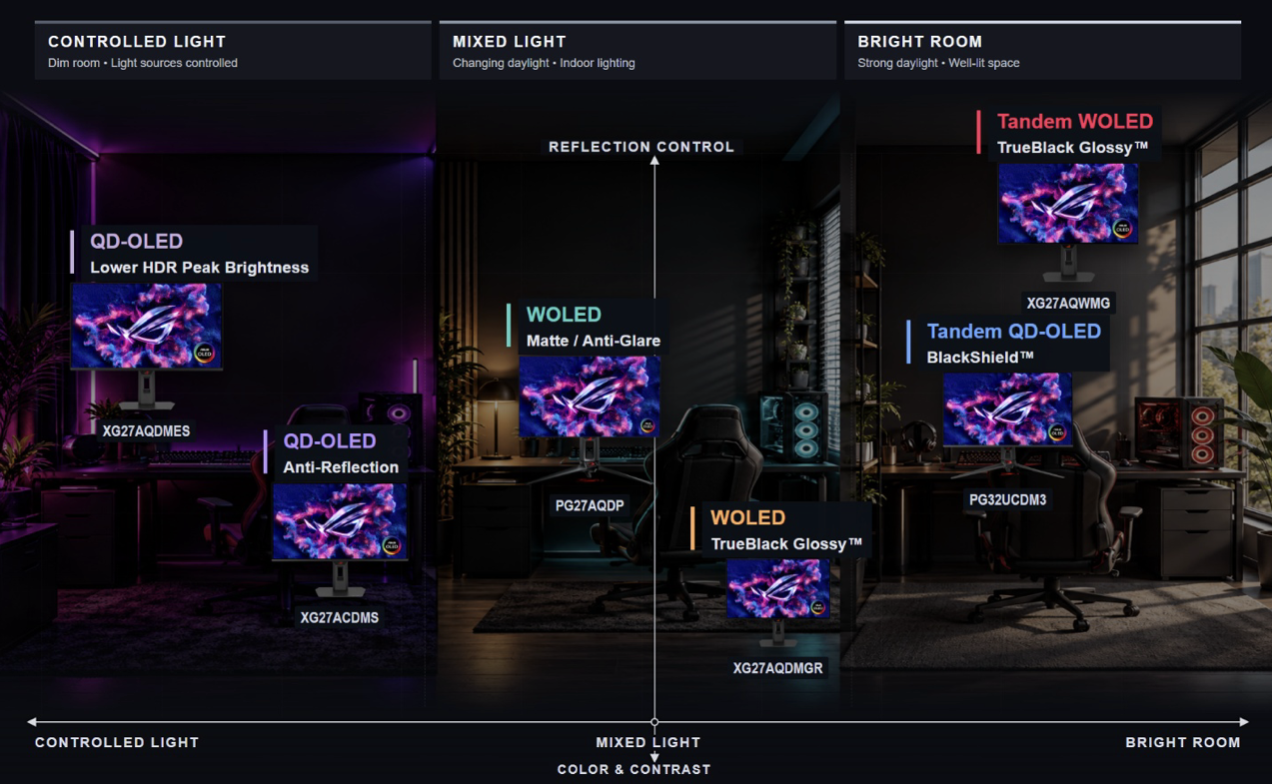
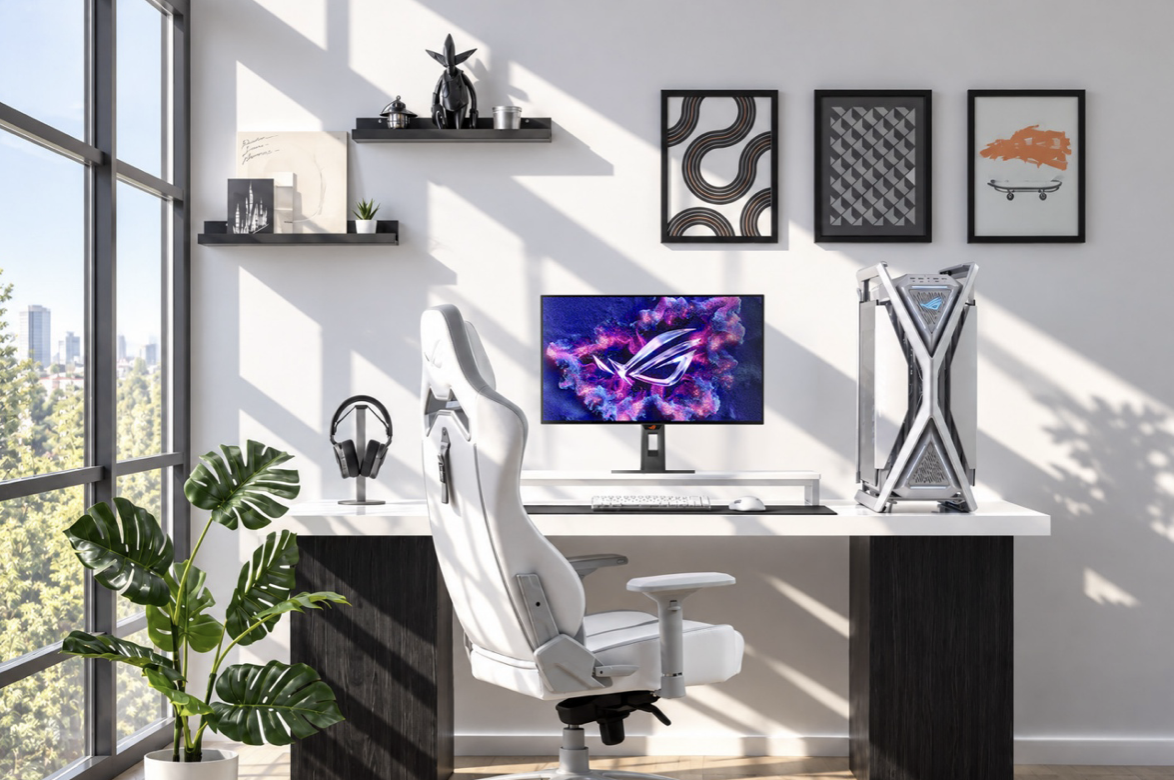
Here’s the part most spec-sheet shoppers miss: an OLED panel’s finish reacts to the light around it, so the same monitor can look spectacular in one room and slightly flat in another. ROG sells glossy, semi-glossy and matte OLEDs precisely because no single coating wins everywhere. Glossy delivers the deepest blacks and richest colours but happily mirrors your window back at you. Matte tames reflections but can soften blacks a touch in a dark room. In a UAE apartment with floor-to-ceiling glass and serious afternoon sun, that trade-off isn’t academic, so think about where the light hits before you think about hertz.
If direct sunlight lands on your screen for part of the day, you need a panel built to fight glare. ASUS recommends Tandem OLED with a TrueBlack Glossy finish, QD-OLED with BlackShield film, or a matte panel for these bright setups. The ROG Strix OLED XG27AQWMG, a Tandem WOLED at 27 inches, 1440p and 280Hz, is the fast, desk-friendly option. The ROG Swift OLED PG32UCDM3 steps up to a 32-inch 4K QD-OLED at 240Hz for players who want a big, razor-sharp canvas. Choose the Strix for competitive pace and the Swift if 4K immersion matters more than your budget.
Mixed light and blackout rooms
Most desks live in mixed light, sitting back from the window with mostly indoor lighting and the occasional burst of daylight. Here, a non-tandem WOLED is the sweet spot, resisting casual glare while keeping the deep contrast you’ll enjoy once the sun goes down. The ROG Swift OLED PG27AQDP offers a matte 1440p panel at an outrageous 480Hz, which only makes sense if you play esports titles seriously and own a GPU that can feed it. The ROG Strix OLED XG27AQDMGR, a glossy TrueBlack panel at 240Hz, is the saner pick for most gamers. It’s also likely to be the better value once the discount kicks in.
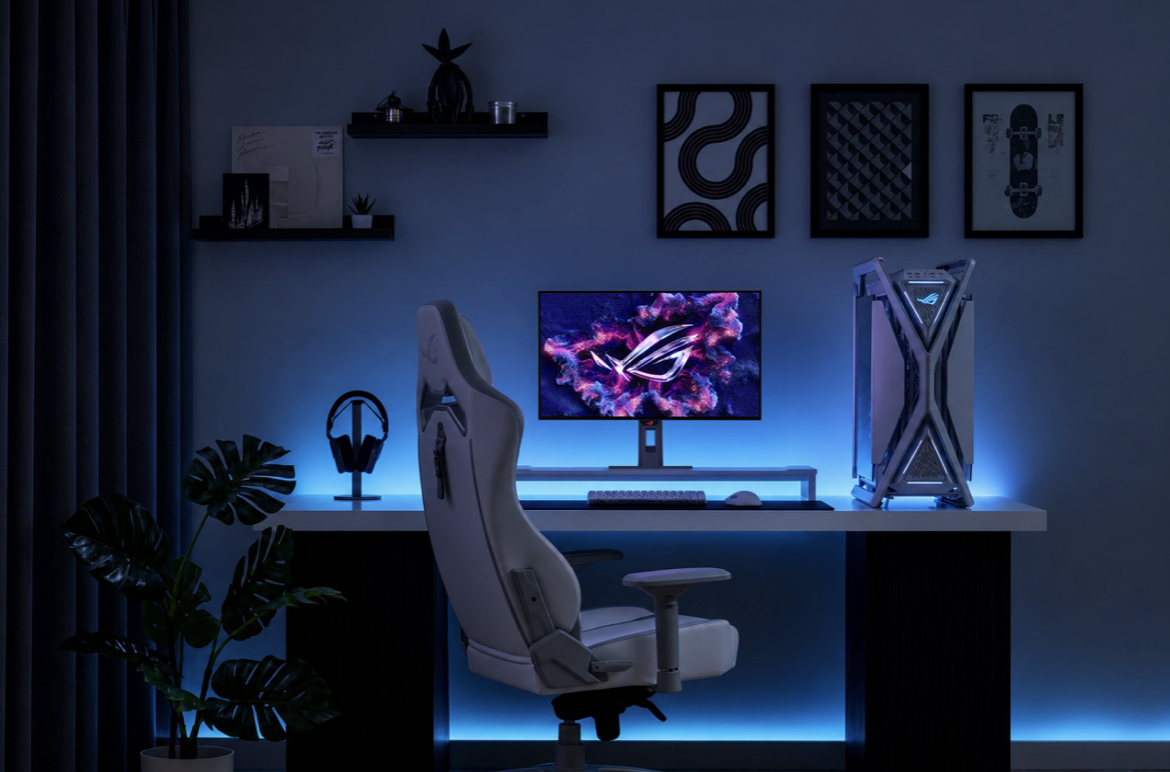
If you game with blackout curtains drawn or in a windowless room, QD-OLED is the obvious choice. With reflections out of the picture, its colour punch and inky blacks get to shine without interference. The ROG Strix OLED XG27AQDMES and ROG Strix OLED XG27ACDMS are both 27-inch 1440p QD-OLED panels, at 240Hz and 280Hz respectively. The gap between them is narrow, so whichever lands at the lower Black Friday price is the one I’d lean towards. Just don’t park either one opposite a sunny balcony and then wonder why the blacks look grey.
Console players need HDMI 2.1 and HGIG
If a PS5 or Xbox Series X is in the mix, HDMI 2.1 is non-negotiable, because it’s what unlocks 4K at 120Hz with HDR. ASUS’s 32-inch 4K picks for console players are the ROG Strix OLED XG32UQDMS, ROG Strix OLED XG32UCWG and ROG Swift OLED PG32UCWM, all with dual-mode switching between crisp 4K and a faster Full HD mode for competitive matches. Prefer 1440p? ASUS’s ROG 1440p OLEDs accept 4K input from consoles at 60Hz or 120Hz depending on the model, downscaling to native QHD while keeping variable refresh rate. The console HDR mode follows the HGIG tone-mapping curve consoles expect, so highlights and shadows look right without a weekend of calibration. The XG27AQWMG and XG27AQDMGR both support this, making them excellent hybrid PC-and-console monitors.
ProArt for creators, ZenScreen for the road
ProArt OLED is a different purchase altogether, aimed at people who are paid to get colour right. These monitors pair OLED contrast with professional-grade colour accuracy, support for multiple HDR formats, broad connectivity and intelligent calibration tools. The ProArt Display OLED PA279CDV and PA329CDV give you 4K QD-OLED at 120Hz in 27-inch and 32-inch sizes, while the PA27USD and PA32USD keep 4K but jump to 240Hz. That faster pair suits creators who game after deadlines, while pure editors can safely save money on the 120Hz models. If your work mostly ends up on Instagram, though, a pro-grade HDR display is a luxury rather than a requirement.
ZenScreen is the world’s best-selling portable monitor line, and its OLED models target anyone who works from cafés, airport lounges or hot desks. The ZenScreen OLED MQ16FC is a slim 16-inch 1920 x 1200 panel that turns a single laptop into a dual-screen setup. The ZenScreen Duo OLED MQ149CD is the bolder option, folding two 14-inch 1920 x 1200 OLED panels into one portable package for serious multitaskers. Check your laptop’s ports before buying, because a portable monitor is only as useful as its connection.
Burn-in protection is good, but read the warranty
ASUS tackles burn-in from several angles, starting with custom heatsinks, optimised airflow and model-specific cooling to keep panel temperatures in check. ROG models add ASUS OLED Care features such as Pixel Cleaning, Screen Move, Pixel Shift and Boundary Detection, managed through DisplayWidget Center, and supported models get a Neo Proximity Sensor that blacks out the screen when you step away. ProArt models offer adjustable Panel Protection and Image Protection that dim taskbars, logos and video edges, plus a proximity sensor that gradually lowers brightness. The headline reassurance is a three-year warranty with burn-in coverage, but only on eligible models in select regions. Confirm UAE coverage for your exact model with the retailer before paying, and if your day is twelve hours of static spreadsheets, an IPS or mini-LED panel may still be the smarter tool.
Bottom Line
The right OLED this Black Friday comes down to your room first, your platform second and your wallet third. Sun-soaked desks suit the XG27AQWMG or PG32UCDM3, mixed-light setups suit the XG27AQDMGR, and blackout rooms are where QD-OLED models like the XG27ACDMS truly shine. Console players should insist on HDMI 2.1 and HGIG, creators should buy ProArt for the work they actually do, and frequent travellers will get the most from a ZenScreen. Compare the same model across Microless, Adarc and Amazon, check ASUS’s OLED selection guide, and confirm burn-in warranty terms before you check out.
| Model | Panel | Size, Resolution and Refresh Rate |
| ROG Strix OLED XG27AQWMG | Tandem WOLED, TrueBlack Glossy | 27″ (26.5″ viewable), 2560 x 1440, 280Hz |
| ROG Swift OLED PG32UCDM3 | QD-OLED, BlackShield film | 32″ (31.5″ viewable), 3840 x 2160, 240Hz |
| ROG Swift OLED PG27AQDP | WOLED, matte | 27″ (26.5″ viewable), 2560 x 1440, 480Hz |
| ROG Strix OLED XG27AQDMGR | WOLED, TrueBlack Glossy | 27″ (26.5″ viewable), 2560 x 1440, 240Hz |
| ROG Strix OLED XG27AQDMES | QD-OLED | 27″ (26.5″ viewable), 2560 x 1440, 240Hz |
| ROG Strix OLED XG27ACDMS | QD-OLED | 27″ (26.5″ viewable), 2560 x 1440, 280Hz |
| ProArt Display OLED PA279CDV | QD-OLED | 27″ (26.5” viewable), 3840 x 2160, 120Hz |
| ProArt Display OLED PA329CDV | QD-OLED | 32″ (31.5” viewable), 3840 x 2160, 120Hz |
| ProArt Display OLED PA27USD | QD-OLED | 27″ (26.5″ viewable), 3840 x 2160, 240Hz |
| ProArt Display OLED PA32USD | QD-OLED | 32″ (31.5″ viewable), 3840 x 2160, 240Hz |
| ZenScreen OLED MQ16FC | OLED | 16″, 1920 x 1200 |
| ZenScreen Duo OLED MQ149CD | Dual OLED, foldable | Two 14″ panels, 1920 x 1200 each |