



By the time someone asks for a Friday project update, most of the information already exists. A revised quote is sitting in the project folder. Someone has updated the budget. The approval everyone was waiting on is buried halfway down the meeting notes. Writing the update might take ten minutes. Finding out what actually happened can take the better part of an hour.
That’s the kind of work ASUS has in mind with its Agent Computer. You could give your desktop a standing instruction to check the project folder every Friday afternoon, compare what it finds with the previous update and draft a handover. When you return, you have a document to review and, ideally, a shorter list of people to chase.
There’s a familiar idea underneath all this. PCs have been running unattended jobs for decades. What an AI model adds is the ability to work with instructions and information expressed in ordinary language. A backup program can tell that a document has changed. An agent with access to both versions could help explain what changed, such as a supplier moving its delivery date from the week before an event to the morning of setup.
What makes an Agent Computer?
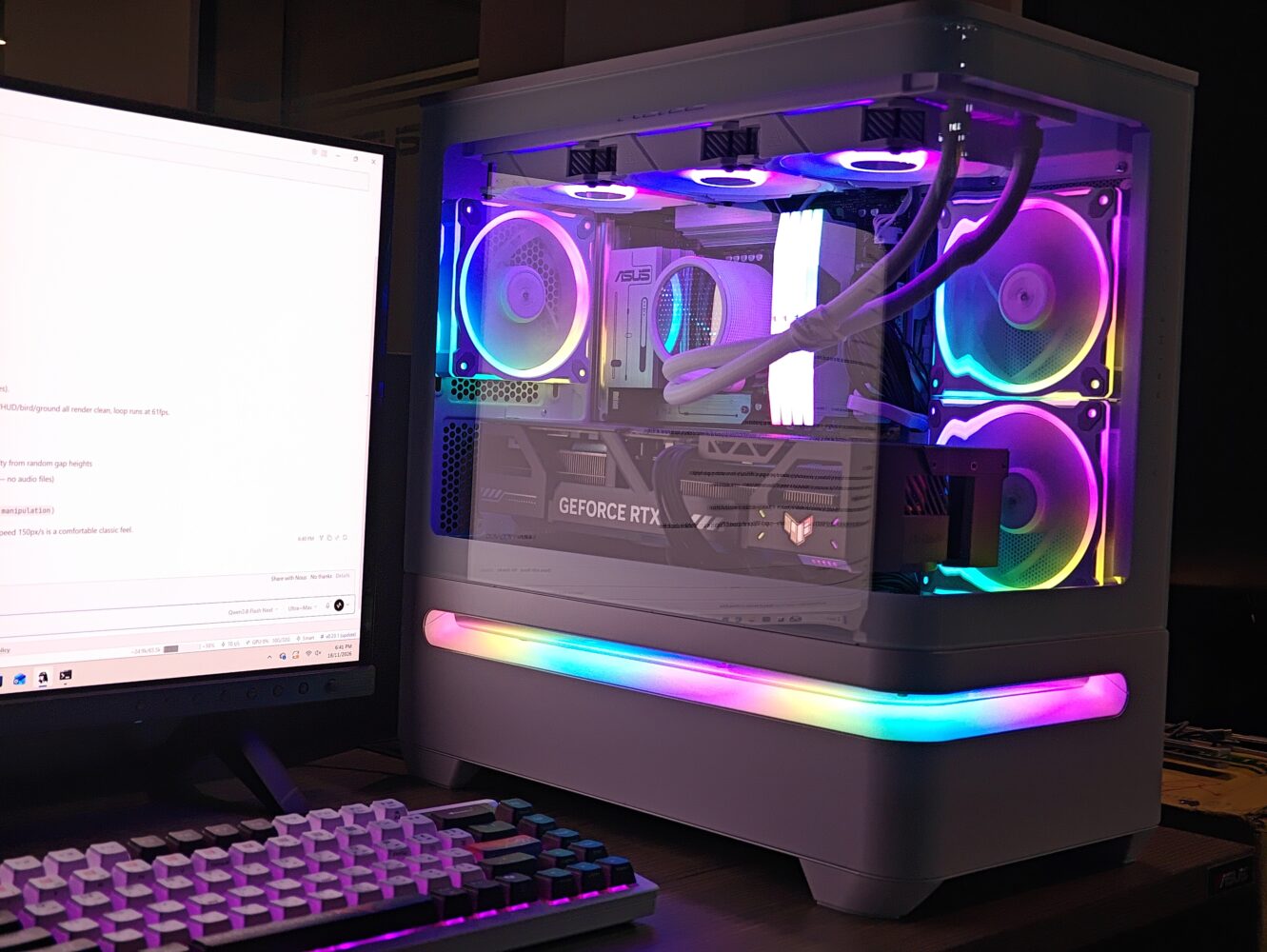
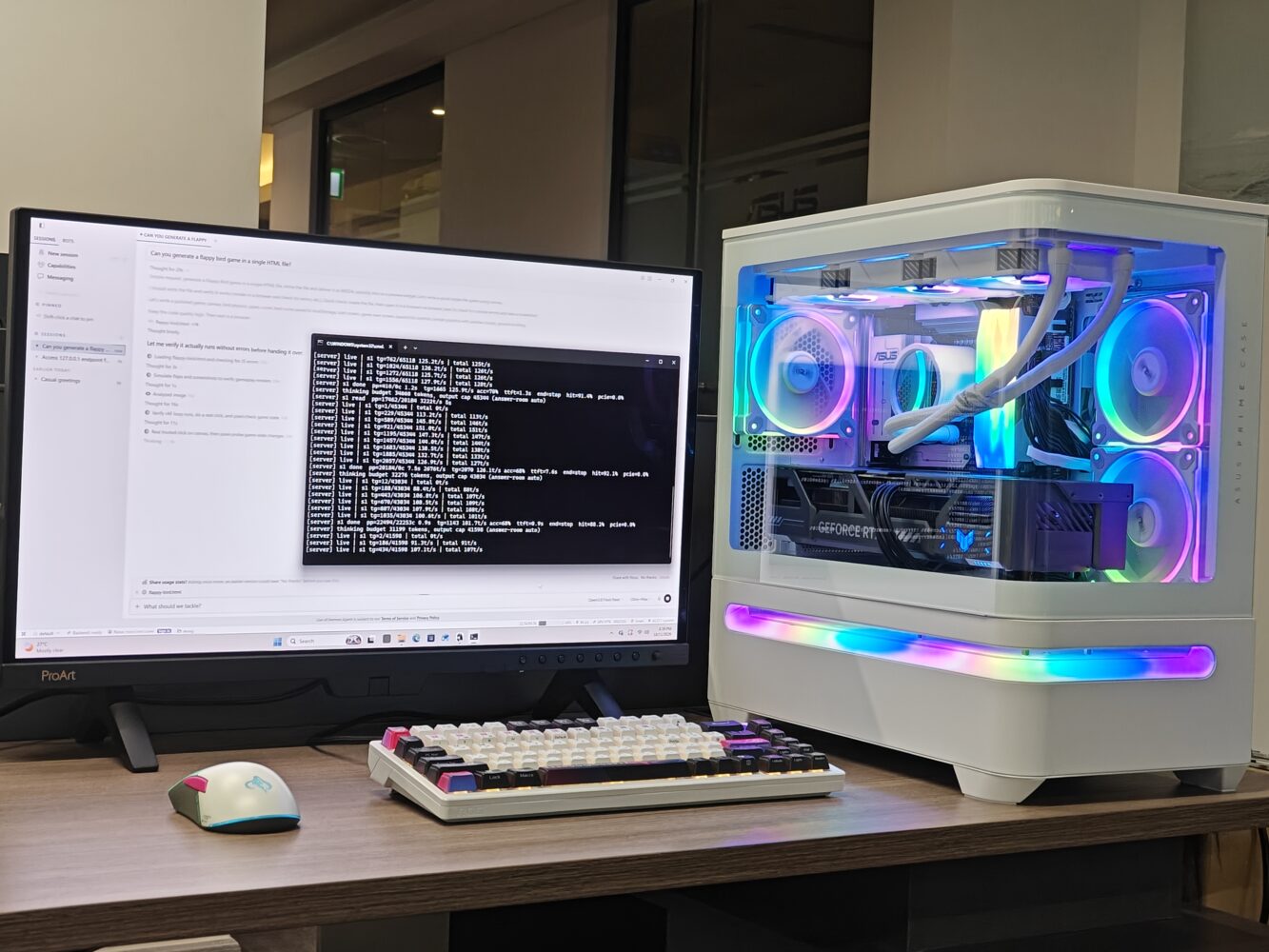
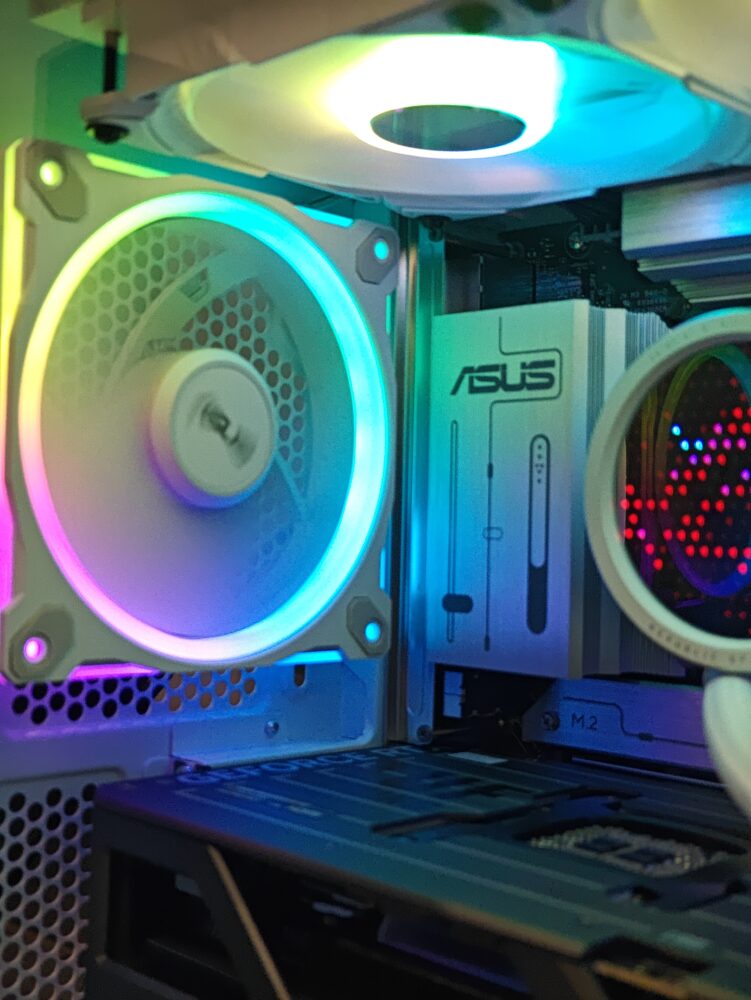
The Powered by ASUS desktops are systems built using ASUS motherboards and graphics cards. The hardware gives you the capacity to run a compatible AI model on the PC itself. The model interprets your request, while the agent software gives it access to the tools it needs to carry out the job. You choose the software and decide which folders or services it can use. What comes installed depends on the retailer and configuration.
The useful question when setting one up is how much authority a particular job requires. Preparing a handover might need permission to read one project folder and save a draft. Sending that draft to a client is a separate decision you might want to approve yourself. Once a recurring check is configured, the desktop can run it while you’re away, provided the machine stays on and awake.
What does an AI agent actually do on a desktop?
If you’ve ever shopped for a PC upgrade in the UAE, you know how quickly a simple question can fill a browser with tabs. A review tells you which graphics card is faster. A retailer tells you what it costs in dirhams. The buying decision depends on putting those figures together. Is the faster card worth the difference at the prices you can actually get?
ASUS gave that job to Hermes, the agent software running on its demonstration PC. The request was specific: find UAE street prices for the 16GB versions of the ASUS Dual Radeon RX 9060 XT and GeForce RTX 5060 Ti, then use independent benchmarks to compare their value. The screenshot catches Hermes midway through the work. Its activity log shows a benchmark search and checks of Microless UAE listings for the relevant cards.
The final prices and recommendation fall outside the capture, but you can see how the agent breaks one buying question into separate research tasks. It also illustrates what “local AI” means here. The model runs on the desktop, while the agent can still go online when the answer depends on information held elsewhere.
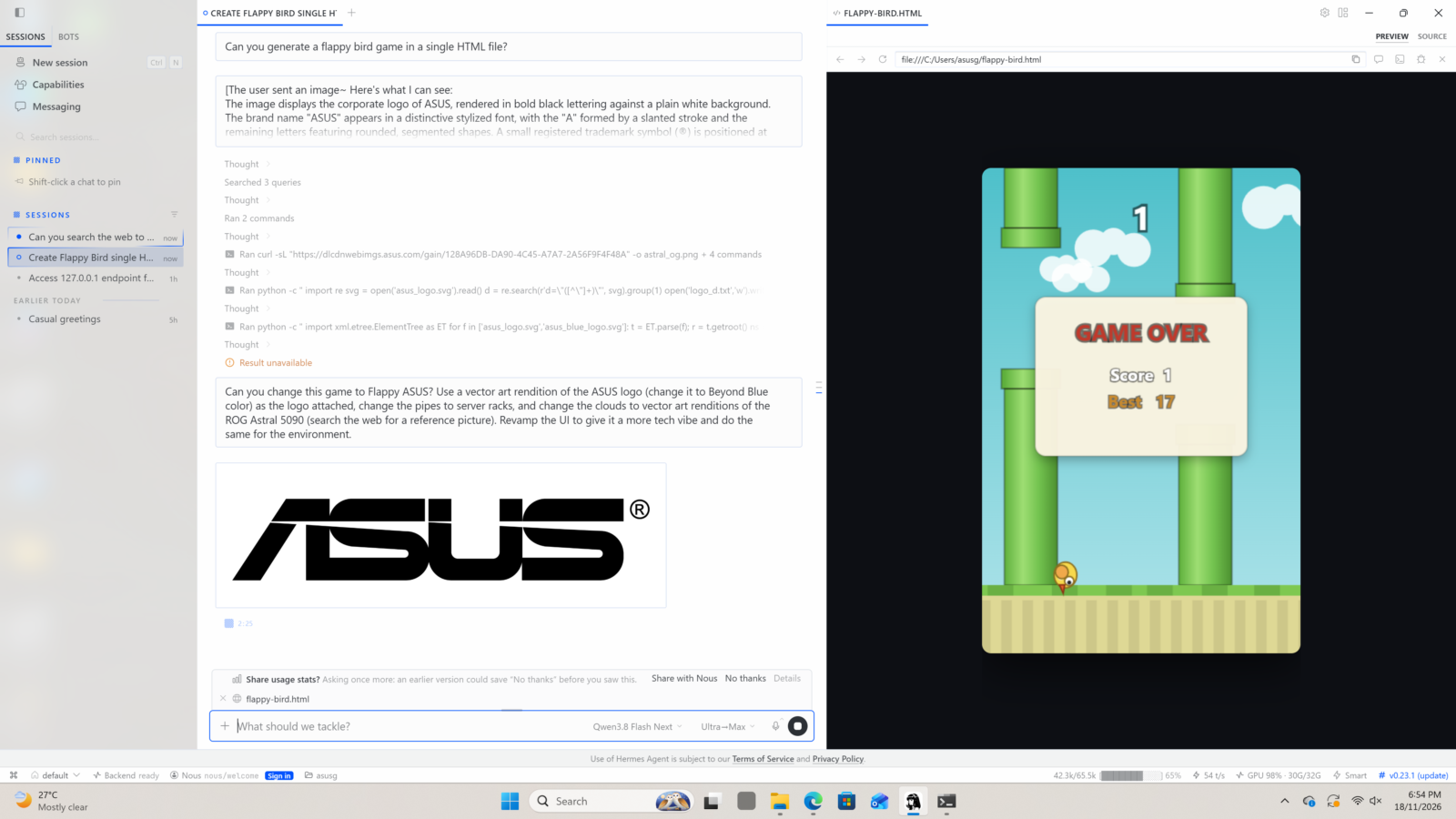
A second demonstration shows what happens when the task ends in something you can open. ASUS asked Hermes to make a Flappy Bird-style game in a single HTML file. In the resulting screenshot, the conversation sits on the left and the game runs in a preview on the right. The activity log records Hermes opening the file, checking for JavaScript errors and simulating clicks to see whether the bird responds. The preview has reached a game-over screen with a score of three and an invitation to try again.
The more revealing moment comes with the follow-up request. With the first version on screen, the user attached an ASUS logo and asked for a redesign. The later images show Flappy ASUS, with a blue logo flying through gaps between server racks. Graphics cards float in the background where clouds used to be, and the score counts “packets forwarded.”
The user could look at a first attempt and describe exactly what they wanted changed. You could imagine taking the same approach to a quiz for a classroom or a browser game for a family gathering, where seeing the first version helps you decide what the second one needs.
How fast does it feel?
ASUS also supplied a performance log for the local model, Qwen 3.8 Flash Next IQ2_XXS, running through the Basalt inference engine. One completed request generated 1,871 tokens at 136.9 tokens per second, or roughly 14 seconds of generation. The first token appeared after 1.3 seconds, and a live reading reached 148.1 tokens per second during that run. ASUS separately quotes 150 to 200 tokens per second for the demo configuration.
A token is a small unit of text, which can be part of a word or a fragment of code. That makes the figure relevant to the game demo: generating the code is one part of the job. Opening the file and trying the controls take additional time. The same applies to shopping research, where the agent has to wait for retailer pages to load. The log measures how quickly the model can produce output. The game preview shows what the rest of the software can do with it.
Why keep the work on your PC?
A fully local setup lets you process unpublished material or business records on your desktop. It also avoids a cloud API charge for each token the local model processes, although the hardware and electricity still carry a cost. If you connect an online service, the information you send through that service leaves the machine. A company might be comfortable having its desktop prepare a report locally and still want someone to review it before it goes into a shared inbox.
The most persuasive case for an Agent Computer is a job you know well enough to judge. Give it last week’s project folder and ask it to prepare the handover you’ve already written. Did it spot the late delivery? Could you trace that finding to the revised quote? How much editing did the draft need before you would put your name on it? Those answers tell you whether this is a task you can leave with your desktop next Friday.
The idea behind an ASUS Agent Computer is that you can give your PC a recurring task, choose which files it can access and come back to a result. What might that look like in everyday use? For many people, using AI starts with opening a browser. You type a question, perhaps attach a document, and wait for a reply.
Now imagine giving your computer a standing instruction: every Friday afternoon, check a project folder against a list of outstanding work and leave a short update for Monday morning. You decide what it can access, and the job runs even if you’ve already left your desk.
That’s the idea behind the ASUS Agent Computer. ASUS is working with desktop builders to put together PCs that can run an AI model locally. With the right software configured, the same computer you use for work or gaming can take on recurring tasks. How useful that turns out to be depends on what you ask it to do. How quickly it can respond is something we can put a number on.
What makes a PC an Agent Computer?
There are two pieces to understand. The AI model interprets your instructions and generates a response. The agent is the software that gives the model tools to act on those instructions. You might allow it to read a particular folder and create a summary there. If you want it to rename or move files, you can have it propose the changes for approval first.
Take a shared folder for a home renovation. Over a few weeks, it fills up with contractor quotes, revised estimates and receipts with filenames like scan004.pdf. You could ask an agent to read the documents and prepare an index showing which contractor sent each quote and when. Where it finds what appears to be a revised estimate, it could flag both versions for you to check. The result is something you can use the next time a contractor calls. You still decide which price to accept.
The same principle applies at work. An agent with a schedule and access to the right files could prepare that Friday update each week. For unattended jobs, the desktop needs to stay powered on and awake.
How fast can the AI run on a desktop?
ASUS supplied a performance log from a system running Qwen 3.8 Flash Next IQ2_XXS, a compressed AI model, through software called Basalt. The most useful number in the screenshot is 136.9 tokens per second. That was the generation rate across one completed response of 1,871 tokens. The live reading reached 148.1 tokens per second during the same run.
A token is a small unit of text, sometimes a whole word and sometimes only part of one. At 136.9 tokens per second, those 1,871 tokens took roughly 14 seconds to generate. The log also reports a 1.3-second wait for the first token on that request. In everyday terms, the first piece of output appeared quickly, and the rest followed over the next several seconds.
ASUS separately quotes 150 to 200 tokens per second for the configuration. The completed requests visible in its screenshot range from 58.7 to 136.9 tokens per second. These figures measure how fast the model produces text.
A job involving several documents will also take time to open and read them, and a fast response can still contain a mistake. In the renovation example, it’s worth checking that the amount listed against each contractor matches the original quote.
Why run it on your own PC?
The clearest reason is control over where your files go. A fully local setup can process household paperwork or unpublished business documents on the desktop. You choose which folders the agent can access. If you connect it to an online service to email a report, the contents of that message go to the service.
There’s also a different cost equation. Running the model on your own hardware avoids paying a cloud provider for each token it processes. The PC still uses electricity, and buying a powerful desktop specifically for AI is a different proposition from putting a machine you already use to work during its idle hours. The ASUS demo system used an Intel Core Ultra 7 265K and 64GB of DDR5 memory on an ASUS Prime B860M-A WiFi motherboard and a RTX 5090 TUF
For anyone considering an Agent Computer, I’d start with a job you already find yourself putting off. Give it a folder of sample paperwork and ask for the index you wish you’d had the last time you needed a receipt. Then open a few originals and check its work.
That test tells you something a speed figure alone can’t and that’s whether giving your PC the job actually gives you some time back.