TL;DR: The ROG G1000 pairs a Ryzen 9 9950X3D and RTX 5080 with brilliant tri-zone cooling and jaw-dropping holographic fans. It dominates at 1440p and handles 4K with DLSS, but at AED 31,999, the missing RTX 5090, small SSD and 40kg bulk hold it back.
Some gaming PCs are built to win benchmarks. Others are built to win the room. The ROG G1000 tries to do both, and it’s one of the most outrageous prebuilt desktops I’ve covered. ASUS paired AMD’s Ryzen 9 9950X3D with a factory-overclocked ROG GeForce RTX 5080, 64GB of DDR5, a 420mm liquid cooler and a 1000W power supply, then put all of it inside a 104-litre, 40kg tower with holographic fans. At AED 31,999 for the GM1000TY configuration, it’s priced like a used hatchback.
As a reviewer, I care most about whether the hardware lives up to the theatre, and here the answer is mostly yes. This is a performance machine first. The spectacle is the bonus, not a cover for weak internals. The questions that matter are how much of that power you can actually use, where the RTX 5080 runs out of road, and whether the price makes sense once the novelty of a spinning hologram wears off.
The G1000 also arrives at an interesting moment for PC gaming. Memory, storage and GPU prices have made building a high-end rig yourself more painful than it used to be, which pushes more enthusiasts toward prebuilt systems with predictable pricing and warranties. ASUS clearly sees that opening and wants the G1000 to be the prebuilt that even DIY purists respect.
Ryzen 9 9950X3D: the CPU that kills bottlenecks
I’ll start with the processor, because ASUS made the right call here. The Ryzen 9 9950X3D has 16 cores and 32 threads, boosts up to 5.7GHz and carries 128MB of cache thanks to AMD’s 3D V-Cache. That extra cache is what makes X3D chips gaming royalty. Games that hammer the CPU with simulation, AI routines, physics and asset streaming get fed faster, and you see that most in the 1% lows and frame pacing rather than in average framerate headlines. Average FPS gets the bragging rights, but smooth frame delivery is what you actually feel with a mouse in your hand.
The extra eight cores are why I’d pick the 9950X3D over a Ryzen 7 9800X3D in a machine like this. You get essentially flagship gaming behaviour plus serious muscle for streaming, video exports, code compiles, 3D work and running local AI tools in the background. Gamers who also create get a rig that won’t make them choose between a high-refresh match and an encode. In a system with the RTX 5080, the CPU won’t be what holds you back, and I suspect it will outlast the GPU in usefulness.
That longevity matters in a machine this expensive. GPUs are the part most enthusiasts swap first, and with the 9950X3D in place, a future graphics card upgrade should slot in without the CPU becoming the new bottleneck. In a sense, ASUS has future-proofed the half of the system that’s hardest to replace.
RTX 5080 performance: a 4K monster with a 5090 shadow
The GPU is where this review gets more nuanced. The ROG RTX 5080 OC with 16GB of GDDR7 is a properly fast Blackwell card. In many demanding games it sits in the high-double-digit to triple-digit framerates at native 4K, and with DLSS 4 and Multi Frame Generation it can push displayed framerates far higher. In Final Fantasy XIV at 4K, for example, the RTX 5080 has been measured at around 112 FPS on average, which is plenty for a high-refresh 4K display. For most people, that means maxing out settings at 4K with DLSS Quality and never thinking about it again.
The heaviest games are another story. Path-traced titles at native 4K can drop the RTX 5080 into the 30s and 40s, with Cyberpunk 2077 measured at 39 FPS on the RTX 5080 versus 63 FPS on the RTX 5090 in one recent comparison. That’s where DLSS and frame generation move from optional to required. The broader gap is significant too, with the RTX 5090 performing 30% to 68.9% better than the RTX 5080 at 4K. ASUS’s own marketing leans heavily on the 5090, which is offered in other configurations. Even so, at AED 31,999 I’d expect many buyers to want the top card and be disappointed to find the 5080 instead.
The 16GB of VRAM is the other detail I’d keep an eye on. It’s enough for today’s games at 4K, but texture-heavy releases and local AI models are eating memory quickly. The RTX 5090’s 32GB buffer gives far more breathing room for both, and that’s the kind of headroom I’d want in a machine meant to last years.
At 1440p, the G1000 goes full Doom Slayer
If 4K is where the RTX 5080 shows its limits, 1440p is where this rig lets loose. Combine a 9950X3D with an RTX 5080 at 1440p and you get a system aimed squarely at 240Hz and higher monitors. At 1440p, Final Fantasy XIV jumps to around 217 FPS average on the RTX 5080, and competitive shooters run far higher than that. This is the resolution where the X3D cache earns its keep, because a faster GPU leaves the CPU more exposed, and this CPU is one of the best on the market at keeping up.
For esports players, the combo of Reflex 2 with Frame Warp and huge native framerates should give the low-latency feel that serious competitive players care about. For single-player fans, 1440p gives breathing room to turn on ray tracing without leaning on frame generation for smoothness. For most people buying this machine, I’d point to a fast 1440p OLED or a 4K panel with DLSS enabled as the sweet spots. Either way, you’re in high-end territory without making painful compromises.
There’s also a strong argument for running frame generation sparingly here. At 1440p, the RTX 5080 often delivers enough native frames that you don’t need generated ones, which keeps input latency as low as possible. It’s the rare situation where you can choose clean image quality, high framerates and responsive controls all at once.
Memory, storage and the supporting cast
ASUS doesn’t skimp on memory. The two 32GB DDR5 sticks give 64GB, which is beyond what any game needs today but useful if you stream, edit or keep big creative apps open while gaming. With four DIMM slots and support for up to 128GB, there’s room to grow. Power delivery comes from the PRIME X870-P WIFI’s 14+2+1 80A stage design, and the board includes PCIe 5.0 for the GPU slot, USB4, Wi-Fi 7 and tool-free Q-Release and Q-Latch for upgrades.
Storage is the weak link in the spec list. A single 2TB PCIe 4.0 SSD rated up to 7,000MB/s loads games fast, and you won’t feel a real difference from Gen 5 in most games today. But 2TB disappears quickly when modern AAA installs often exceed 100GB, and at this price I wanted 4TB or two drives. The good news is that four M.2 slots and six SATA ports make expansion simple. The 1000W 80 PLUS Gold modular PSU is a smart choice, leaving headroom for a future GPU upgrade.
The motherboard choice still bugs me a little. PRIME is ASUS’s mainstream line, and while this board’s specs are solid, a ROG-badged flagship at this price deserves a ROG board to match. It won’t hurt performance, but it’s the kind of detail enthusiasts notice and remember.
Thermal Atrium: the engineering behind sustained performance
Performance on paper means nothing if the hardware throttles after 20 minutes, which is why the cooling design is my favourite part of the G1000. ASUS splits the chassis into three separate thermal zones for the CPU, GPU and PSU, so heat from one component doesn’t cook the others. The CPU gets a 420mm triple-fan AIO inside the Thermal Atrium, a dedicated chamber that pulls fresh outside air instead of recycled case air. The GPU zone gets dual 200mm front intakes, a 140mm rear exhaust and a 140mm bottom intake, giving the overclocked RTX 5080 a separate supply of cool air.
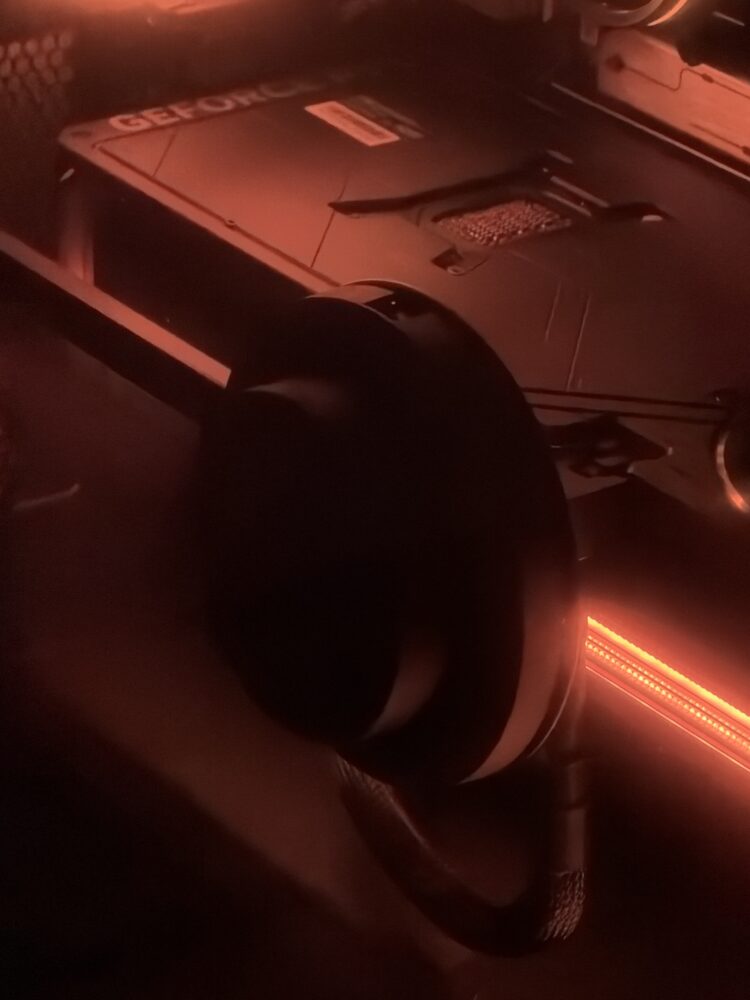
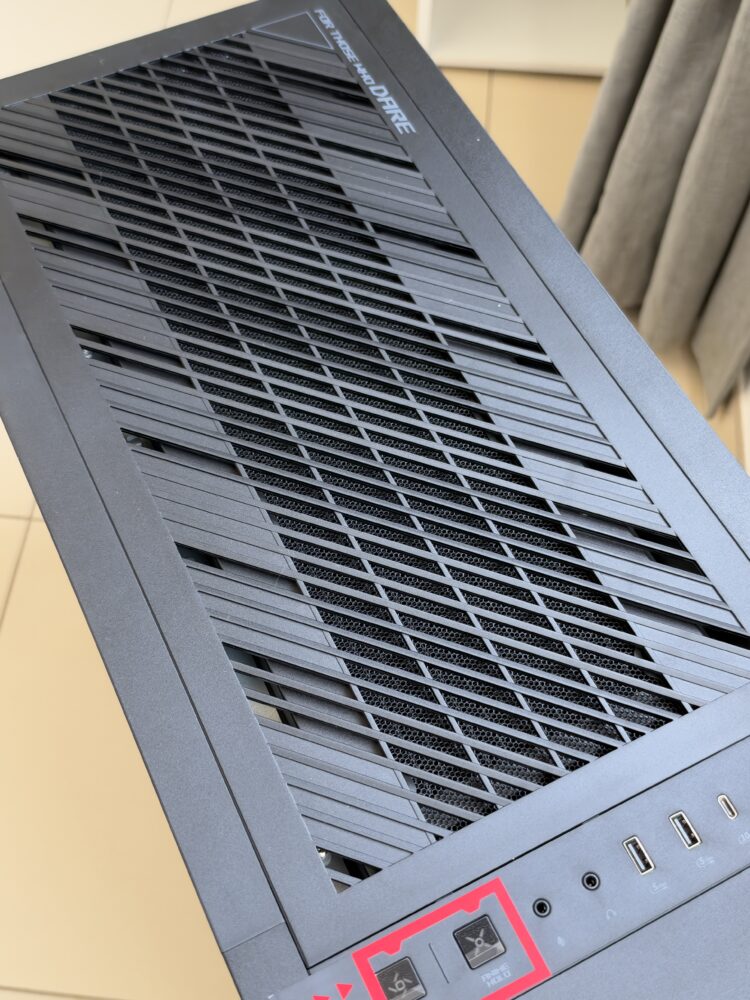
ASUS claims intake air up to 16°C cooler and twice the airflow compared to the ROG G700, based on its own lab tests, and says the design can handle more than 1000W of heat. Those are manufacturer figures, not my own measurements, but the engineering logic is sound. A 420mm radiator gives so much surface area that its fans can likely run slower for a given load, which should help with noise during long sessions. That’s what separates a sprinter from a marathon runner, and the G1000 is built for the marathon. Full dust filtration on the top, bottom and front adds to that long-term reliability.
This matters even more in hot climates, where ambient room temperatures eat into every cooler’s headroom. A design that feeds the CPU and GPU fresh air separately gives the hardware a better shot at holding its boost clocks when the room itself is working against you. It’s practical engineering hiding behind the flashy marketing names.
AniMe Holo: the most extra thing ASUS has done
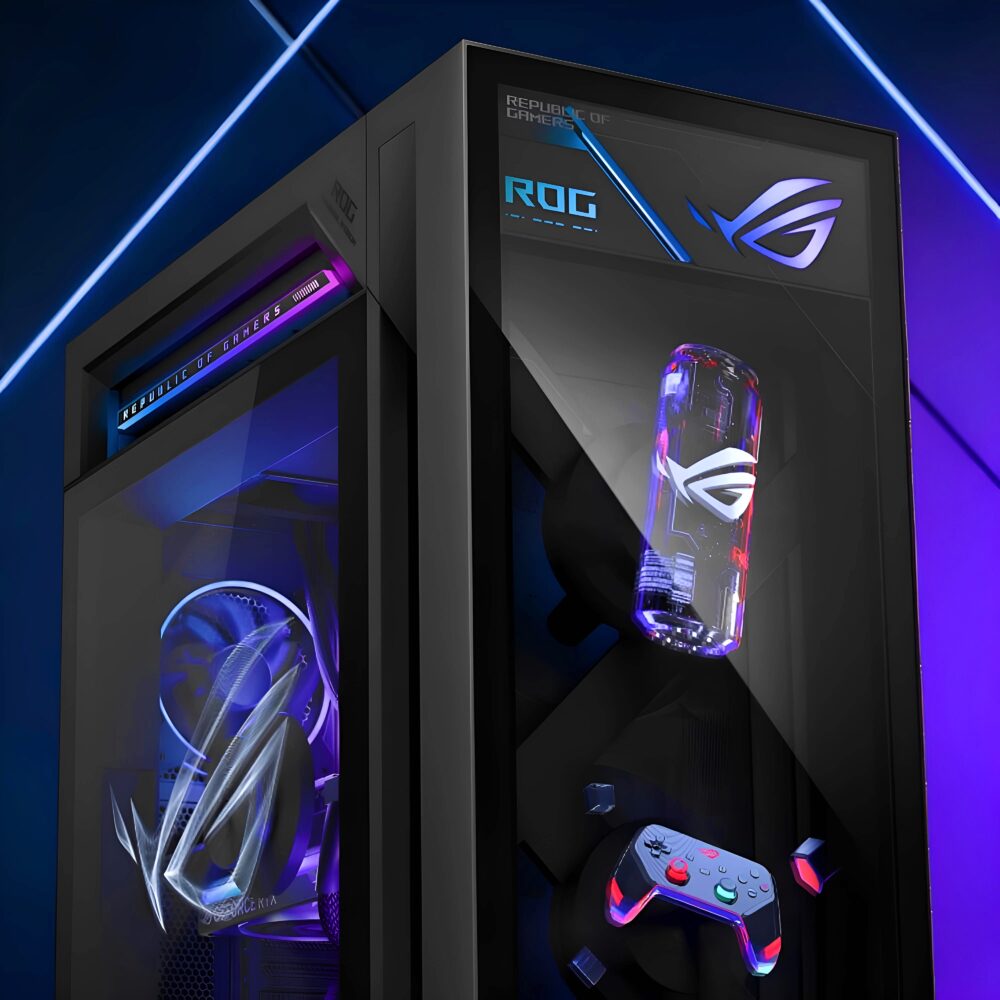
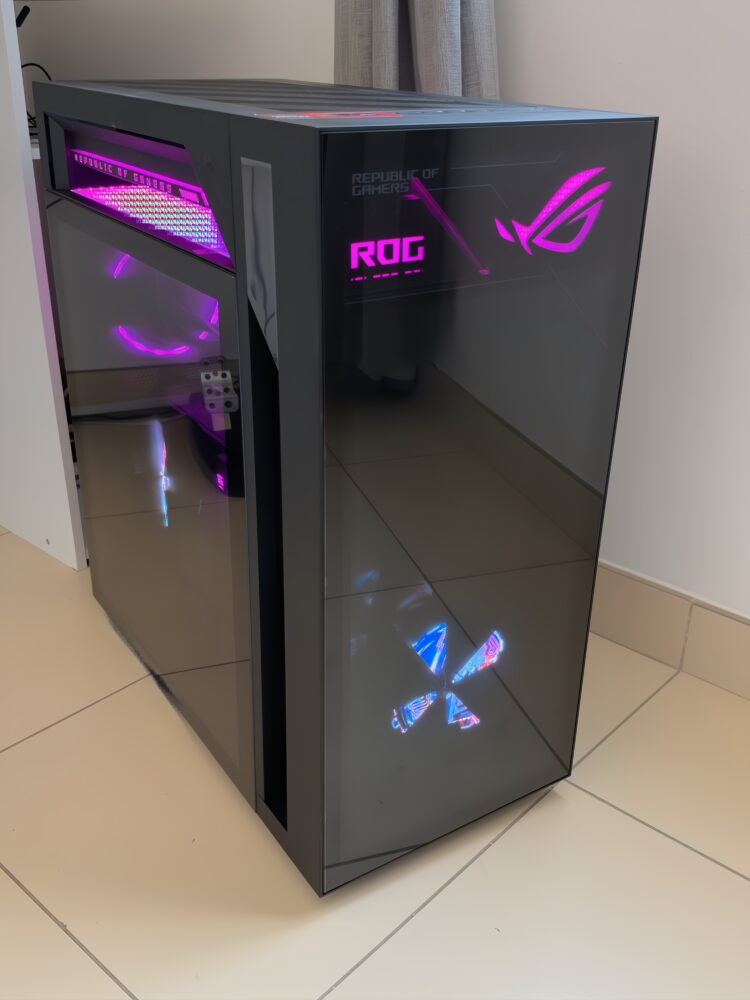
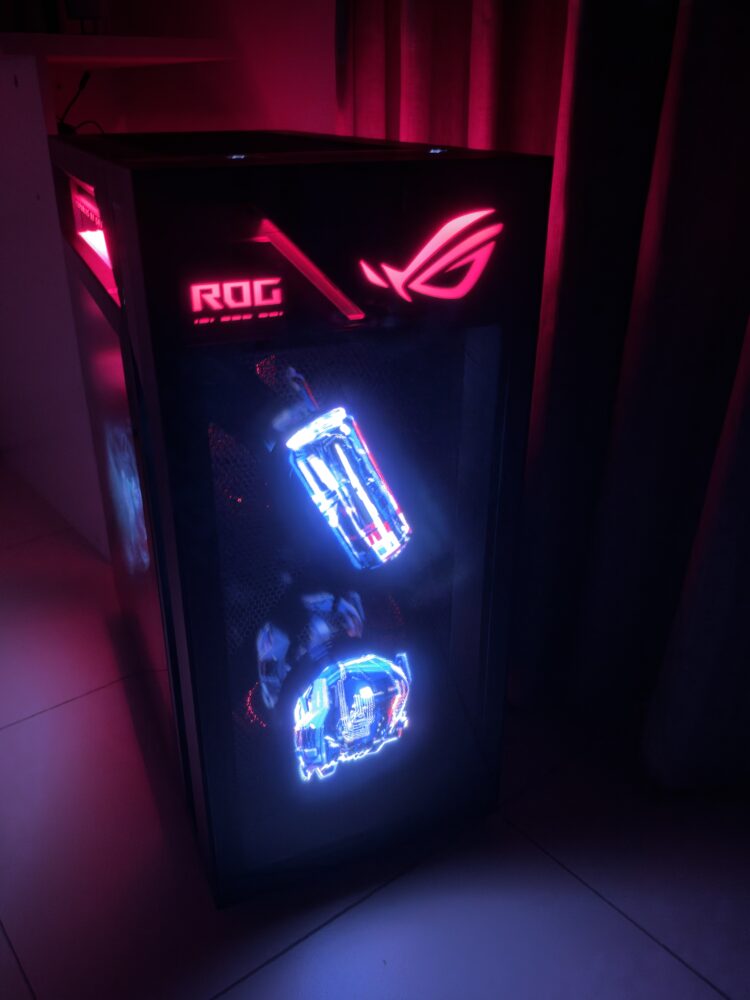
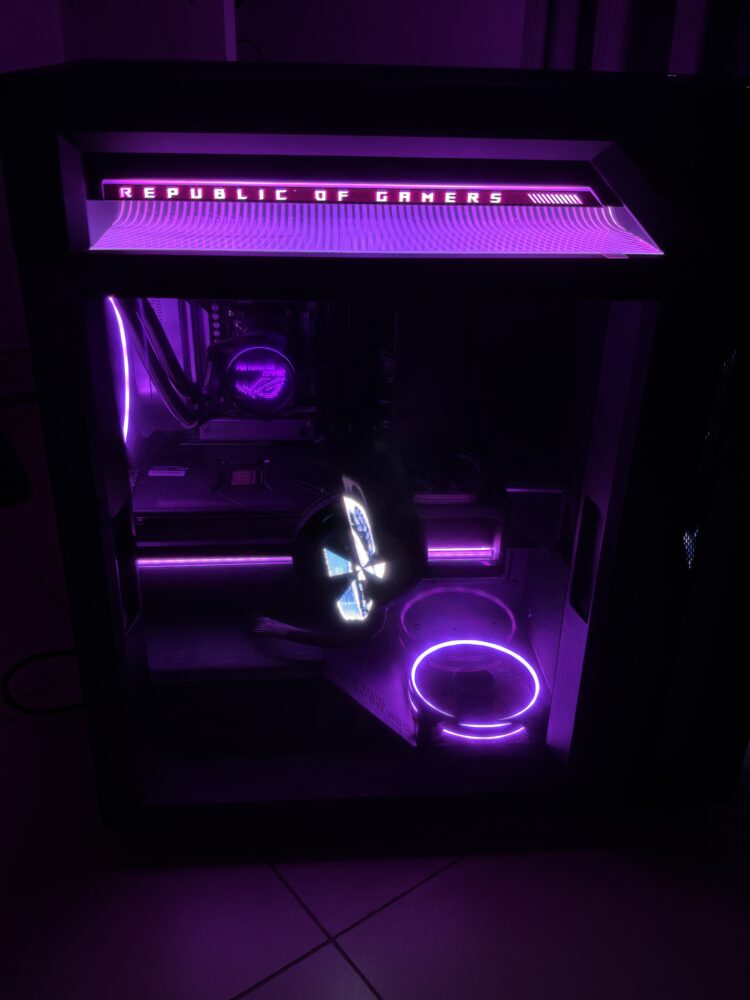
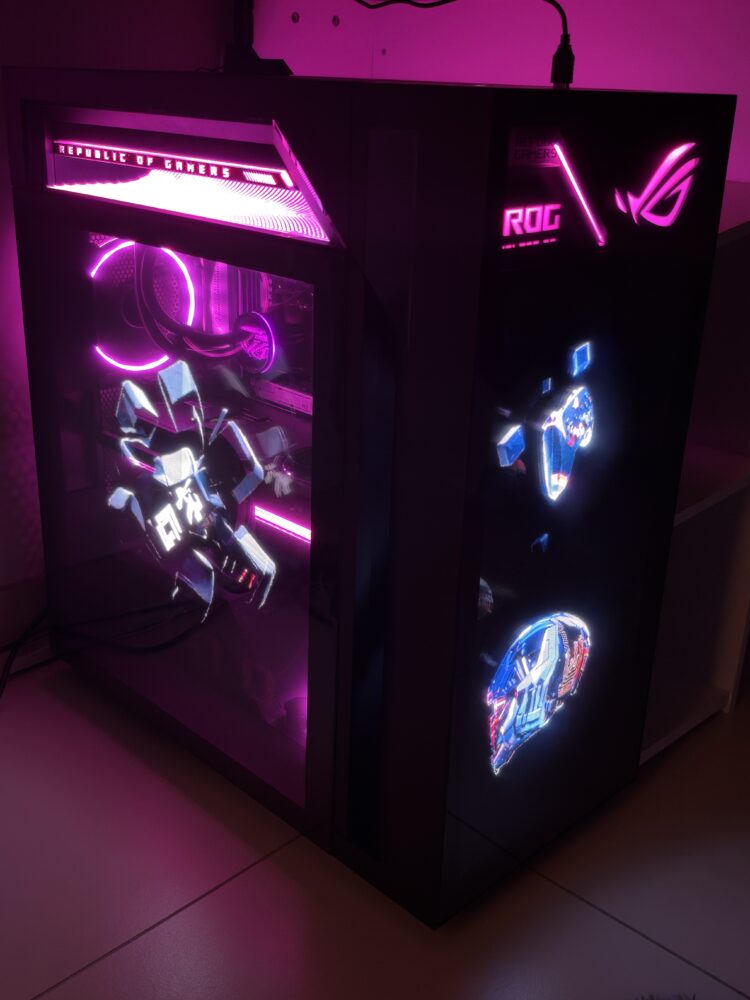
Now the part everyone will notice first. AniMe Holo uses three X-shaped fans with LEDs built into the blades. As they spin, persistence of vision makes the light patterns look like floating images. The 380mm side fan has 720 LEDs, and the two 215mm front fans have 404 LEDs each. Armoury Crate lets you load MP4, GIF, JPEG or PNG files, and the front fans can run independently, mirror each other, or merge into one wide image. It’s pure cyberpunk set dressing, and I love that ASUS went this far.
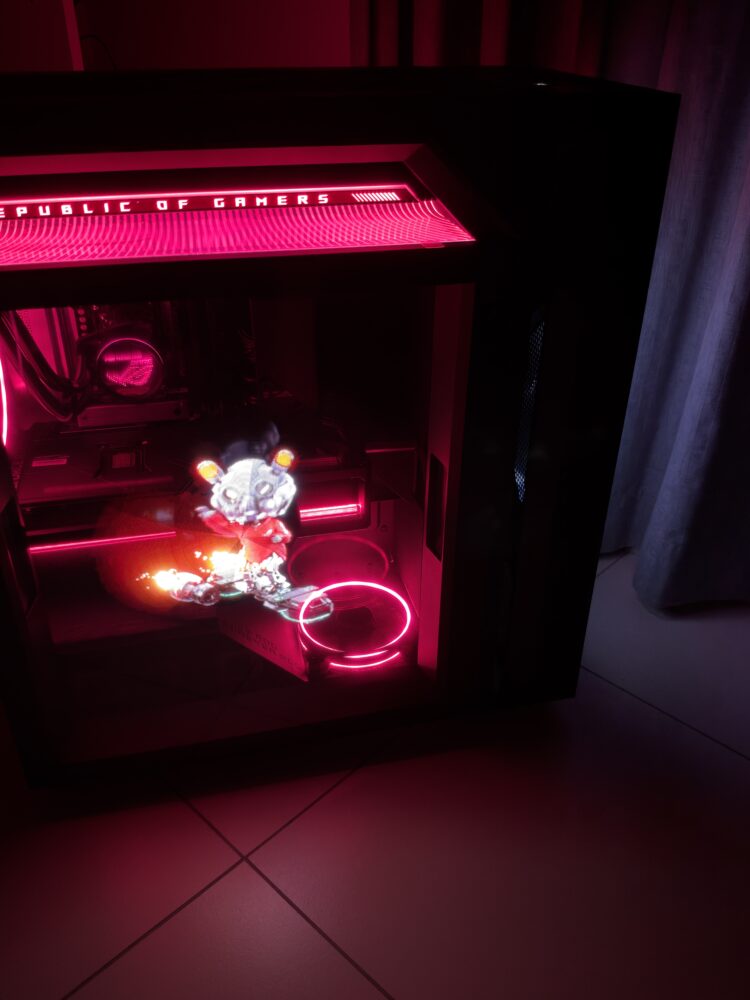
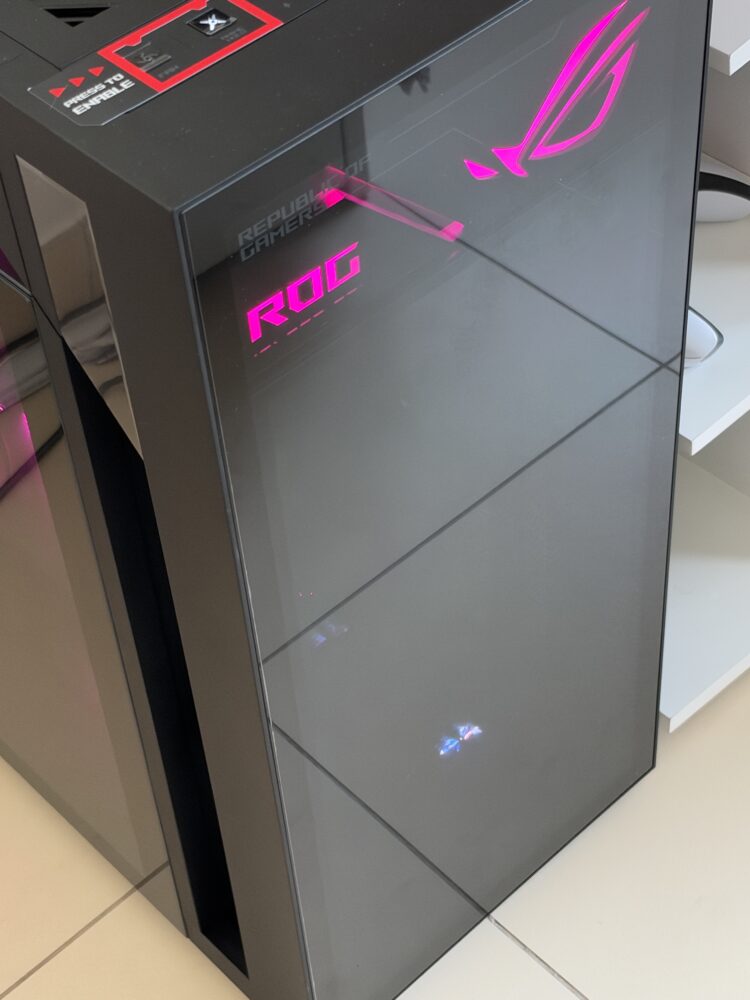
It’s also well executed. Each holo fan sits in its own isolated chamber to reduce vibration and noise, the side module swings open on a hinge for maintenance, and a physical button on top turns the show off instantly. Full Aura Sync lighting runs across the chassis and your compatible peripherals. Whether it adds value depends on you. If your PC sits on display in a gaming den, it’s a showpiece. If it lives under a desk, you’re paying for something you won’t see.
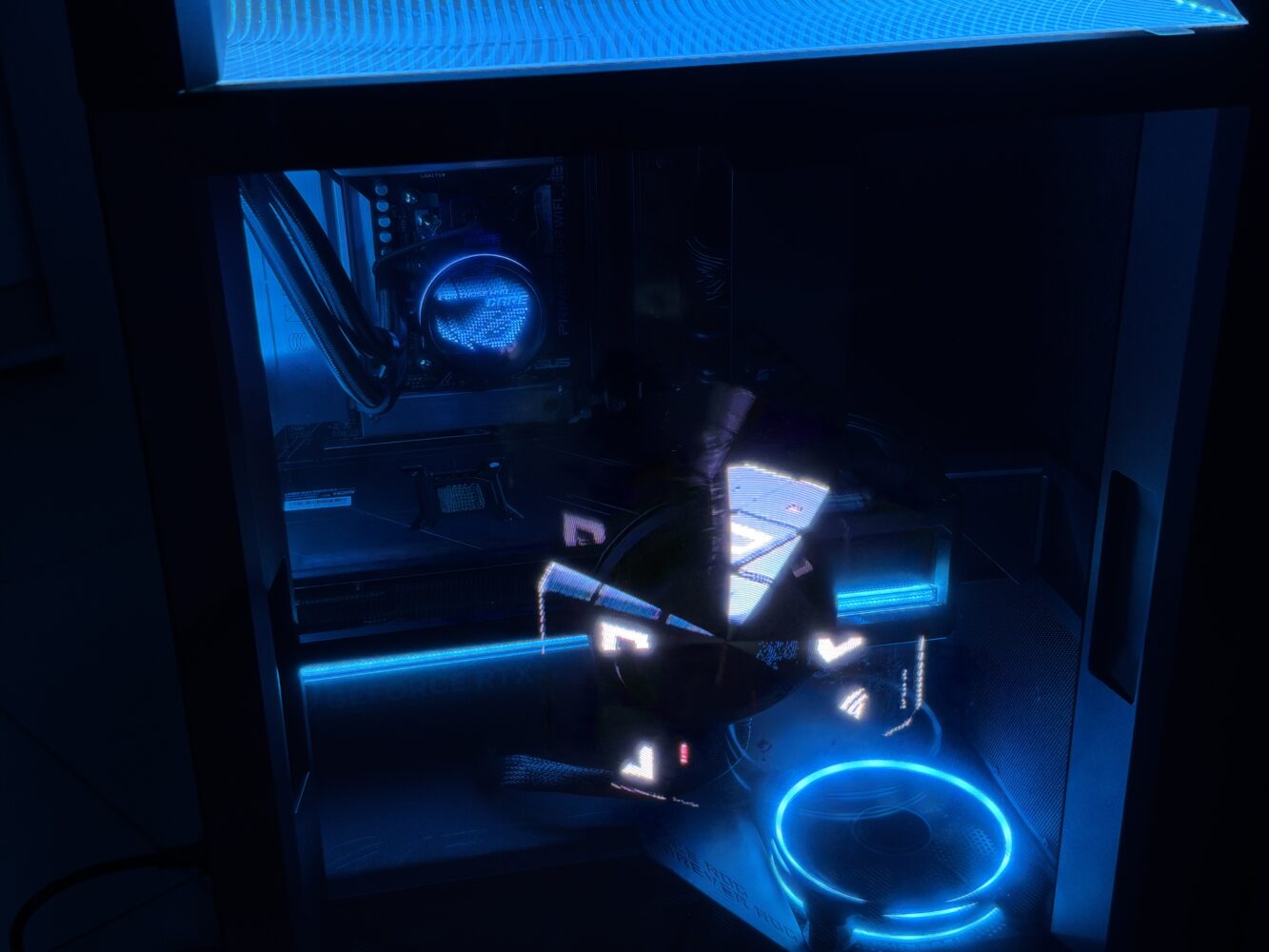
My one long-term question is software. AniMe Holo lives and dies by Armoury Crate, which has historically been ASUS’s least-loved app. If ASUS keeps it stable and polished, the holo fans stay fun; if not, the most distinctive feature of this PC could become its most frustrating one.
Living with a 40kg ultra-tower
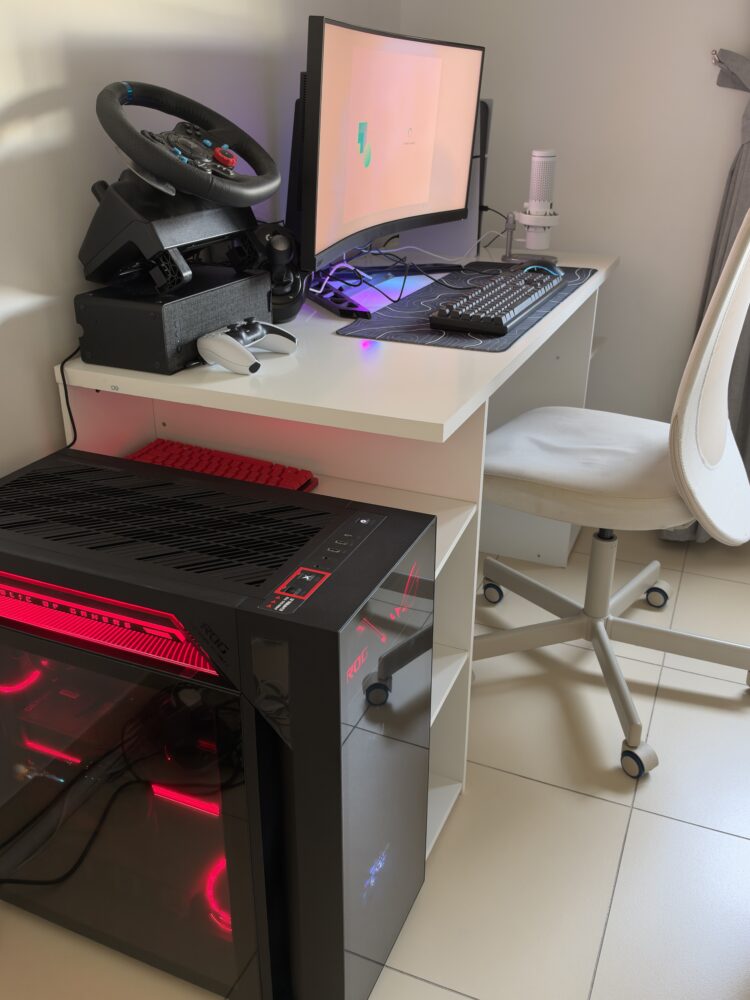
The G1000 measures 29 x 58.27 x 61.48cm and weighs 40kg, closer to a mini fridge than a typical gaming tower. You’ll need a solid floor spot with good airflow clearance, and probably a friend on delivery day. Its size helps the cooling story, but it’s a real buying consideration for anyone with a tight setup.
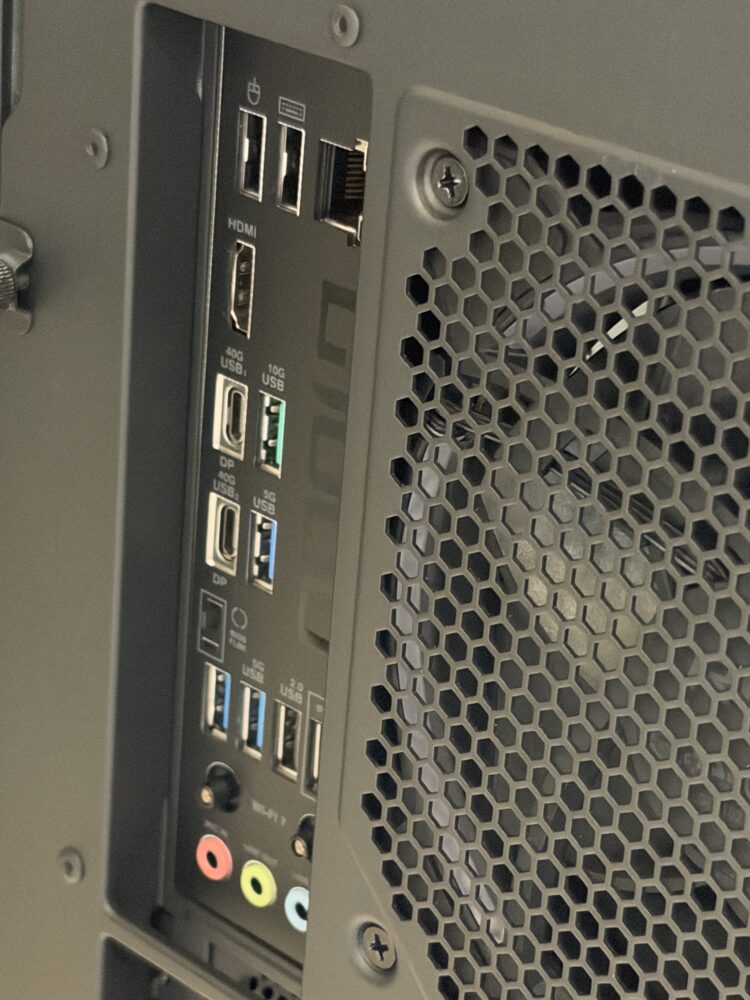
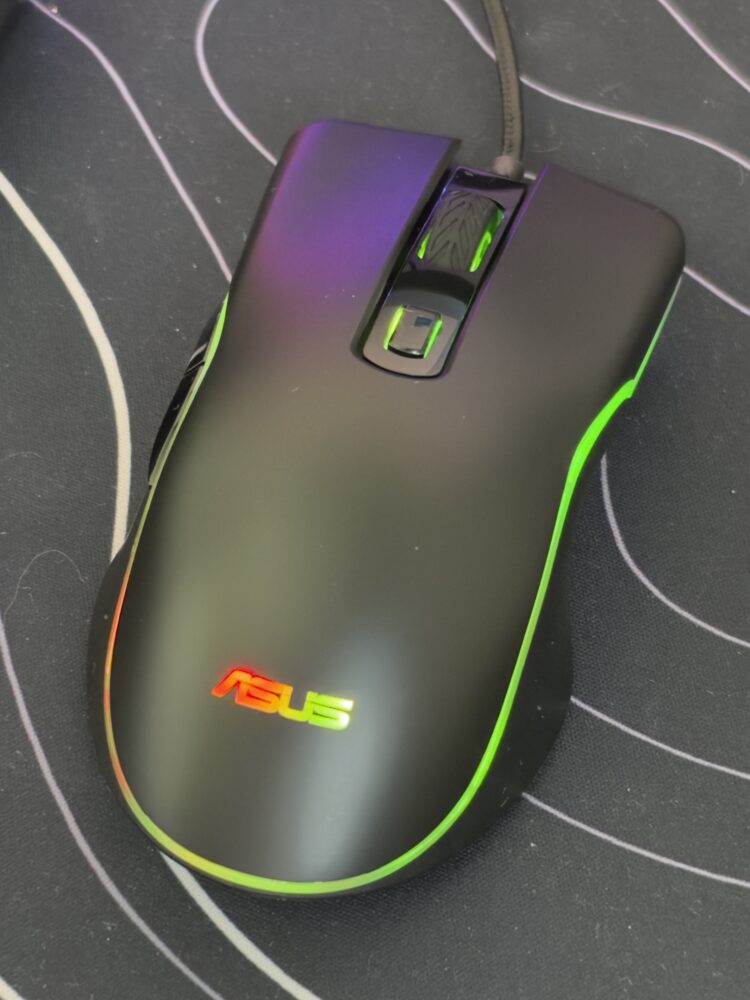
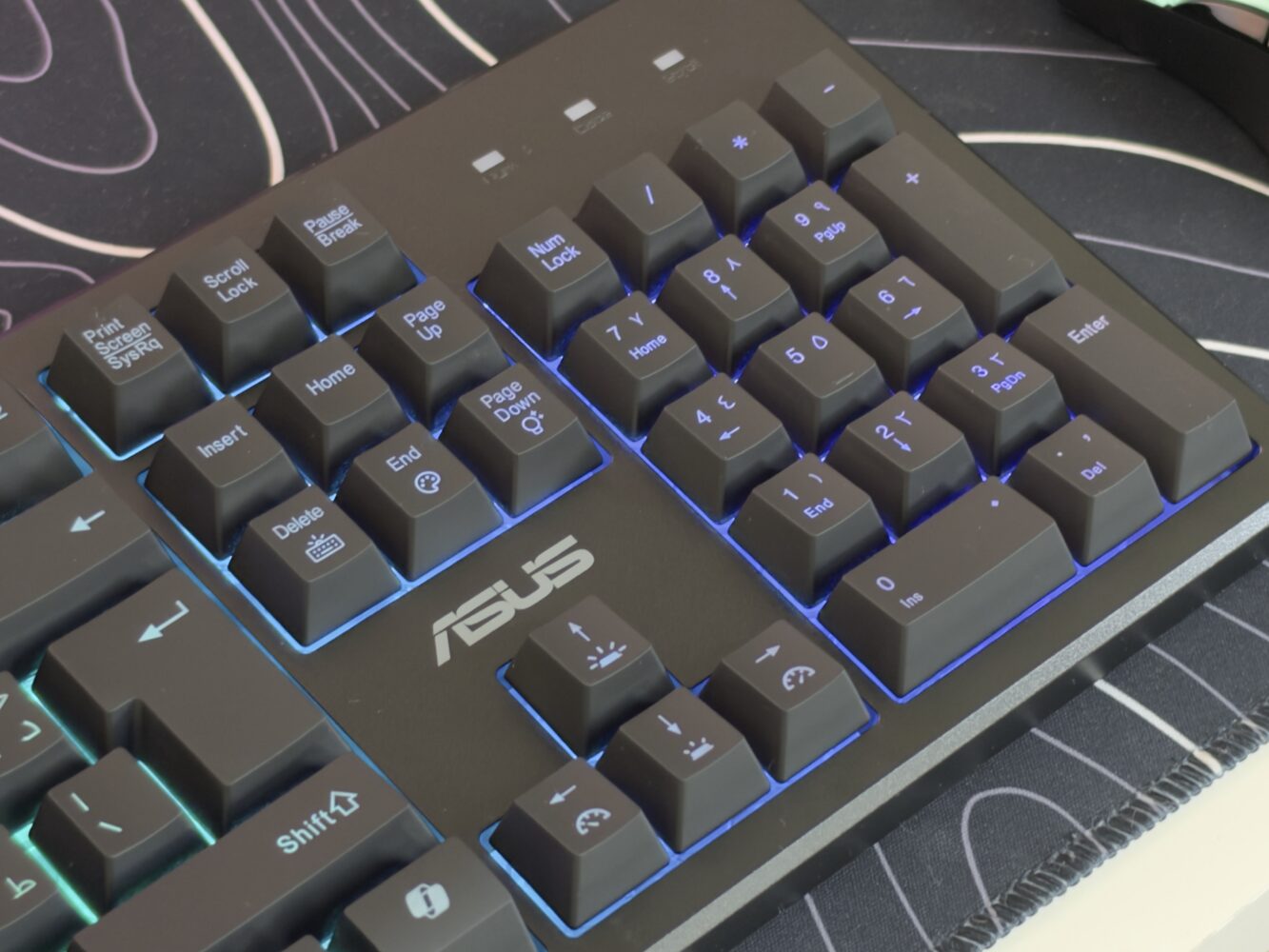
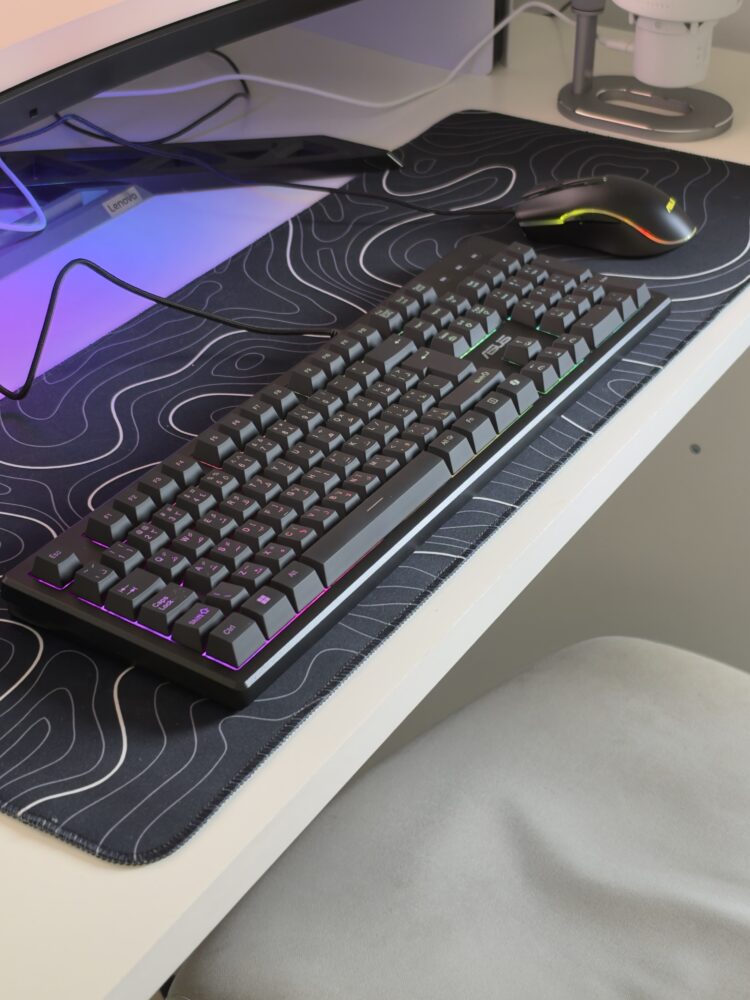
Connectivity is excellent. The rear has two USB4 40Gbps Type-C ports, a 10Gbps USB-C, three 5Gbps Type-A, four USB 2.0 ports and HDMI 2.1b, plus the GPU’s own outputs. The front has a 10Gbps USB-C, two USB-A ports and separate audio jacks. Two niggles stand out. This SKU ships with Windows 11 Home rather than Pro, despite Pro being in the marketing, and the spec sheet lists Gigabit Ethernet while the product page mentions 2.5Gb, so check if wired speed matters to you. An RGB keyboard and mouse and two months of Game Pass are included, but they’re minor perks at this price.

Placement is worth planning before it arrives. Because the Thermal Atrium draws air from outside the case and exhausts through the top, pushing the G1000 against a wall or under a low shelf would undercut the very cooling you’re paying for. Give it space, and it’ll reward you; cram it into a corner, and you’re wasting its best feature.
ROG G1000 price and value
At AED 31,999, the G1000 costs nearly three times as much as the ROG G700 at AED 10,999. Much of that premium goes to the chassis, the 420mm cooling, the tri-zone design and the holographic fans, not raw performance. A custom build with the same CPU, GPU, RAM and SSD would cost noticeably less, even with today’s high memory and storage prices. You’re paying for engineering, integration, warranty and spectacle as much as for frames.
That isn’t automatically a bad deal. For people who don’t want to source parts, manage cable routing or troubleshoot a build, a tuned system with this cooling design has real value, and the upgrade paths mean it can grow. But if you care most about frames per dirham, an RTX 5090 build without holograms will beat it. The G1000 makes most sense for buyers who want maximum performance and a centrepiece, and can afford both.
If you do buy one, I’d budget for a second SSD early and pair it with a monitor that can actually show off the hardware. A 1440p high-refresh OLED or a quality 4K panel is where this system makes sense; anything less leaves a lot of the performance on the table.
Verdict
The ROG G1000 is a performance beast with a show-off streak. The Ryzen 9 9950X3D is one of the best gaming and creator CPUs available, the RTX 5080 handles high-refresh 1440p and DLSS-assisted 4K with ease, and the tri-zone Thermal Atrium is clever engineering that should keep it all running at full speed in long sessions. AniMe Holo is ridiculous in the most entertaining way, and upgrade paths are generous.
The drawbacks are mostly about value. An RTX 5080 rather than a 5090 at this price, a single 2TB Gen 4 SSD, a mainstream PRIME motherboard, Windows 11 Home and a 40kg footprint will bother demanding buyers. If you want a turnkey rig that looks like nothing else and performs at the top tier, the G1000 delivers. If you want the most frames for the money, build your own or choose a 5090 configuration.
In the end, the G1000 is a statement about what a prebuilt can be when a brand stops worrying about restraint. It’s not the smartest purchase in PC gaming, but it’s one of the most exciting, and for the right buyer, that excitement is the whole point.