

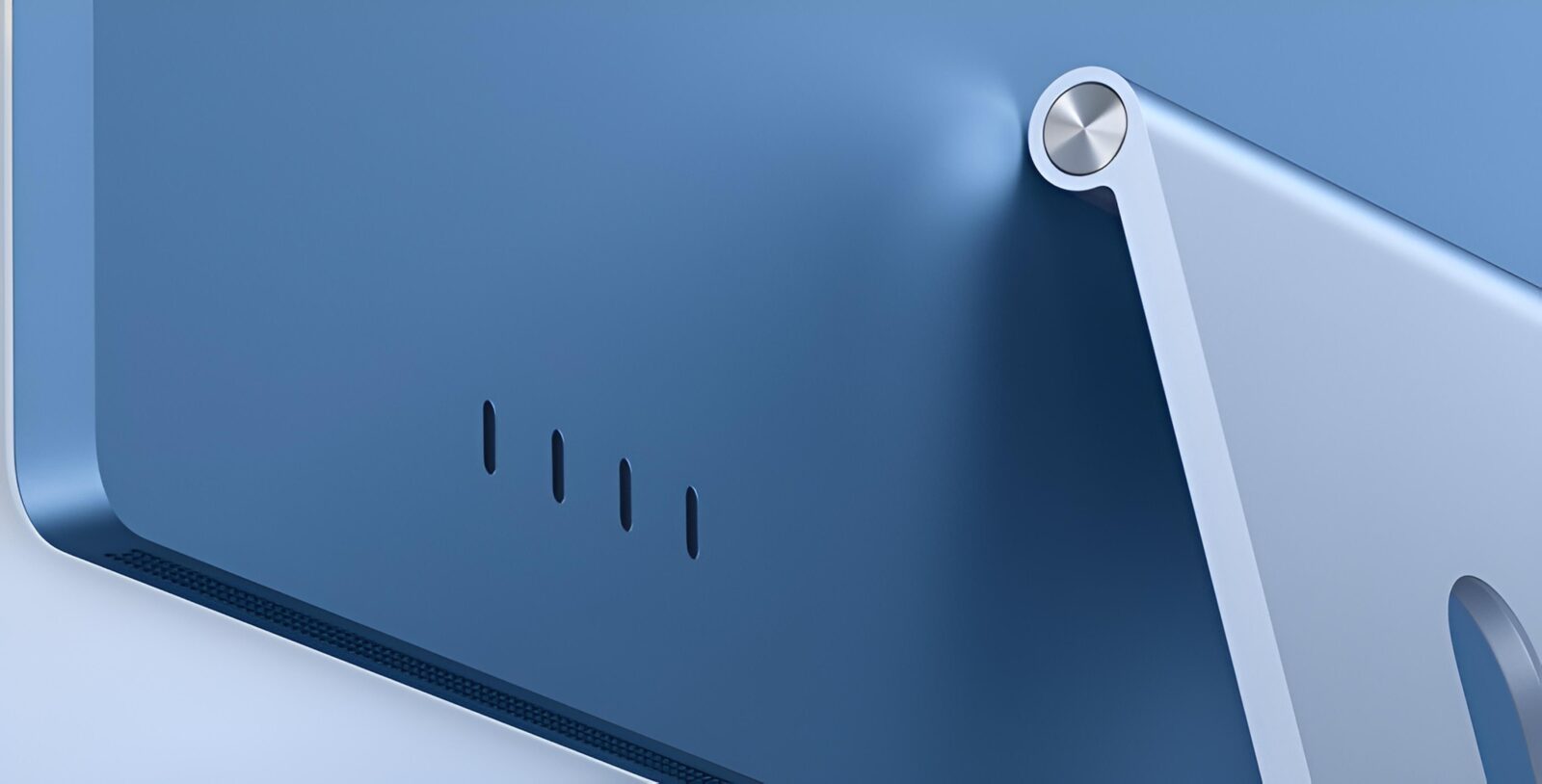
TL;DR: The iMac M6 keeps the stunning 4.5K display, thin design and seven colours while adding big gains in CPU, GPU and on-device AI, plus Wi-Fi 7, faster storage and dual 6K display support. Memory caps out at 32GB and Siri AI arrives with limits, but this is the best iMac yet, especially in four-port form.
The iMac has always had a slightly unfair reputation among hardcore geeks. It’s the computer we recommend to parents, set up for the kids, and spot behind a café counter running the point-of-sale system. Pretty, friendly, and not particularly exciting. After spending time with the new iMac M6, I’m happy to say that reputation is badly out of date. This is still the colourful, ultra-thin all-in-one that looks like it came out of a Pixar storyboard, but it now has enough power to embarrass a lot of the beige towers still sitting under desks.
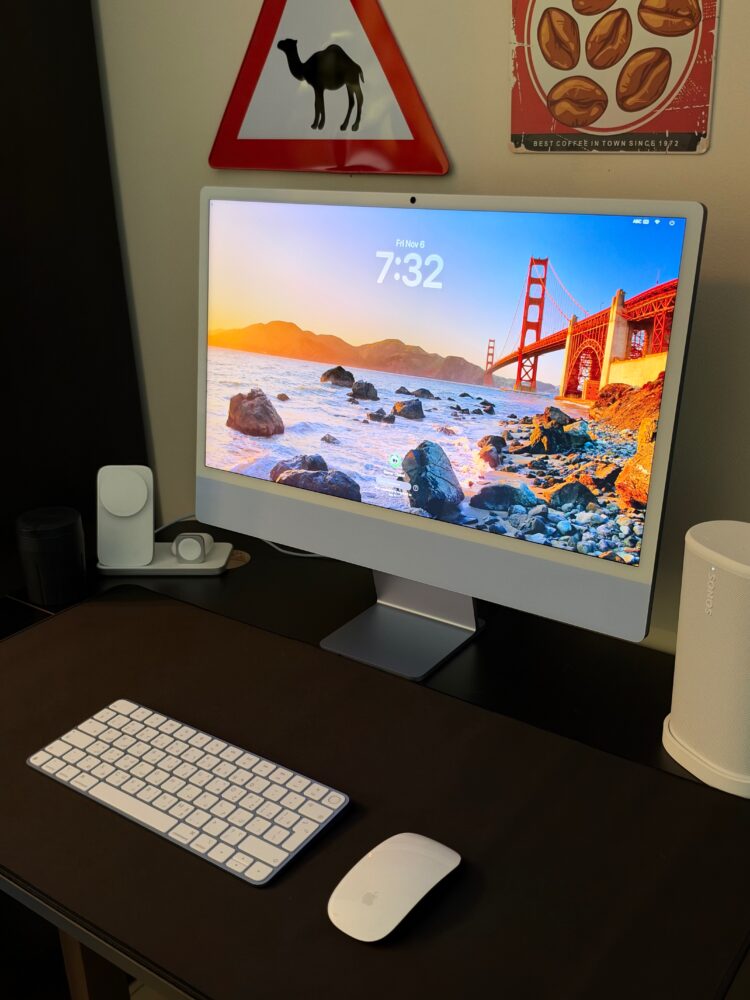
What this iMac is attempting is fairly ambitious. It wants a single machine to work as a family hub, a small business workstation, a capable creative rig and a private, on-device AI box, without asking you to understand a single spec sheet. That last part is the trick. I reviewed it, I genuinely love it, and the reason is less about any one headline number than about how many things it gets right at the same time. It’s the rare computer that makes both the tech enthusiast and the non-technical family member happy.
The M6 chip turns the friendly iMac into a quiet overachiever
The M6 is built on a 2-nanometre process, and the configuration you pick matters more than usual this time. The two-port iMac gets a 10-core CPU split into 2 new “super” cores, 3 performance cores and 5 efficiency cores, paired with a 10-core GPU. The four-port model steps up to a 12-core CPU with 2 super cores, 4 performance cores and 6 efficiency cores, alongside a 12-core GPU. Everyday productivity is rated at up to 1.5x faster than the M4 iMac, up to 2.5x faster than M1 and up to 4.3x faster than the last Intel models. On paper that’s a healthy generational jump, and in daily use it shows up as a machine that never seems to be waiting on itself.
During my review, the M6 iMac simply didn’t flinch at the ordinary chaos of a working day. Piles of browser tabs, messaging apps, a big spreadsheet, a photo library and a video call running together felt like an appetiser rather than a stress test. The super-core layout makes sense here, because most desktop work comes in short, sharp bursts where a couple of very fast cores matter more than a big army of slow ones. The efficiency cores mop up background chores while the heavy hitters stay free for whatever you actually clicked on. It’s the computing equivalent of a well-run starship bridge, where everyone knows their station.
Memory and storage finally get the respect they deserve
Unified memory options are 16GB, 24GB or 32GB. The 16GB configurations run at 153GB/s of memory bandwidth, while 24GB and 32GB push that to 170GB/s. This is more than a footnote, because bandwidth feeds both the GPU and the AI hardware, and starving either one makes all those cores pointless. For families and office use, 16GB is perfectly comfortable. If you plan to run local AI models or edit serious video, I’d treat 24GB as the sensible floor rather than an indulgence, especially since memory can’t be upgraded later.
Storage is rated at up to twice the read and write speed of the previous generation. In practice, large photo libraries and heavy project files open with a briskness that makes older Macs feel like they’re loading a Commodore 64 tape. The catch is the familiar Apple one: whatever capacity you buy on day one is what you live with internally. The Thunderbolt ports soften that blow considerably, since fast external SSDs work well, but I’d still steer creators towards more internal storage than they think they need.
On-device AI is where the M6 iMac gets genuinely exciting
The biggest architectural change is on the AI side. Every GPU core now has its own Neural Accelerator, and the M6 introduces a Dual 16-core Neural Engine that doubles the available AI compute, with Neural Engine performance rated at up to 2x faster than M4. Overall on-device AI performance is rated at up to 5x faster than the M4 iMac, and running a 14-billion-parameter language model locally is firmly within its comfort zone. An iMac running a capable local LLM was the stuff of forum fan fiction a couple of years ago.
Why should a regular person care? Because local AI means drafting, summarising, upscaling images and organising notes without shipping your personal data off to a server farm somewhere. AI image upscaling in apps like Pixelmator Pro is exactly the kind of task where this hardware shines. The honest limit is memory. A 32GB ceiling caps how large a model you can comfortably run, so dedicated AI tinkerers chasing the biggest local models will still eye higher-end Macs. For everyone else, this is the first iMac where “runs AI locally” stops being a party trick and becomes a practical feature.
macOS 27 and Siri AI are promising but come with asterisks
macOS 27 brings the next generation of Apple Intelligence, Visual Intelligence on the Mac, and a rebuilt assistant called Siri AI. It understands personal context, answers broad general-knowledge questions and takes actions across apps, with extras like Write with Siri and natural language Shortcuts. For a small business owner, summarising customer inquiries or automating admin chores just by describing them is genuinely useful. On-device processing combined with Private Cloud Compute for heavier requests keeps the privacy story coherent.

Now the asterisks, because there are several. Siri AI launches in beta, rolls out in English first, isn’t available to users under 13, and server-backed features such as Siri AI and Image Playground come with daily usage limits. Expanded access to those features is also set to become a paid option down the line, which buyers deserve to know before treating AI as their main reason to upgrade. I like where this is heading, but I’d buy the iMac for the hardware and treat Siri AI as a bonus that will keep evolving. HAL 9000 it is not, and that’s probably for the best.
The 4.5K Retina display is still the reason to choose an iMac
The 24-inch-class panel (23.5 inches measured diagonally) packs over 11 million pixels at 4.5K resolution, with 500 nits of brightness, P3 wide colour and support for over a billion colours. Text is razor sharp, photos have real depth, and colour-sensitive work feels trustworthy out of the box. This is the iMac’s oldest party trick, and it remains one of the main reasons to choose it over a small desktop paired with a budget monitor. Buying a display this good separately tends to cost real money.
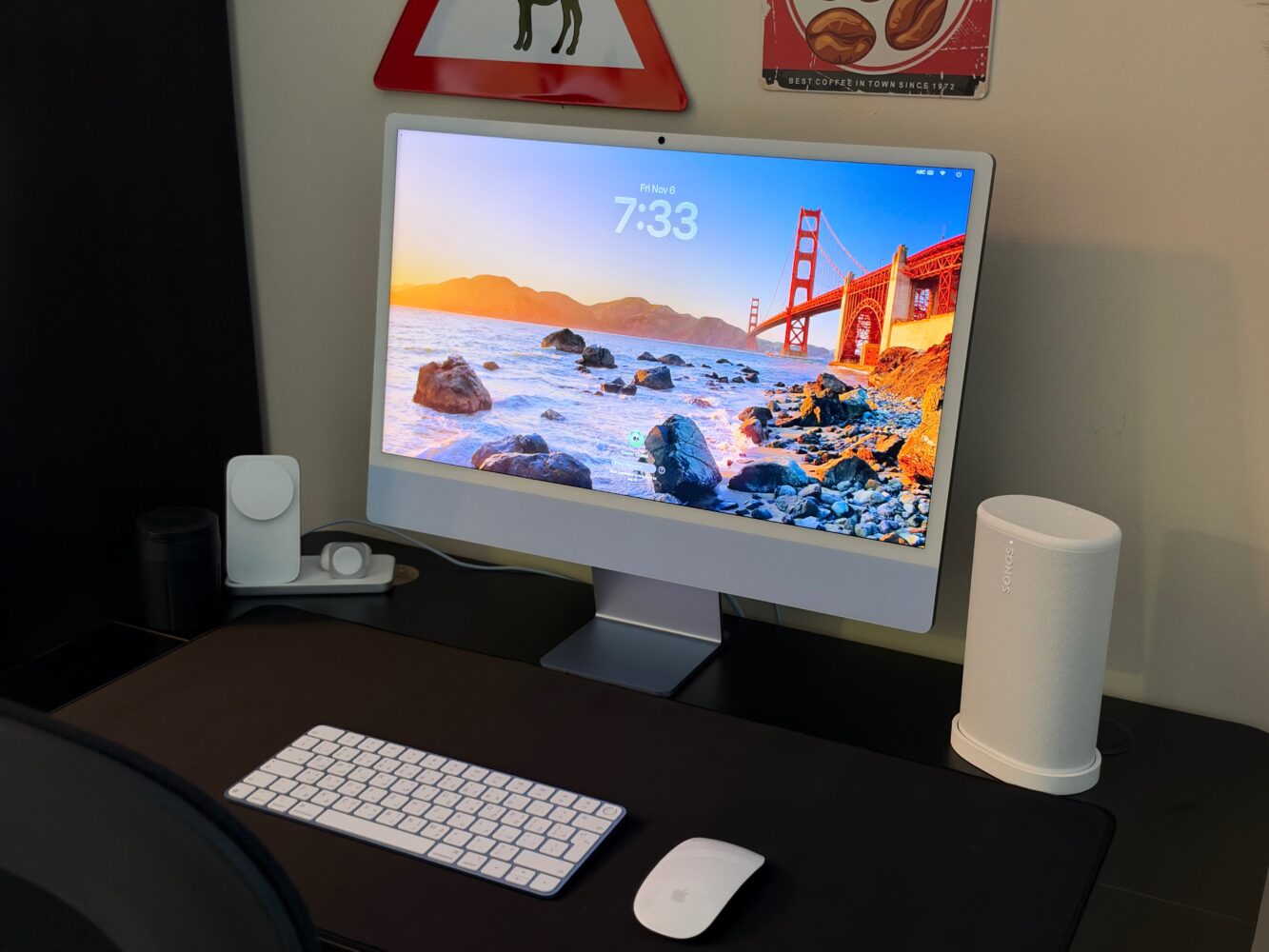
The optional nano-texture glass is the upgrade I’d seriously consider if your desk faces a window or sits under harsh overhead lighting, since it cuts reflections and glare. My main criticism is that 500 nits is solid rather than spectacular in 2026, and there’s no high-refresh or HDR-focused angle here for gamers or video editors who want more punch. Still, for reading, editing, coding and binge-watching, the panel is excellent. It’s the kind of screen that makes you stop noticing the screen, which is the highest compliment I can give a display.
Gaming on an iMac is no longer a punchline
The M6 GPU adds hardware-accelerated ray tracing, and the 12-core GPU is rated at up to 2x the gaming performance of the M4 iMac. The sweet spot is Cyberpunk 2077: Ultimate Edition at 1080p on the ultra preset, with MetalFX upscaling and ray tracing switched on. That tells you how to approach gaming here: lean on upscaling and play at sensible resolutions rather than pushing native 4.5K with every effect enabled. Night City on an iMac with ray tracing is still a sentence that would have earned laughter not long ago.
The bigger constraint isn’t horsepower, it’s the Mac game library, which keeps improving but remains thinner than what a Windows gaming PC can access. If gaming is your primary hobby, a dedicated gaming PC or console still makes more sense. If you want a household computer that can also run a respectable chunk of modern titles in the evening, the M6 iMac is genuinely capable of that. Think of it as a very good co-op partner rather than the main character.
Ports, Wi-Fi 7 and that brilliant Ethernet power brick
Connectivity is where the two models split most clearly. The two-port iMac offers Thunderbolt / USB 4 ports with up to 40Gb/s and support for one external display. The four-port model gives you Thunderbolt 4 on all four USB-C ports and drives up to two external 6K displays alongside the built-in screen. Both include a headphone jack, and the N1 chip brings Wi-Fi 7 and Bluetooth 6 across the range. For anyone planning a multi-monitor setup or juggling external drives and docks, the four-port model is the obvious pick.

My favourite engineering detail remains the 2.5Gb Ethernet port tucked inside the power adapter, with networking running through the magnetic power cable. It keeps the desk clean and doubles the wired speed of standard gigabit Ethernet, which matters when shifting large files across a home or office network. It’s standard on the four-port models and optional on the two-port, which is the kind of upsell that slightly irritates me. The 2-metre colour-matched woven cable lets the brick live on the floor, so the whole setup still looks like a single sculpted object.
Camera, speakers and mics punch well above all-in-one expectations
The 12MP Center Stage camera uses machine learning to keep you framed during calls, and Desk View shows a top-down view of your workspace while you remain on screen. For families crowding around a video call or creators demoing a sketch or a gadget, this is the kind of practical feature that quietly earns its keep every week. The three-microphone array with directional beamforming does the boring, important job of making you sound clear rather than echoey. For most people, it makes an external webcam and mic feel unnecessary.
Audio comes from a six-speaker system with two pairs of force-cancelling woofers and high-performance tweeters, supporting Spatial Audio with Dolby Atmos. Force-cancelling woofers matter because they let a very thin chassis produce fuller bass without rattling itself to pieces. It won’t replace a proper soundbar or dedicated speakers, but for music while working and casual movie nights it sounds far bigger than the frame suggests. Few rivals at this thickness come close.
Design, colours and accessories still deliver the iMac charm
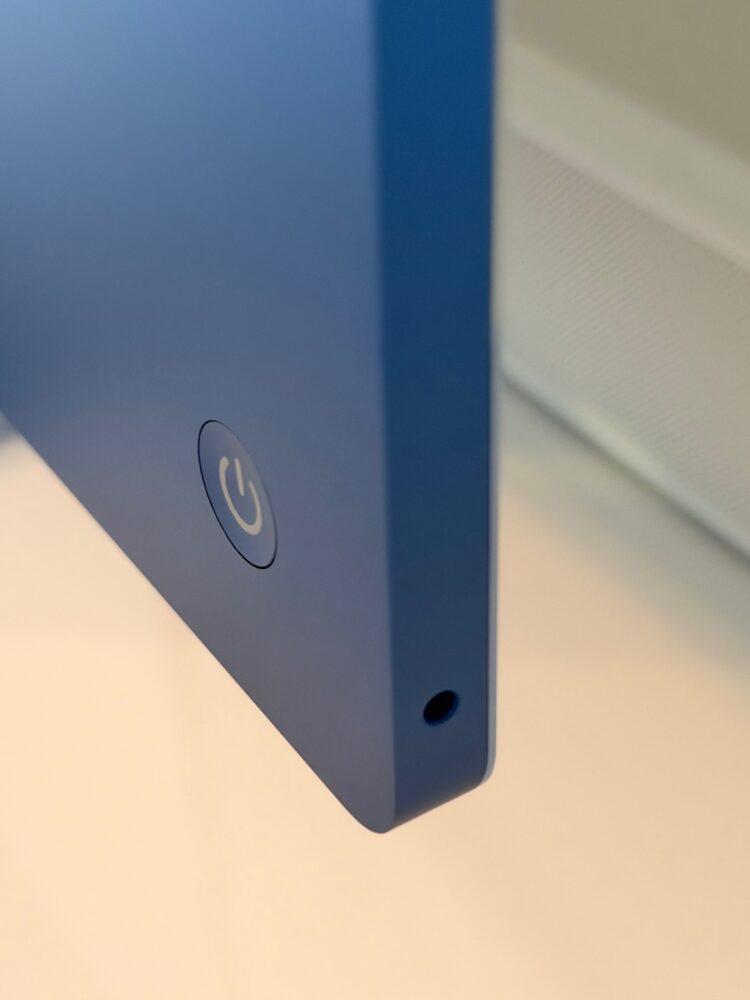
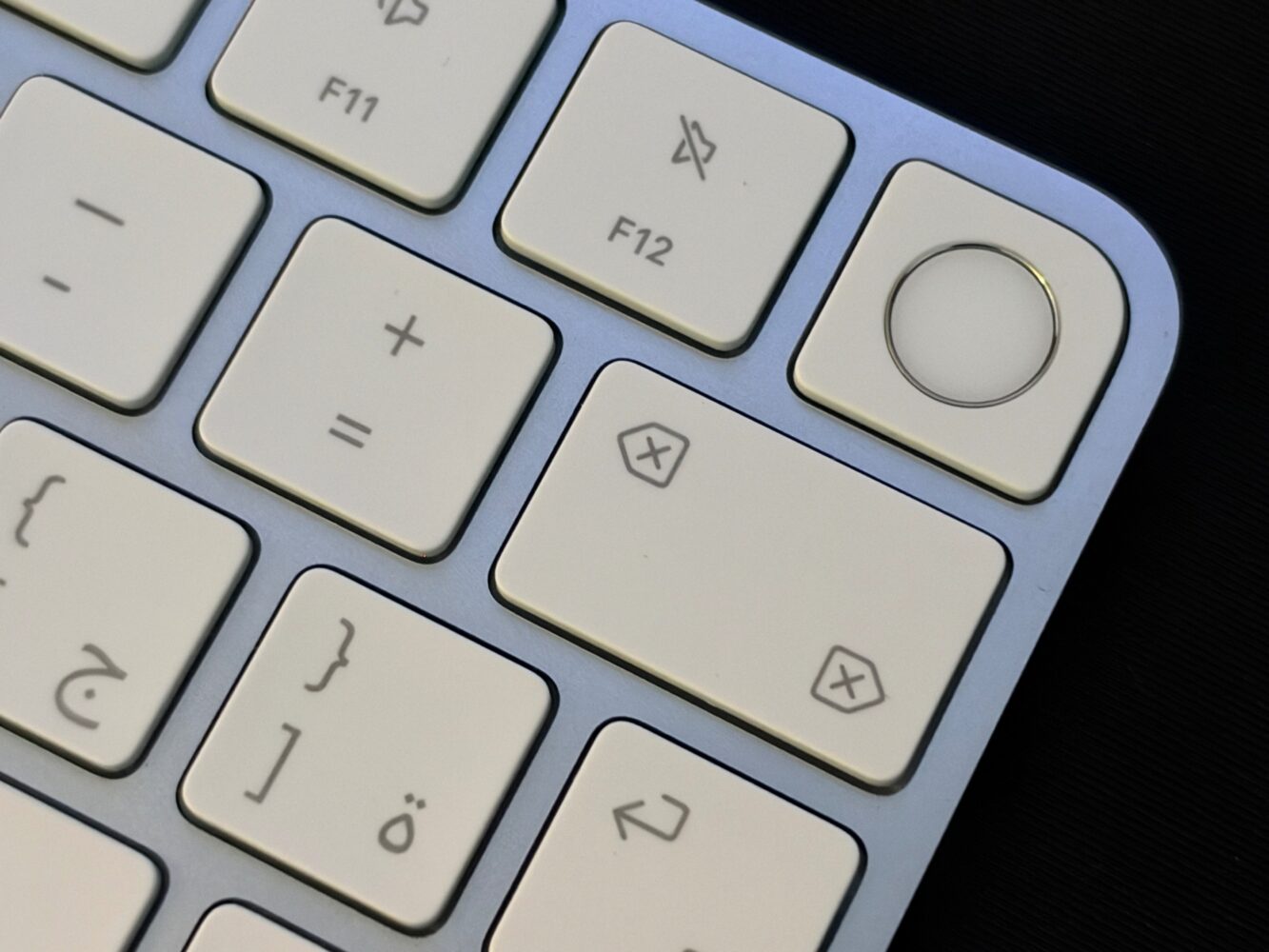
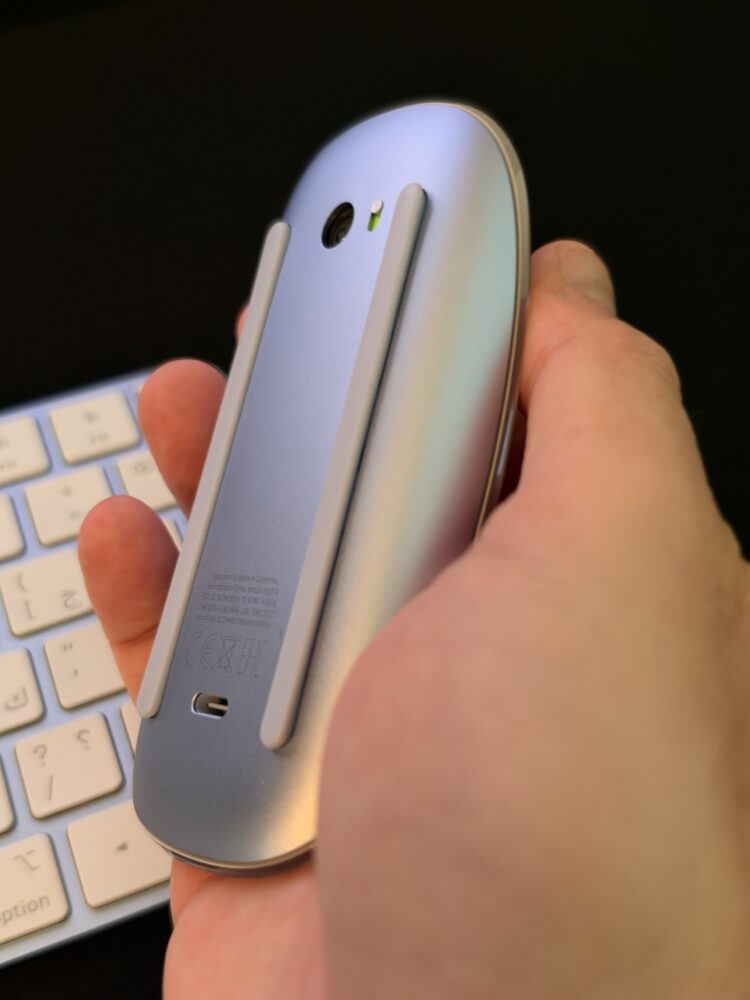
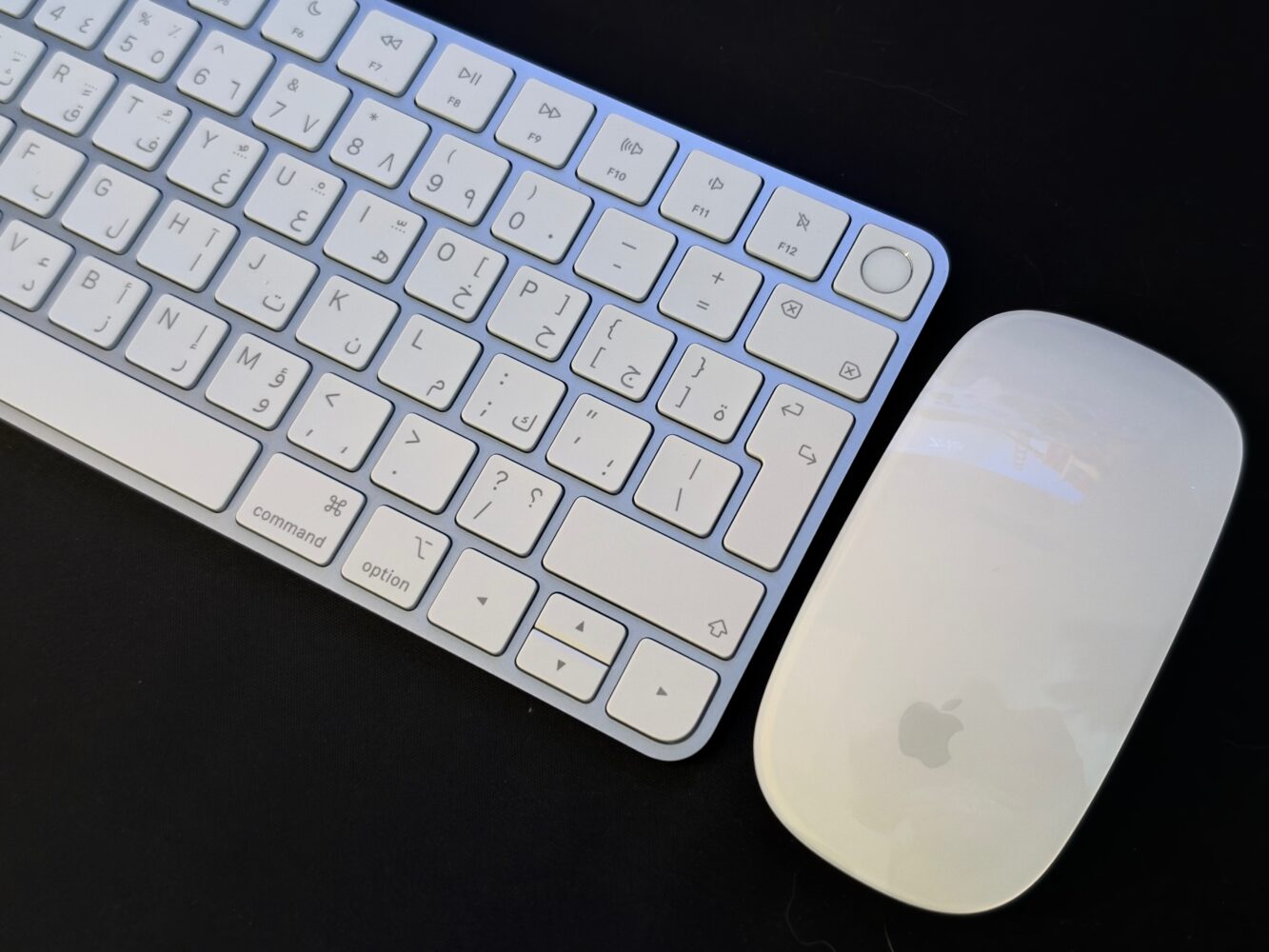
Seven colours are available: blue, green, pink, yellow, purple, orange and silver. Every iMac ships with a colour-matched Magic Keyboard, a Magic Mouse or optional Magic Trackpad, and a woven USB-C charge cable that also works for iPhones and AirPods. The two-port models include the Magic Keyboard with Lock Key, while the four-port models get Touch ID, and both can be configured with Touch ID and a numeric keypad. Touch ID isn’t just about faster logins, because it powers fast user switching, which is huge in a shared household where everyone wants their own desktop and accounts.
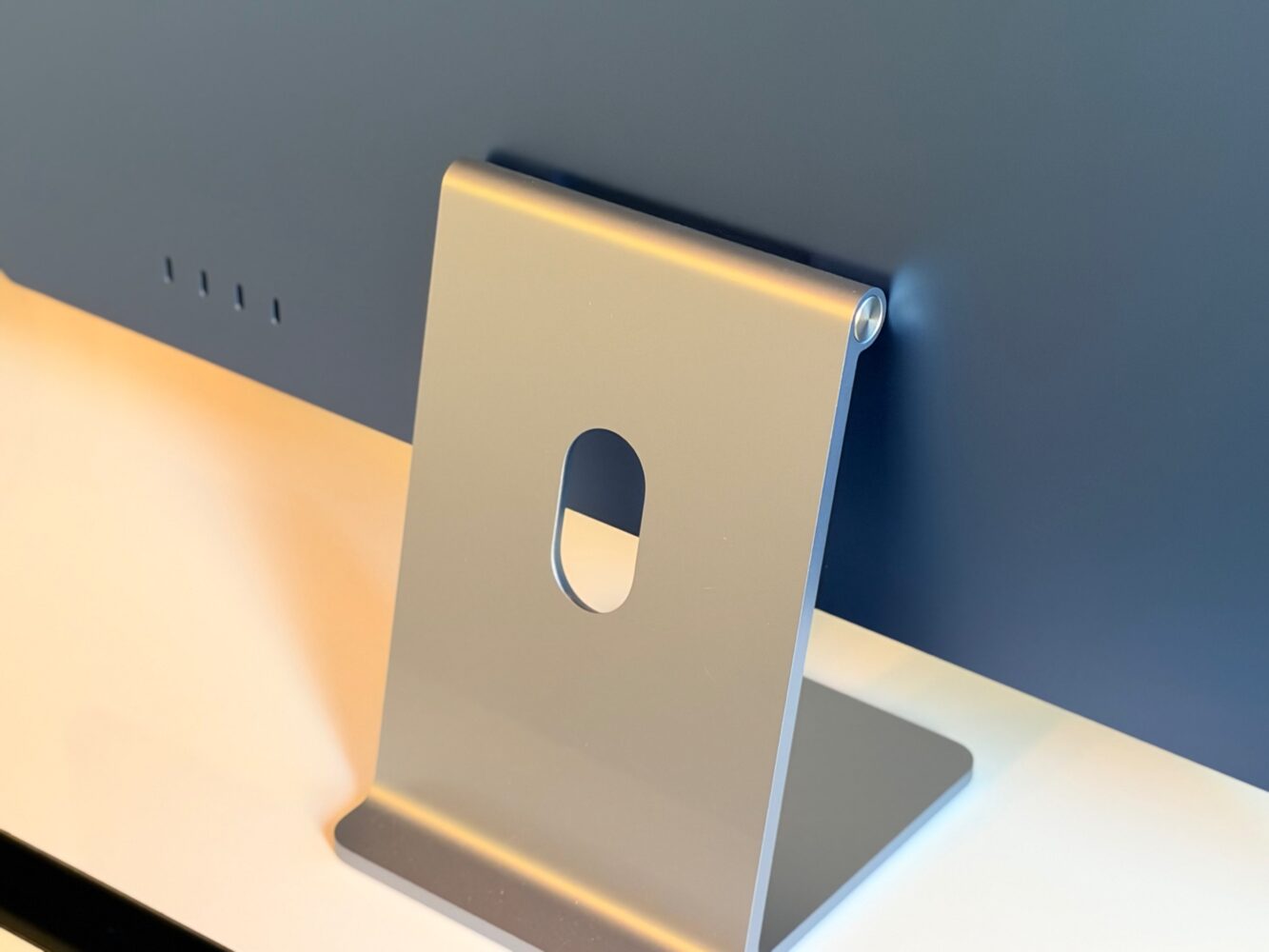
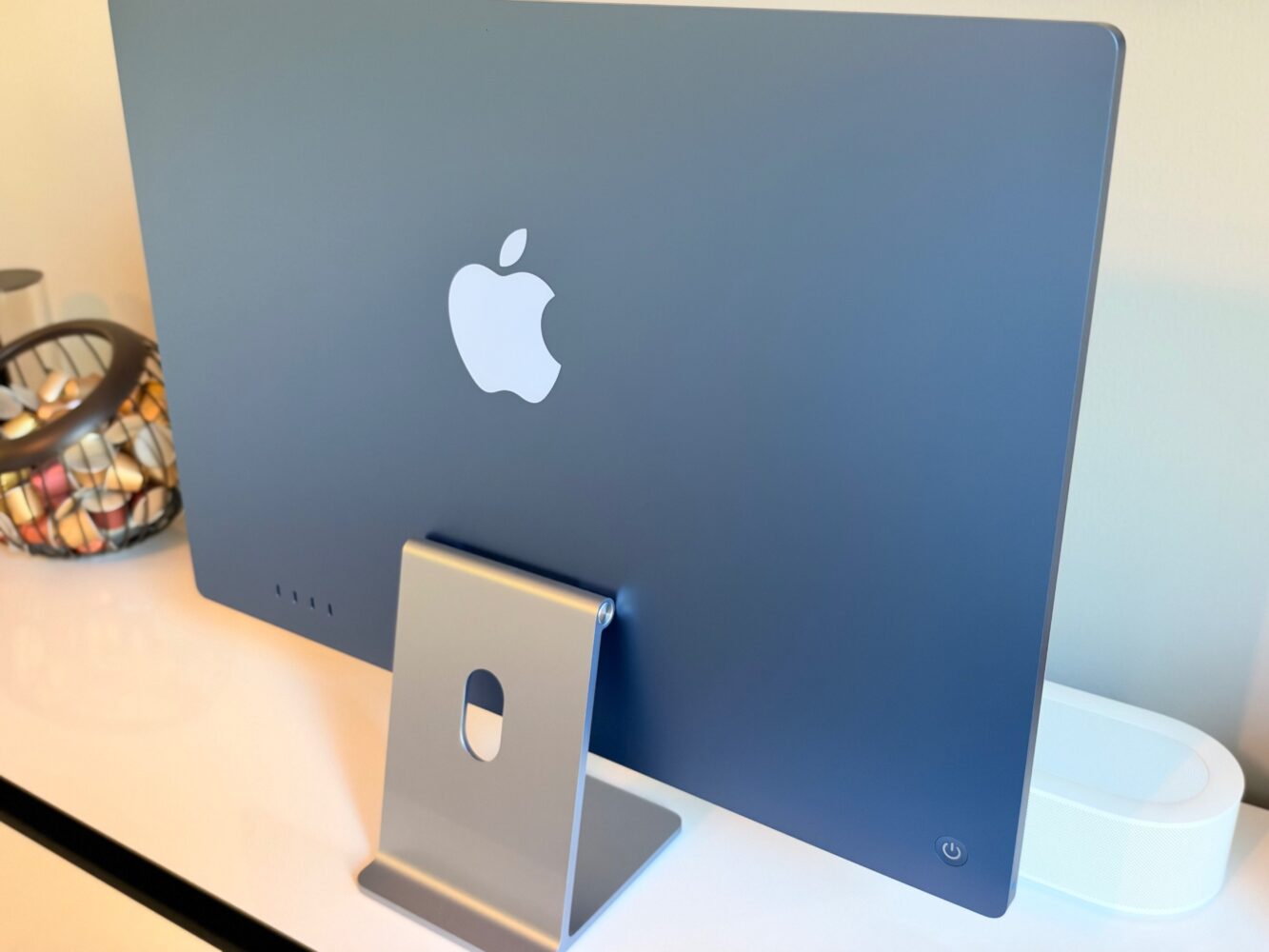
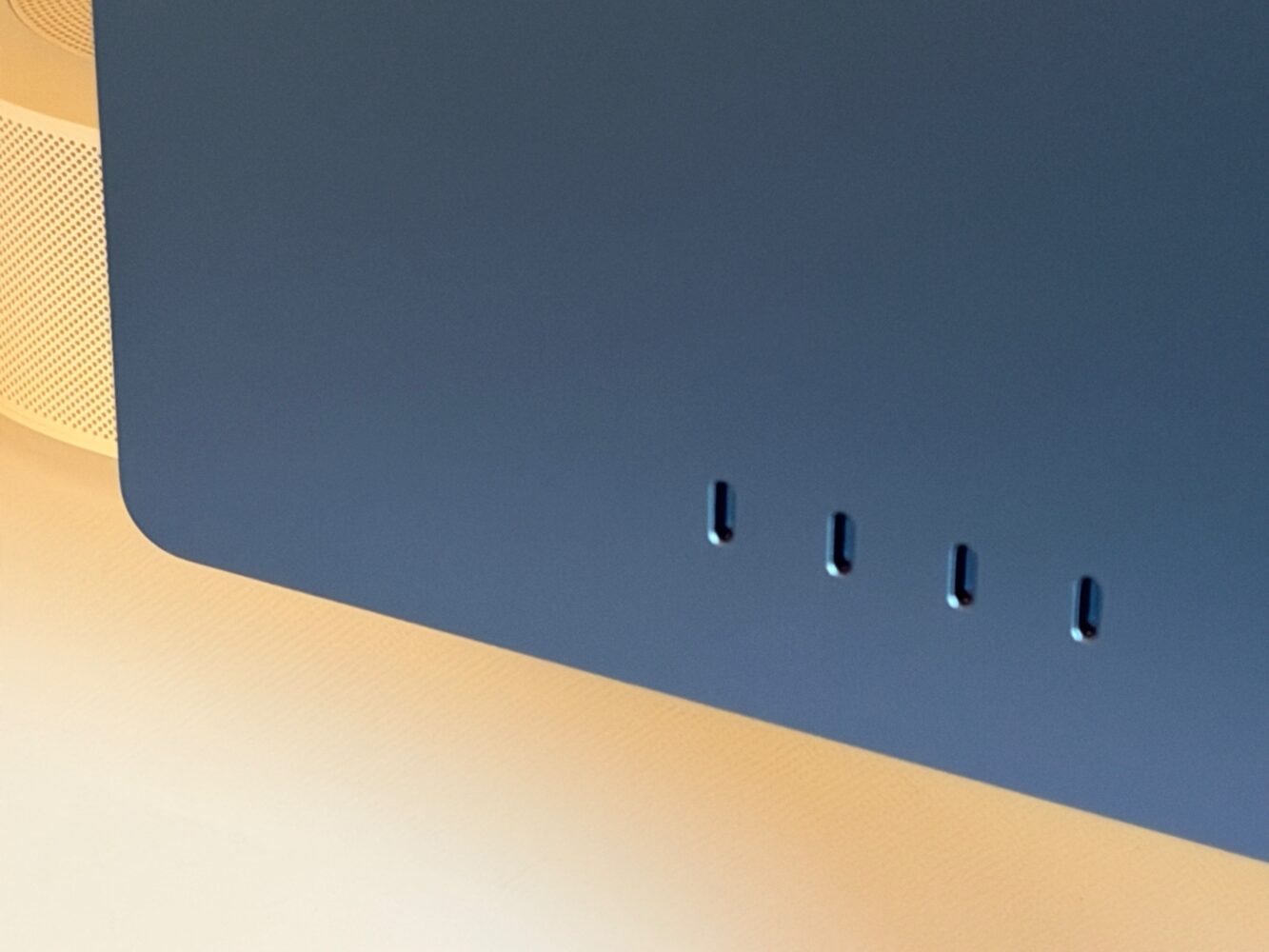
The downside of all this charm is that the design hasn’t fundamentally moved on. The stand remains tilt-only, so anyone who wants height adjustment will need a riser, and the all-in-one format means the screen and computer live and age together. On the sustainability side, the stand uses 100 percent recycled aluminium, the iMac contains 15 percent recycled material by weight, manufacturing uses 40 percent renewable electricity, and the packaging is fully fibre-based. That’s real progress, even if repairability remains the classic Apple compromise.
Two-port or four-port: which M6 iMac should you buy?
The two-port model is the right call for families, students and light office use, where one external display and a couple of accessories are plenty. The four-port model is where I’d point anyone with ambitions, because it bundles the 12-core CPU and GPU, Thunderbolt 4 across all ports, dual 6K display support, Touch ID and Ethernet as standard. The gap between the two isn’t only about ports; it changes the whole character of the machine. If you can stretch, the four-port version is the one that will feel current for longer.
For Intel iMac owners, this upgrade is enormous, with ratings of up to 18x faster AI performance, 7.5x faster graphics and 4.3x faster productivity against a 21.5-inch Intel Core i5 iMac, plus access to Apple Intelligence for the first time. M1 owners have a clear reason to upgrade too, especially for AI work. M4 owners can comfortably wait unless local AI is central to their workflow. The obvious alternative is a Mac mini with your own monitor, which suits people who prefer choosing their screen, but you’d need to match this display and the built-in camera, mics and speakers to make it a fair fight.
Verdict
The iMac M6 is the most complete iMac Apple has made. It keeps everything that made the Apple silicon iMac lovable, including the gorgeous 4.5K display, the playful colours, the impressively thin design and the plug-in-and-go accessories. It then adds a substantial jump in CPU, GPU and AI performance, faster storage, Wi-Fi 7, dual 6K display support on the four-port model and that wonderfully practical Ethernet power brick. I reviewed it, I love it, and it’s the first iMac I’d happily recommend to geeks as well as to their families.
It isn’t flawless. The 32GB memory ceiling limits serious local AI ambitions, nothing can be upgraded after purchase, the stand still only tilts, and the two-port model holds back worthwhile extras like Touch ID and Ethernet. Siri AI is exciting but arrives in beta, with usage limits and a future paid tier. Still, for families, students, small businesses and creators who want one beautiful machine that handles nearly everything, the M6 iMac is an easy recommendation, with the four-port configuration being the smartest buy.