


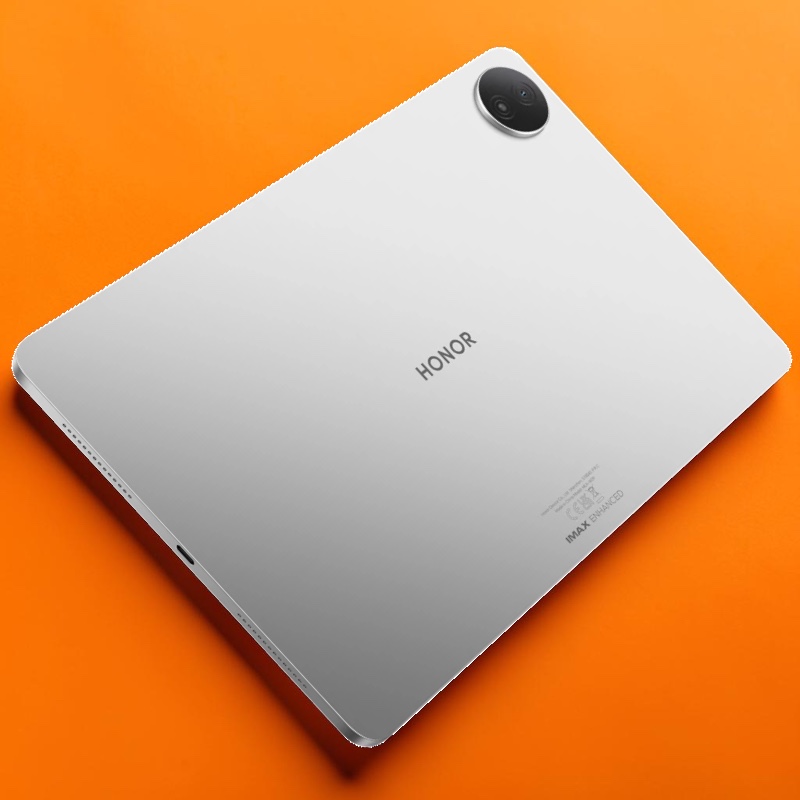

TL;DR: The HONOR Pad 20 pairs a sharp 3K 120Hz eye-comfort display with smooth PC mode, AI Memo, a huge 10,100mAh battery, a slim 525g metal body and support for Mac, iPhone and Windows. The glossy screen reflects, the accessories cost extra and there’s no microSD, but it’s a joyful, well-rounded tablet.
The mid-range tablet space is crowded with slabs that look the same, promise the same, and slowly blend into one anonymous rectangle. The HONOR Pad 20 shows up with a slightly different attitude. It wants to be your movie screen, your notebook, your second monitor and your part-time laptop, and it doesn’t want to strain your eyes while doing any of it. I’ve spent proper time with it, and it comfortably delivers on most of that ambition.
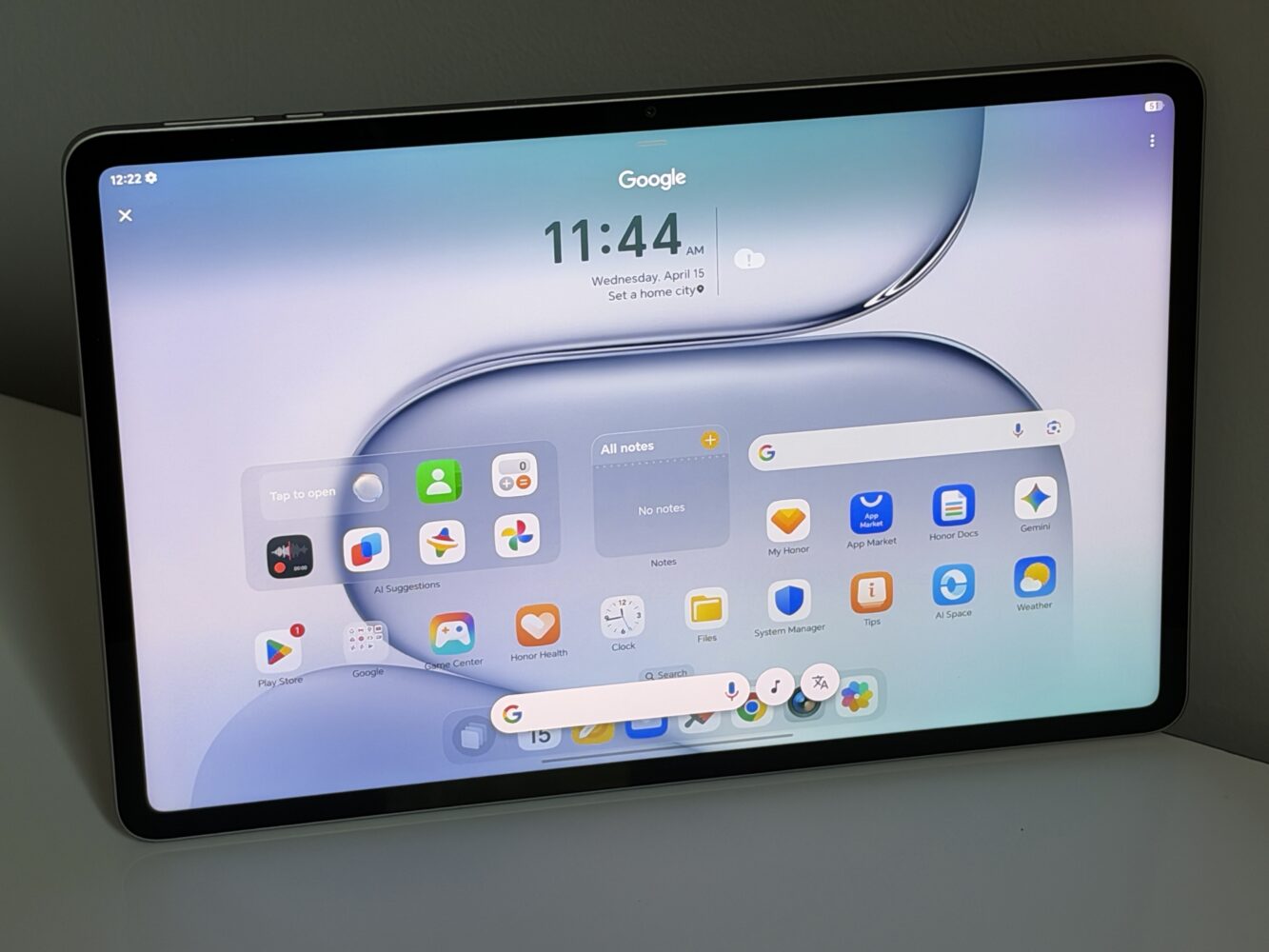
You get a 12-inch 3K display at 120Hz, a Snapdragon 7 Gen 3 chip, a 10,100mAh battery with 45W SuperCharge, a slim metal body and MagicOS 10. That’s a solid list, but the specs aren’t what won me over. What won me over is how easily it fits into daily life, whether that’s binge-watching, writing or working alongside a Mac. It isn’t trying to be the most powerful tablet in the room. It’s trying to be the most useful one, and it does that very well.
A 3K screen that cares about your eyeballs
The display is a 12-inch panel at 3000 x 1872, which works out to 292 pixels per inch, so text is crisp and UI edges are clean. It runs at 120Hz, reaches 700 nits, covers the DCI-P3 colour gamut and shows up to 1.07 billion colours (8-bit hardware with a software assist, for the spec nerds keeping score). The glossy finish gives colours real punch, and films and photos look rich and lively. The 16:10 shape suits reading, working and the obligatory “one more episode” at 1am. It’s a screen that makes the whole tablet feel more expensive than it is.
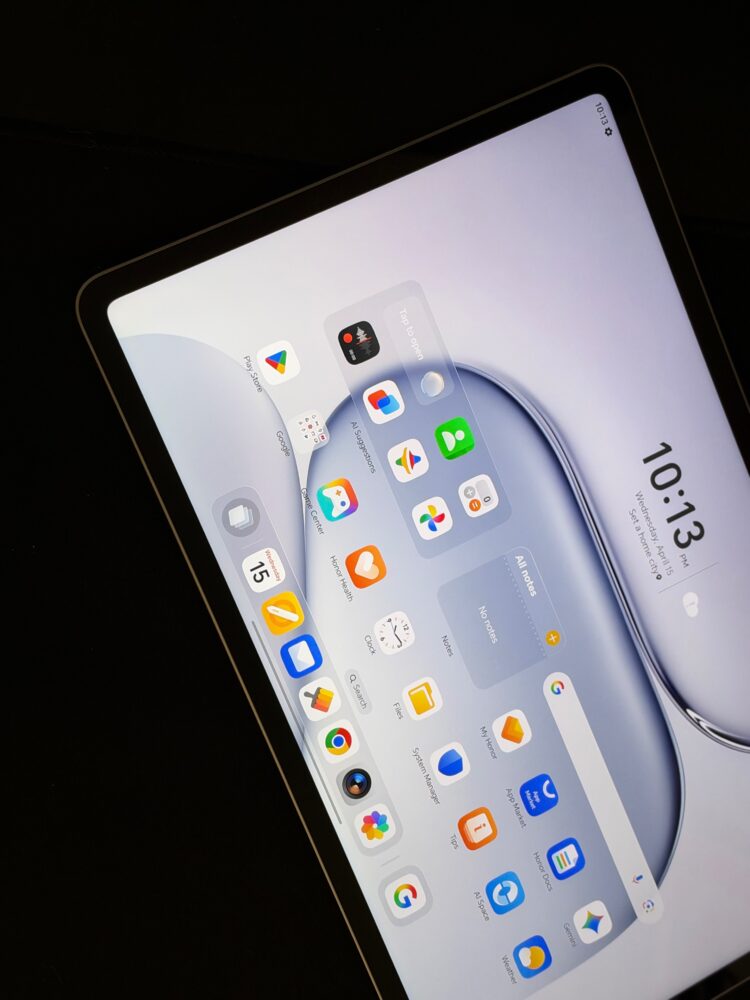
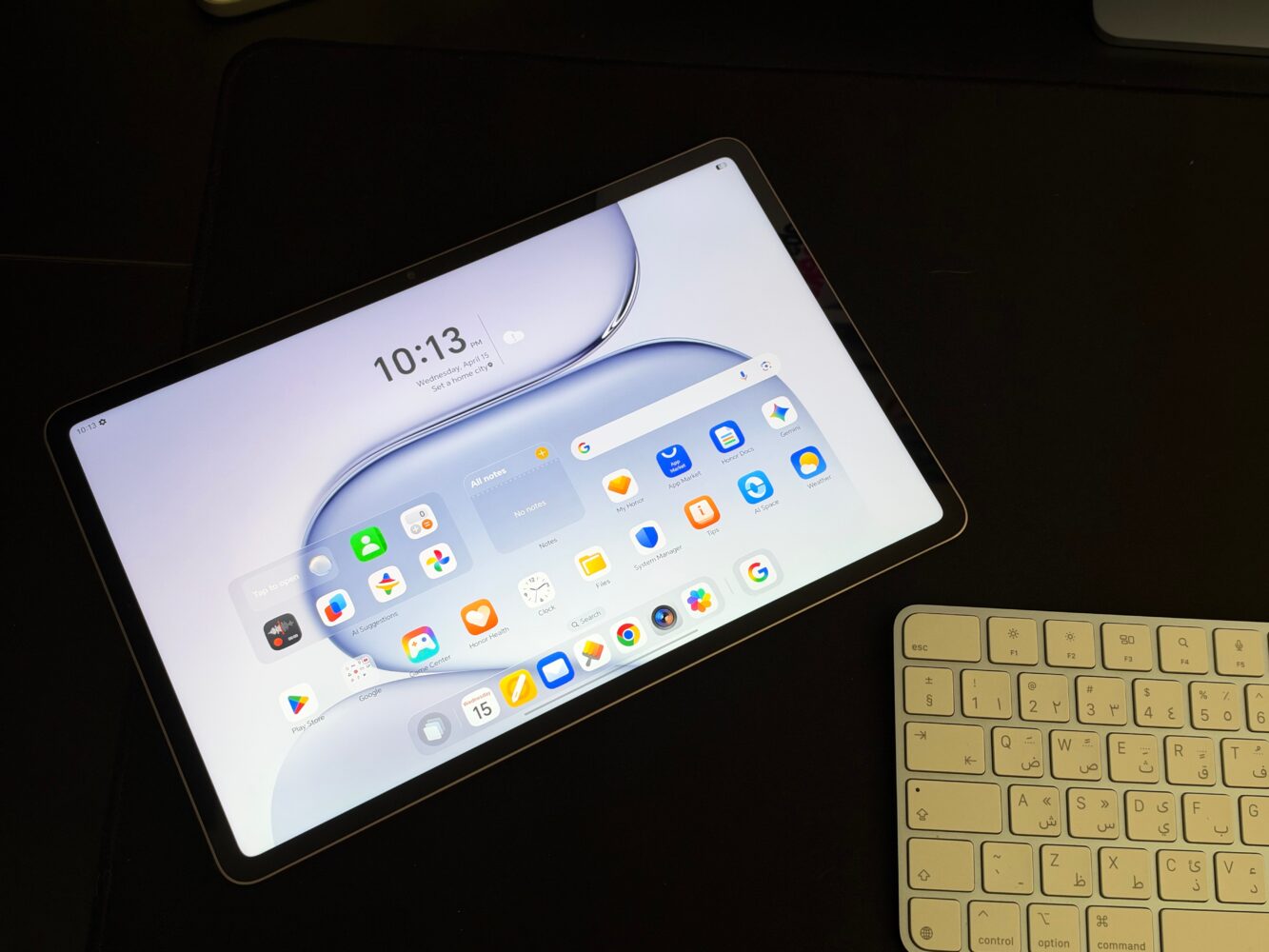
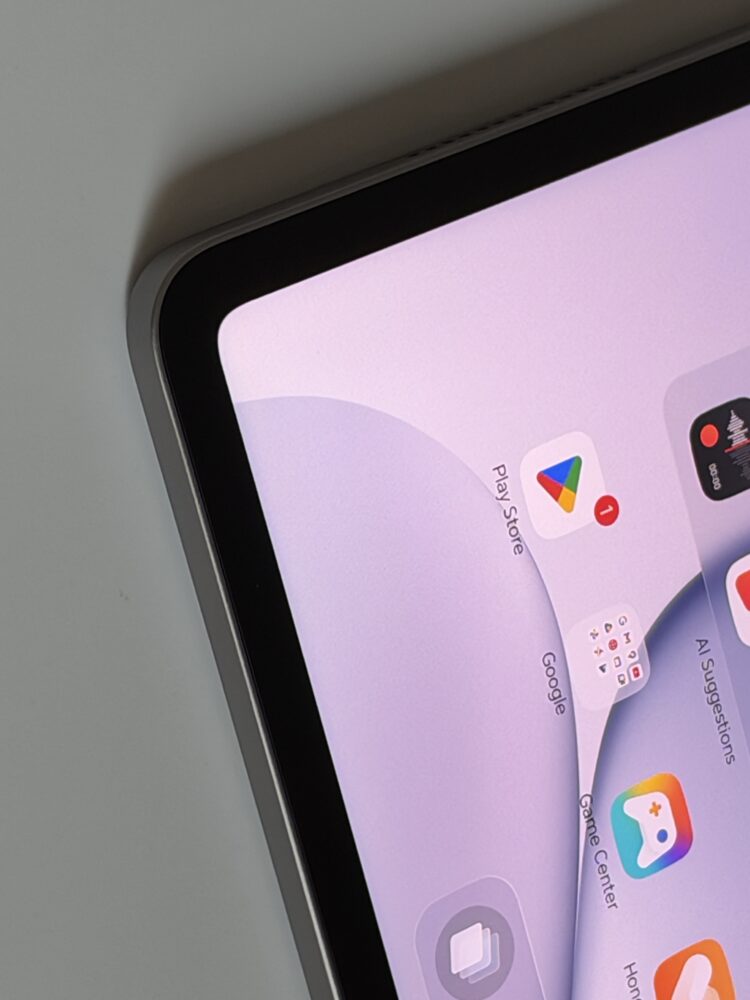
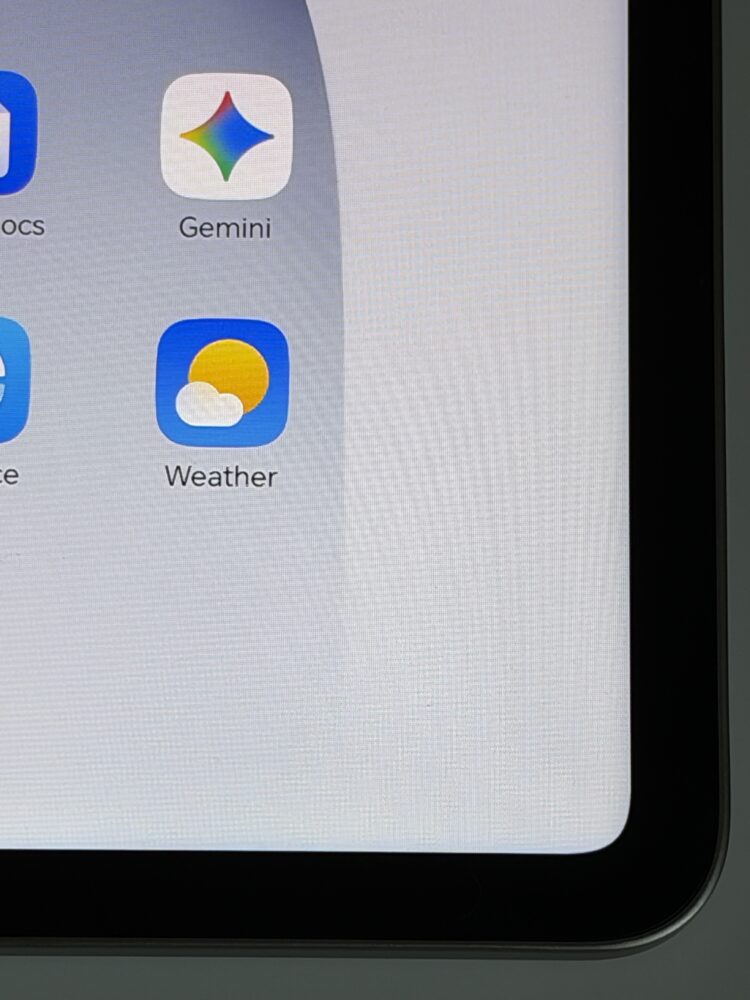
The real point of difference is HONOR’s Eye Comfort Display, a set of six eye-care features built around the panel. There’s flicker-free DC dimming across the full brightness range, brightness that follows natural light, hardware low blue light, colour temperature that shifts with the time of day, and a motion sickness relief mode for anyone who has felt queasy reading in a moving car. It also has TÜV Rheinland certification for low blue light and flicker-free viewing. The glossy glass does reflect your face in bright rooms, so sitting near a window can turn into an unscheduled mirror session. If that bothers you, there’s a separate Pad 20 Paperlike Edition with a matte screen. Personally, I’ll take the extra colour pop and live with the occasional reflection.
Thin metal and a quiet confidence
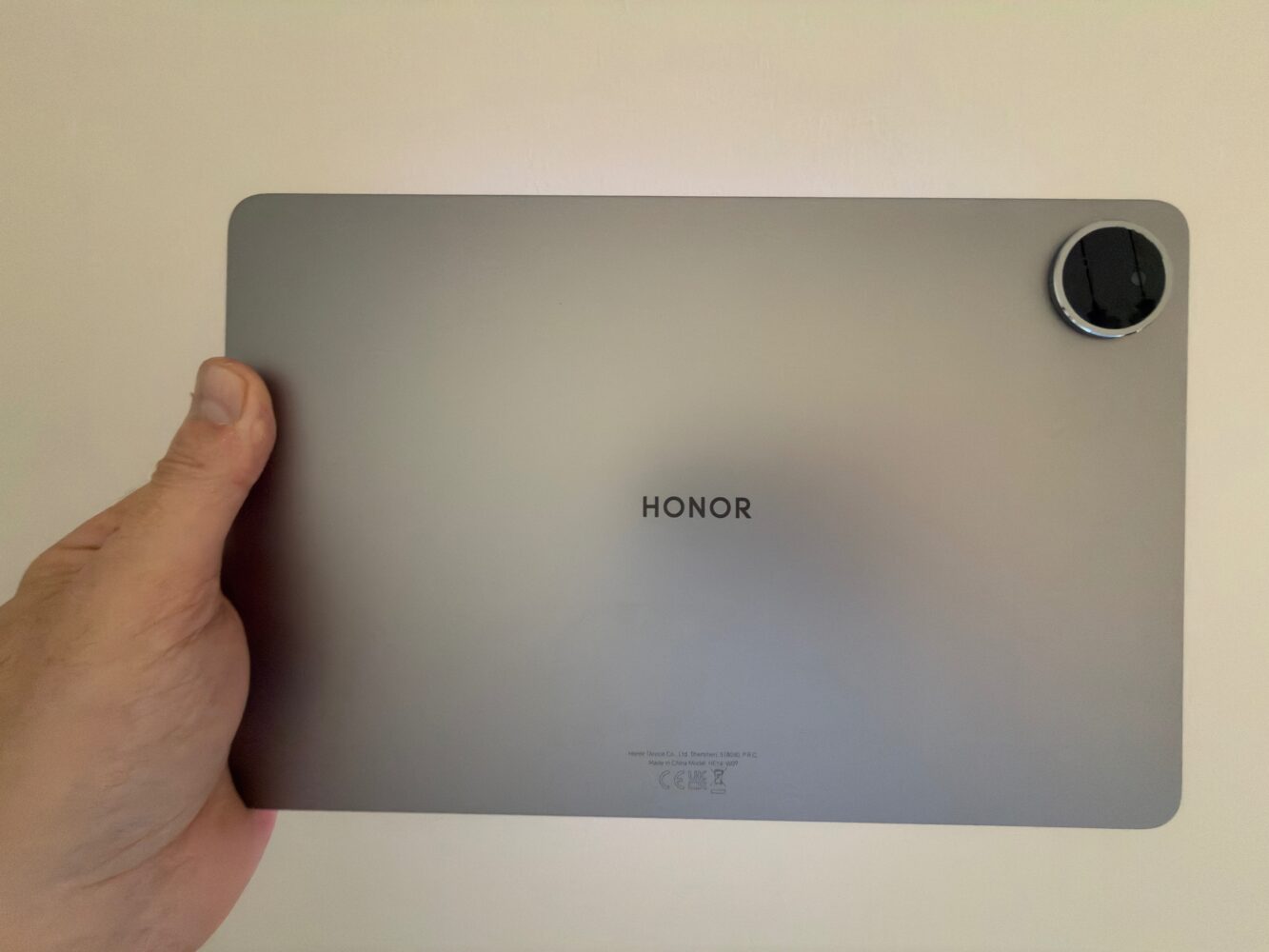
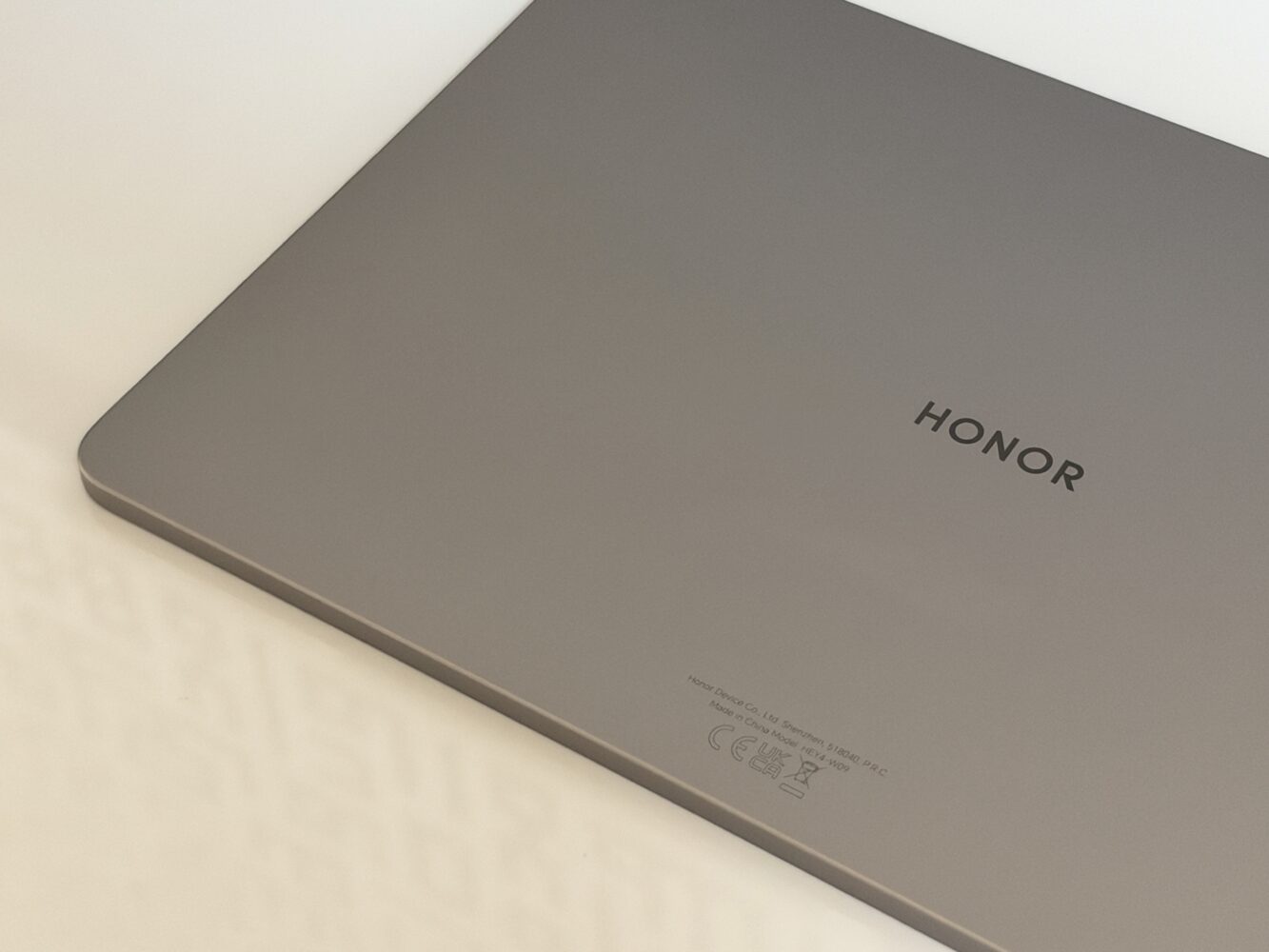
The Pad 20 is just 6.29mm thick and weighs 525g, wrapped in a metal body with a clean Gray finish. That matters on a 12-inch tablet, because big screens tend to get heavy and awkward fast. It’s comfortable for long reading sessions, light enough to carry around all day, and it feels solid rather than plasticky. It’s one of those designs you stop noticing, which is the highest compliment hardware can get.
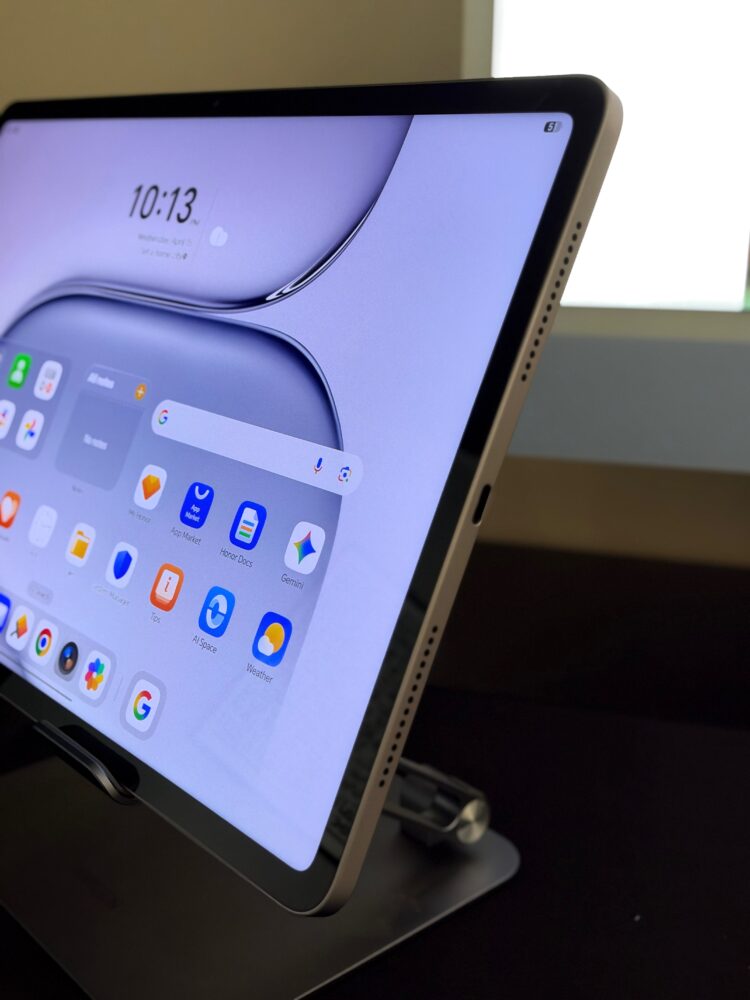
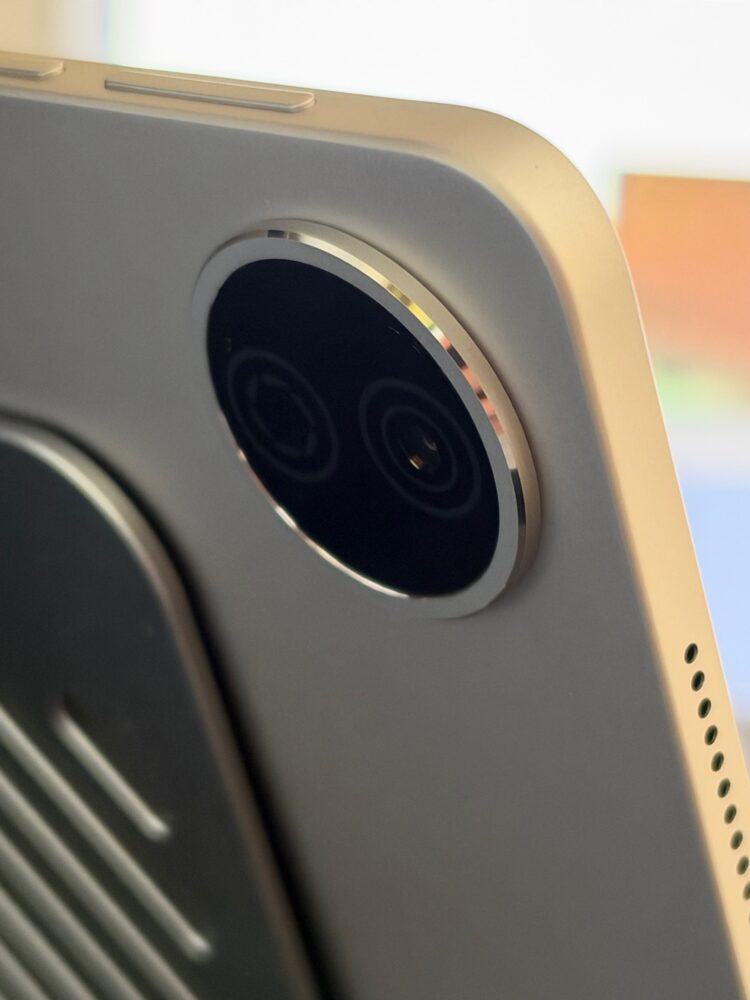
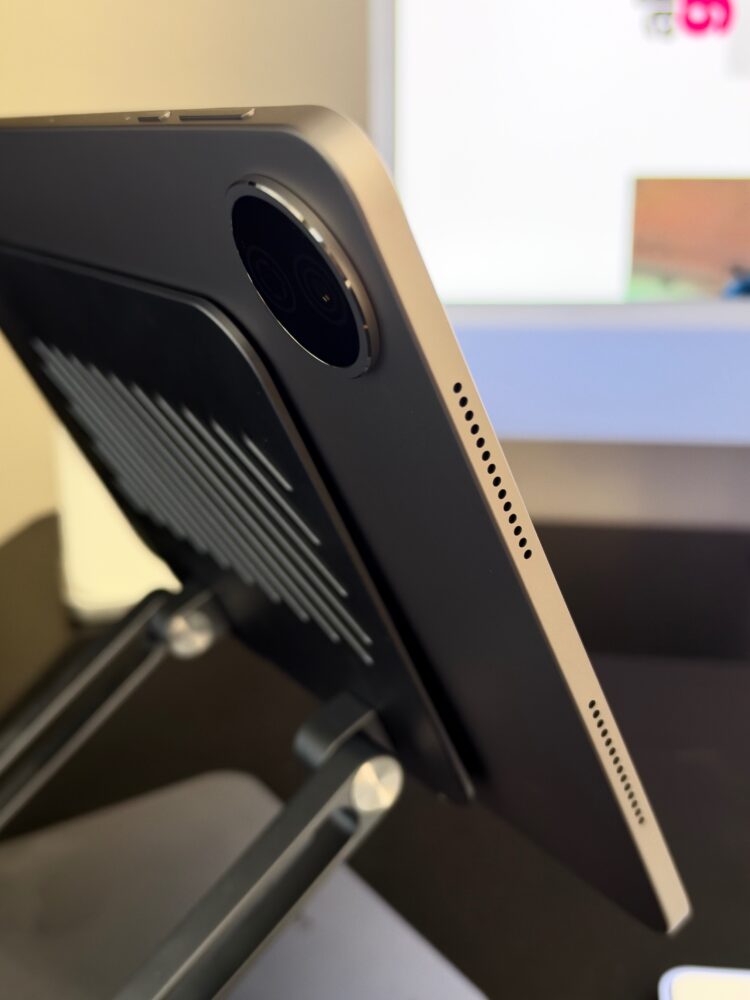
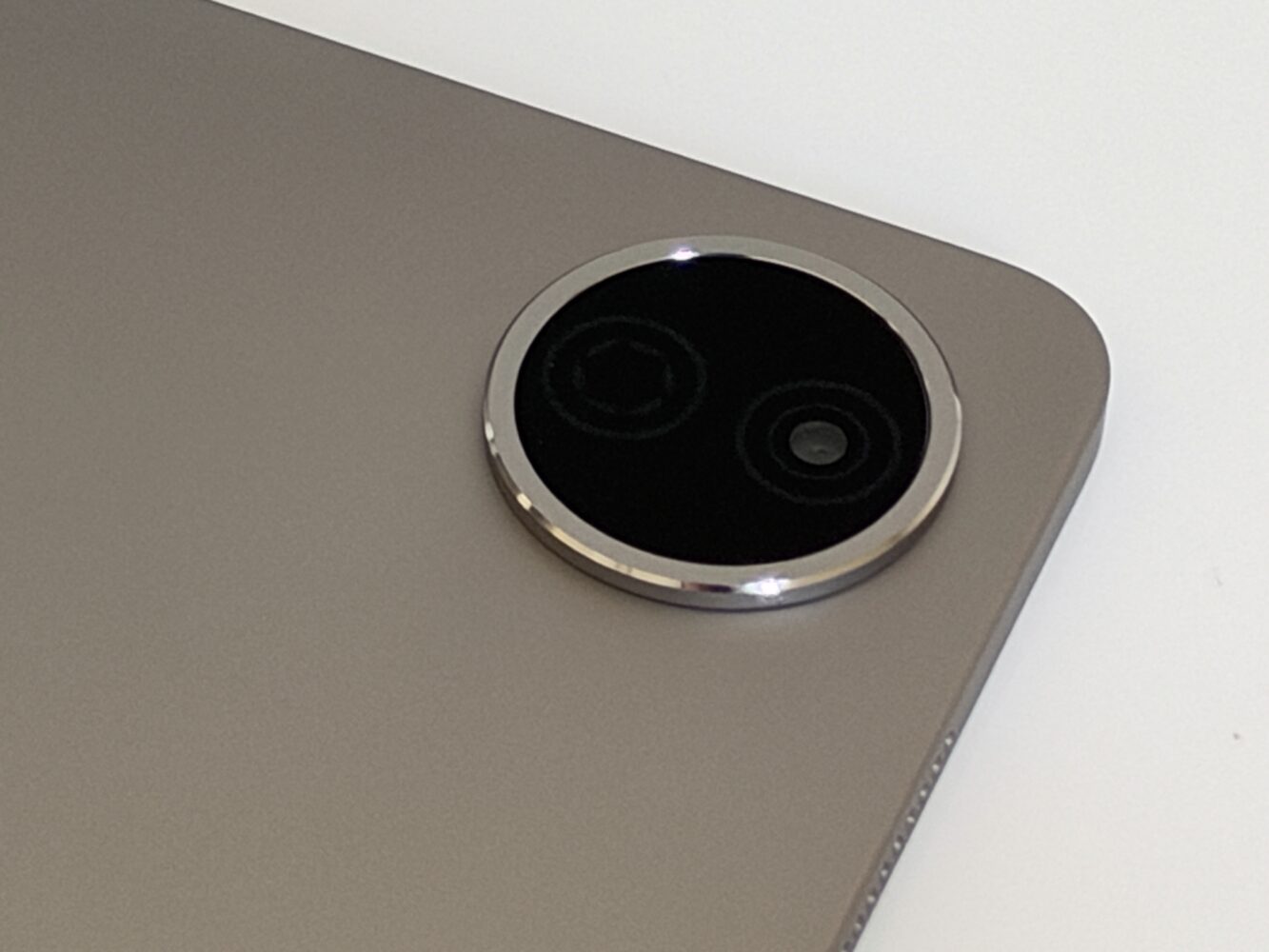
It also looks grown-up without being boring. It doesn’t look out of place in a meeting, a lecture hall or on the sofa next to a bowl of popcorn. Think “competent spy gadget,” not “toy.” For a tablet built to cover both work and play, that versatility matters more than it sounds.
PC mode turns it into a part-time laptop
PC mode is where the Pad 20 earns its “work smarter” slogan. You can switch it on with one tap in the Control Center, or connect a keyboard and it switches over automatically, like a well-trained butler. You get side-by-side windows, keyboard shortcuts, a permanent dock, proper file management and a navigation bar you can customise with your favourite apps and files. Full mouse support makes editing text and spreadsheets much less fiddly than poking at cells with a finger.
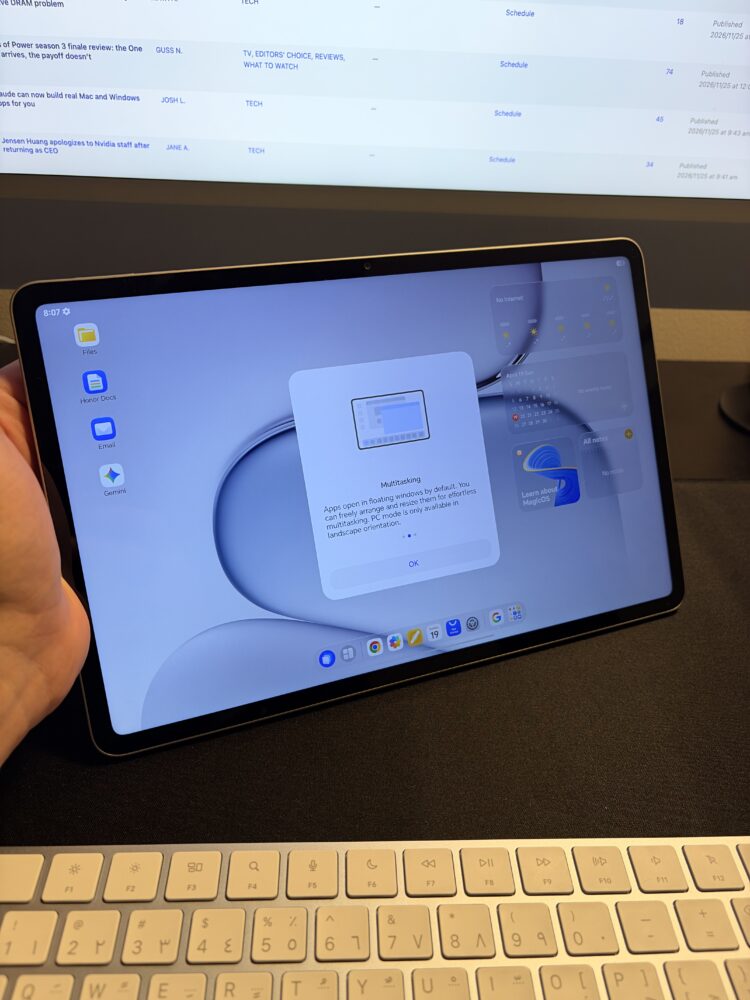
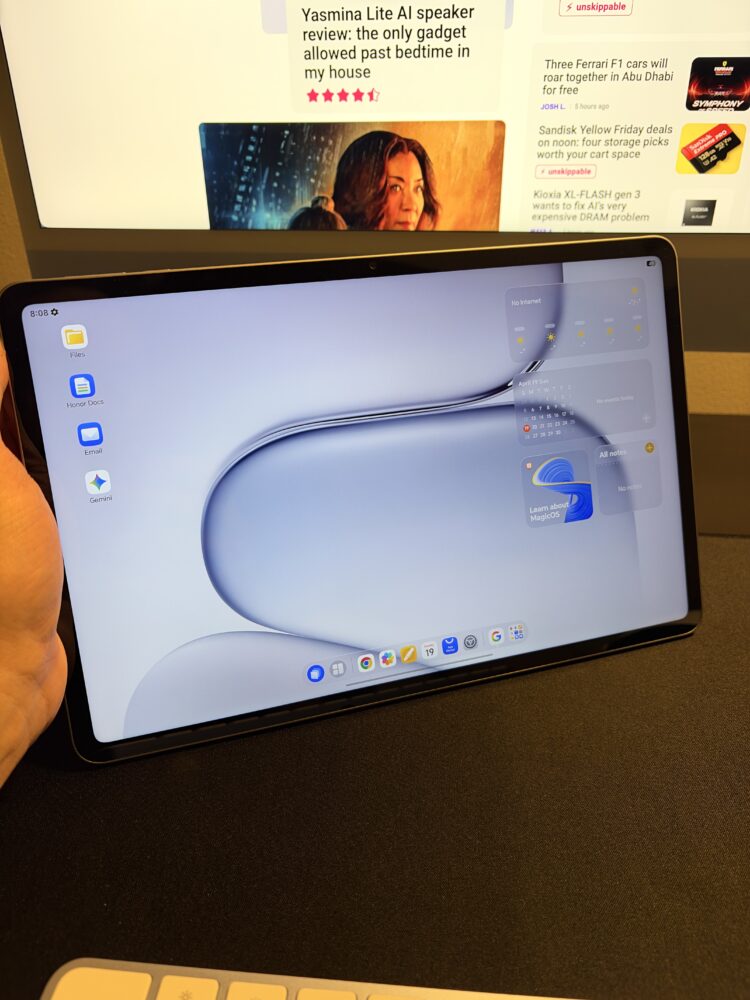
I got real work done this way: writing, browsing, juggling emails and keeping reference material next to whatever I was editing. It’s still Android underneath, so don’t expect full desktop software. It’s Clark Kent in glasses, not a different person. The AI Memo tool is a real bonus, though. It starts recording and transcribing meetings automatically, flags keywords, answers questions about what was said, and produces summaries and mind maps afterwards. For students and anyone stuck in back-to-back calls, that’s a lot of note-taking you no longer have to do.
It plays nicely with Macs, iPhones and Windows
This is the part that made me grin: the Pad 20 doesn’t lock you into HONOR’s world. It can act as an extended screen for a Mac, so my MacBook suddenly had a crisp second display for chats, research tabs and notes. File transfer works across iOS, Android, HarmonyOS, Windows and Mac, and Apple and Windows devices just need the HONOR Connect app. Most Android tablets treat Apple users like a rival house in Westeros. This one actually lets them in.
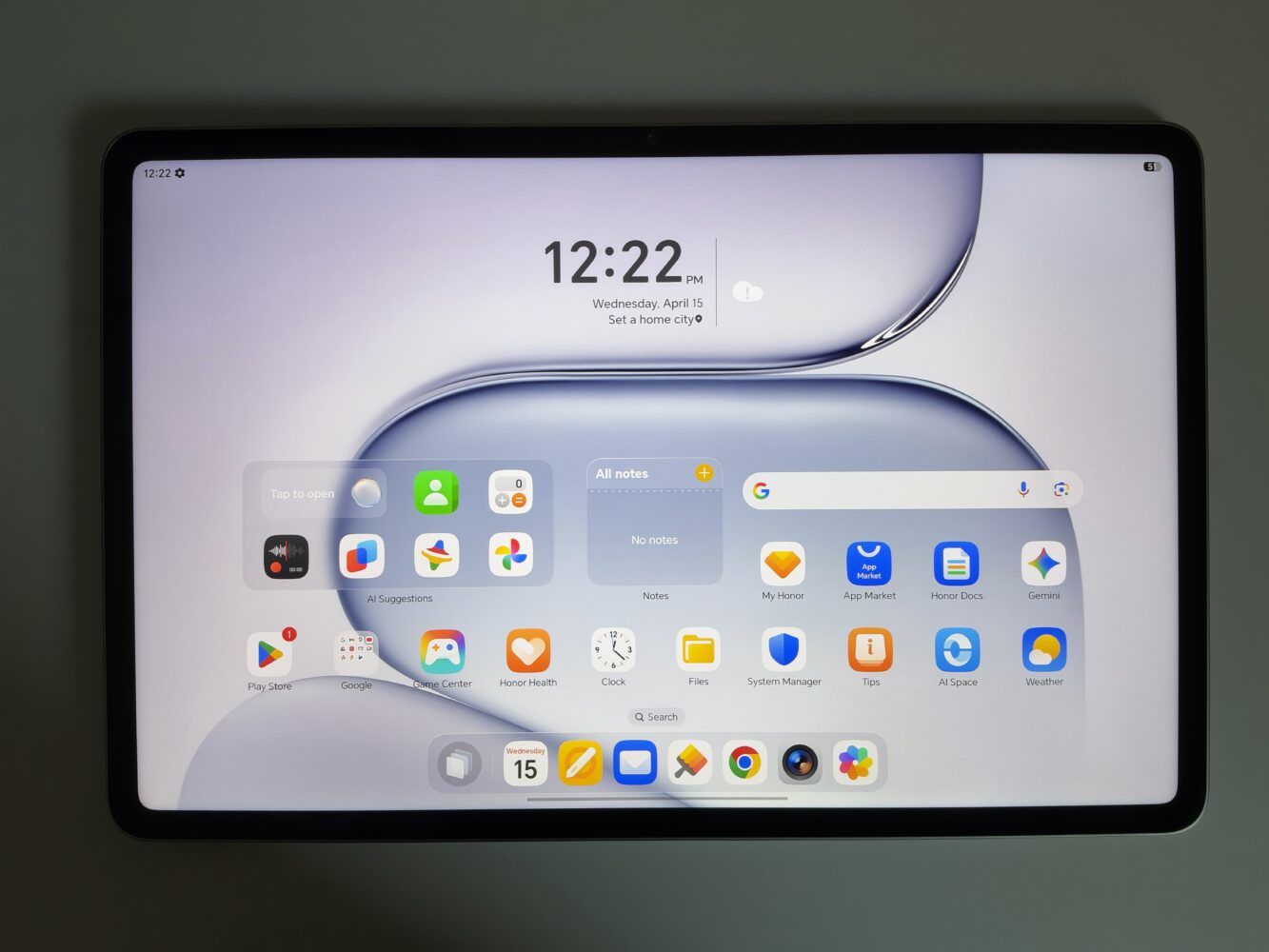
If you’re already on an HONOR phone, it gets better, with one-tap sharing between phone and tablet. There’s even a feature that converts iWork files into Microsoft Office formats, the kind of small, practical thing you don’t appreciate until it saves you on deadline day. Moving over from another device is easy too, with cross-platform migration from iOS, Android and HarmonyOS. It’s an ecosystem that doesn’t require you to move in permanently, and I really like that.
Snapdragon 7 Gen 3: quick, capable, not showing off
The Snapdragon 7 Gen 3 runs the show, and in daily use the Pad 20 feels quick. Apps open fast, multitasking is smooth, and switching between windows in PC mode doesn’t feel like the tablet is begging for mercy. Streaming, note-taking, browsing, light video editing and casual gaming all feel comfortable. It’s the right chip for what this tablet is built to do.
Is it a gaming monster? No, and it doesn’t pretend to be. Heavy 3D games at max settings on a 3K 120Hz screen will need some compromises. Think less “Ultra preset” and more “sensible adult settings.” The one real annoyance is the missing microSD slot, so choose your storage carefully at checkout. Future you, with a downloaded series collection, will thank you.
A battery built for marathons
Fitting a 10,100mAh battery into a body this thin is the kind of engineering that makes me nod slowly, like watching a good heist movie. It’s rated for around 12 hours of video, 13 hours of reading, 7 hours of gaming and up to 71 days on standby. In my time with it, battery anxiety simply wasn’t part of my life. Long work sessions, evenings of streaming and endless note-taking all happened without me checking the percentage like a nervous parent.
When you do need to top up, 45W SuperCharge handles it sensibly for a battery this big. A slow charger on a huge tablet battery feels like filling a bathtub with an eyedropper, and HONOR has avoided that. As always, gaming at full brightness on the 120Hz panel drains it faster than reading. For everyday use, though, the Pad 20 lasts the day and then some.
Accessories unlock the full experience
To get the most from PC mode, you’ll want HONOR’s accessories, which are sold separately. The all-in-one keyboard has comfortable key travel and a sensible layout, so long articles and emails feel natural instead of like a punishment. The HONOR Magic-Pencil 4s (USB-C) has very low latency, good pressure sensitivity and dual nibs, soft and hard, so you can choose between a pencil-like feel and a firmer, more precise one. It’s rated for up to 10 hours of continuous writing, which outlasts most lectures and almost all of my attention span.
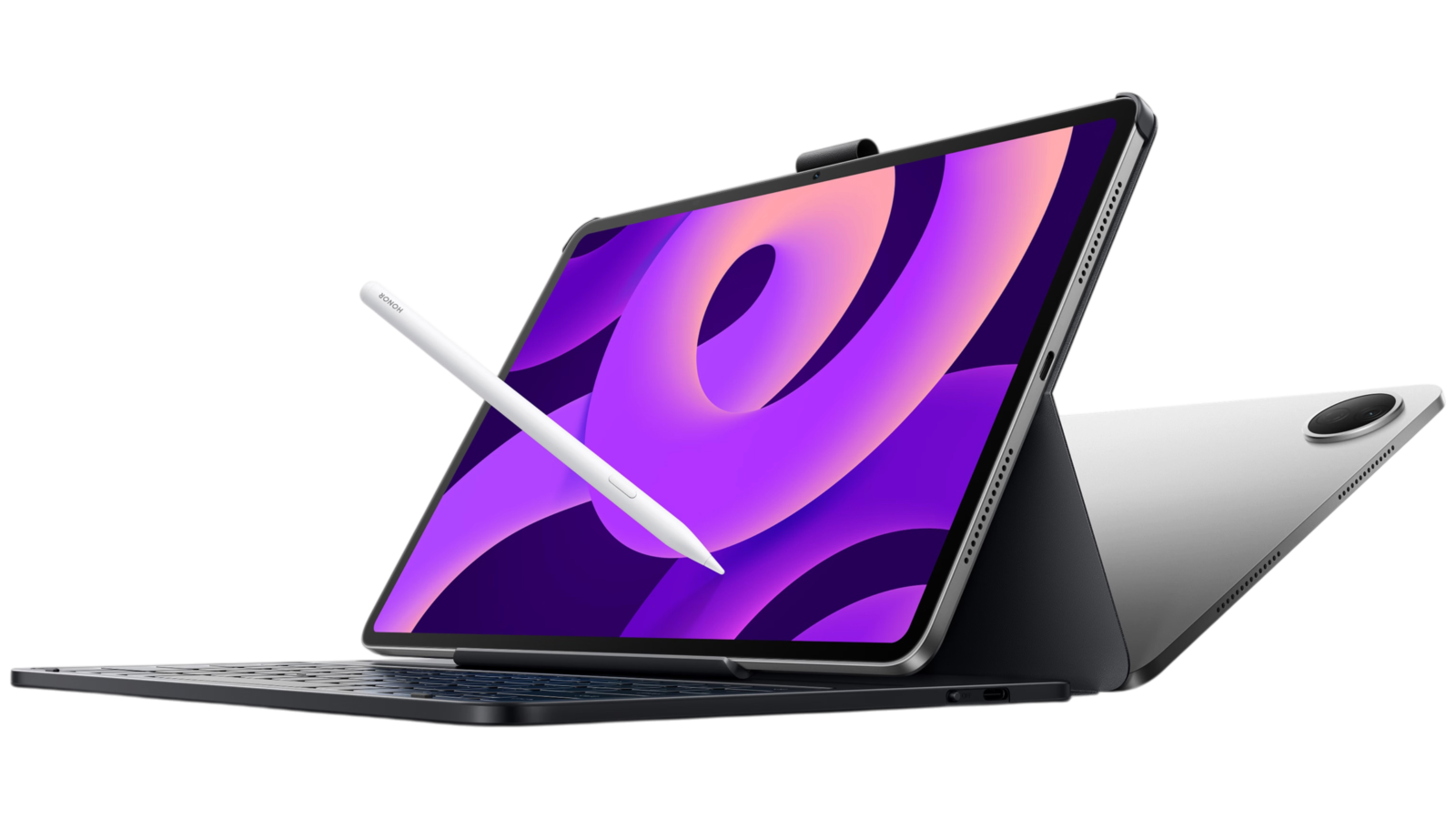
The catch is obvious: buying them adds to the final bill, as it does with most rivals. Without them, the Pad 20 is still an excellent media and reading tablet, but the “PC-class” pitch needs at least a keyboard to make sense. If productivity is the reason you’re buying, budget for the keyboard from day one. The pen is the optional extra for note-takers and doodlers who’d rather write than type.
Verdict
I really love the HONOR Pad 20. The 3K 120Hz display is sharp, colourful and built to go easy on your eyes. PC mode makes it a properly productive little machine, the battery feels nearly endless, and the thin metal body feels more expensive than it is. Working as a second screen for a Mac and sharing files with iPhones and Windows machines is a delightful bonus that most Android tablets can’t match.
It isn’t perfect. The glossy screen catches reflections in bright rooms, the keyboard and pen cost extra, the Snapdragon 7 Gen 3 is capable rather than a gaming beast, there’s no microSD slot, and PC mode is still Android in a smart blazer. If you want flagship gaming power or a matte screen, look higher up the range or at the Paperlike Edition. For students, writers, readers, Mac users who want a second screen, and anyone after a well-rounded tablet for work and play, the HONOR Pad 20 is an easy recommendation.