

TL;DR: iOS 27 Public Beta excels with groundbreaking Siri AI featuring a dedicated app and advanced context awareness, stunning Liquid Glass design, AI photo editing plus Image Playground, speed and battery gains, smarter Safari, enhanced Screen Time, improved Shortcuts, Wallet and AirPods features, Visual Intelligence, and generative tools. Straightforward installation brings these capabilities today in a feature-packed, engaging update ideal for curious geeks. A strong, delightful step forward.
iOS 27 Public Beta
iOS 27 Public Beta dropped today and it is loaded with a fantastic array of new features that elevate the everyday iPhone into something smarter, more visually stunning, and genuinely more capable. This release captures that sweet spot where meaningful innovations meet polished execution, turning routine tasks into delightful interactions while giving power users plenty to explore and customize. From intelligent voice upgrades to subtle interface magic, it feels like Apple listened closely to what makes our devices truly shine and delivered a beta full of thoughtful enhancements that reward immediate hands-on time.
Siri AI Emerges as the Star Feature With Game-Changing Intelligence
Leading the charge in iOS 27 Public Beta is Siri AI, a substantial evolution that finally turns the voice assistant into a truly capable personal companion complete with its own dedicated app. This is the feature that steals the spotlight right from the start, offering contextual awareness that understands not just your words but the bigger picture around them. It can search the web seamlessly, access permitted personal information, view what is on your screen for relevant suggestions, and maintain conversation threads across multiple interactions without losing momentum.
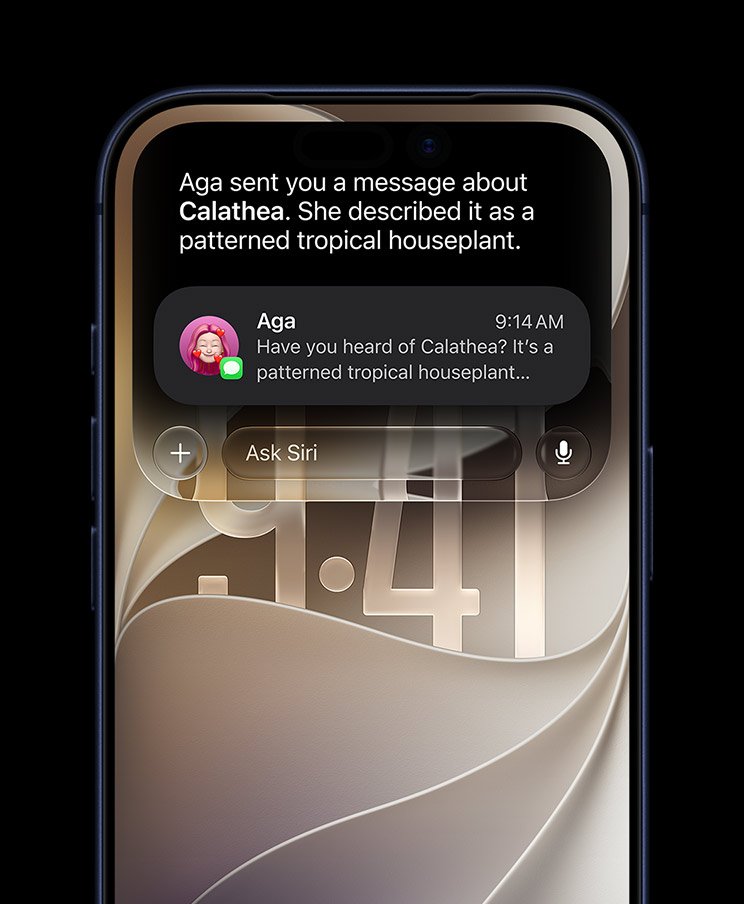
Ask Siri AI to help plan a weekend getaway and it might pull details from your calendar, reference recent photos for inspiration, and even suggest packing lists or reservations with follow-up questions handled naturally. The Writing Tools integration allows you to refine text anywhere on the device using simple prompts, whether polishing a work document or brainstorming creative ideas. Responses feel faster and more accurate, making everyday tasks like setting reminders, summarizing articles, or generating quick replies feel effortless and almost magical.
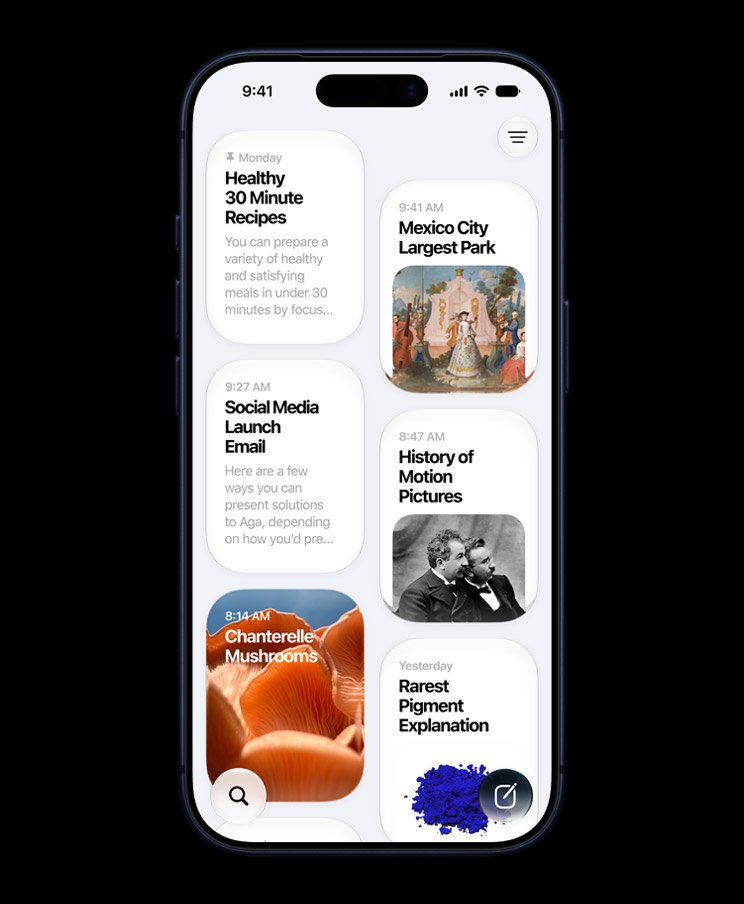
The dedicated Siri app provides a centralized hub for deeper interactions, where you can explore advanced capabilities and customize how the AI integrates with your apps and data. It supports more complex commands that chain together actions across services, such as pulling information from notes while cross-referencing emails or messages. For those who rely on voice for productivity or accessibility, this update represents a leap forward that makes the iPhone feel more intuitive and responsive than ever before. It is the kind of advancement that sparks that genuine excitement we geeks live for, reminiscent of sci-fi assistants finally becoming reality in our pockets. Public beta users get to experience these enhancements early, complete with options to manage privacy settings and explore different modes for varying levels of assistance.
Liquid Glass Interface Magic and Visual Refinements
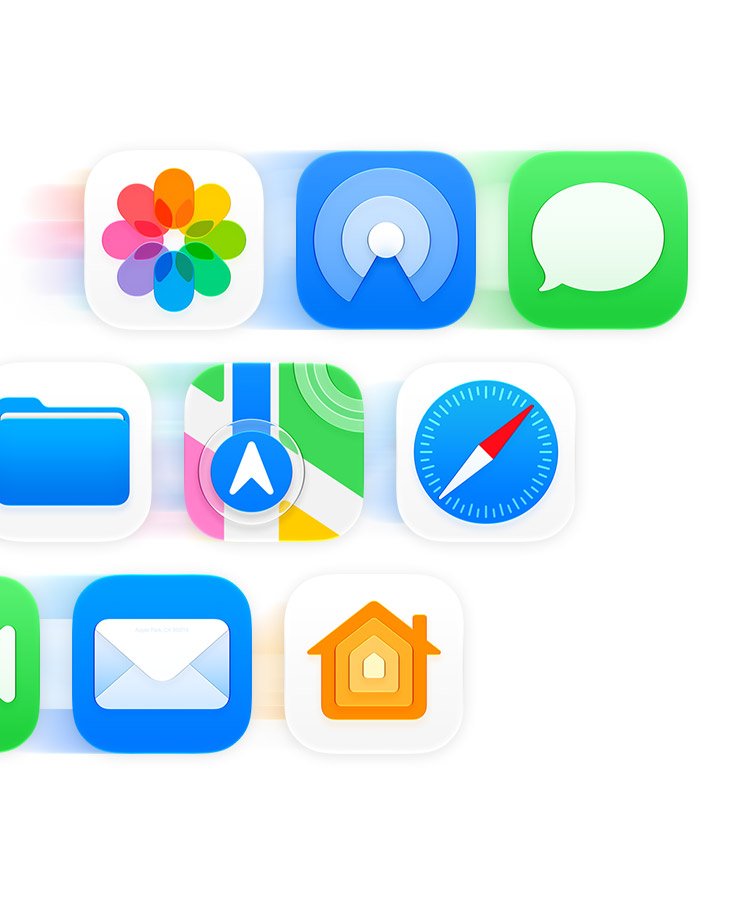
Beyond the intelligence boost, the Liquid Glass design language receives a beautiful expansion across iOS 27 Public Beta, introducing dynamic translucency, refined animations, and added depth to icons, folders, and system elements. App icons sport updated styles with engaging layering effects that react fluidly to touches and gestures, while folders benefit from improved organization that keeps your home screen tidy and visually appealing.
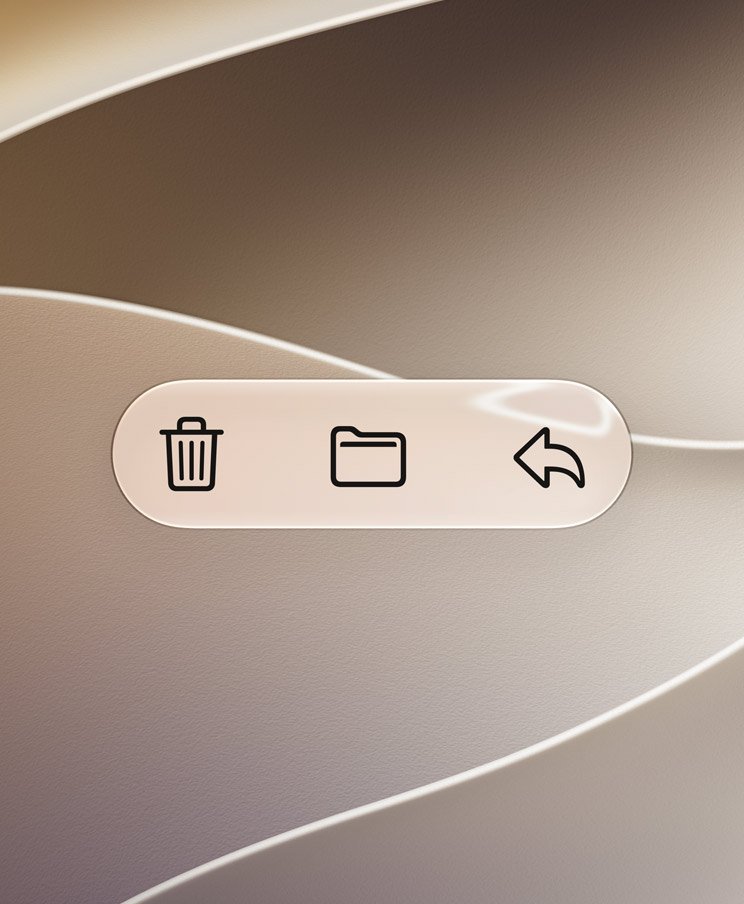
Control Center gains new toggles and flexible layout options, empowering you to arrange essential controls exactly how you want them for quicker access during busy moments. Lock Screen customizations expand significantly with additional widget support and live activity layers, allowing personalized dashboards that deliver information at a glance without clutter. These visual upgrades transform navigation into a more immersive and satisfying experience, where every swipe and tap carries a premium feel that enhances daily use.
Performance Boosts, Battery Smarts, and Speed Everywhere
iOS 27 Public Beta brings welcome speed improvements and efficiency enhancements that make the whole system feel more responsive on supported devices. Apps launch quicker, multitasking handles heavy loads gracefully, and background processes run more intelligently to preserve resources. Battery optimizations adapt smartly to your patterns, often resulting in better endurance for everything from intensive creative work to casual streaming sessions.
These under-the-hood gains ensure that the exciting new features do not come at the cost of everyday reliability, giving even older compatible iPhones a noticeable lift in performance that keeps the experience fresh and capable.
Photos, Safari, and Creative Tools That Spark Joy
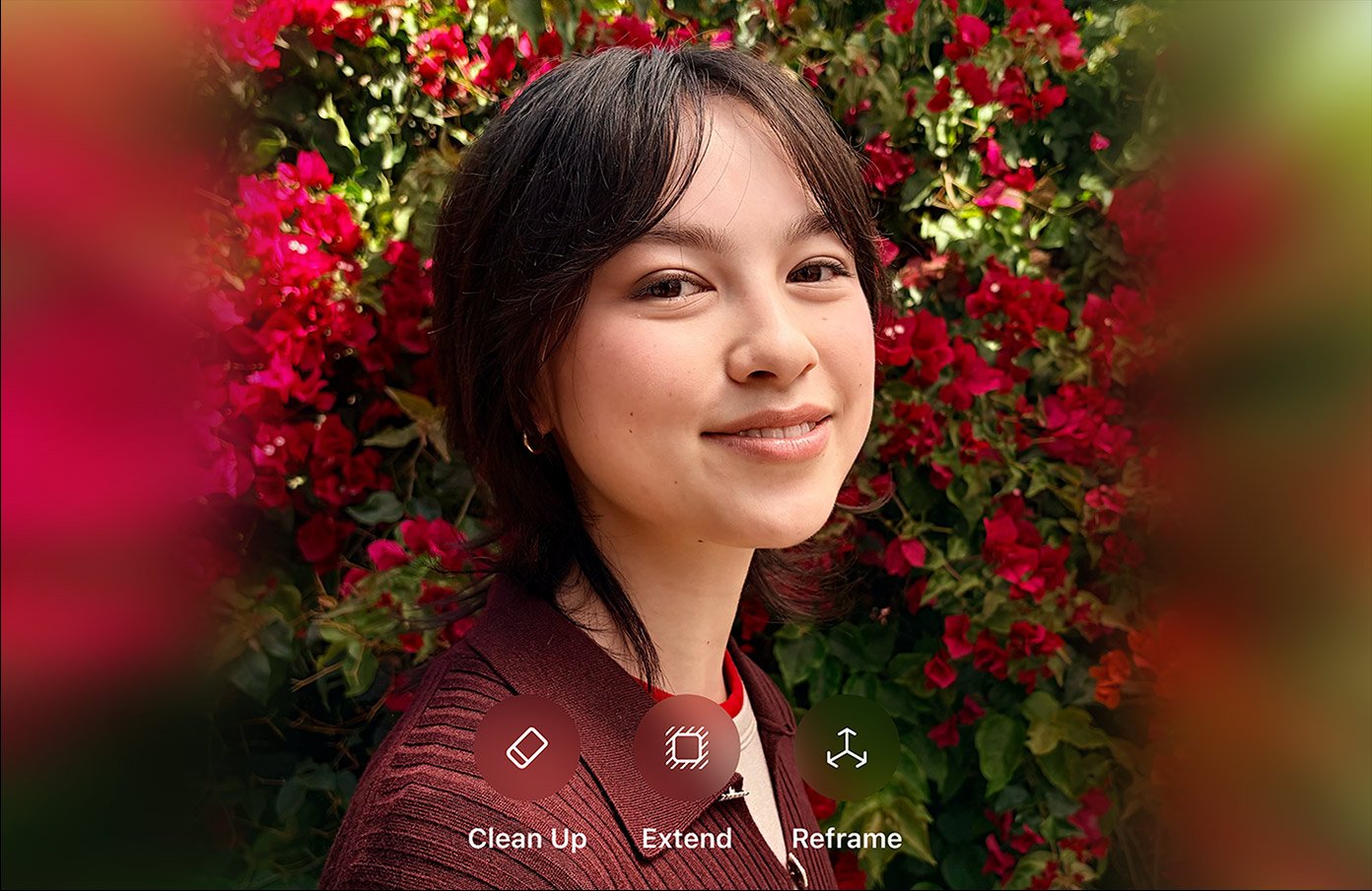
The Photos app shines with powerful AI editing tools that let you extend images, clean up unwanted elements, and reimagine scenes through straightforward prompts. Upgraded Image Playground encourages experimentation with generative features, turning ordinary shots into unique creations that fuel creativity without requiring advanced skills. Library organization tools surface memories and suggestions intelligently, making it easier to revisit and enjoy your photo collection.
Safari benefits from smarter tab organization with automatic grouping and intelligent recommendations that tame even the messiest browsing sessions. Full screen widgets provide immersive information views, while broader system enhancements improve how content flows across apps. These tools make consumption and creation more seamless, fitting naturally into how we use our phones for work, hobbies, and entertainment.
Shortcuts, Wallet, AirPods, and Family-Focused Upgrades
Shortcuts receives accessibility upgrades and expanded actions that simplify building custom automations, enabling powerful workflows with minimal effort. Connect services creatively to automate daily routines or complex tasks, opening new possibilities for personalization.
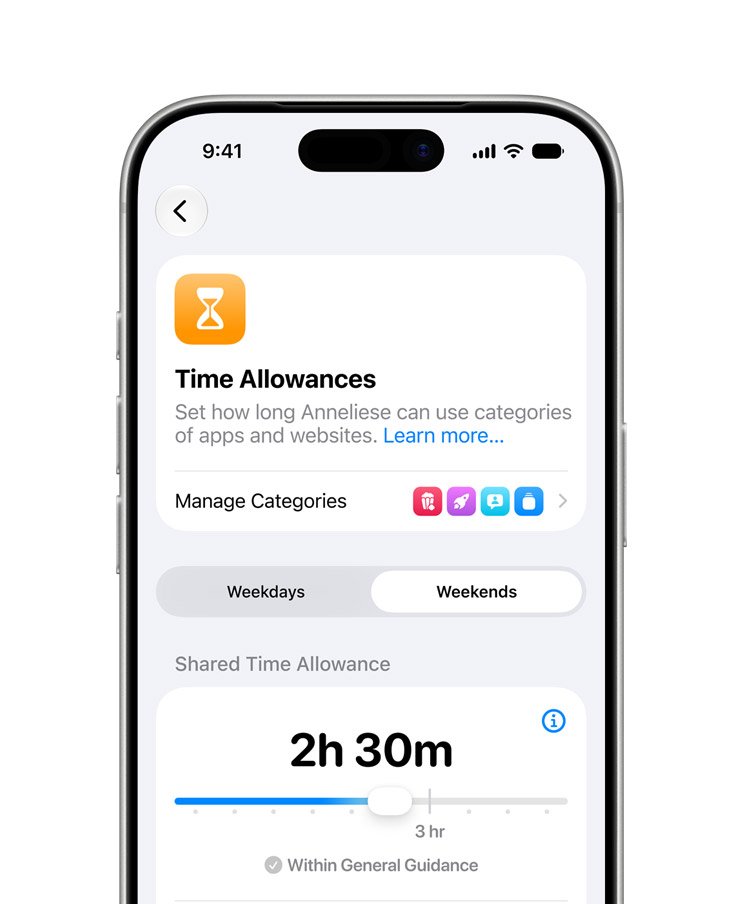
Apple Wallet improvements include better pass management and quicker access, streamlining everything from tickets to payments. AirPods users gain custom EQ controls directly in settings for tailored audio experiences across different scenarios. Screen Time gets a comprehensive redesign with enhanced parental controls offering detailed usage insights, website monitoring, and flexible scheduling options that support healthier family technology habits while respecting privacy.
Visual Intelligence, Home, Phone, and Generative Touches
Visual Intelligence adds contextual awareness through the camera, delivering helpful information and suggestions based on what you point at in real time. The Home app sees refinements for smoother smart device control, and Phone enhancements improve call quality and integration features. New wallpaper generator tools let you create custom backgrounds using AI prompts, adding another avenue for personal expression right within the system settings.
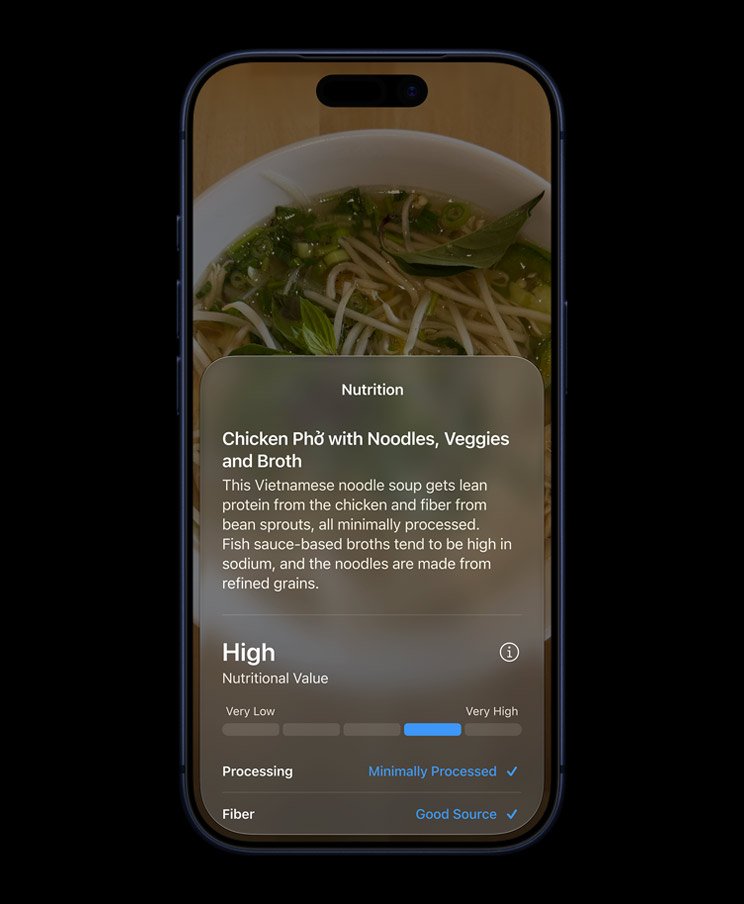
These elements weave together into a cohesive update where intelligence, convenience, and creativity complement each other beautifully. The public beta brings all this together in a package that feels comprehensive and forward-thinking.
Easy Installation Steps for the iOS 27 Public Beta
Installing iOS 27 Public Beta is user-friendly and quick. Enroll through the Apple Beta Software Program website using your Apple ID, then on your iPhone go to Settings, General, Software Update, and choose Beta Updates to select the iOS 27 option. Restart if necessary to see the update, back up your data beforehand, and let the download handle the rest. The process is designed for accessibility, getting you into the new features fast.
What to Expect From This Feature-Rich Public Beta
With iOS 27 Public Beta, you step into an iPhone enriched by substantial new capabilities centered around smarter assistance, beautiful interfaces, and practical daily tools. Siri AI leads as the transformative highlight, supported by visual polish, creative enhancements, and efficiency gains that elevate the entire experience. Expect smoother performance alongside opportunities for customization and feedback that help refine the final release.
Power users will find plenty to geek out over in the customization options and automation potential, while casual enthusiasts benefit from the intuitive enhancements that simply make life easier. This public beta opens the door wide to the future of iOS, and it does so with style, substance, and plenty of features worth celebrating right now.
Keep in mind that as a public beta, iOS 27 still carries the typical cons of pre-release software including occasional bugs, unexpected battery drain in certain scenarios, and minor compatibility hiccups with specific apps or accessories. Approach it with caution, ideally on a secondary device rather than your daily driver, and stay prepared to roll back if needed. Reporting issues through official channels helps Apple polish the experience for everyone, but always prioritize stability for anything mission-critical.