By using this site, you agree to our Privacy Policy and Terms of Service.
Accept
Absolute Geeks UAEAbsolute Geeks UAE
  • STORIES
    • TECH
    • AUTOMOTIVE
    • GUIDES
    • OPINIONS
  • REVIEWS
    • READERS’ CHOICE
    • ALL REVIEWS
    • ━
    • SMARTPHONES
    • CARS
    • HEADPHONES
    • ACCESSORIES
    • LAPTOPS
    • TABLETS
    • WEARABLES
    • SPEAKERS
    • APPS
  • WATCHLIST
    • TV & MOVIES REVIEWS
    • SPOTLIGHT
  • GAMING
    • GAMING NEWS
    • GAME REVIEWS
  • +
    • OUR STORY
    • GET IN TOUCH
Reading: WhatsApp Web: Quick Look
Share
Notification Show More
Absolute Geeks UAEAbsolute Geeks UAE
  • STORIES
    • TECH
    • AUTOMOTIVE
    • GUIDES
    • OPINIONS
  • REVIEWS
    • READERS’ CHOICE
    • ALL REVIEWS
    • ━
    • SMARTPHONES
    • CARS
    • HEADPHONES
    • ACCESSORIES
    • LAPTOPS
    • TABLETS
    • WEARABLES
    • SPEAKERS
    • APPS
  • WATCHLIST
    • TV & MOVIES REVIEWS
    • SPOTLIGHT
  • GAMING
    • GAMING NEWS
    • GAME REVIEWS
  • +
    • OUR STORY
    • GET IN TOUCH
Follow US

WhatsApp Web: Quick Look

GEEK DESK
GEEK DESK
Jan 22

The WhatsApp experience has just gotten better, assuming you have an Android device and prefer using Google’s Chrome browser. WhatsApp just launched WhatsApp Web; the web client of the messenger that is 700 million members strong.

Look out for the new update that is rolling out on Android. As far as I can tell, there’s nothing new other than activating WhatsApp Web, which is a very easy process.

In the main WhatsApp screen, hit the Menu button and you’ll find the new option resting in the middle. Selecting that will prompt you to scan the QR code which you’ll find on the web client.

On your desktop (remember, you need Chrome for this) go to http://web.whatsapp.com and scan the QR code presented on the screen…

… and your contacts and messages will appear!

You can chat, send images and videos from your computer, send voice notes and get desktop notifications of new messages. As with the app, you can also tell when the message has been sent, received and read. More importantly however, is that any notification you clear from the WhatsApp Web gets cleared from your device (yay no double notifications!)

This really makes having those long arguments on WhatsApp much more efficient. Thank you, WhatsApp for finally including this service!

Any thoughts? Will you be using this as regularly as I will?

Share
What do you think?
Happy0
Sad0
Love0
Surprise0
Cry0
Angry0
Dead0

WHAT'S HOT ❰

OpenAI requires macOS app updates after Axios library security issue
Gmail end-to-end encryption arrives on iOS for workspace users
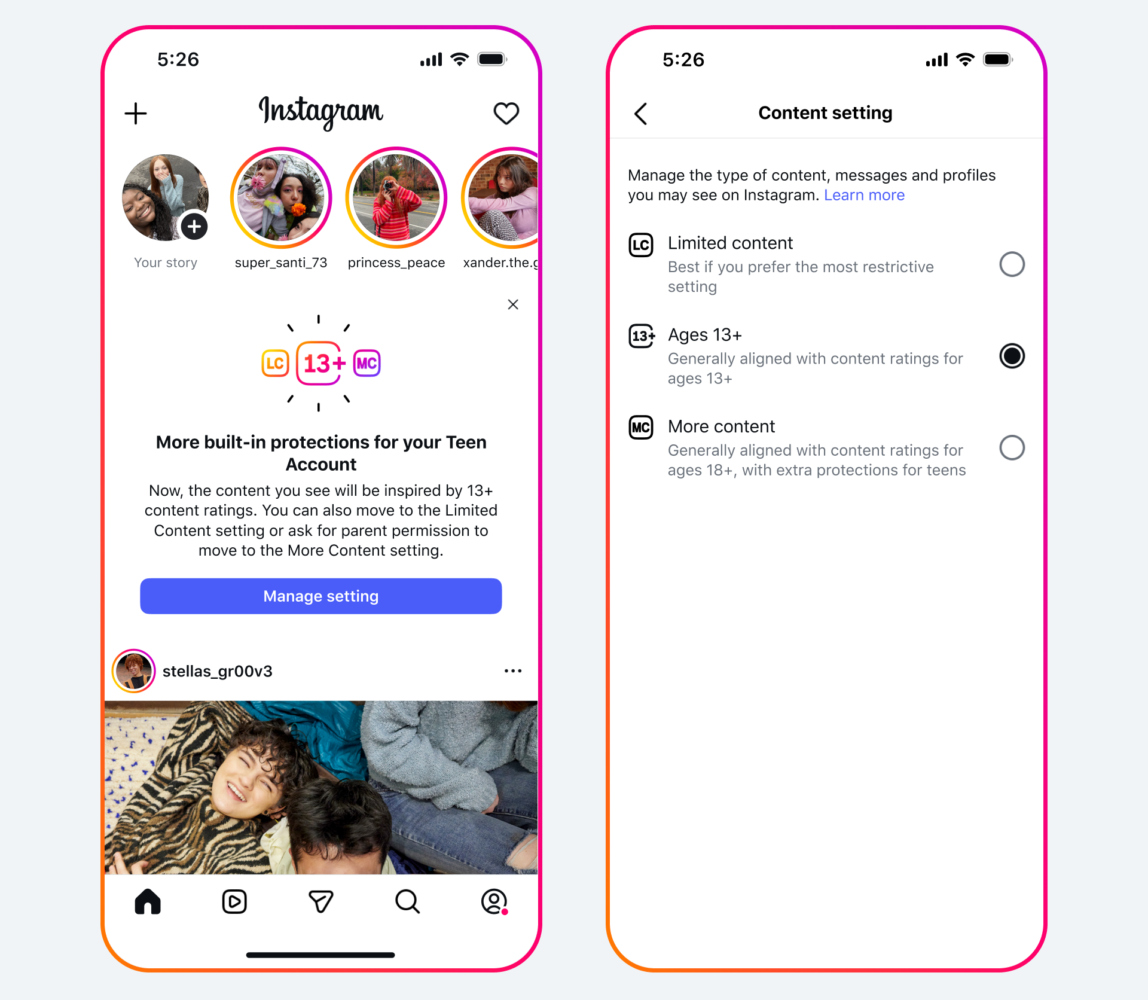
Meta strengthens Instagram teen account safeguards in UAE and Saudi Arabia
Samsung Galaxy A57 5G and A37 5G launch in UAE
Shark PowerdDetect UV Reveal robot vacuum mop brings stain detection to hard floors
Absolute Geeks UAEAbsolute Geeks UAE
Follow US
AbsoluteGeeks.com was assembled by Absolute Geeks Media FZE LLC during a caffeine incident.
© 2014–2026. All rights reserved.
Proudly made in Dubai, UAE ❤️
Upgrade Your Brain Firmware
Receive updates, patches, and jokes you’ll pretend you understood.
No spam, just RAM for your brain.
Welcome Back!

Sign in to your account

Username or Email Address
Password

Lost your password?