
By using this site, you agree to our Privacy Policy and Terms of Service.
Accept
Absolute Geeks UAEAbsolute Geeks UAE
  • STORIES
    • TECH
    • AUTOMOTIVE
    • GUIDES
    • OPINIONS
  • REVIEWS
    • READERS’ CHOICE
    • ALL REVIEWS
    • ━
    • SMARTPHONES
    • CARS
    • HEADPHONES
    • ACCESSORIES
    • LAPTOPS
    • TABLETS
    • WEARABLES
    • SPEAKERS
    • APPS
  • WATCHLIST
    • TV & MOVIES REVIEWS
    • SPOTLIGHT
  • GAMING
    • GAMING NEWS
    • GAME REVIEWS
  • +
    • OUR STORY
    • GET IN TOUCH
Reading: It’s time to kill Adobe’s Flash, here’s how to disable it
Share
Notification Show More
Absolute Geeks UAEAbsolute Geeks UAE
  • STORIES
    • TECH
    • AUTOMOTIVE
    • GUIDES
    • OPINIONS
  • REVIEWS
    • READERS’ CHOICE
    • ALL REVIEWS
    • ━
    • SMARTPHONES
    • CARS
    • HEADPHONES
    • ACCESSORIES
    • LAPTOPS
    • TABLETS
    • WEARABLES
    • SPEAKERS
    • APPS
  • WATCHLIST
    • TV & MOVIES REVIEWS
    • SPOTLIGHT
  • GAMING
    • GAMING NEWS
    • GAME REVIEWS
  • +
    • OUR STORY
    • GET IN TOUCH
Follow US

It’s time to kill Adobe’s Flash, here’s how to disable it

GEEK DESK
GEEK DESK
Jul 14

Critical vulnerabilities within Adobe’s Flash Player continue to make the news, with now security professionals calling for the demise of the software. Adobe has patched more than twenty Flash vulnerabilities in the last week and issued over a dozen security advisories since the beginning of 2015.

Facebook’s new security chief, Alex Stamos is calling on Adobe to announce an “end-of-life date” for Flash and also to enable web browser “killbits” that shut it off for everyone at the same time.

Mozilla’s Mark Schmidt has also joined in and announced that the Firefox browser will block Flash automatically after the tastes update.

https://twitter.com/alexstamos/status/620306791520309248

We couldn’t agree more!

Now, if you have a Mac and want to remove Flash for good, follow the below instructions posted by Appleinsider.

How to uninstall Flash from your Mac

  1. Verify your OS X version by clicking the Apple icon in the upper left and selecting About This Mac.
  2. For OS X 10.5 and later — Snow Leopard, Mountain Lion, Mavericks, or Yosemite — download and run this uninstaller.
  3. For OS X 10.4 and 10.5 — Tiger or Leopard — download and run this uninstaller


How to uninstall Flash from your PC

Open the Start menu (or Start screen in Windows 8), type “Programs and Features” into the search, hit Enter. Find “Adobe Flash Player” in the program list, and double-click to open the uninstall dialog.
Share
What do you think?
Happy0
Sad0
Love0
Surprise0
Cry0
Angry0
Dead0

WHAT'S HOT ❰

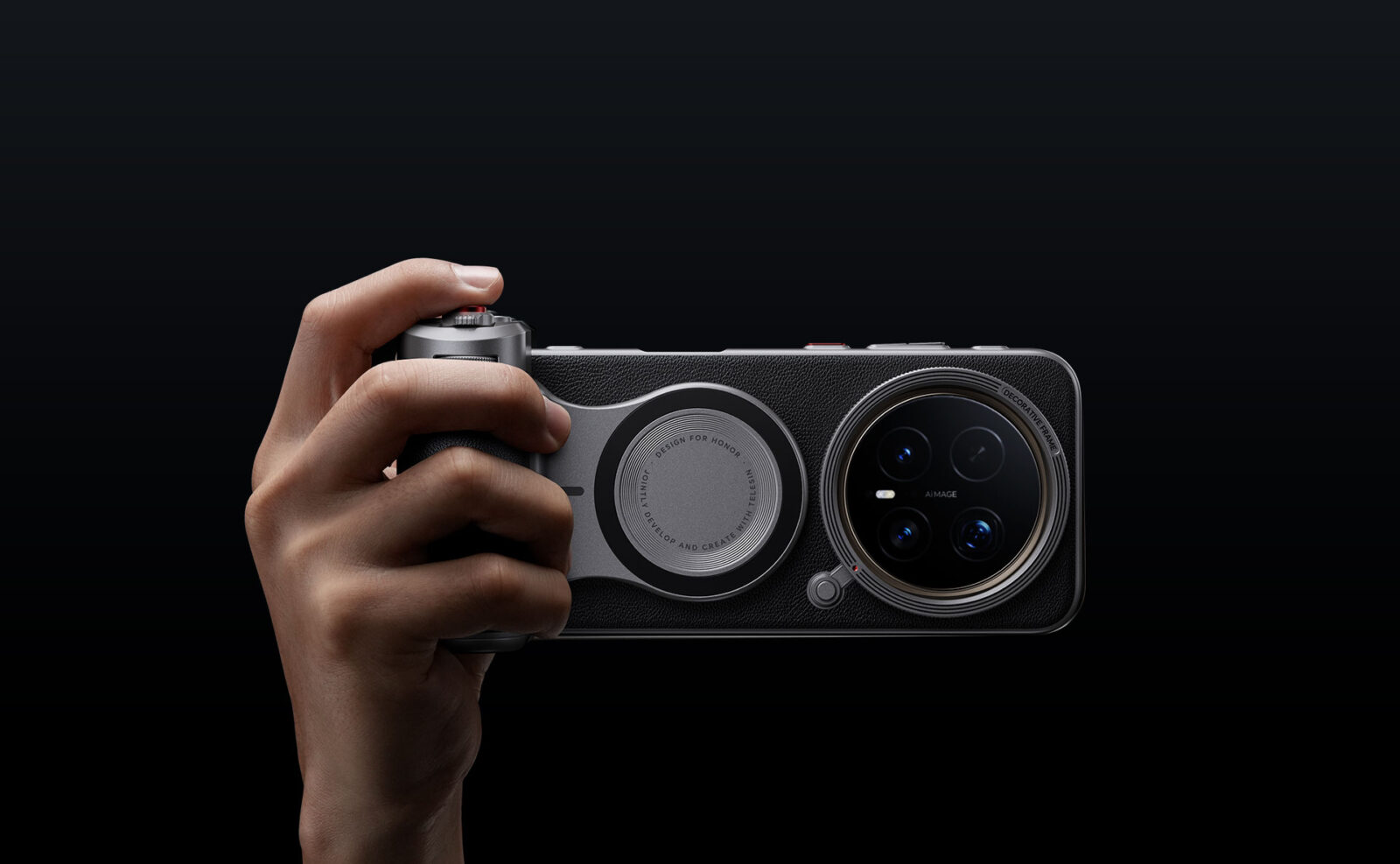
HONOR Magic8 Pro Professional Imaging Kit enhances mobile photography
iPhones just hitched a ride to the moon on Artemis II
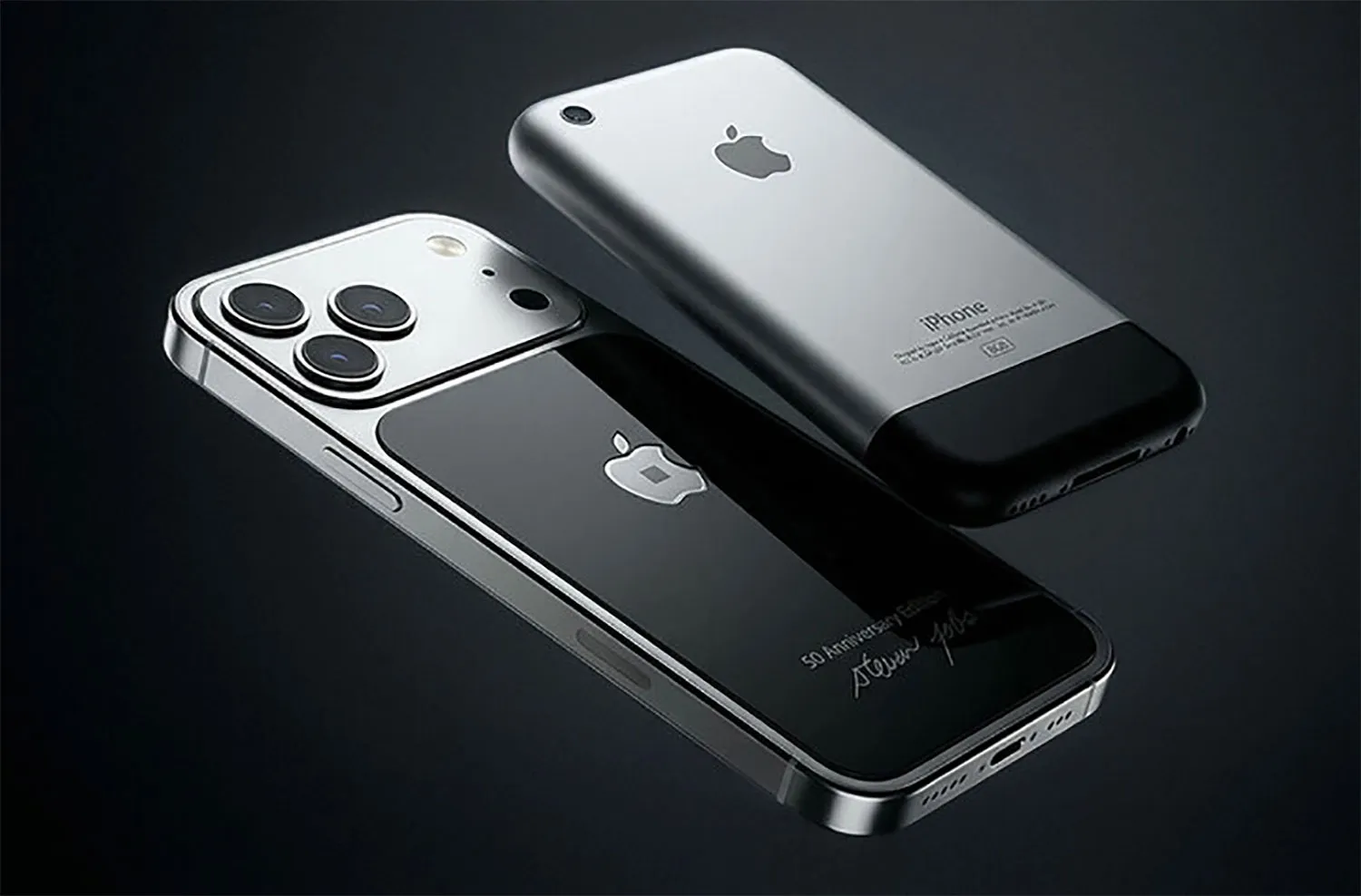
This $9,600 iPhone comes with a piece of Steve Jobs’ turtleneck
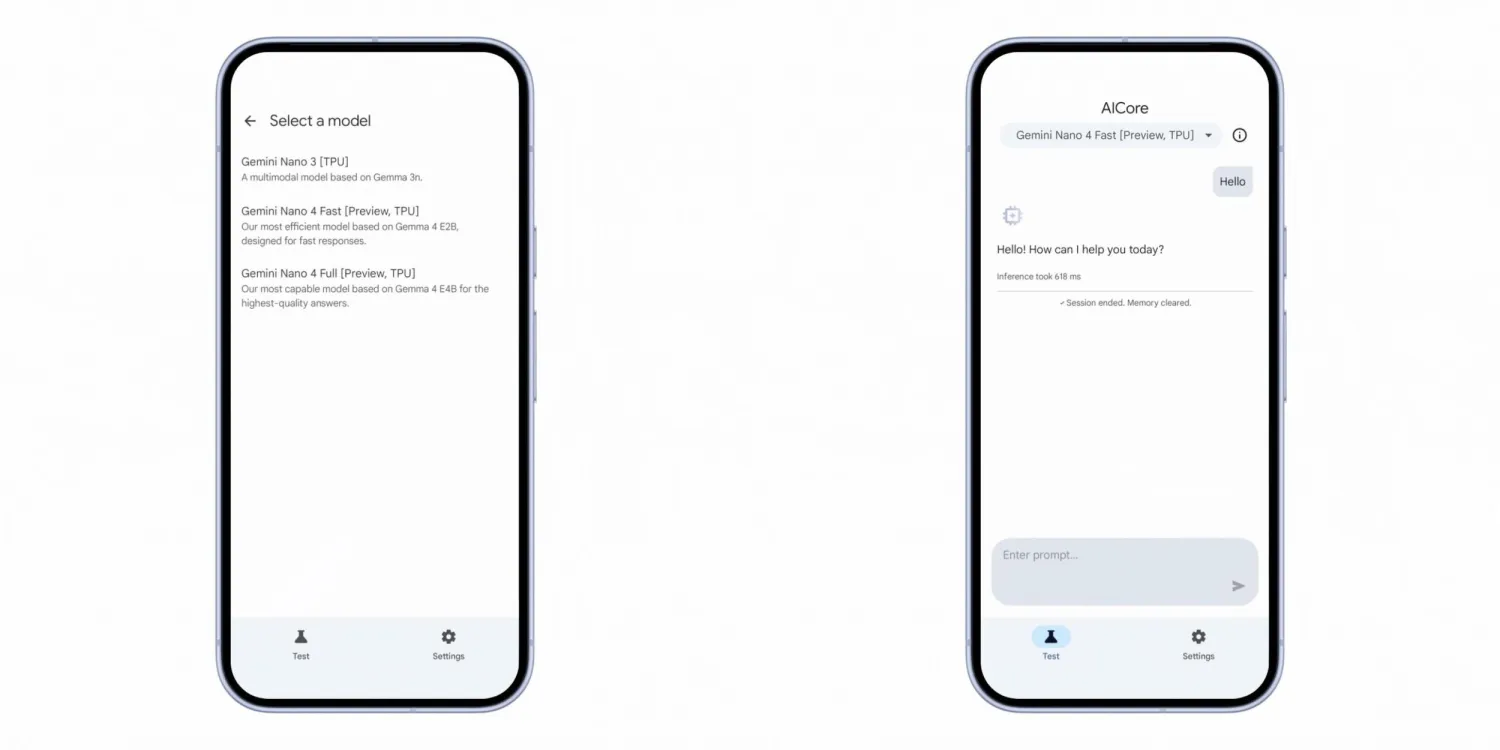
Google’s Gemini Nano 4 aims to make on-device AI faster and less draining
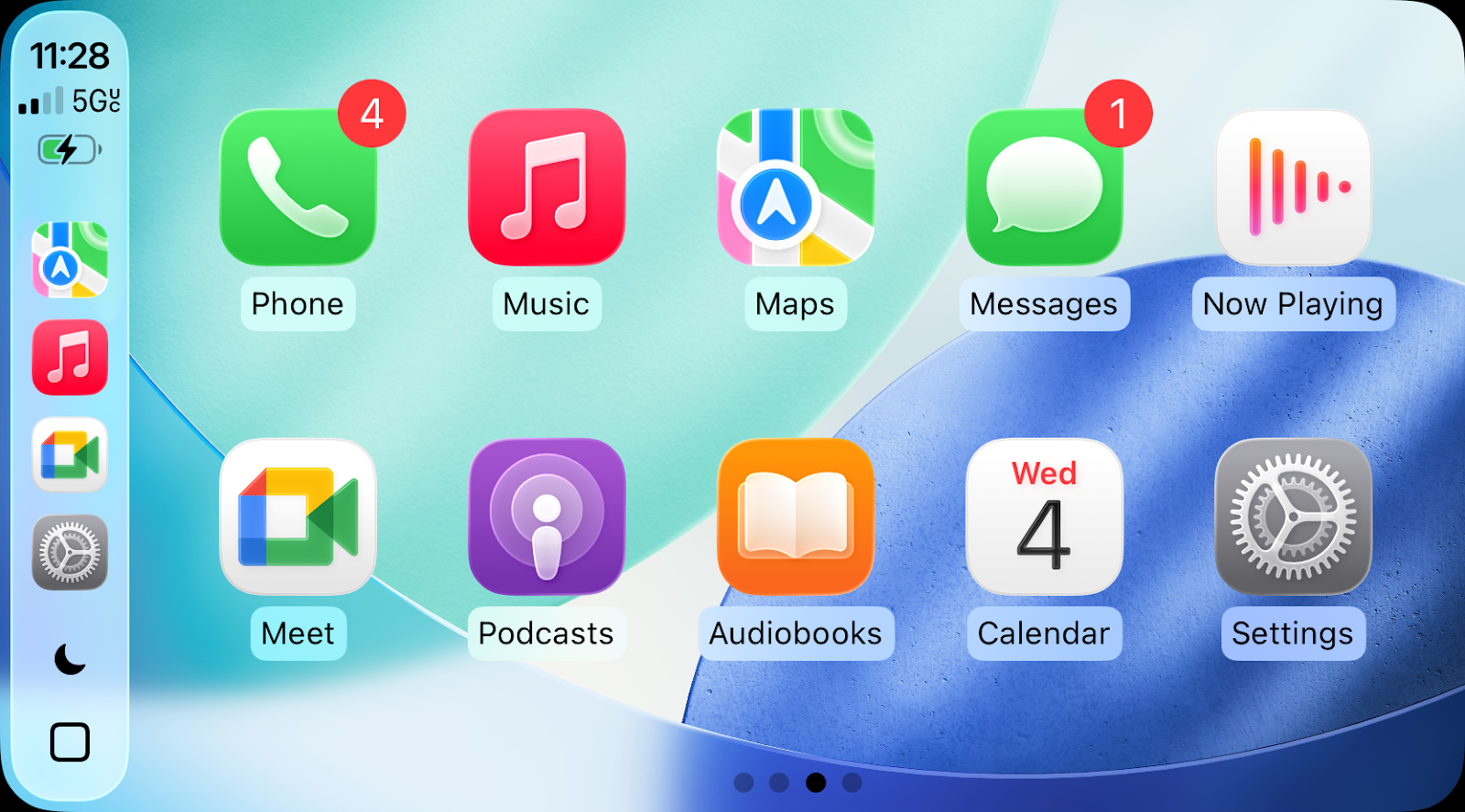
Google Meet arrives on Apple CarPlay with audio-only limitations
Absolute Geeks UAEAbsolute Geeks UAE
Follow US
AbsoluteGeeks.com was assembled by Absolute Geeks Media FZE LLC during a caffeine incident.
© 2014–2026. All rights reserved.
Proudly made in Dubai, UAE ❤️
Upgrade Your Brain Firmware
Receive updates, patches, and jokes you’ll pretend you understood.
No spam, just RAM for your brain.
Welcome Back!

Sign in to your account

Username or Email Address
Password

Lost your password?