By using this site, you agree to our Privacy Policy and Terms of Service.
Accept
Absolute Geeks UAEAbsolute Geeks UAE
  • STORIES
    • TECH
    • AUTOMOTIVE
    • GUIDES
    • OPINIONS
  • REVIEWS
    • READERS’ CHOICE
    • ALL REVIEWS
    • ━
    • SMARTPHONES
    • CARS
    • HEADPHONES
    • ACCESSORIES
    • LAPTOPS
    • TABLETS
    • WEARABLES
    • SPEAKERS
    • APPS
  • WATCHLIST
    • TV & MOVIES REVIEWS
    • SPOTLIGHT
  • GAMING
    • GAMING NEWS
    • GAME REVIEWS
  • +
    • OUR STORY
    • GET IN TOUCH
Reading: Apple Watch companion app for iPhone explained
Share
Notification Show More
Absolute Geeks UAEAbsolute Geeks UAE
  • STORIES
    • TECH
    • AUTOMOTIVE
    • GUIDES
    • OPINIONS
  • REVIEWS
    • READERS’ CHOICE
    • ALL REVIEWS
    • ━
    • SMARTPHONES
    • CARS
    • HEADPHONES
    • ACCESSORIES
    • LAPTOPS
    • TABLETS
    • WEARABLES
    • SPEAKERS
    • APPS
  • WATCHLIST
    • TV & MOVIES REVIEWS
    • SPOTLIGHT
  • GAMING
    • GAMING NEWS
    • GAME REVIEWS
  • +
    • OUR STORY
    • GET IN TOUCH
Follow US

Apple Watch companion app for iPhone explained

BiGsAm
BiGsAm
Jan 14

Apple Watch, Apple’s most anticipated release of 2015 is nearly here, and with 2 more months to go (rumoured), new details have emerged courtesy of 9to5Mac about the upcoming Apple Watch companion app for iPhone. The application allows users to manage the Watch settings from their smartphone.

Here’s a quick look at what the app looks like:

Home Screen:

The hone screen shows round icons representing installed apps on the Watch. Moving apps on the screen will allow you to rearrange them on the Watch itself.

Watch home screen

Stocks:

The Watch can display stocks users follow and provide display options that include current price, points change, percentage change or market cap.

Stock options

Clock:

The clock option includes push alerts from iPhone which means, the Apple Watch will alert users of Alarms  set on their iPhones. The notifications can be snoozed or dismissed. There’s a notification dot which turns red if there are any unread notifications. In addition, the screenshot reveals a monogram option.

Clock options

Messages:

The Apple Watch companion app will allow users to set audio messages and choose between sending it as dictation transcript or audio.

Messages options

Accessibility:

Similar to Apple’s rich accessibility features on its iPhones and iPads, the Watch also offers strong accessibility features. For instance, the Apple Watch allows users to access Zoom by a triple-click of the digital crown among other features shown below.

Accessibility Watch

Passcode:

The usual four-digit passcode, with the option to erase data after 10 failed attempts is also available on the Apple Watch.

img_2193

Health:

Key features of this section are activity, motion and fitness tracking,  progress updates, goal completions, achievements, heart rate monitor and other options.

Activity

More info and photos at the Source

Share
What do you think?
Happy0
Sad0
Love0
Surprise0
Cry0
Angry0
Dead0
ByBiGsAm
Follow:
| Father of 2 (Beta 2.0) | Incurable Technology Fanatic | Hardcore Apple Geek | Co Founder Of AbsoluteGeeks.com

WHAT'S HOT ❰

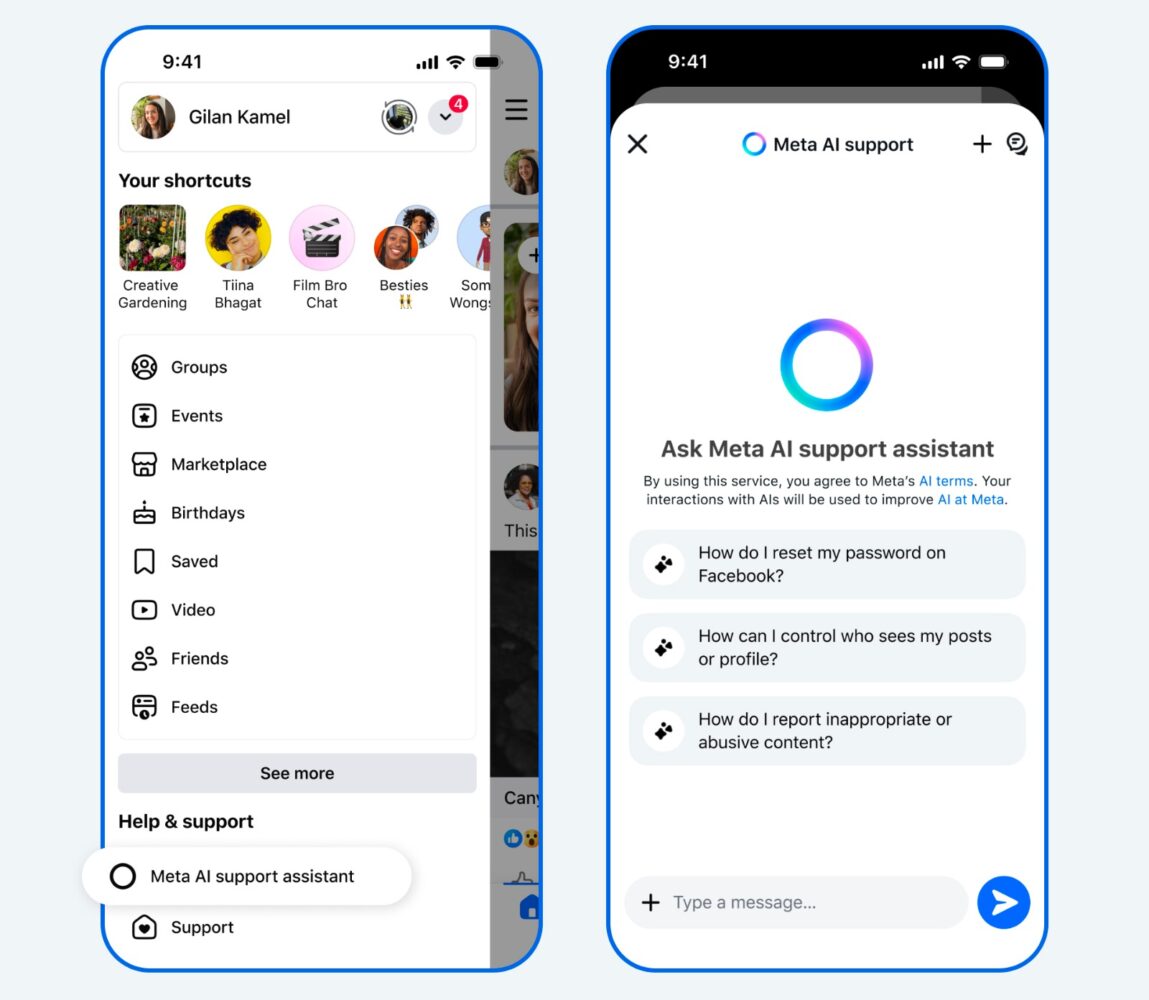
Meta expands AI tools for support and moderation
Samsung Galaxy A57 and A37 focus on durability and steady upgrades
LG launches 27-inch UltraGear gaming monitor with 720Hz option in UAE
Spotify introduces SongDNA in UAE and Saudi Arabia with focus on music connections
Anghami expands AI-driven music discovery with Cyanite metadata integration
Absolute Geeks UAEAbsolute Geeks UAE
Follow US
AbsoluteGeeks.com was assembled by Absolute Geeks Media FZE LLC during a caffeine incident.
© 2014–2026. All rights reserved.
Proudly made in Dubai, UAE ❤️
Upgrade Your Brain Firmware
Receive updates, patches, and jokes you’ll pretend you understood.
No spam, just RAM for your brain.
Welcome Back!

Sign in to your account

Username or Email Address
Password

Lost your password?