
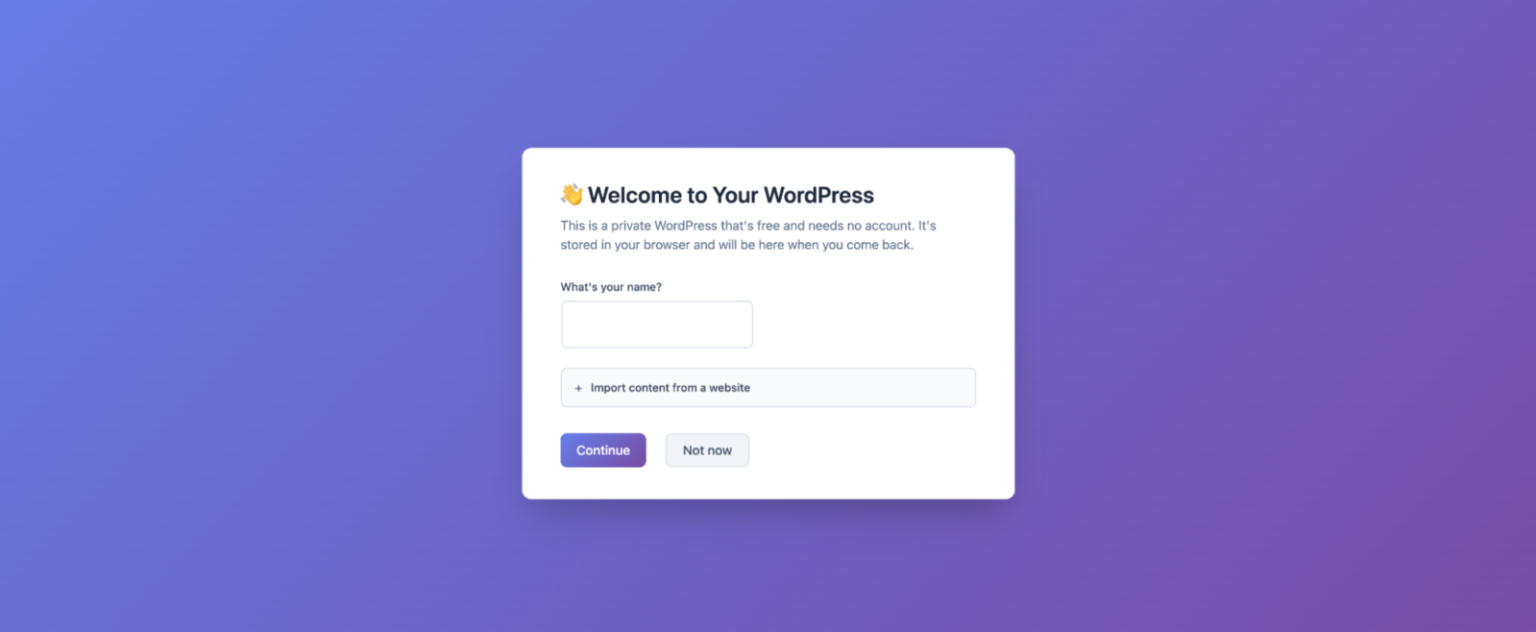
WordPress is introducing a new way to run its publishing software directly inside a web browser through a service called my.WordPress.net. The new platform allows users to create and experiment with WordPress sites without setting up traditional hosting, registering a domain name, or creating an account. Instead, the system runs entirely within the browser using local storage.
The idea behind my.WordPress.net is to turn WordPress into a private workspace rather than a public website by default. Sites created through the service are not accessible on the open internet and are not designed for traffic, search visibility, or presentation. Instead, the platform is positioned as a personal environment where users can write, test ideas, build small tools, or experiment with WordPress features before deciding whether to publish anything publicly.

Because the platform runs inside the browser, the site’s data is stored locally on the device being used. This also means that the workspace is tied to that specific browser instance. If someone opens my.WordPress.net on another computer or device, the site created earlier will not appear. Users who eventually want to make their site public can export or migrate their work to a traditional WordPress hosting environment.
The browser-based setup builds on technology developed through WordPress Playground, an open-source project that enables one-click WordPress installations without requiring server infrastructure. WordPress Playground essentially runs the full WordPress stack inside the browser, making it possible to test plugins, themes, or development environments instantly.
Through my.WordPress.net, that same concept becomes a more permanent personal workspace. Users can create private sites and install tools from an App Catalog that includes several plugin-based utilities. These include options such as a personal CRM system, an RSS reader for tracking content feeds, a bookmarking manager, and an AI workspace designed to support writing and experimentation.
The AI integration is another notable part of the platform. Users can interact with an AI assistant that helps modify WordPress installations, adjust plugin behavior, or even generate new plugins. The assistant can also access and reference data stored within the local WordPress instance, allowing the environment to function as a personal knowledge base that the AI can query.

This approach reflects a broader trend of integrating AI tools into development and content creation platforms. Rather than building standalone AI products, many software ecosystems are embedding AI directly into existing workflows. In this case, WordPress aims to combine local development, personal publishing, and AI-assisted customization within a single environment.
There are several limitations that come with the browser-based design. Initial loading times may be slower when launching a workspace for the first time, and the available storage starts at around 100MB. That constraint makes the platform better suited to smaller projects, personal tools, or early-stage experiments rather than large websites with extensive media libraries.
Users are also encouraged to create backups regularly since all data is stored locally. If the browser data is cleared, the site could be lost. At the same time, the system includes quick reset options that allow users to wipe their workspace and start fresh. Temporary instances can also be created that automatically reset whenever the browser refreshes.
The launch of my.WordPress.net comes after WordPress formed a dedicated AI team in 2025 focused on developing new AI-powered tools for developers and publishers. Around the same time, the commercial hosting platform WordPress.com introduced an AI website builder that allows users to generate site layouts and content through a conversational interface.
With my.WordPress.net, WordPress appears to be exploring another direction: turning its publishing software into a private digital workspace that lives entirely inside the browser, combining writing tools, personal knowledge management, and experimentation with plugins and AI.