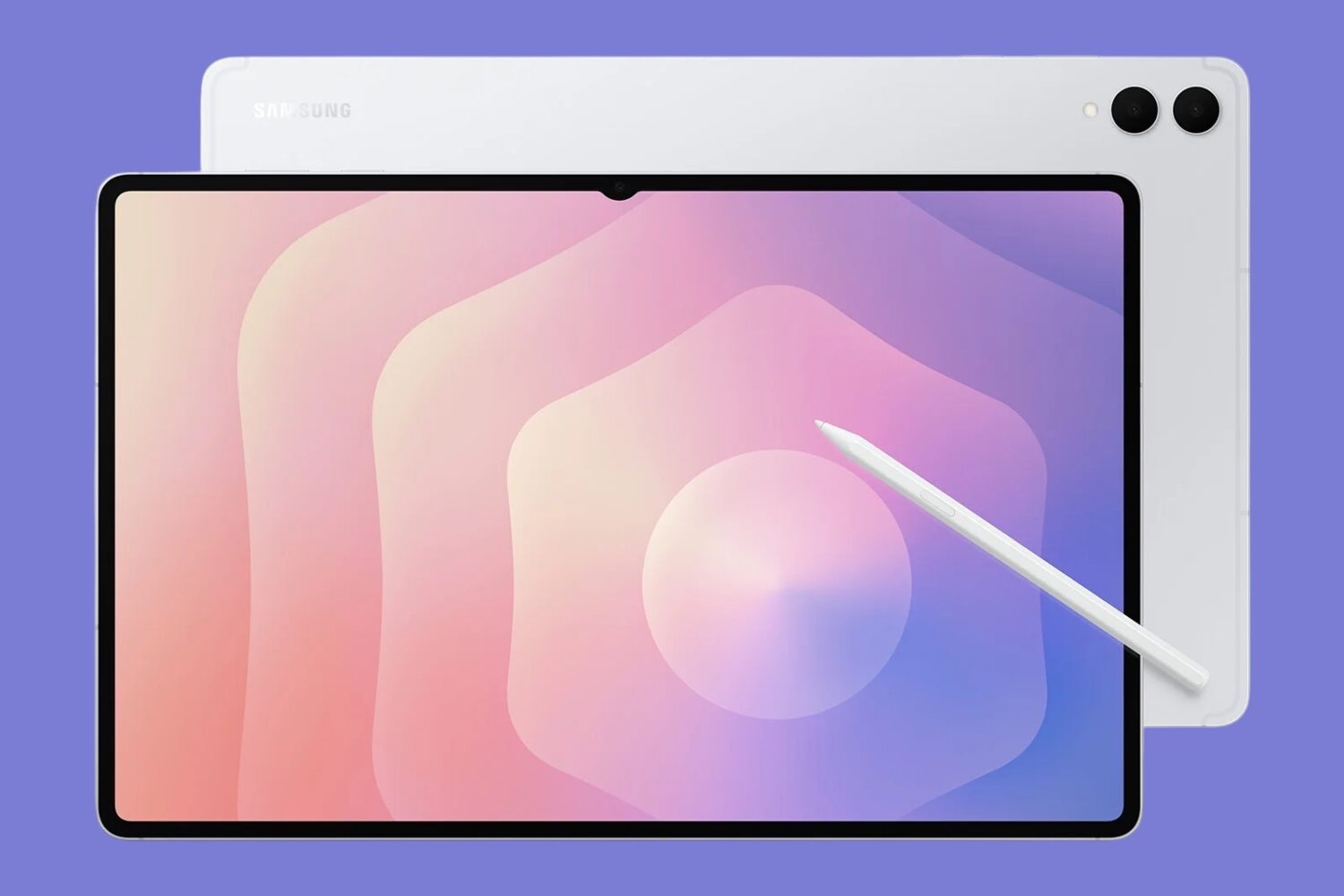
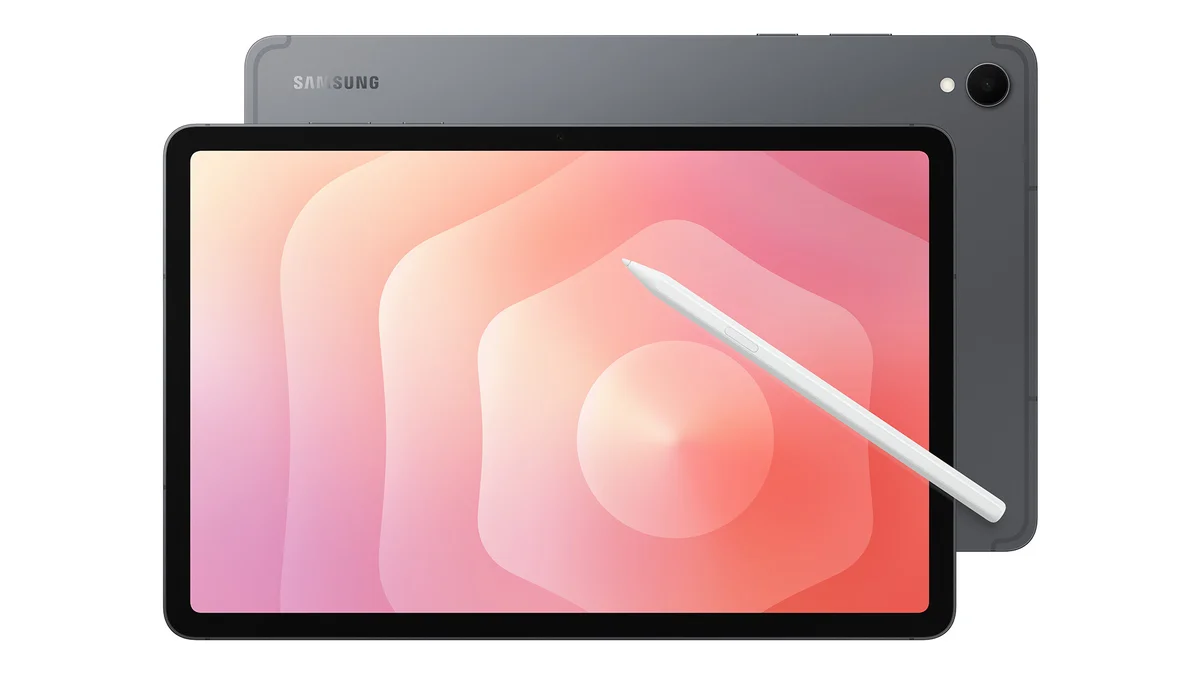
Samsung has unveiled the Galaxy Tab S11 and Tab S11 Ultra, its latest high-end tablets designed to push productivity and position themselves as laptop alternatives. The new series builds on familiar Galaxy hardware while leaning heavily on Galaxy AI and One UI 8 to create what Samsung calls a more natural, multimodal workflow.
One of the headline additions is Extended DeX mode, which allows the Tab S11 to act as an external monitor for a laptop or PC, expanding the tablet’s role beyond a standalone device. Both models ship with the redesigned S Pen in the box, which now has a more ergonomic, hexagonal shape and a refined tip for improved tilt recognition.
Displays and Design
The Tab S11 Ultra continues to push size limits with a 14.6-inch Dynamic AMOLED 2X display, 120Hz refresh rate, 1600 nits brightness, and a new anti-reflection coating for outdoor use. The standard Tab S11 carries an 11-inch AMOLED 2X panel with the same refresh rate and brightness but without the coating. Both tablets come in subdued Gray and Silver finishes, with IP68 water and dust resistance.
Performance and Battery
The Ultra packs an 11,600mAh battery, while the smaller Tab S11 has an 8,400mAh cell. Both support 45W wired charging, though users shouldn’t expect rapid full charges given the battery sizes. Internally, Samsung’s focus is on balancing hardware with AI features rather than headline-grabbing processor details.
Cameras
As expected for tablets, the cameras are functional but not a main selling point. The Ultra includes a 13MP main lens, 8MP ultra-wide, and 12MP ultra-wide front camera, while the standard Tab S11 keeps it simple with a 13MP rear and 12MP front shooter — sufficient for video calls, document scans, and the occasional snapshot.

Galaxy AI and One UI 8
AI integration dominates the Tab S11 pitch. Gemini Live allows real-time contextual conversations based on what’s on screen, such as breaking down a chart or summarizing an article. Other features include:
- Writing Assist to adjust tone and style before sending messages.
- Drawing Assist to clean up rough sketches.
- Circle to Search with Google with live translation.
- Floating AI overlay for on-screen summaries without interrupting tasks.
Combined with S Pen features like Sticky Note overlays, Samsung is aiming the series squarely at students, professionals, and creators who want tools that simplify multi-step workflows.
The Bigger Picture
The Tab S11 launch arrives alongside the Galaxy S25 FE smartphone, positioning Samsung’s broader strategy: blending AI-powered features across hardware categories to keep users within its ecosystem. While the new tablets won’t replace a high-performance laptop for every user, their combination of DeX multitasking, AI productivity tools, and refined hardware shows Samsung is serious about making tablets more than just entertainment screens.