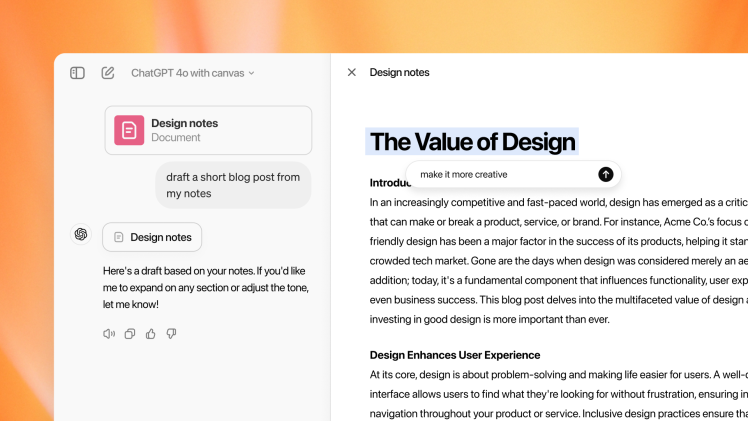
OpenAI has launched “Canvas,” a new interface designed to enhance the ChatGPT experience for writing and coding projects. This feature provides a dedicated workspace within ChatGPT, allowing users to interact with the AI model in a more intuitive and efficient way.
Key Features of Canvas:
- Dedicated Workspace: Canvas opens a separate window alongside the chat window, providing a focused environment for writing and coding tasks.
- Direct Generation and Editing: Users can generate text or code directly within Canvas and easily edit it with the assistance of the AI model.
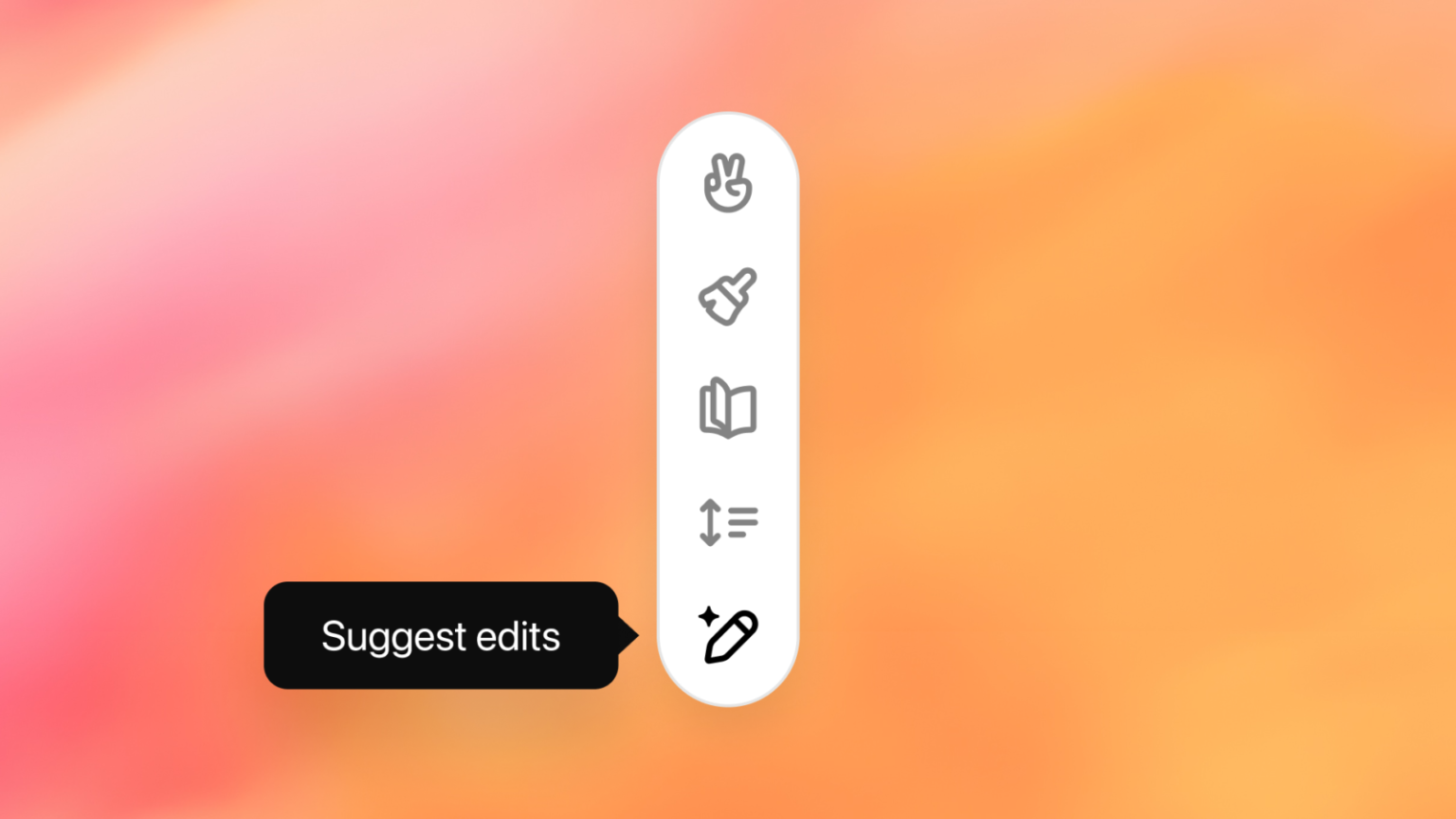
- Contextual Editing: Highlighting specific sections of text or code enables users to request targeted edits or explanations from ChatGPT.
- Coding Enhancements: Canvas offers coding-specific features like adding comments, reviewing code, and suggesting improvements.
Benefits of Canvas:
- Improved Workflow: Canvas streamlines the writing and coding process by providing a dedicated workspace and intuitive editing tools.
- Enhanced Collaboration: The interface facilitates a more natural collaboration with ChatGPT, allowing users to refine AI-generated content more effectively.
- Increased Productivity: Canvas empowers users to complete projects more efficiently by leveraging the AI model’s capabilities for generating and editing content.
Availability:
Canvas is currently in beta and available to ChatGPT Plus and Teams users. It will be rolled out to Enterprise and Edu users next week. OpenAI plans to make Canvas accessible to free users in the future.
How to Use Canvas:
- Select “GPT-4 with canvas” from the model picker dropdown menu.
- Alternatively, type “use canvas” to open a project window automatically.
- Utilize the dedicated workspace for writing and coding tasks.
- Highlight sections of text or code to request edits or explanations from ChatGPT.
- Take advantage of coding-specific features like adding comments and reviewing code.
With the introduction of Canvas, OpenAI continues to enhance the ChatGPT experience, providing users with more powerful and intuitive tools for writing and coding projects. This new interface is poised to transform the way people interact with AI, fostering greater productivity and collaboration.