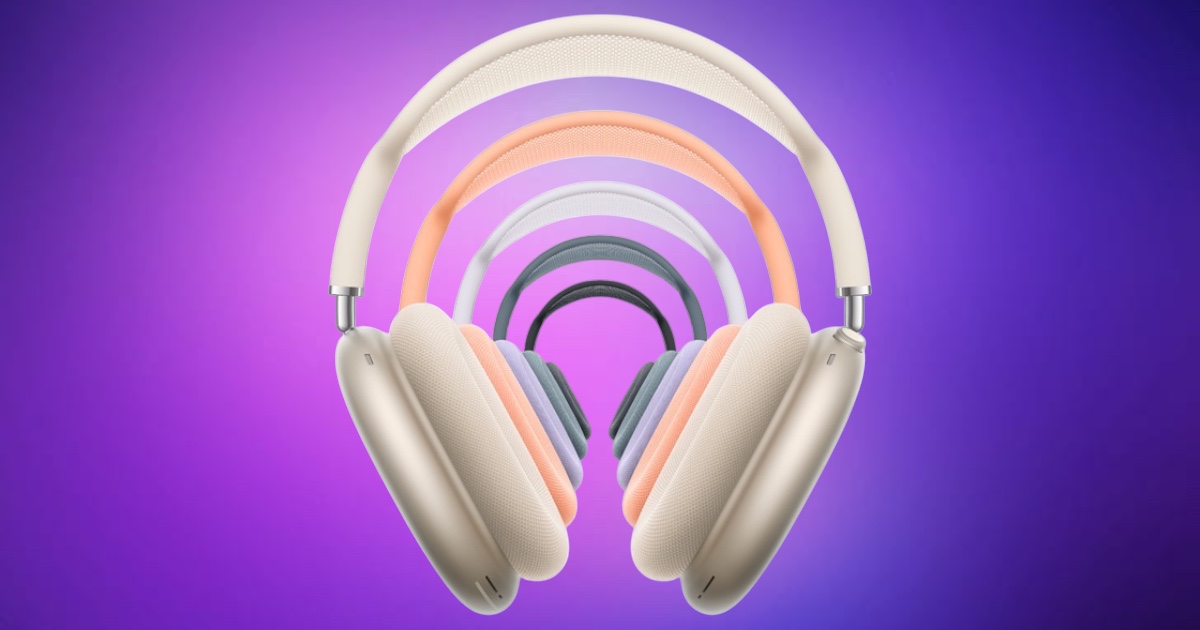
Apple has rolled out a new firmware update for its USB-C version of the AirPods Max, pushing the headphones to version 7E108 from the previous 7E101. As with many AirPods firmware updates, the company has not provided detailed release notes, simply stating that the update includes “bug fixes and performance improvements.”
While Apple hasn’t disclosed what specific changes are included in this release, it’s possible the update refines the lossless and low-latency audio features introduced in the previous 7E101 firmware. That earlier version brought support for 24-bit/48kHz lossless audio and ultra-low latency playback—capabilities aimed at delivering a more accurate and immediate listening experience, particularly when used with Apple Vision Pro or other Apple devices that support advanced audio streaming over USB-C.
For users hoping for new functionality or interface updates, this release appears focused on backend enhancements rather than user-facing changes. These may include optimizations to connectivity, battery management, or audio stability, though Apple has not confirmed any of these aspects.
Firmware updates for AirPods Max are delivered automatically when the headphones are within Bluetooth range of an iPhone, iPad, or Mac connected to Wi-Fi. The device must also be charging. There’s no manual trigger for firmware updates, and the process can take up to 30 minutes under the right conditions.
To check the current firmware version of your AirPods Max, connect the headphones to your Apple device and navigate to Settings > Bluetooth, then tap the Info (i) icon next to the device name.
As with past firmware releases, the lack of transparency around what’s included may frustrate more tech-savvy users, particularly those interested in how these updates might affect performance or compatibility with Apple’s ecosystem. For now, the latest version appears to be a routine maintenance update aimed at improving overall reliability.