Apple appears to be adjusting parts of its newer interface design after user feedback around the visual style introduced with iOS 26. The latest developer build, iOS 26.4 beta 4, adds another option that allows users to reduce certain effects tied to the system’s Liquid Glass interface.
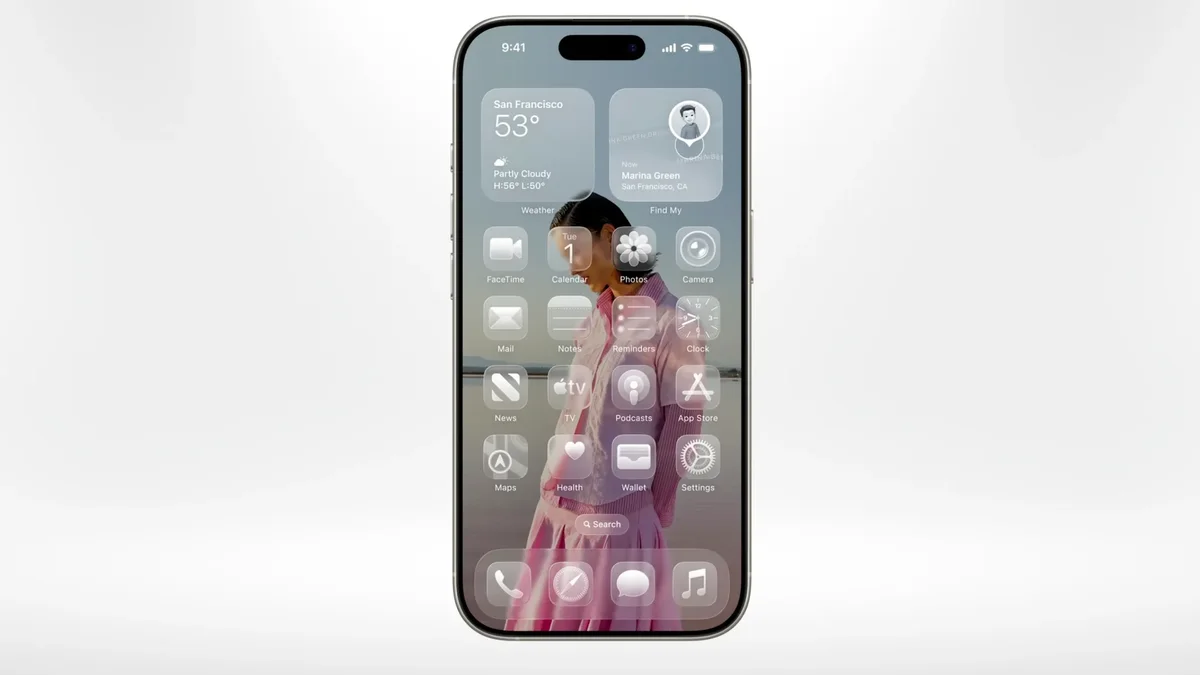
Liquid Glass was introduced as a broader design language across Apple’s operating systems, including iOS, iPadOS, macOS, watchOS, and tvOS. The visual style emphasizes translucent layers, reflective surfaces, and animated lighting effects intended to give the interface a glass-like appearance. While the update aimed to refresh the look of Apple’s software, it also generated mixed reactions from users.
One recurring concern has been accessibility. Some users reported that the combination of transparency and bright animated highlights could make certain interface elements harder to read or interact with, particularly in situations involving text input or notifications.
The new beta introduces a setting called “Reduce Bright Effects,” which can be found in the Accessibility section under Display and Text Size. When enabled, the option reduces certain flashing animations used in the interface. These animations are most noticeable when interacting with text fields or input areas, where a bright effect briefly appears when a field is selected.
In some cases, the effect could momentarily obscure the selected text or create a distracting visual flash. By turning on the new accessibility setting, users can limit those animations and create a more stable visual experience.
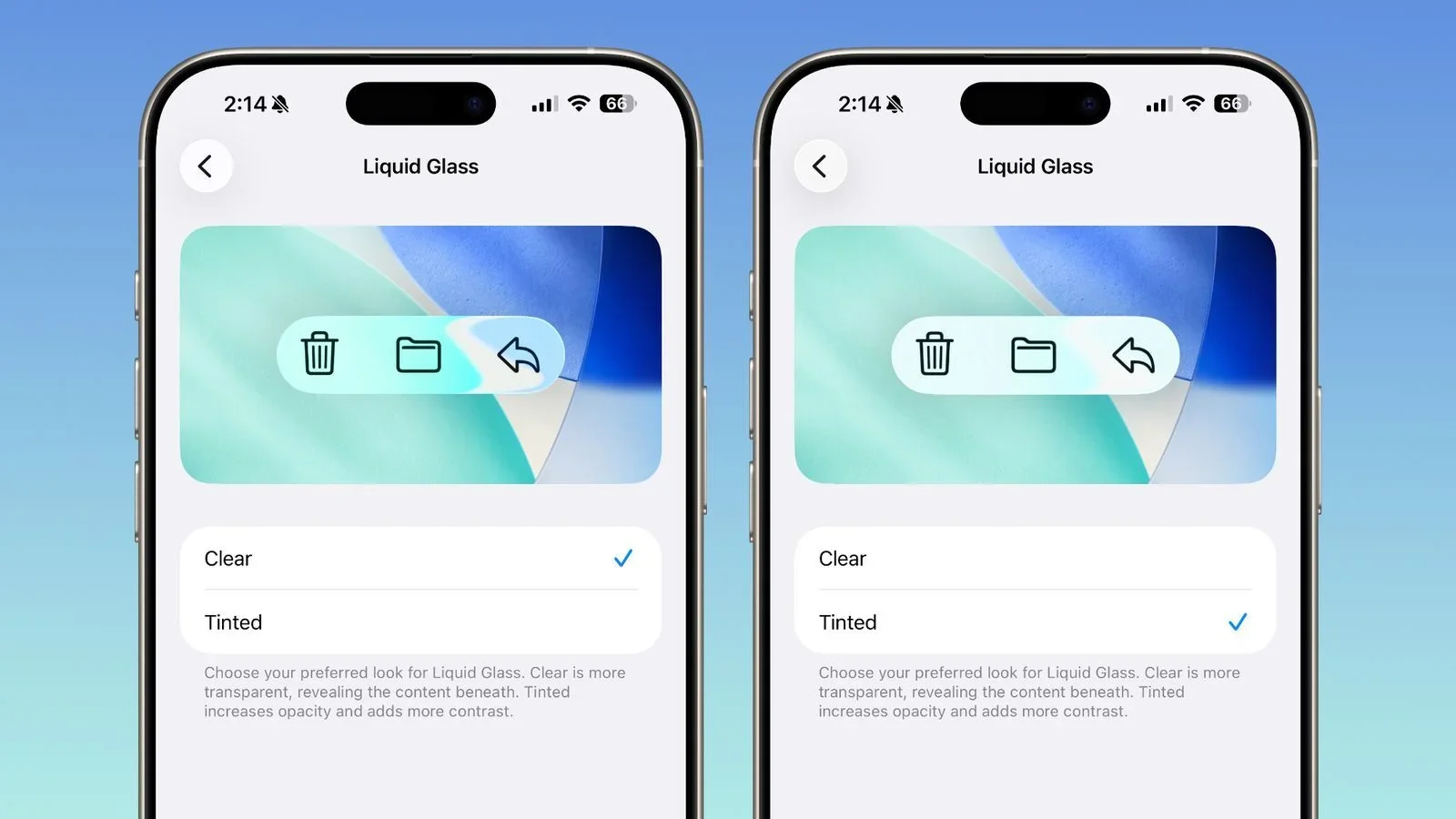
This is not the first adjustment Apple has made to the Liquid Glass interface. Shortly after the early betas of iOS 26 appeared, Apple reduced some of the transparency levels before the operating system reached its official release. Later, with the release of iOS 26.1, the company added an additional toggle that increased opacity and contrast, allowing users to tone down the glass-like appearance across parts of the interface.
The new “Reduce Bright Effects” option in iOS 26.4 continues that trend by giving users more control over how intense the design elements appear.
The Liquid Glass design approach has also started appearing in other ecosystems. Some Android device manufacturers have introduced similar visual styles in their own software updates, often emphasizing transparent layers and reflective interface elements. However, companies describe those designs differently, sometimes framing them around concepts like fluid motion or light-based interface effects.
Design changes at the operating system level often generate strong reactions because they affect nearly every interaction users have with their devices. Even small visual adjustments can influence readability, accessibility, and general usability.
For now, Apple’s approach seems focused on offering more customization rather than removing the design elements entirely. By adding additional accessibility toggles in updates like iOS 26.4, the company is gradually giving users more control over how prominent those visual effects appear on their devices.