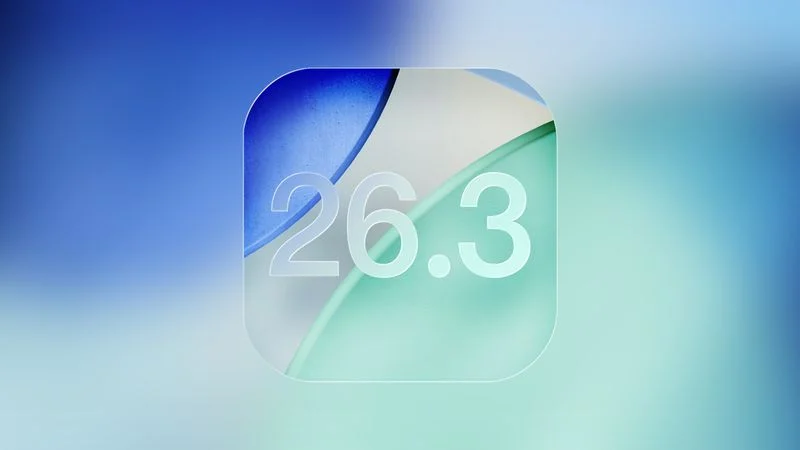
Apple has begun testing iOS 26.3, a smaller interim update expected to arrive publicly in January. Unlike earlier releases in the iOS 26 cycle, this version appears more incremental, reflecting a beta period that overlaps with the holiday season. While the update does not introduce sweeping changes, it includes several notable adjustments that point to Apple’s evolving approach to platform flexibility and regulatory pressure.
One of the more striking additions in iOS 26.3 is a new built-in tool designed to make it easier for iPhone users to move to an Android device. The transfer process is initiated by placing an iPhone next to an Android phone, allowing users to migrate data without installing a separate app. Apple says users can transfer photos, messages, notes, apps, passwords, phone numbers, and other core information directly between devices. Certain data remains excluded, including health records, Bluetooth-paired devices, and protected content such as locked notes.
This move brings Apple closer to parity with Android’s existing tools for switching platforms and signals a subtle shift in how the company handles device migration. While Apple has historically focused on onboarding new users, the addition of a native iPhone-to-Android transfer option reflects increasing regulatory scrutiny and consumer demand for fewer barriers when changing ecosystems.
Another significant change in iOS 26.3 is the introduction of Notification Forwarding. This new setting allows iPhone notifications to be sent to a third-party wearable, such as an Android smartwatch. The option appears in a new Notification Forwarding section within the Settings app. Apple notes that notifications can only be forwarded to one device at a time, meaning that enabling this feature for a third-party wearable disables notification delivery to an Apple Watch.
Notably, Notification Forwarding is limited to users in the European Union. Apple has positioned the feature as part of its response to antitrust concerns, particularly claims that third-party wearables have been unfairly restricted compared to Apple’s own hardware. While limited in scope, the feature represents a rare instance of Apple opening up a core system function beyond its own accessory ecosystem.
iOS 26.3 also introduces a minor but visible change to Lock Screen customization. Weather wallpapers now have their own dedicated section, separate from Astronomy. Apple has added three preset Weather wallpaper designs, each showcasing different typography and widget layouts. The change appears aimed at clarifying customization options rather than adding new functionality.
Overall, iOS 26.3 reinforces Apple’s current strategy of making targeted adjustments rather than headline-grabbing changes. The update focuses on interoperability, regulatory compliance, and small refinements to user experience. As testing continues, additional features may surface, but early signs suggest iOS 26.3 will be remembered more for what it represents than for the number of changes it delivers.
The update is compatible with all iPhone models that support iOS 26.