Apple’s latest iOS 26.1 beta 4 introduces a small but long-requested usability feature: the ability to disable the Lock Screen’s “swipe to open Camera” gesture. The option arrives alongside the new Liquid Glass opacity control, giving users another way to fine-tune how their iPhones behave and respond to touch.
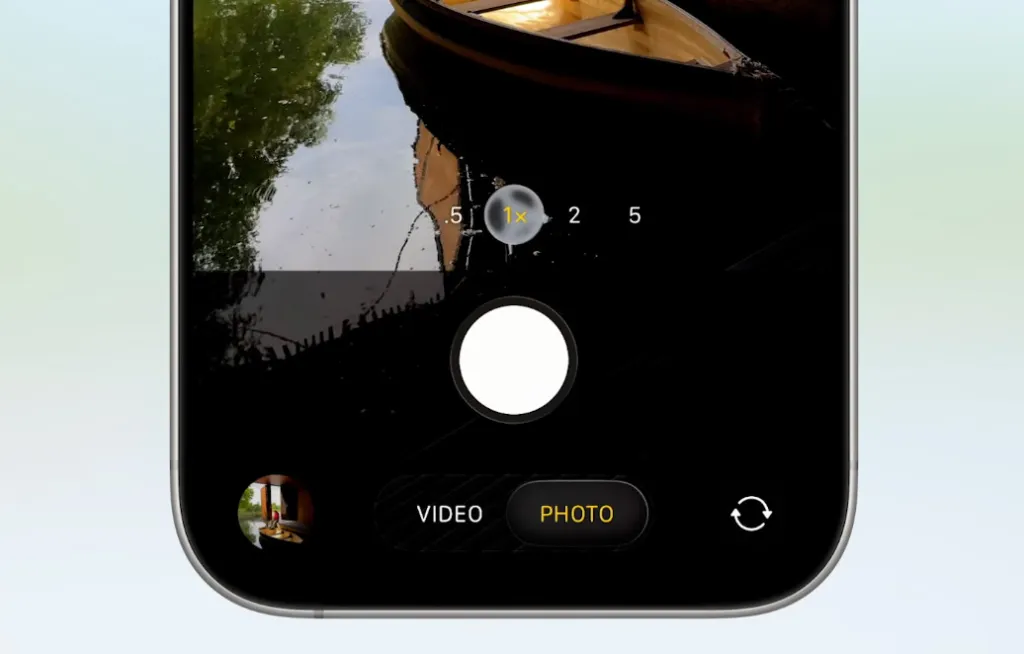
For years, swiping left from the iPhone’s Lock Screen has been a quick shortcut into the Camera app—a gesture dating back to the early iOS versions. While convenient for some, it’s also been a source of frustration for many users who’ve launched the Camera by accident, especially when pulling their phone out of a pocket or bag. Until now, there was no way to turn off this shortcut, even as Apple added other methods to access the Camera.
The new toggle, found in the iOS 26.1 beta 4 Settings app, finally lets users disable the swipe gesture entirely. With the change, those who prefer using the dedicated Camera Control button—introduced on the iPhone 16 and expanded on the iPhone 17—or the long-standing Lock Screen button can do so without worrying about unintentional launches.
The move reflects Apple’s broader shift toward giving users more customization over default gestures and controls. Since iOS 18, for instance, iPhone owners have been able to swap out the Camera button on the Lock Screen for another shortcut, such as Flashlight, Notes, or Home controls, directly from the wallpaper editing interface. The new setting simply extends that flexibility to another long-static part of the Lock Screen.
While it may seem like a minor tweak, this update eliminates a small but common annoyance that’s persisted for over a decade. It also acknowledges that the Lock Screen Camera gesture—once essential for speed—has become less relevant now that modern iPhones feature dedicated physical or software buttons for the same purpose.
Developers and beta testers can try the new setting in iOS 26.1 beta 4 today, with a public beta expected soon. The feature is expected to roll out to all users later this fall as part of the official iOS 26.1 release.