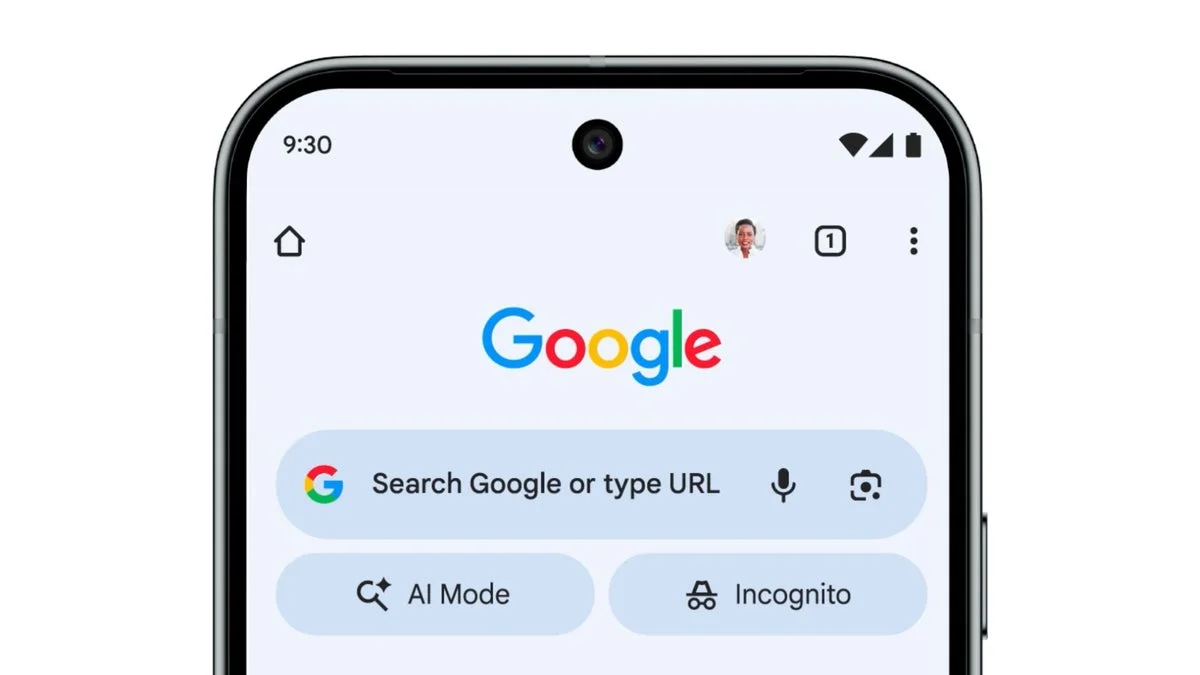
Google has begun rolling out a redesigned voice search interface for the Android version of its Search app, marking a subtle but noticeable shift in one of the platform’s most frequently used features. The update replaces a long-standing visual style that many users found awkward, while keeping much of the underlying behavior familiar. As with many recent Google interface changes, the rollout is gradual and currently limited to specific app versions and devices.
Previously, tapping the microphone icon in the Google Search bar on Android redirected users to a full-screen interface dominated by an abstract, bodyless face. This animated graphic attempted to visually mirror spoken responses, moving its mouth in sync with audio feedback. While distinctive, the design often felt disconnected from the rest of Android’s visual language and drew mixed reactions over the years.
Late last year, Google signaled that this visual element would be phased out as Gemini began replacing Google Assistant across many functions. For a brief period, the face did disappear entirely for some users. However, in the newly updated voice search UI, it has not been fully removed. Instead, it now appears more briefly and with less visual emphasis, suggesting Google is transitioning away from it rather than eliminating it outright.
The refreshed interface centers the Google logo at the top of the screen, flanked by a back arrow on the left and a three-dot overflow menu on the right. That menu leads directly to Voice settings, where users can enable spoken search results, select from multiple voice options, and change the primary language used for responses. The available voices include Cosmo, Neso, Terra, and Cassini, offering a level of customization that was previously buried deeper in settings. The dark theme has also been adjusted to better match newer Android design conventions.
Access points for voice search remain unchanged. Users can trigger it through the Google Search widget, the persistent search bar in the Pixel Launcher on supported phones, the Google app itself, or hands-free with the “Hey Google” wake phrase if enabled. When voice search is launched, the screen displays a “Listening” prompt, a multicolored arc animation, and a newly enlarged “Search a song” button. That option opens a dedicated music identification interface, allowing users to play, sing, or hum a tune, with quick access to song search history in the corner.
The updated voice search UI is appearing in stable version 17.1 and beta version 17.2 of the Google app on Android, though availability is still limited. Some users running recent Android builds on Pixel devices are seeing it already, while others may need to wait. As Google continues integrating Gemini more deeply into its ecosystem, this redesign appears to be part of a broader effort to modernize familiar features without fully disrupting established habits.