Google is expanding the capabilities of its AI-powered research tool NotebookLM with the introduction of Cinematic Video Overviews, while also upgrading the Canvas workspace inside AI Mode. The updates point to Google’s ongoing effort to integrate generative AI deeper into research, productivity, and search-based workflows.
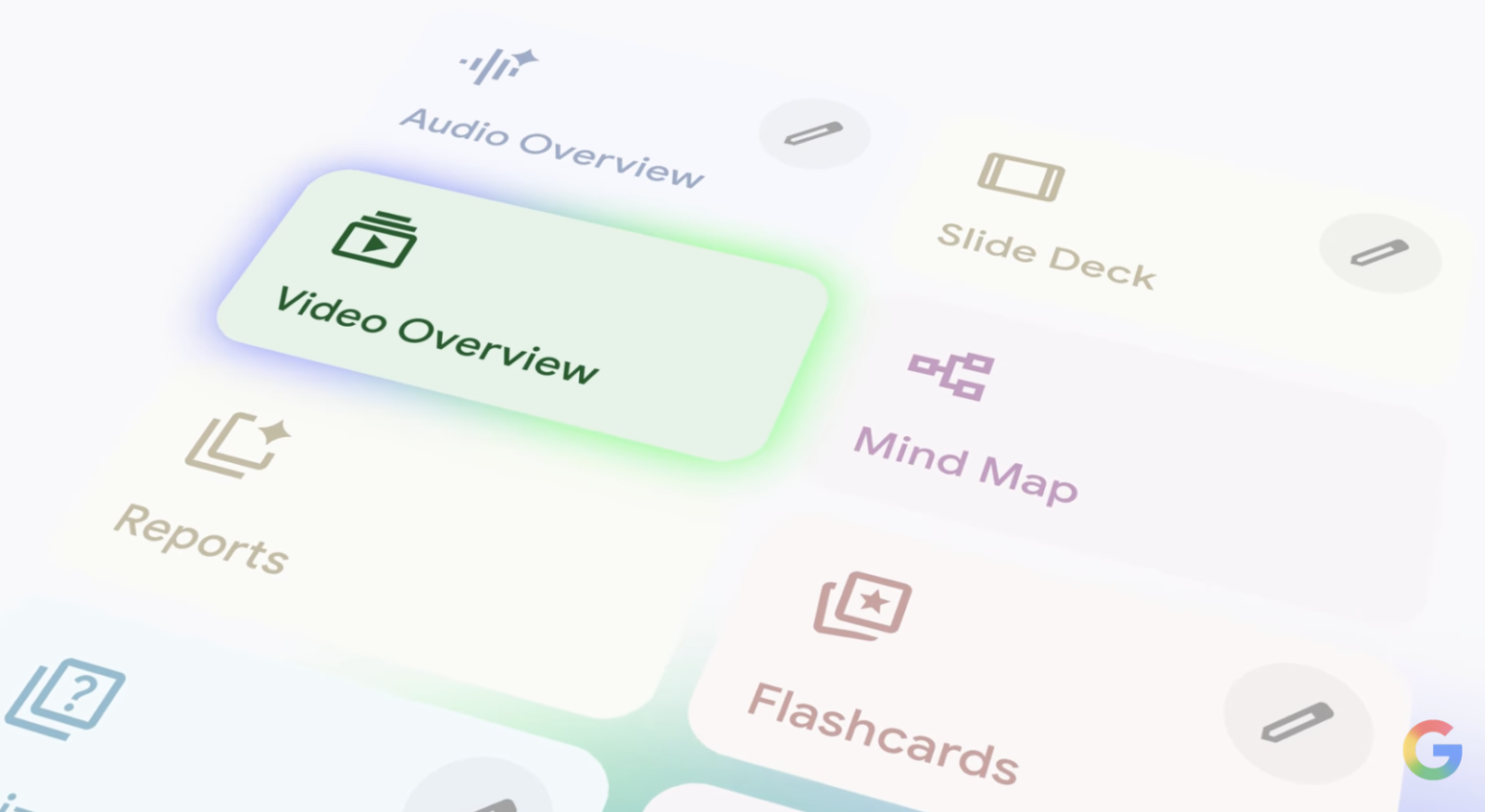
NotebookLM’s new Cinematic Video Overviews build on an earlier feature that generated narrated slide presentations from uploaded material. Instead of simple slides paired with voice narration, the updated format produces more dynamic video summaries that incorporate animation, visual storytelling, and structured narration. The goal is to present complex information in a more engaging format while still relying on the user’s source materials.
According to Google, the feature draws on several internal AI systems, including Gemini 3, Nano Banana Pro, and the company’s Veo 3 video generation model. Together, these models help transform documents, notes, or research material into structured visual explanations. Gemini functions as the coordinating system, determining how the content should be organized, selecting visual styles, and shaping the narrative flow of the generated video.
Rather than simply converting text into slides, the system makes structural and stylistic decisions designed to improve clarity and engagement. That includes determining pacing, transitions, and supporting visuals. The AI also revises its own output during generation to maintain consistency across the video.
The Cinematic Video Overviews feature is rolling out initially in English and is currently available to subscribers of Google AI Ultra on both web and mobile versions of NotebookLM.
Alongside the video update, Google has made several practical improvements to the NotebookLM interface. One change allows users to open Google Drive files directly in their native apps. Documents stored in Google Docs, Sheets, Slides, or Drive can now launch in their dedicated applications rather than appearing inside NotebookLM’s embedded viewer. The shortcut is accessible through a button in the top-right corner of the interface and provides a fuller editing experience when needed.
NotebookLM also now supports prompt-based revisions for slide decks. Users can update generated presentations using text prompts, allowing them to adjust structure, wording, or visual organization without manually editing each slide.
Separately, Google is expanding Canvas inside AI Mode, a workspace integrated into Google Search. Canvas functions as a side panel where users can develop ongoing projects alongside an AI chat interface. The feature now supports creative writing and coding tasks, making it possible to draft documents, experiment with code, or build interactive tools directly within the search environment.
The workspace allows users to refine outputs over time while keeping the conversation context available. For coding tasks, Canvas also provides visibility into the underlying code so users can review or modify it directly.
Google positions Canvas as a flexible environment for a range of activities, including project planning, studying, software experimentation, and travel organization. The feature is currently fully available to users in the United States using English.
Google has also made smaller updates to AI Mode search results, particularly for food-related queries. When searching for meal ideas such as “easy dinners for two,” users can now tap on individual dishes to see an overview of the meal along with links to recipe websites. The overview is intended to provide a quick explanation of the dish before navigating to external sources.
Future updates are expected to include additional information in recipe results, such as estimated cooking times and other contextual details designed to make the feature more useful in everyday cooking scenarios.
These updates reflect Google’s broader strategy of embedding generative AI tools across its ecosystem. NotebookLM continues to evolve from a document analysis tool into a broader research assistant, while AI Mode in Search is gradually expanding into a workspace for writing, coding, and planning tasks directly within the search interface.