By using this site, you agree to our Privacy Policy and Terms of Service.
Accept
Absolute Geeks UAEAbsolute Geeks UAE
  • STORIES
    • TECH
    • AUTOMOTIVE
    • GUIDES
    • OPINIONS
  • REVIEWS
    • READERS’ CHOICE
    • ALL REVIEWS
    • ━
    • SMARTPHONES
    • CARS
    • HEADPHONES
    • ACCESSORIES
    • LAPTOPS
    • TABLETS
    • WEARABLES
    • SPEAKERS
    • APPS
  • WATCHLIST
    • TV & MOVIES REVIEWS
    • SPOTLIGHT
  • GAMING
    • GAMING NEWS
    • GAME REVIEWS
  • +
    • OUR STORY
    • GET IN TOUCH
Reading: Google Maps speeds ahead, adding speedometer and limits to iOS and CarPlay
Share
Notification Show More
Absolute Geeks UAEAbsolute Geeks UAE
  • STORIES
    • TECH
    • AUTOMOTIVE
    • GUIDES
    • OPINIONS
  • REVIEWS
    • READERS’ CHOICE
    • ALL REVIEWS
    • ━
    • SMARTPHONES
    • CARS
    • HEADPHONES
    • ACCESSORIES
    • LAPTOPS
    • TABLETS
    • WEARABLES
    • SPEAKERS
    • APPS
  • WATCHLIST
    • TV & MOVIES REVIEWS
    • SPOTLIGHT
  • GAMING
    • GAMING NEWS
    • GAME REVIEWS
  • +
    • OUR STORY
    • GET IN TOUCH
Follow US

Google Maps speeds ahead, adding speedometer and limits to iOS and CarPlay

GEEK DESK
GEEK DESK
Jul 9

iPhone users, rejoice! Google Maps is finally catching up to its Android counterpart, introducing speedometer and speed limit features for iOS and CarPlay. This long-awaited addition, five years in the making, aims to help you avoid speeding tickets and stay safe on the road.

It has been reported that Google has begun a global rollout of these features, which display your vehicle’s speed and the current road’s speed limit directly on the map during navigation. The speedometer will indicate your speed in miles or kilometers per hour, depending on your region, while the speed limit feature will change colors to alert you if you exceed the posted limit.

While Google advises that the speedometer is for informational purposes only and recommends relying on your car’s speedometer, this new feature is a welcome addition for iPhone users who previously only had access to speed limits.

To enable the speedometer and speed limits, head to the Google Maps app settings, tap on Navigation, and then Driving options. With this latest update, Google Maps is now on par with its Android counterpart, offering a comprehensive set of features to enhance your driving experience.
Share
What do you think?
Happy0
Sad0
Love0
Surprise0
Cry0
Angry0
Dead0

WHAT'S HOT ❰

Apple launches MacBook Neo in UAE starting at AED 2,599
Hisense tops 100-inch TV and Laser TV shipments in 2025, says Omdia
Mozaic 4+ enters hyperscale production as AI storage demands climb
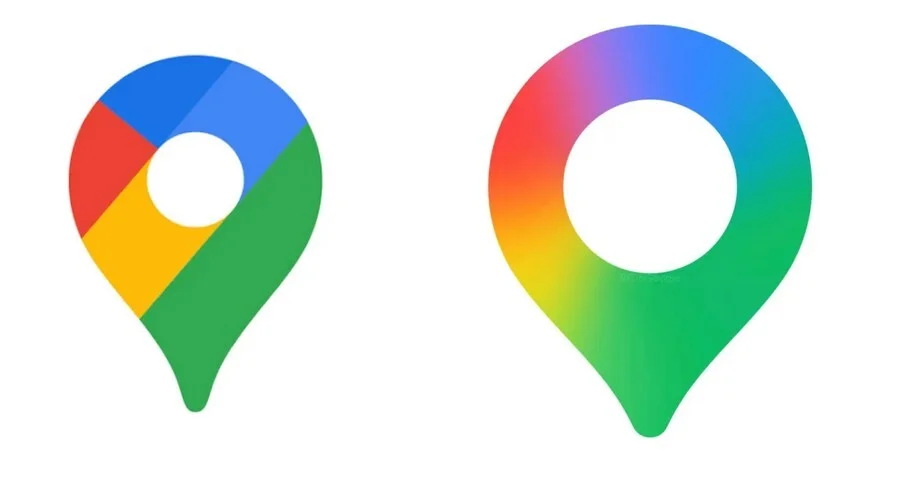
New Google Maps app icon rolls out with gradient redesign
OpenAI rolls out ChatGPT-5.3 instant with shorter answers and fewer refusals
Absolute Geeks UAEAbsolute Geeks UAE
Follow US
AbsoluteGeeks.com was assembled by Absolute Geeks Media FZE LLC during a caffeine incident.
© 2014–2026. All rights reserved.
Proudly made in Dubai, UAE ❤️
Upgrade Your Brain Firmware
Receive updates, patches, and jokes you’ll pretend you understood.
No spam, just RAM for your brain.
Welcome Back!

Sign in to your account

Username or Email Address
Password

Lost your password?