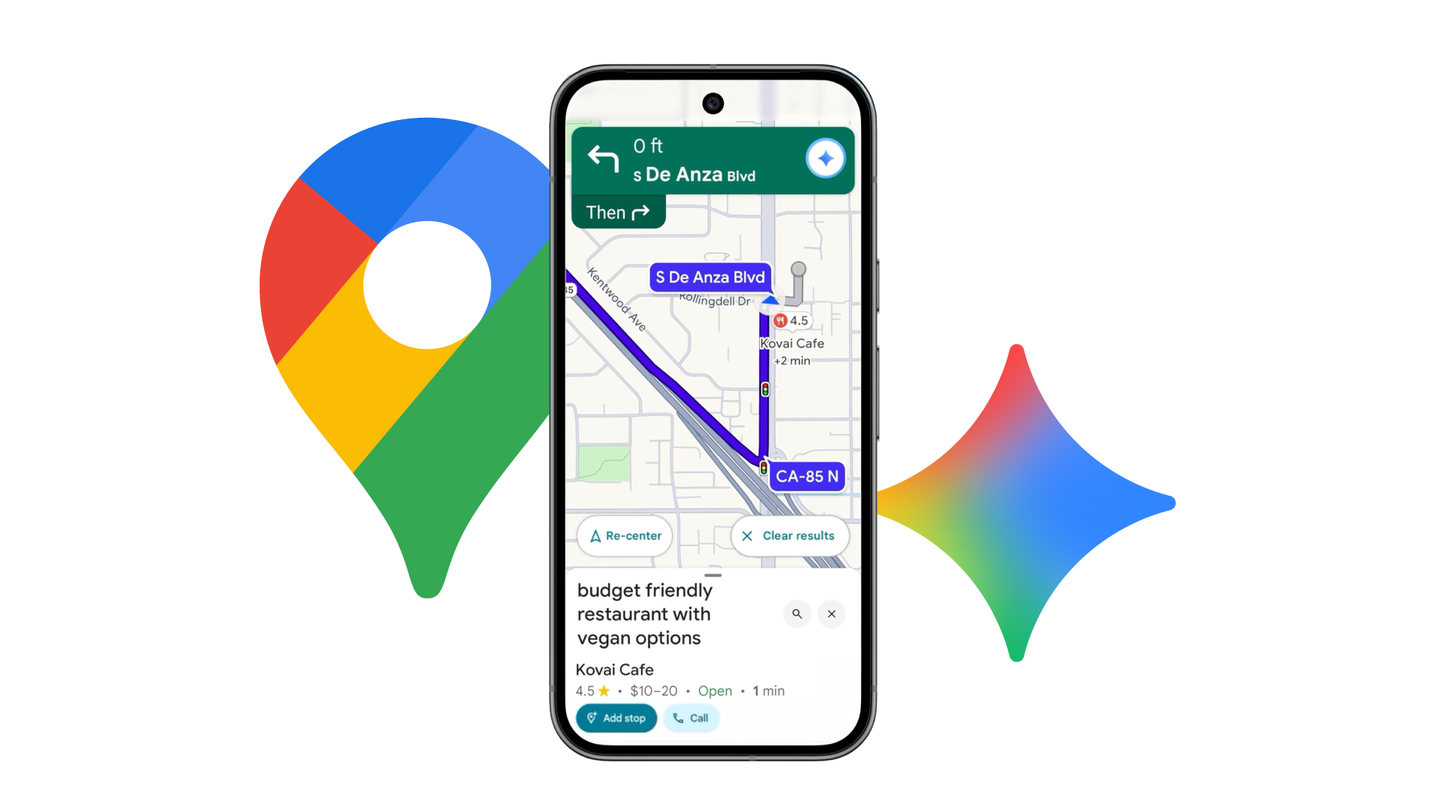
Google is continuing to tighten the integration between Gemini and its broader app ecosystem, and Google Maps is now one of the clearest examples of that strategy. A recent update improves how Maps functions inside the Gemini app, making location searches more visual, informative, and closer to the experience users expect from the standalone Google Maps app.
Gemini has gradually shifted from being a purely conversational assistant into a hub for accessing Google services without jumping between apps. Earlier this year, Google removed the need for users to type explicit commands to invoke services inside Gemini, lowering friction across tools like Gmail, Calendar, and Maps. That change made Gemini feel more natural to use, but Maps support still felt stripped down compared to the dedicated app. The latest update appears to address that gap.
Previously, searching for places in Gemini produced a mostly text-driven response. Users would see a list of locations accompanied by a basic map view with standard pins, similar to an early preview rather than a fully featured navigation tool. While functional, the presentation made it harder to quickly distinguish between different types of places or assess their quality at a glance.
With the update now rolling out, Maps results inside Gemini adopt a richer, more visual layout. Instead of generic red pins, locations are marked with emoji-style icons that reflect the type of place being shown, such as trees for parks or other symbols for restaurants and landmarks. This small visual tweak significantly improves scannability, especially when multiple results are clustered in one area.
Each location now also appears as a card rather than a simple text entry. These cards include an image of the place, its star rating, and key details drawn directly from Google Maps. Users can see a short review summary, common themes mentioned by reviewers, and practical tips, all without leaving Gemini. In effect, Gemini is now surfacing most of the information people rely on when deciding where to go, rather than forcing a follow-up search in Maps itself.
Another notable change is how results are structured. When a prompt is entered, the map view now appears first, followed by the supporting text. This reordering reflects how people typically use Maps: the visual context matters more than the written explanation, which mainly exists to clarify options or provide additional detail. It also reinforces Gemini’s role as an interface layer rather than a replacement for visual tools.
The updated Google Maps experience inside Gemini is rolling out on both desktop and mobile. As with many Google updates, availability may be staggered, so some users may not see the changes immediately. Once fully deployed, the update should make Gemini a more viable option for planning trips, finding nearby places, or comparing locations without switching apps.
More broadly, this update highlights Google’s intent to make Gemini less of a standalone AI experiment and more of a connective tissue across its services. By bringing Maps closer to feature parity inside Gemini, Google is signaling that the assistant is meant to handle real, everyday tasks rather than just answer questions. Whether users fully adopt Gemini as their primary interface remains to be seen, but improvements like this make that transition easier to imagine.