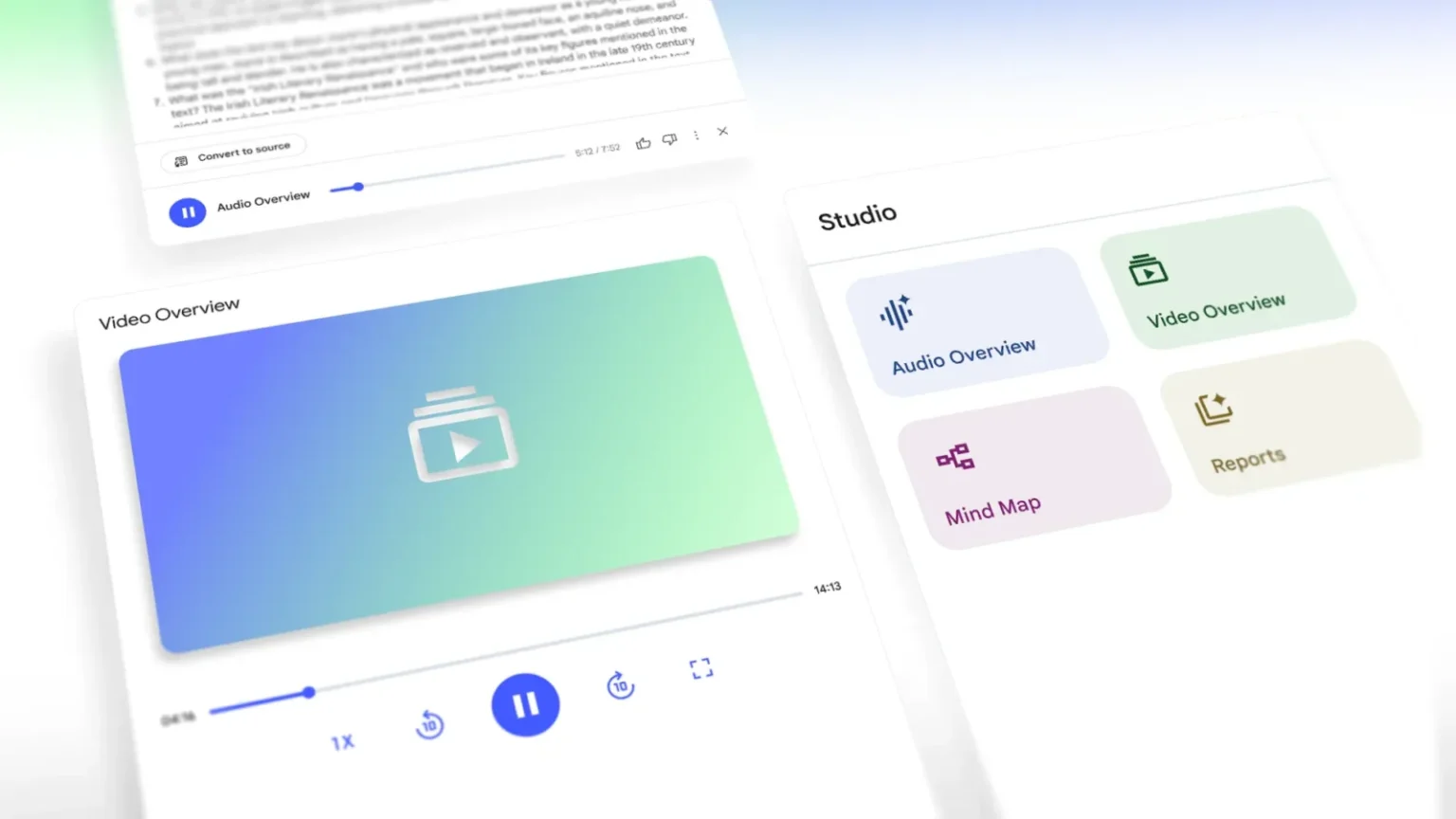
NotebookLM, Google’s AI-powered research tool, is expanding its capabilities with the introduction of Video Overviews and a redesigned Studio panel. These updates focus on helping users better digest and present complex material, whether for personal study, team collaboration, or public sharing.
Video Overviews build on the existing Audio Overview feature by adding a visual layer. The format currently launches as narrated slide presentations that combine AI-generated commentary with supporting visuals such as images, diagrams, quotes, and data pulled from source materials. This can be particularly useful for explaining data-heavy topics, outlining processes, or making abstract ideas easier to understand. Users can tailor each overview to their needs by specifying the subject, audience, and depth of explanation—whether it’s breaking down basic concepts for beginners or focusing on specialized details for experts. The feature is initially available in English, with additional languages planned.
Alongside Video Overviews, the Studio panel in NotebookLM is receiving a notable update. Previously, users could only generate one output of each type—such as a Mind Map or Audio Overview—per notebook. The new design removes this limitation, allowing multiple outputs of the same type to be stored within a single notebook. This change opens the door for more flexible workflows, such as creating multiple study guides for different sections of a course, or producing content variations for audiences in different languages or professional roles.
The refreshed Studio interface organizes its tools into four main options—Audio Overviews, Video Overviews, Mind Maps, and Reports—making them easier to find and use. A new multitasking capability also allows users to interact with one type of content, like a Mind Map, while simultaneously listening to an Audio Overview.
These updates are rolling out to NotebookLM users over the coming weeks. While the new features won’t change the underlying purpose of the tool, they offer more ways to transform research material into formats that are easier to share and understand, accommodating a wider range of learning styles and professional needs.