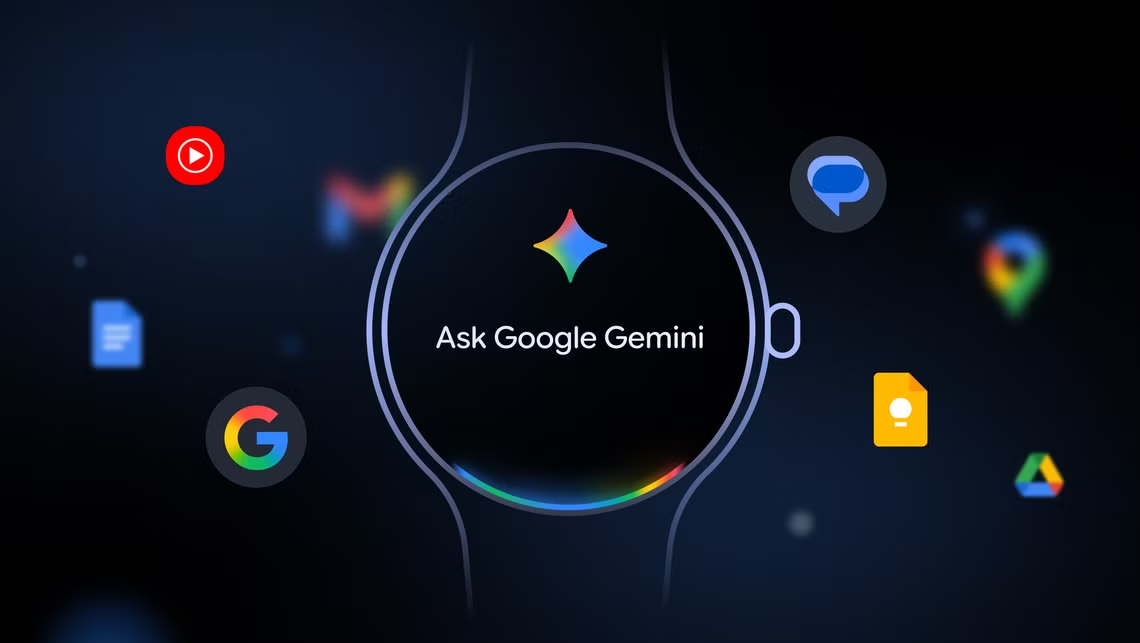
Google is finally bringing its Gemini AI assistant to Wear OS smartwatches, expanding its reach beyond phones and desktops to devices that people rely on for quick interactions. Starting today, Gemini will begin rolling out to smartwatches from Google, Samsung, Oppo, OnePlus, and Xiaomi, adding natural language understanding and more conversational replies to your wrist.
Gemini has been available on mobile and desktop since early last year but has remained absent from other platforms. In May, Google announced plans to extend its AI assistant to more device types, and with today’s update, it is delivering on that promise for wearables. Users with Pixel Watch and Galaxy Watch models running Wear OS 4 or later will begin seeing the update over the coming weeks.
The functionality on smartwatches mirrors Gemini’s capabilities on phones and computers. Users can ask for detailed instructions, such as how to roast sliced vegetables, or carry out actions like sending texts or creating playlists within apps. Gemini can also summarise content from apps, such as emails and messages, making it more useful than traditional voice assistants that mainly handle basic commands.
The rollout does not include Google’s raise-to-speak gesture, a feature reportedly in development that would let users bring their watch closer to their mouth and speak without tapping any buttons. For now, you will activate Gemini by pressing and holding a button or using the standard “Hey Google” wake phrase.
The arrival of Gemini on Wear OS addresses a key frustration for smartwatch owners who found the old Google Assistant limited and overly rigid in its interactions. While Gemini has been rolled out to select devices already, its absence on wearables created inconsistencies, with users experiencing different assistant behaviours across products.
The update will become available gradually, and it could take a few weeks before it reaches all eligible devices. Google says that it plans to continue expanding Gemini’s integration across its ecosystem, with smart speakers and displays expected to follow in the near future.