
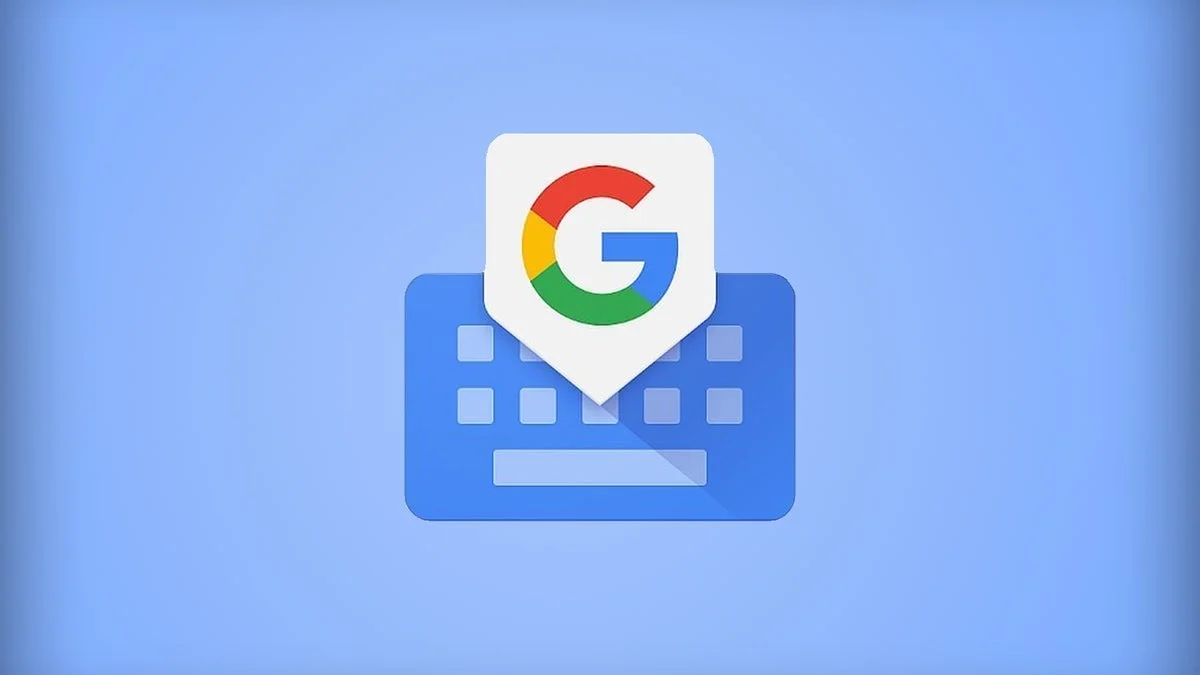
Google is testing a new Gboard feature designed to make typing on glass screens less frustrating, particularly when fixing typos. The update, currently spotted in a beta version of the Gboard app, introduces a revamped Cursor mode that allows more precise text navigation across lines and paragraphs.
For many Android users, Gboard is already one of the most customizable and feature-rich virtual keyboards available. It supports glide typing, a dedicated emoji row, a persistent number row, and long-press shortcuts for punctuation. One of its more practical tools is Glide cursor control, which lets users move the cursor left or right by pressing and swiping across the space bar. Apple’s iOS keyboard offers a similar trackpad-style mode, but both systems have limitations when it comes to vertical movement across blocks of text.
The new Cursor mode in Gboard appears to address that limitation directly. According to findings in version 16.8.2.867538971-beta-arm64-v8a of the app, pressing and holding the space bar activates a full virtual trackpad interface. Instead of simply sliding the cursor horizontally, users see the keyboard area transform into a touch-sensitive field, complete with a visible cursor. From there, the cursor can be dragged freely in any direction — left, right, up, or down — allowing quick movement between lines or even across paragraphs.
That marks a notable shift from the current implementation, where users must swipe repeatedly to reach the end of a line before moving vertically. On longer messages or documents, the existing approach can feel slow and imprecise. The updated Gboard Cursor mode aims to simplify that process by offering unrestricted movement, similar to using a laptop trackpad.
Improving text navigation on touchscreens remains an ongoing challenge across mobile platforms. Virtual keyboards lack the tactile feedback of physical keys, and precise cursor placement can be difficult on smaller displays. Enhancements like this reflect a broader push to refine the everyday typing experience rather than add headline-grabbing features.
It’s important to note that this Gboard beta feature has only been discovered in testing and has not yet been officially announced by Google. Features uncovered in beta builds do not always make it to a public release. Still, the functionality appears mature enough that a wider rollout would not be surprising.
For users who frequently edit longer messages, emails, or documents on their phones, the new Gboard Cursor mode could offer a practical upgrade. If Google proceeds with the release, it would represent a meaningful improvement to text editing on Android devices, making it easier to correct mistakes and navigate text without repeated swipes or awkward taps.