

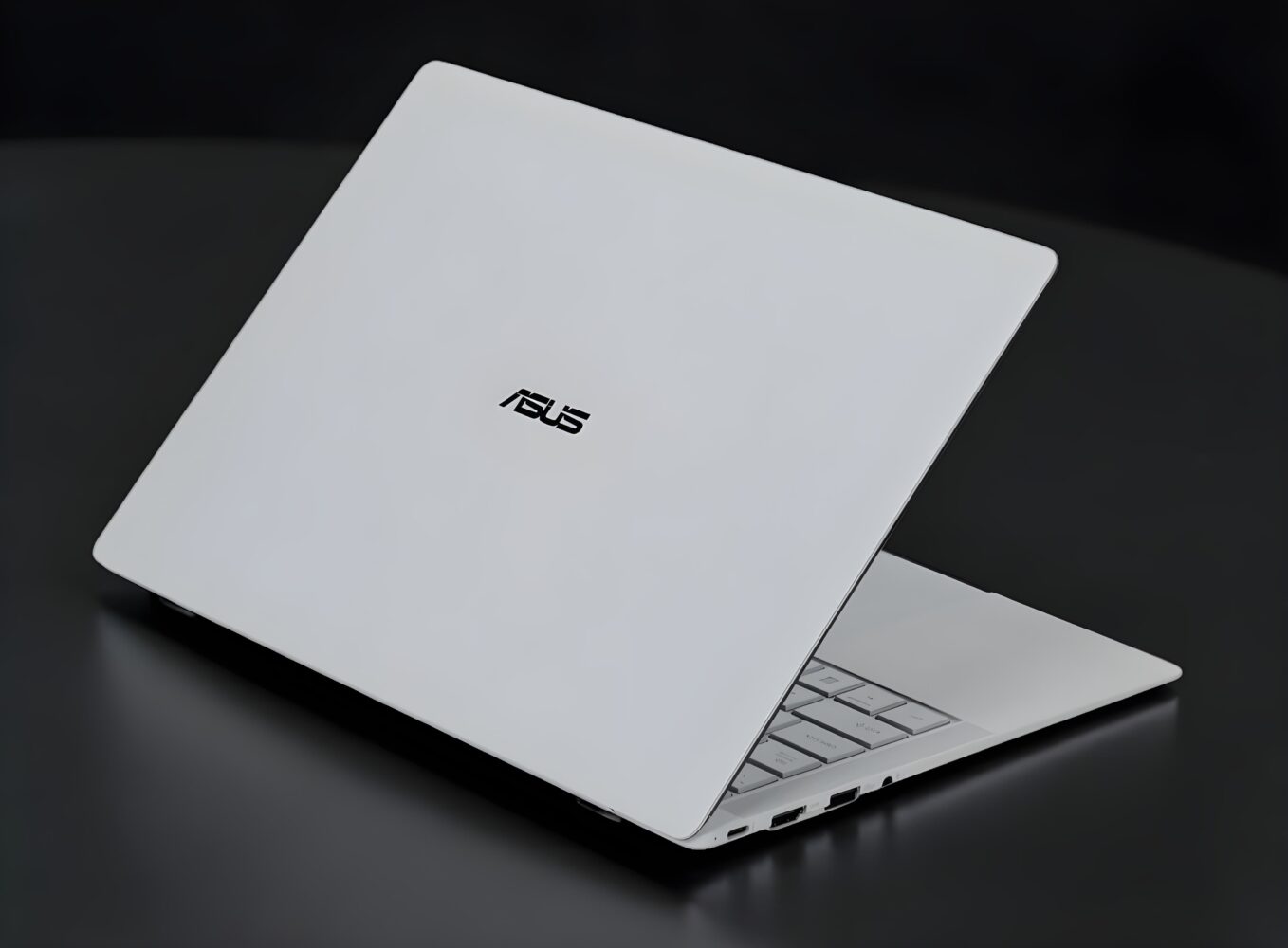
TL;DR: The ASUS ExpertBook Ultra is a business laptop that borrows heavily from premium ultrabooks, pairing an ultralight magnesium chassis with a gorgeous 3K Tandem OLED display and strong Intel Core Ultra performance. It’s fast, beautifully built, and packed with thoughtful engineering, though the price and power may be overkill for basic office work. If you spend all day on a laptop, however, it’s one of the nicest productivity machines around.
ASUS ExpertBook Ultra
For the longest time, business laptops lived in a completely different universe from consumer ultrabooks. If you worked in an office, you already know the kind of machines I’m talking about. They were sturdy, reliable, and usually looked like they had been designed by a committee whose primary goal was to avoid offending anyone. Their job was to survive meetings, travel bags, and corporate IT policies, not to inspire admiration. Performance mattered, durability mattered, and security mattered, but visual excitement and display quality were usually somewhere near the bottom of the priority list.
That old formula is exactly what the ASUS ExpertBook Ultra seems determined to break.
The first time I opened the lid on this machine, my brain briefly struggled to categorize it. This thing belongs to ASUS’s ExpertBook lineup, which traditionally means enterprise laptops built for professionals and corporate deployments. Yet the moment you actually see it in person, it becomes immediately obvious that ASUS approached this generation with a completely different philosophy. The design language looks closer to the company’s premium Zenbook ultrabooks than to the traditional corporate machines that usually populate office desks.
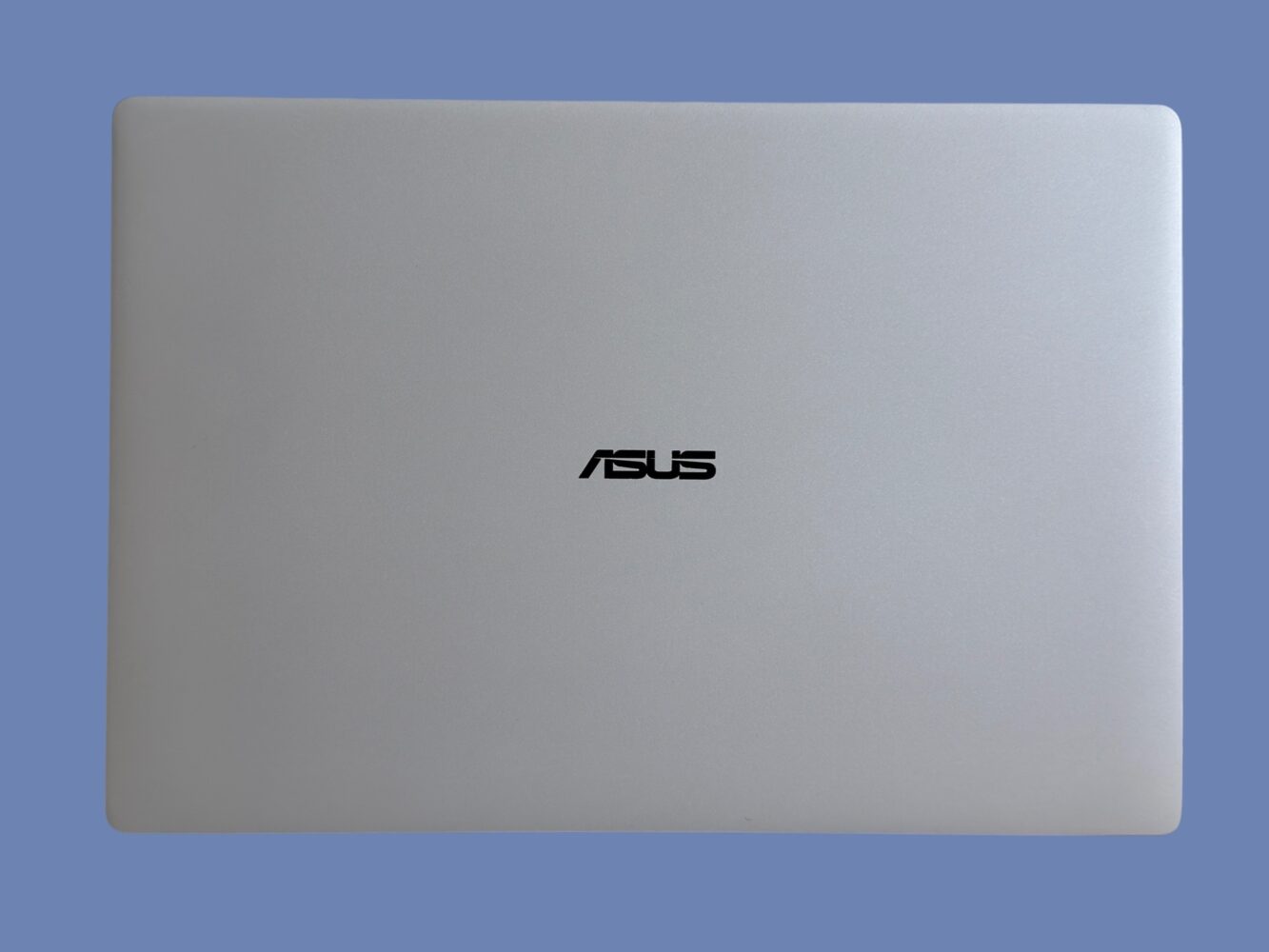
After spending serious time with the ExpertBook Ultra, it becomes clear that ASUS is trying to redefine what a business laptop can be. Instead of building another purely functional corporate tool, the company built something that merges enterprise durability, ultralight portability, flagship display technology, and serious computing power into a device that almost feels too luxurious for spreadsheets and video meetings.
And somehow, against expectations, it mostly works.
Design and Build
Aerospace Magnesium, Ceramic Coatings, and a Corporate Laptop That Finally Looks Like a Flagship Device
The most striking aspect of the ExpertBook Ultra isn’t the performance or even the display. It’s the weight.
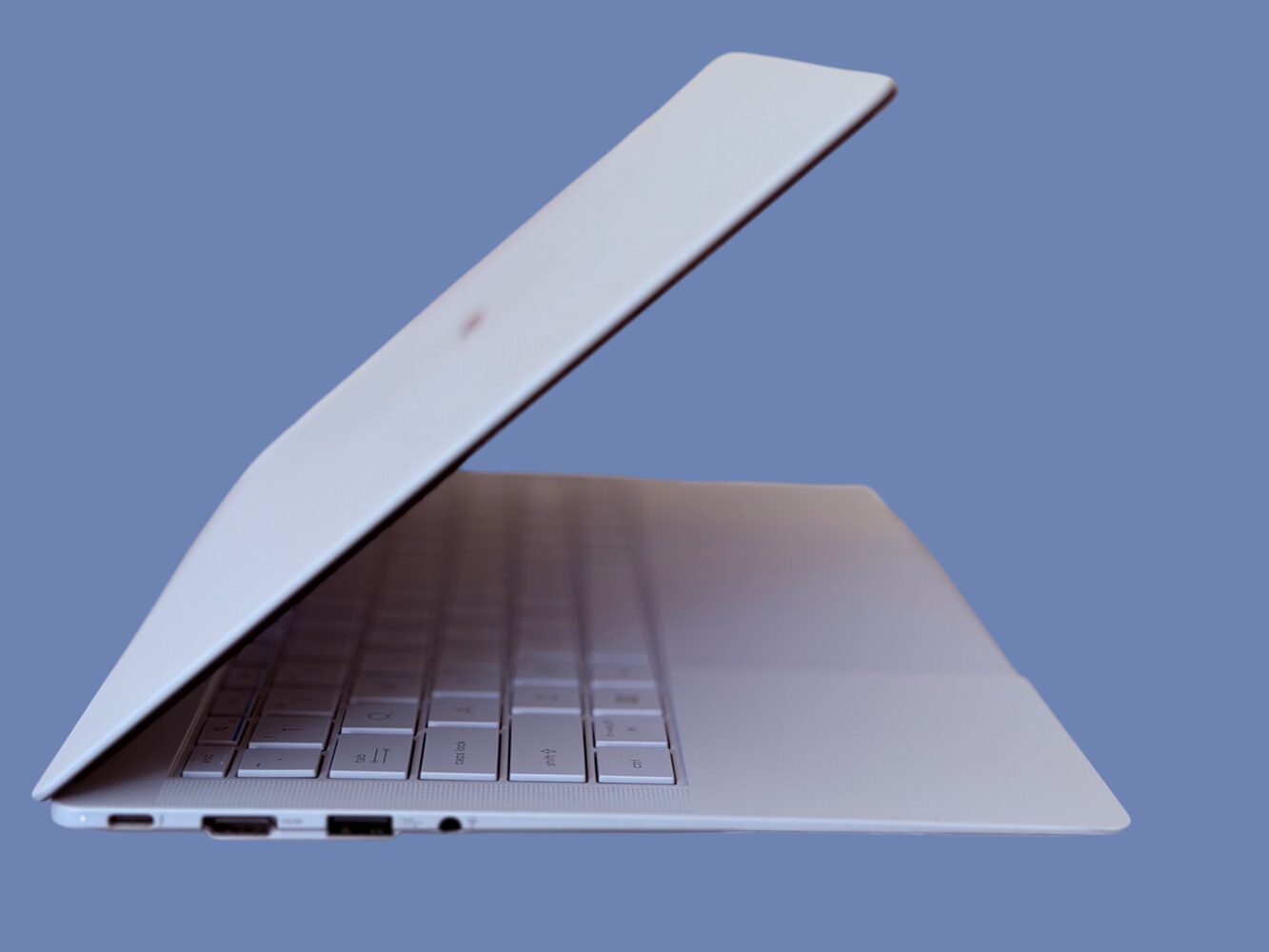
Depending on the configuration you choose, the laptop weighs between roughly 0.99 kilograms and about 1.1 kilograms. The lighter configuration uses a polymer OLED display, while the slightly heavier configuration includes the more advanced Tandem OLED panel. Even in its heaviest form, however, the machine still feels almost suspiciously light for a fully powered 14-inch laptop.
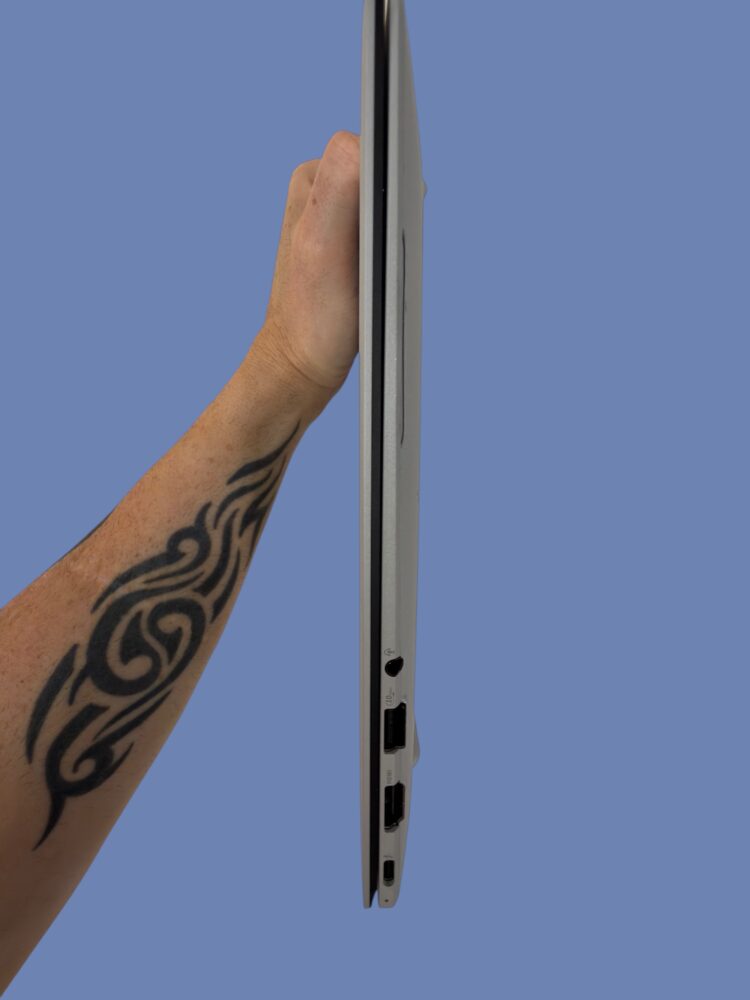
That weight reduction is largely the result of ASUS using AZ31B magnesium-aluminum alloy for the chassis. This material is commonly used in aerospace applications because it offers a remarkable balance between structural strength and minimal weight. Instead of stamping thin metal sheets together, ASUS uses CNC machining to carve the main chassis components from magnesium blocks, resulting in a rigid unibody structure that manages to feel both solid and extremely thin.
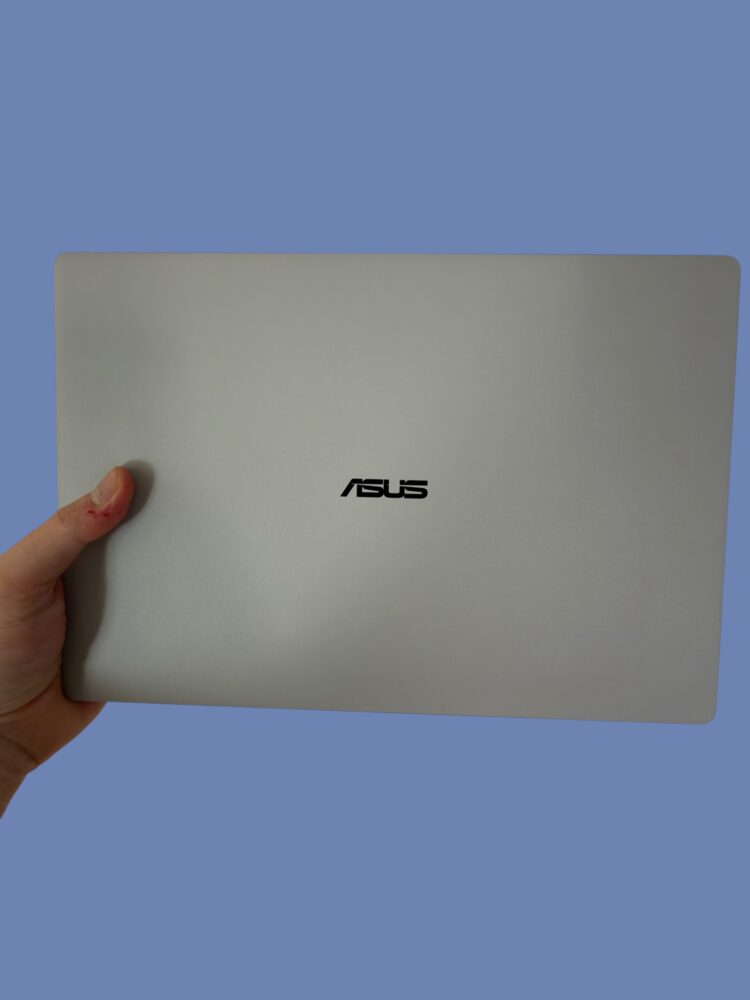
The thickness of the device measures just under eleven millimeters, which places it firmly in ultrabook territory. What’s particularly impressive is that the laptop does not feel fragile despite those dimensions. When you twist the base slightly or open the lid with one hand, the structure remains rigid and well controlled.
Where ASUS gets particularly geeky is the surface treatment applied to the chassis. The outer finish uses a combination of Plasma Electrolytic Oxidation and Nano Liquid Ceramic coating. The plasma oxidation process creates a ceramic-like oxide layer directly on the metal surface, which is then covered with a thin nano-ceramic coating that improves scratch resistance and durability.
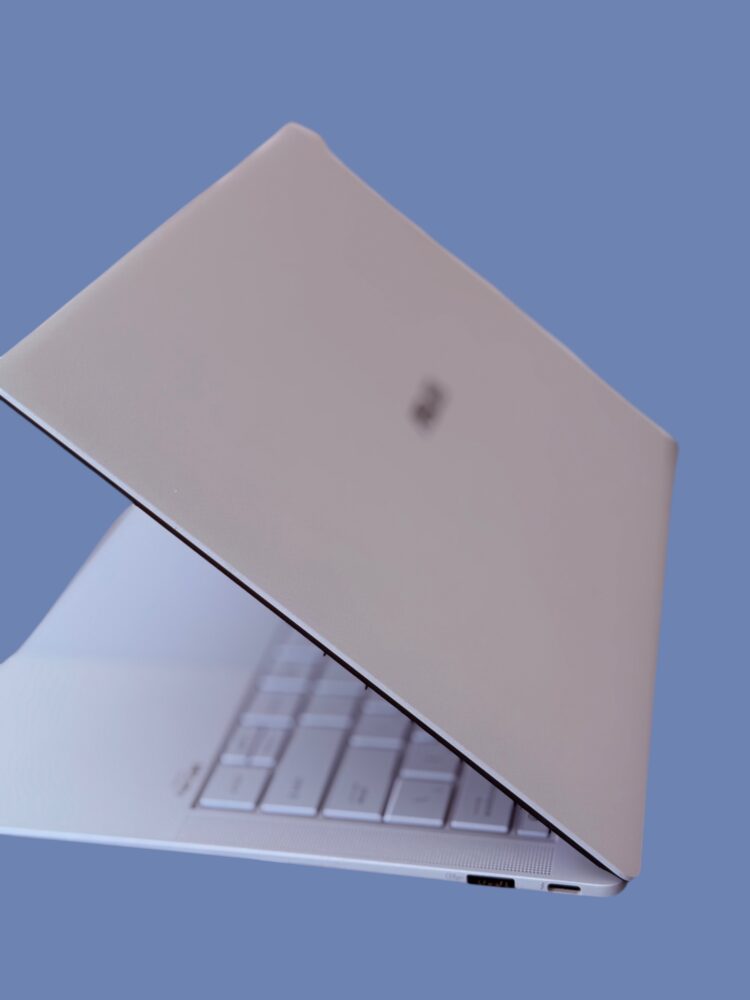
The resulting surface reaches a hardness rating of approximately 9H, which is significantly higher than the coatings typically used on laptop shells. ASUS claims the finish can withstand over one hundred thousand simulated pressure interactions meant to mimic daily use, and while those numbers obviously exist in the realm of lab testing, the practical result is a laptop surface that feels both premium and unusually resistant to fingerprints and wear.
In daily use the finish feels smooth, slightly matte, and remarkably clean even after hours of handling.
It’s the kind of subtle engineering detail that doesn’t immediately jump out at you but gradually becomes appreciated over time.
ExpertLumi
The Slightly Strange LED Feature That Feels Like It Belongs in a Concept Car
One of the most unusual visual touches on the ExpertBook Ultra is a feature ASUS calls ExpertLumi. This is essentially a thin LED light strip integrated beneath the display hinge that activates during certain system events.
When the laptop powers on, shuts down, or unlocks, the strip performs a brief lighting animation that gives the device a surprisingly theatrical sense of ceremony. The effect reminds me of the startup sequences used in modern electric cars where headlights perform a brief light choreography before the vehicle powers up.
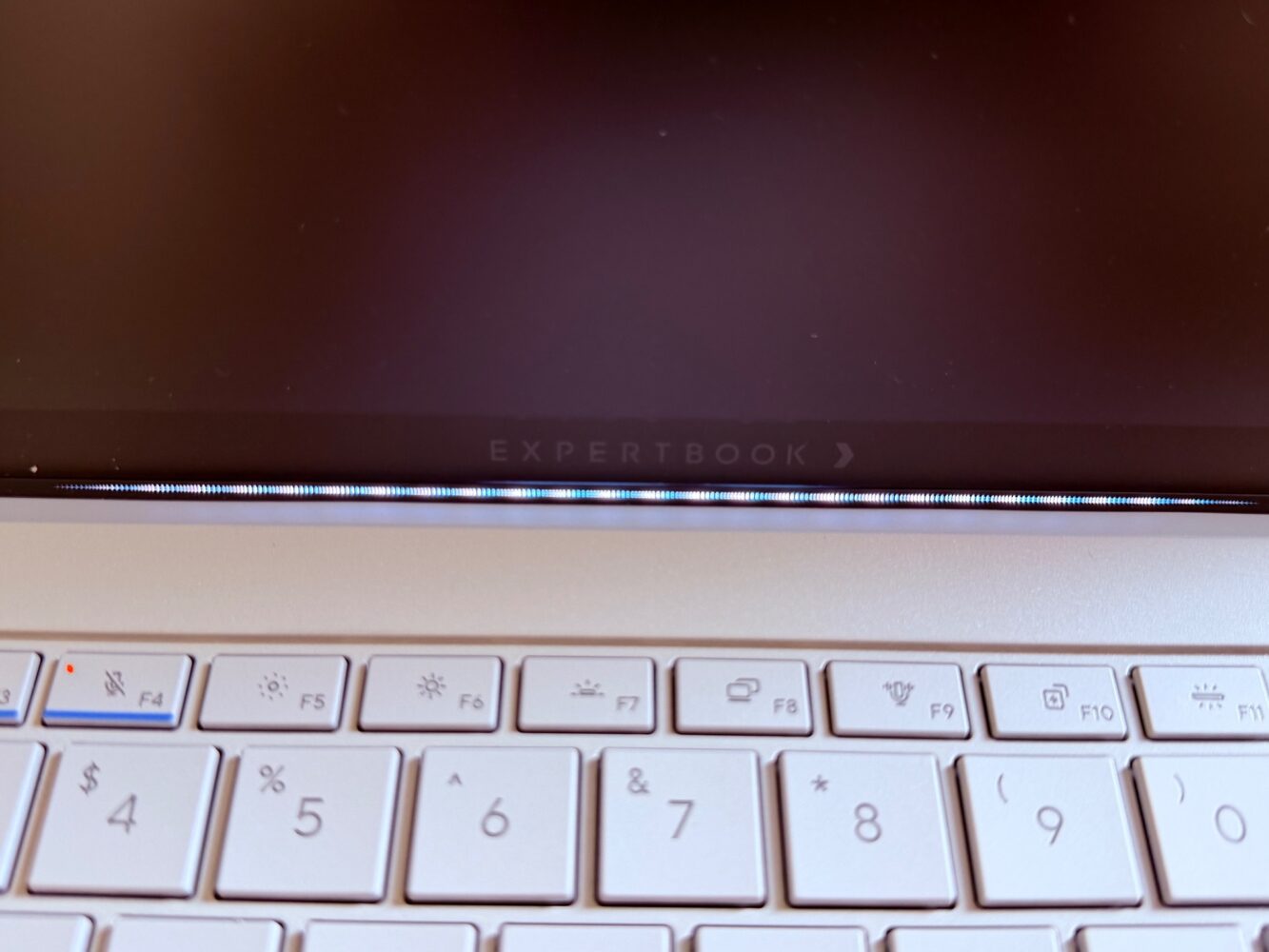
At the moment, ExpertLumi serves mostly as a decorative element. ASUS has hinted that future software updates may allow it to display additional system information or notifications, but currently it mainly provides visual feedback during boot and login events.
Even so, the feature contributes to the overall feeling that ASUS approached this laptop with a slightly more experimental mindset than usual for enterprise hardware.
Display
Tandem OLED Technology and a Screen That Feels Almost Excessive for Office Work
The display is easily the most impressive component of the ExpertBook Ultra and arguably one of the most advanced laptop panels currently available in a productivity device.
ASUS offers two display variants for this machine, but the configuration that truly defines the laptop is the 3K Tandem OLED panel. This technology uses a dual-layer OLED architecture where two OLED emission layers are stacked together. The purpose of this design is to increase brightness, reduce power consumption, and extend panel longevity compared to traditional single-layer OLED displays.
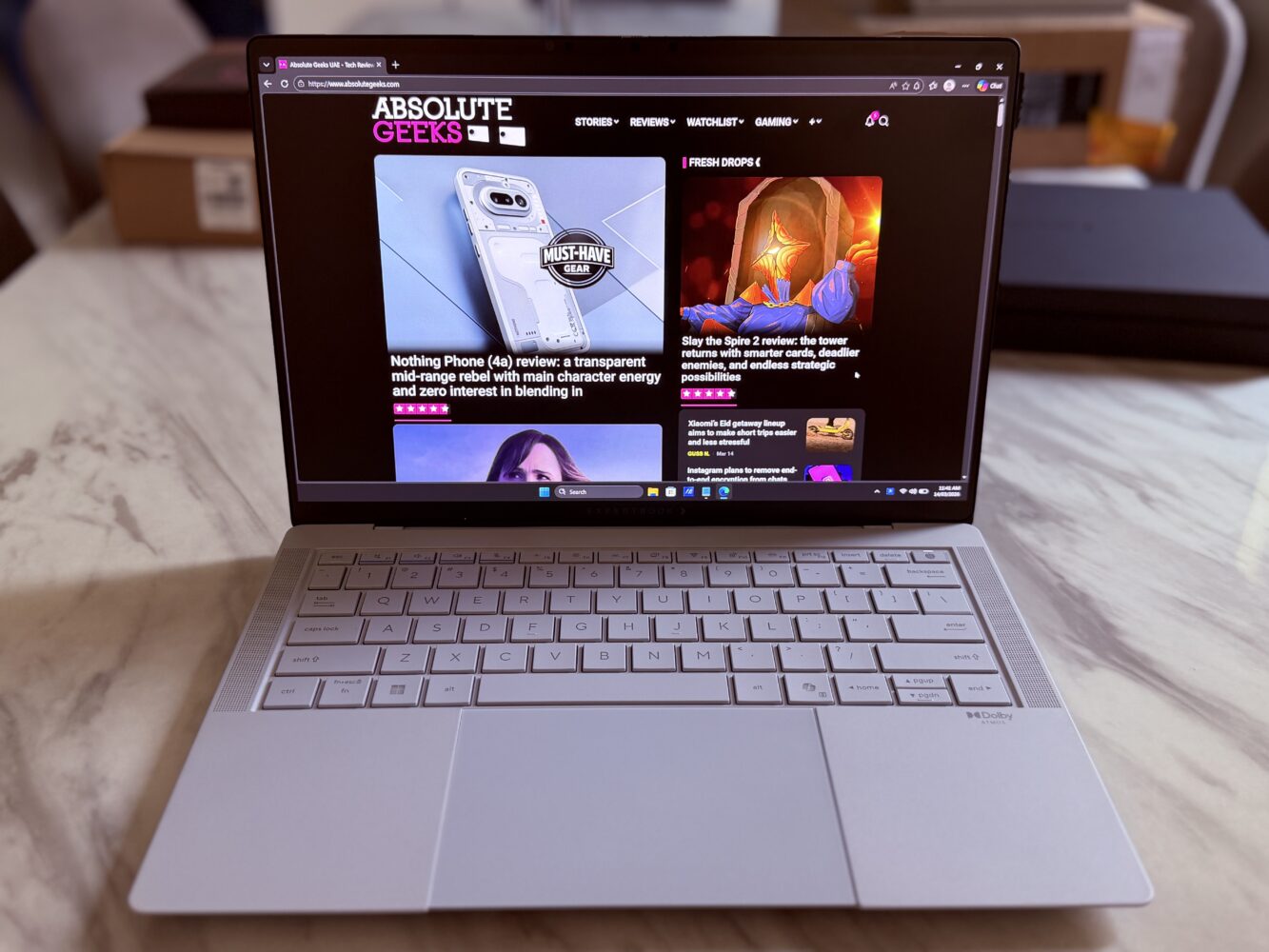
In practical terms, the panel delivers an impressive combination of visual characteristics. The resolution sits at 2880 by 1800 pixels with a 16:10 aspect ratio that provides additional vertical space for documents and web pages. Color reproduction covers the full DCI-P3 gamut with extremely accurate calibration, and ASUS claims a Delta-E value below one, which places it within professional color accuracy territory.
Brightness is where Tandem OLED technology really becomes noticeable. The display can reach around 600 nits during typical usage while peaking at approximately 1400 nits when displaying HDR content. The dual-layer architecture also allows the panel to deliver these brightness levels while consuming less power than a conventional OLED display.
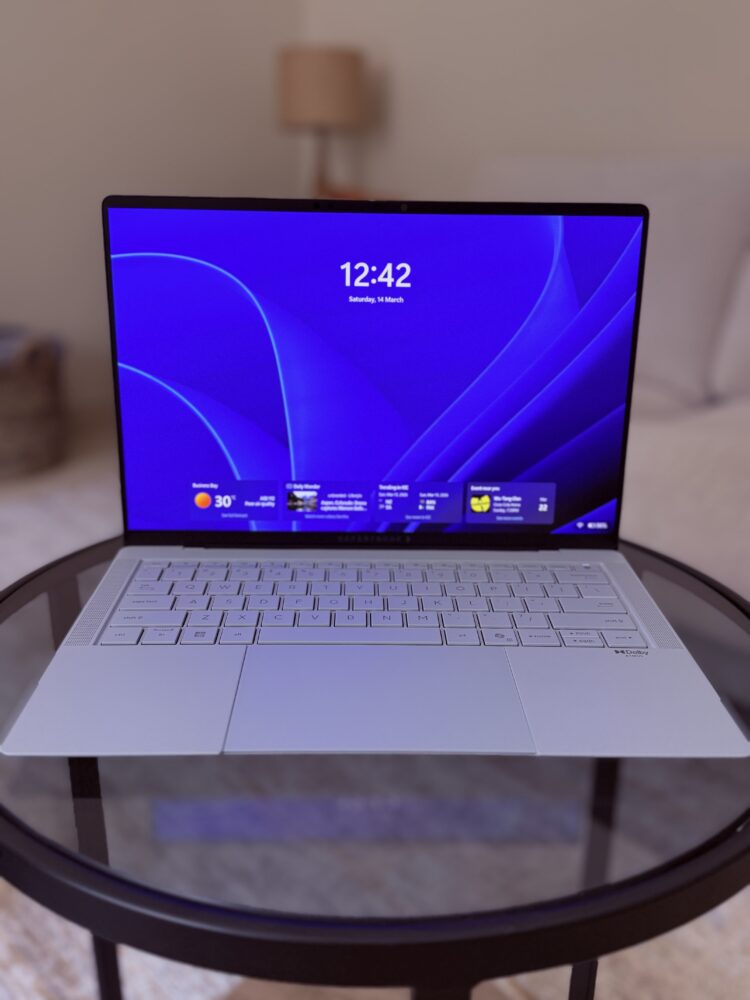
Another unusual aspect of the screen is the matte Gorilla Glass surface. OLED laptops typically rely on glossy panels to preserve color vibrancy, but ASUS instead applies a nano-etched matte treatment that reduces glare dramatically. The company claims the surface can reduce glare by roughly eighty percent compared to typical glass displays while still maintaining high contrast and image sharpness.
Using the display feels somewhat similar to reading a high-quality printed magazine. Colors remain vivid and saturated, but reflections are greatly reduced, making the screen far more comfortable to use in bright offices or near windows.
For professionals who spend long hours in front of a laptop screen, the reduced glare and improved brightness stability make a noticeable difference in daily comfort.
Keyboard and Trackpad
A Surprisingly Thoughtful Input Experience Built for Long Workdays
Input devices are often overlooked in laptop reviews, but they are arguably the components you interact with most frequently throughout the day. Fortunately, ASUS put considerable effort into refining both the keyboard and trackpad on the ExpertBook Ultra.
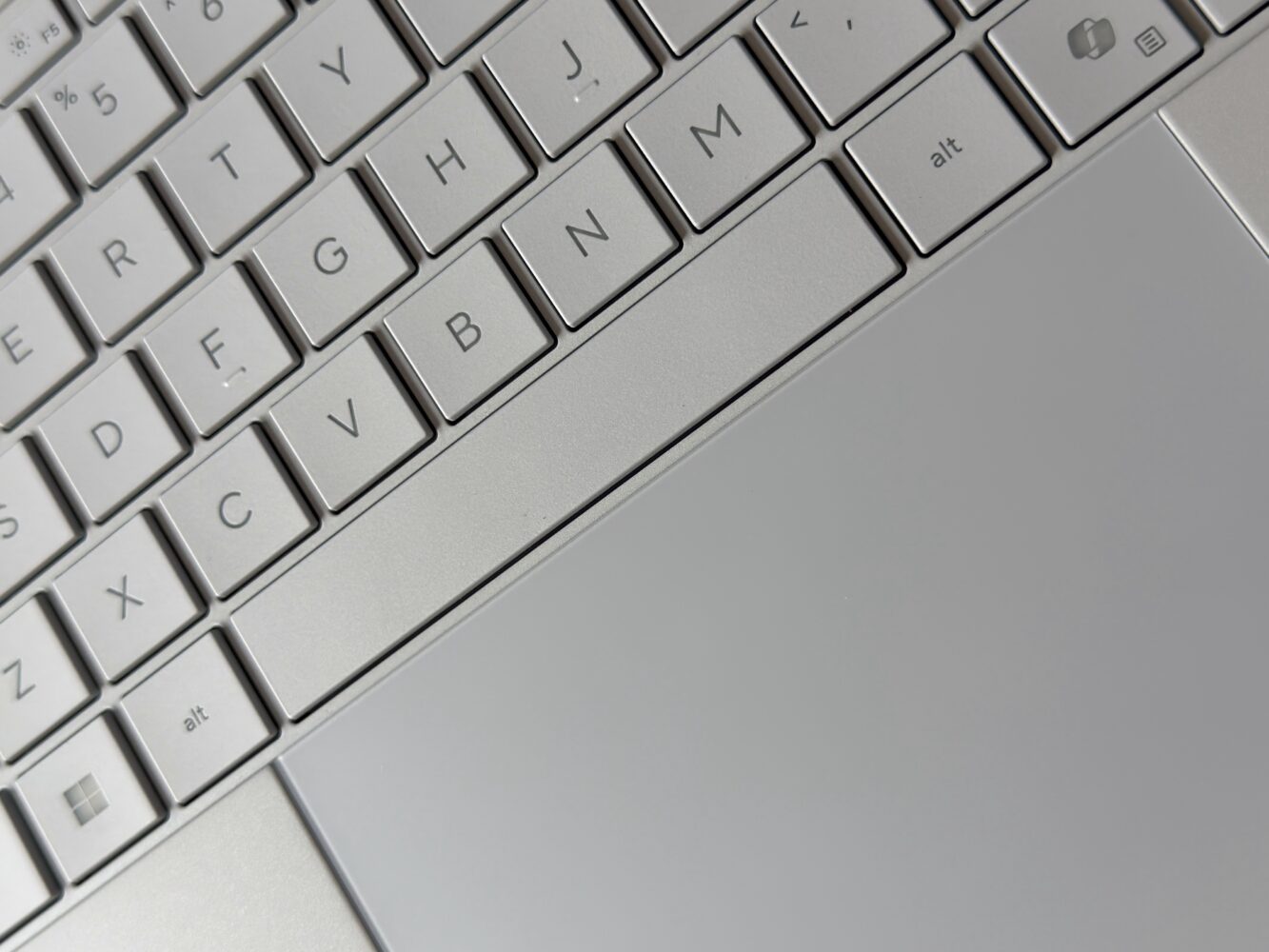
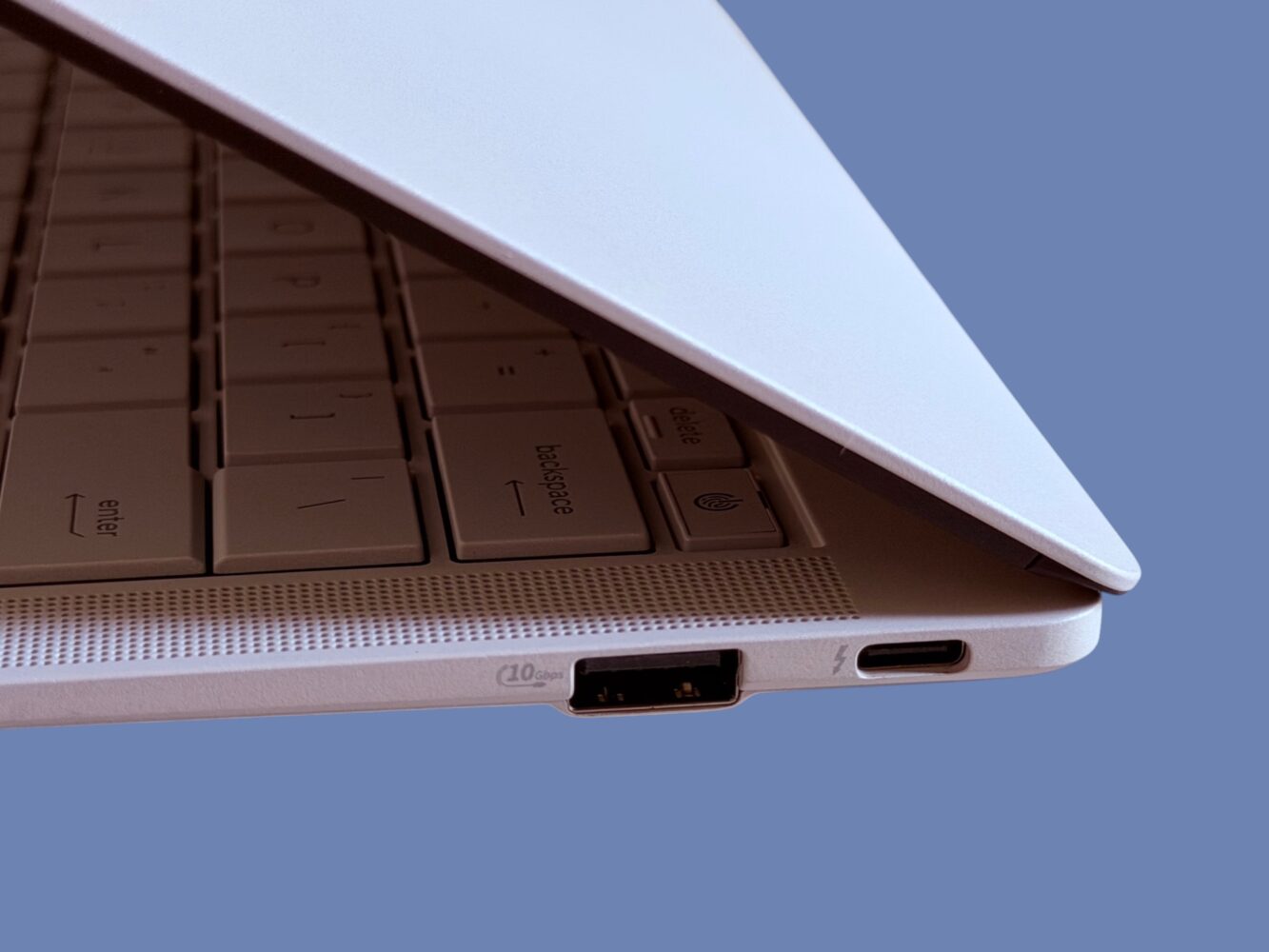
The keyboard features a key travel of 1.5 millimeters, which remains one of the most comfortable depths for extended typing sessions. ASUS coats the keycaps with a special Excimer UV treatment designed to improve durability and resist smudges and chemical wear. The coating also creates a slightly matte surface that reduces glare under office lighting while maintaining a soft tactile feel under the fingers.
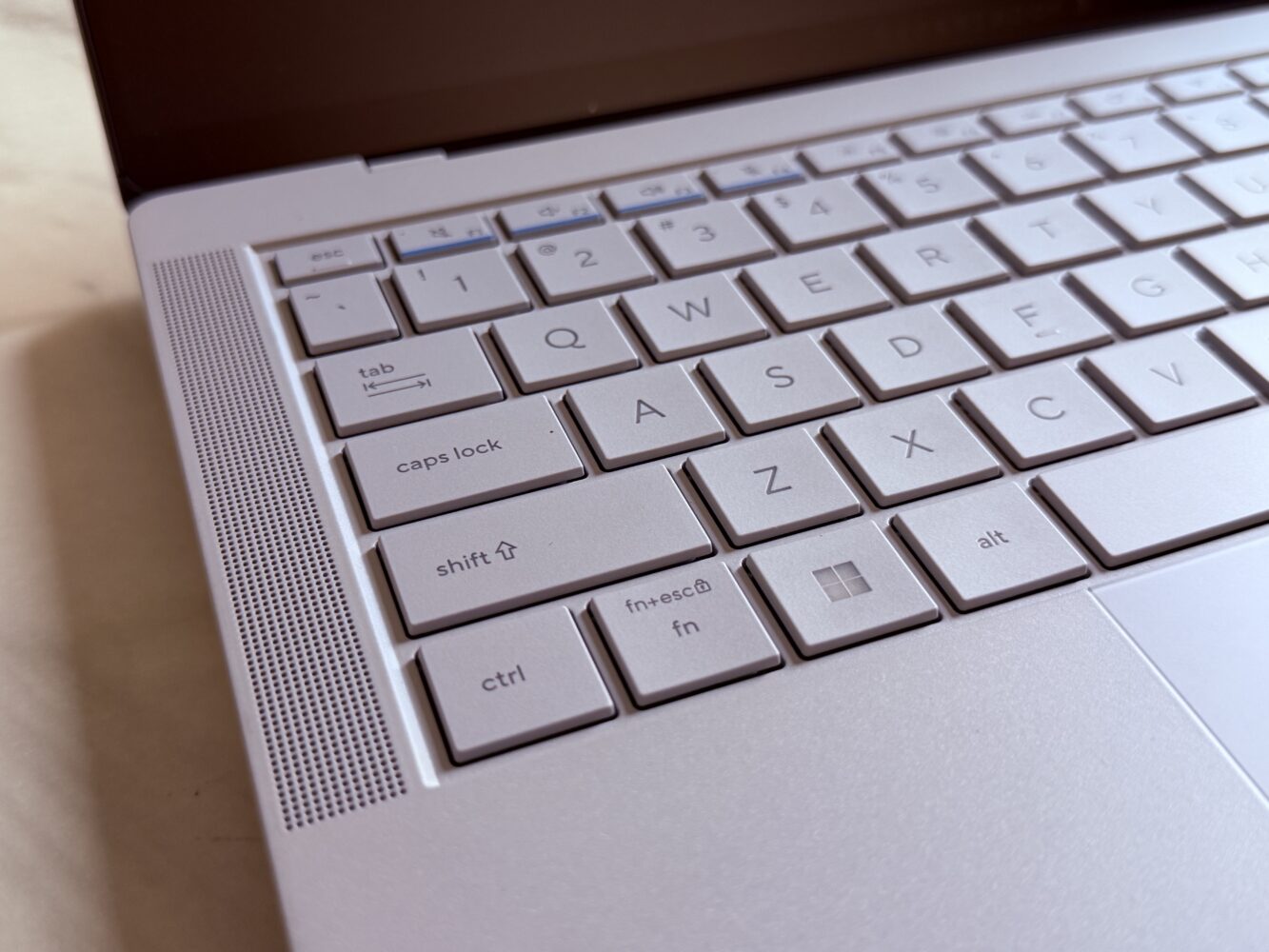
Typing on the keyboard feels responsive and consistent, with well-controlled actuation and minimal flex across the deck. After several hours of writing and editing, the keyboard proved comfortable enough that it quickly faded into the background of the experience, which is often the best possible outcome for a productivity device.
The trackpad is equally interesting from an engineering standpoint. Instead of relying on a traditional mechanical click mechanism, ASUS implemented a large glass haptic touchpad equipped with six pressure sensors and a centralized haptic motor. The absence of moving parts improves durability while allowing the entire touchpad surface to respond uniformly to pressure.
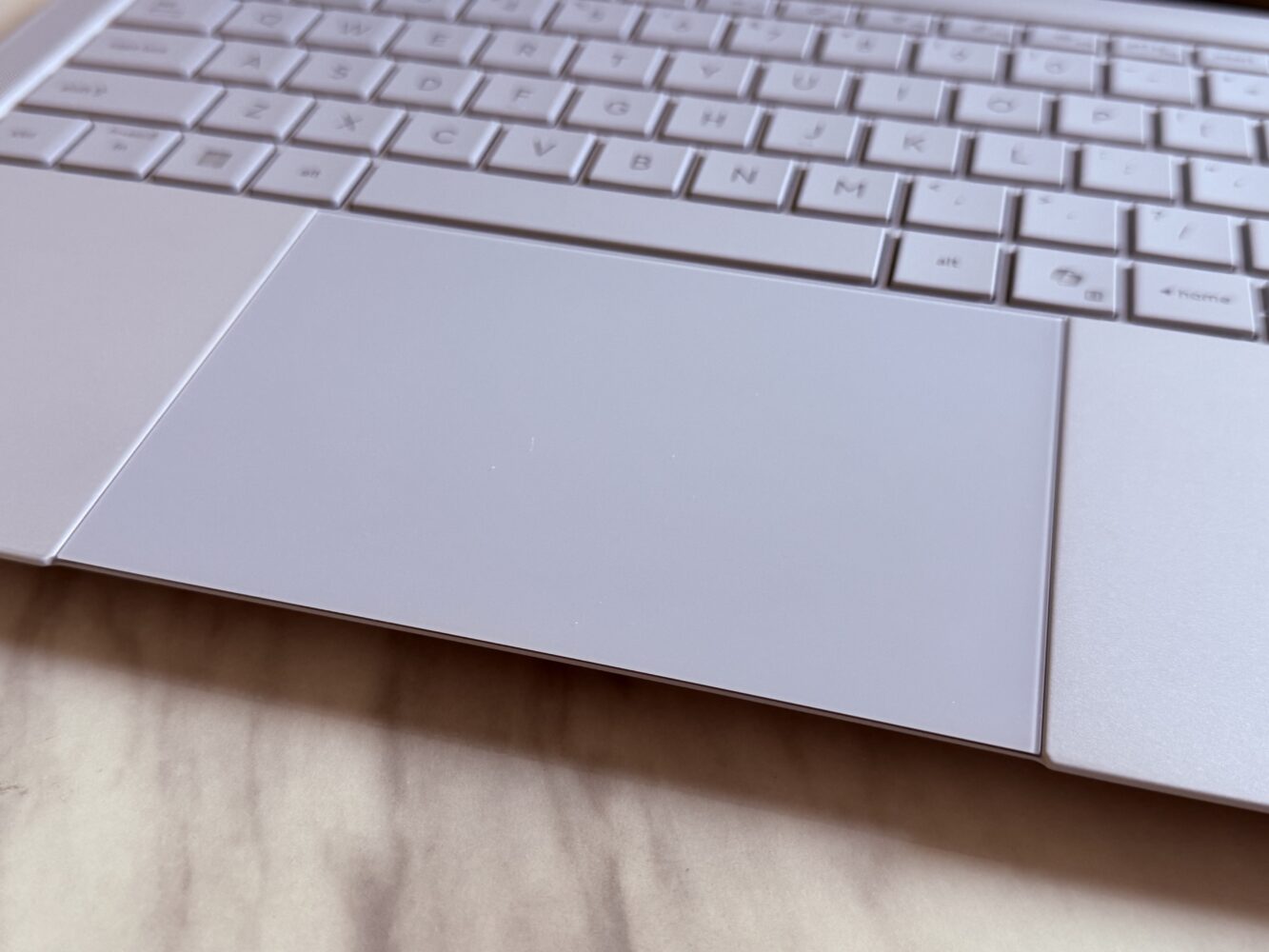
The haptic feedback system simulates the sensation of a click through subtle vibrations. Within a short period of use, the illusion becomes convincing enough that the lack of physical movement is no longer noticeable.
Performance
Intel Core Ultra Architecture Inside One of the Lightest Productivity Laptops Ever Built
Performance is where the ExpertBook Ultra begins to feel almost unexpectedly powerful for a laptop this thin.
The system is available with several processors from Intel’s Core Ultra lineup, ranging from the Core Ultra 5 series up to the flagship Core Ultra X9 models. The configuration I tested used the Core Ultra X7-358H paired with Intel Arc B390 integrated graphics and high-speed LPDDR5X memory.
These processors rely on Intel’s hybrid architecture, which combines performance cores, efficiency cores, and low-power efficiency cores in a single package. The goal of this design is to allow the system to dynamically allocate tasks depending on workload requirements, maximizing both performance and power efficiency.
In day-to-day use the system feels extremely responsive. Applications launch quickly, multitasking across numerous browser tabs and productivity tools feels effortless, and the system rarely gives the impression that it is struggling to keep up with demanding workloads.
The cooling system plays a major role in maintaining that performance.
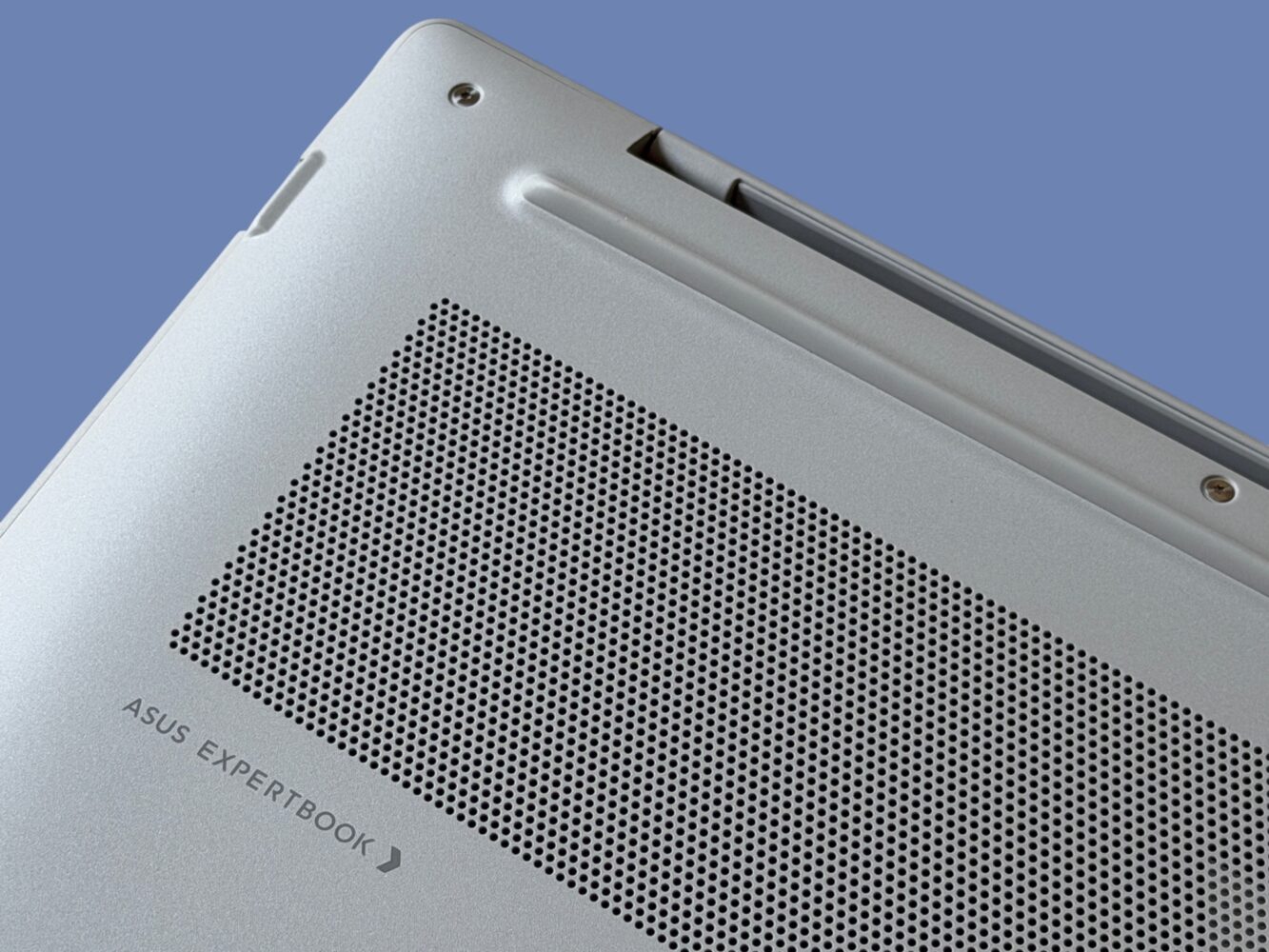
ASUS developed a thermal design known as ExpertCool Pro, which uses a dual-fan configuration combined with triple rear air outlets to maintain strong airflow across internal components. The cooling system also uses extremely thin aluminum heatsink fins and high-density fan blades designed to move air efficiently while minimizing noise.
This configuration allows the laptop to sustain roughly forty-five watts of thermal output during sustained workloads, with an optional turbo mode capable of briefly increasing that ceiling to around fifty watts.
For a machine this thin and light, those numbers are impressive.
The system remains relatively quiet during normal workloads, and even under heavier processing loads the fan noise stays within acceptable limits for an office environment.
Battery Life
A Surprisingly Clever Battery Architecture Hiding Inside the Chassis
Battery design is one of the more overlooked aspects of laptop engineering, but ASUS implemented an interesting approach in the ExpertBook Ultra.
The laptop uses a seventy watt-hour battery built using a configuration known as a 2S2P architecture. Without diving too deeply into electrical engineering theory, this arrangement allows the battery pack to operate at a lower nominal voltage compared to the more common four-cell series designs used in many laptops.
Lower input voltage can improve the efficiency of the internal power conversion systems, reducing switching losses and improving overall energy efficiency.
In practical terms, the laptop delivers impressive endurance for a machine with this level of performance. ASUS claims up to twenty-four hours of productivity under specific testing conditions, and while real-world usage rarely reaches those numbers, the system easily lasts through a full workday with power to spare.
Fast charging is also supported, allowing the battery to reach approximately thirty percent capacity in around fifteen minutes when using the included charger.
Connectivity and Networking
Wireless Engineering That Actually Matters in Crowded Offices
One of the more subtle engineering upgrades inside the ExpertBook Ultra involves the wireless antenna design.
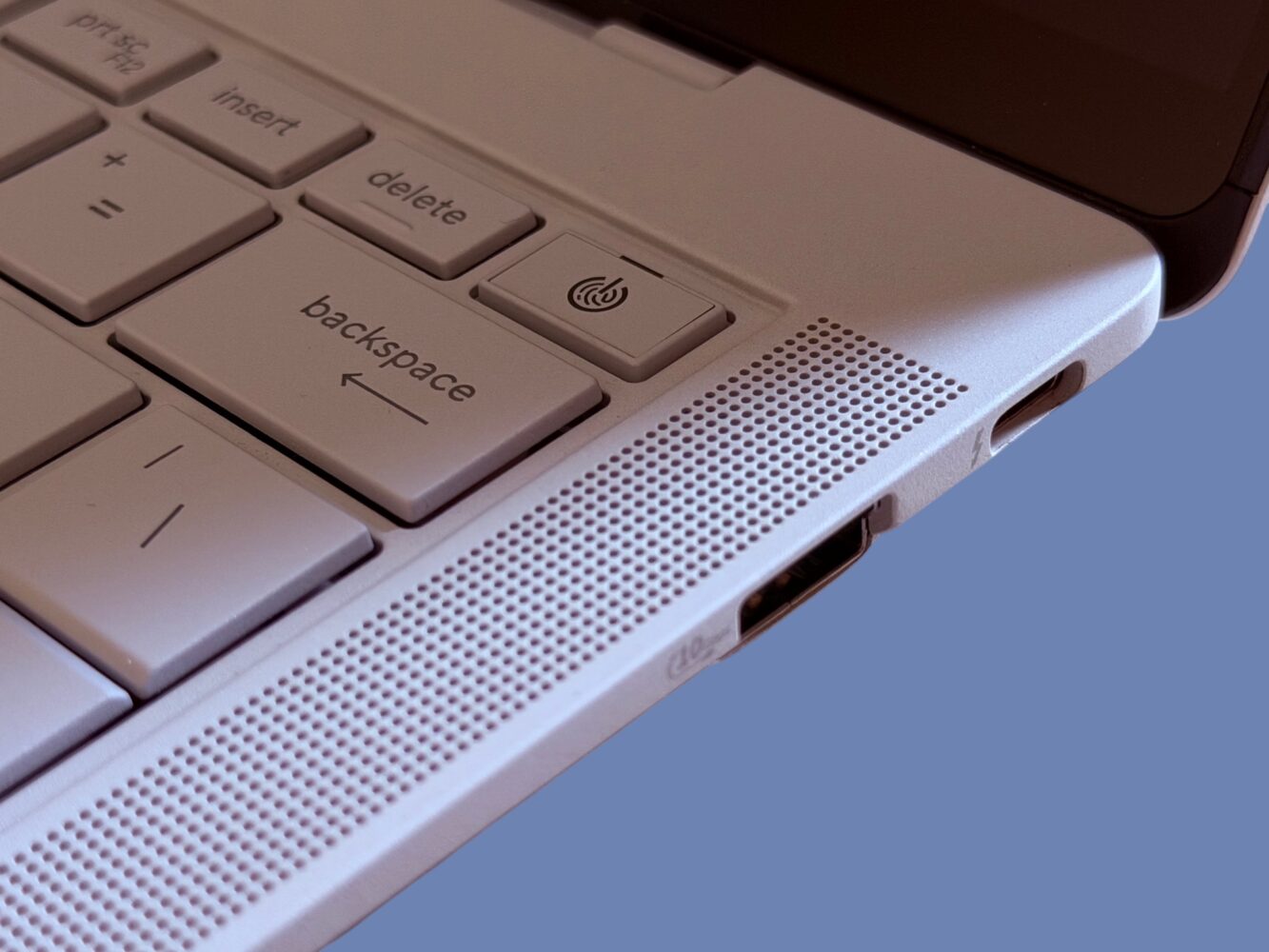
ASUS uses a manufacturing process known as Laser Direct Structuring to build antennas directly onto three-dimensional plastic structures integrated into the chassis. This technique allows the antenna system to occupy complex shapes and utilize otherwise unused areas inside the laptop.
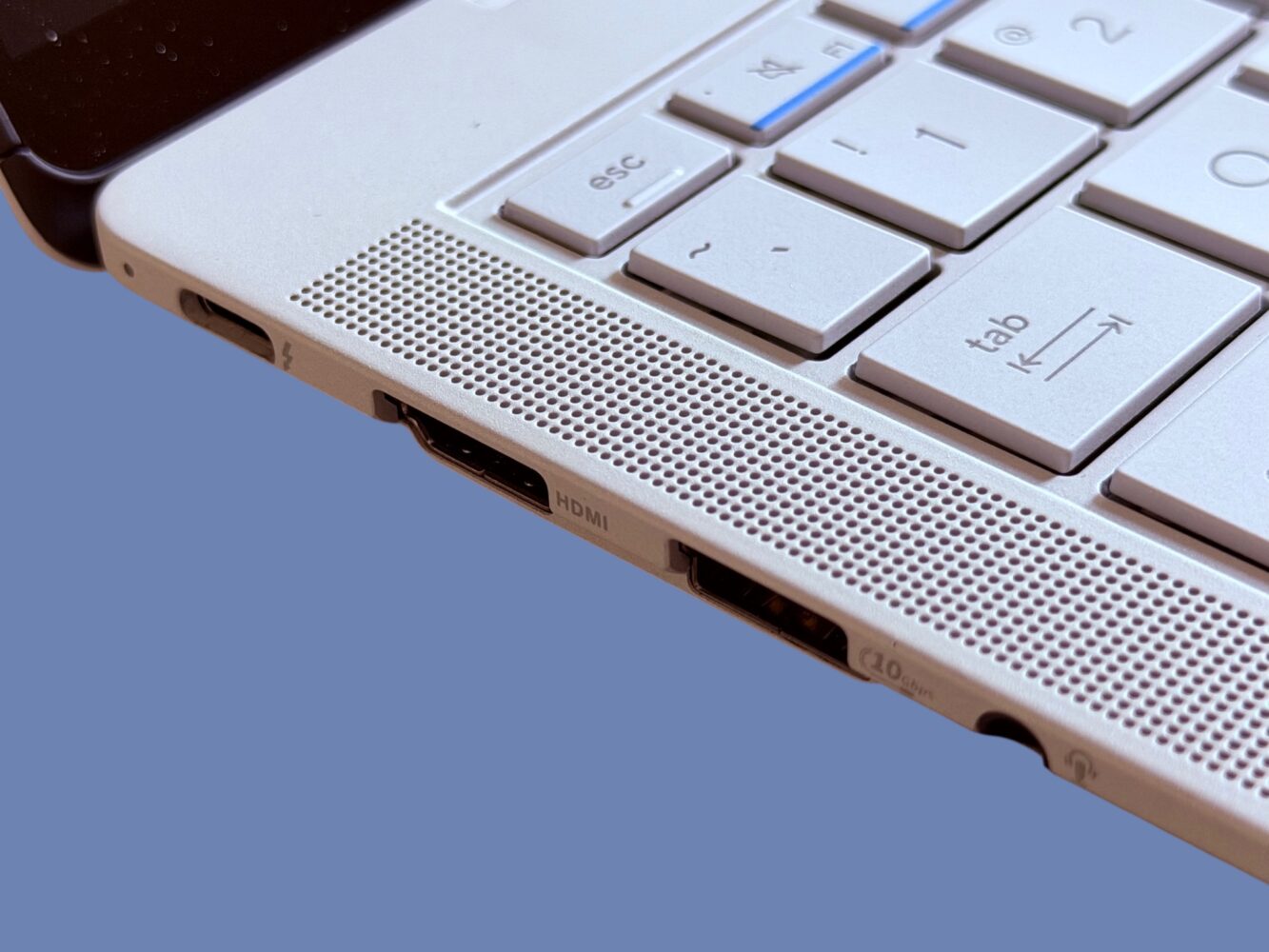
The result is a larger antenna array with improved signal integrity compared to previous designs.
According to ASUS, this design improves antenna efficiency by roughly forty-three percent compared to earlier ExpertBook models, particularly within the 5GHz and 6GHz Wi-Fi bands.
Security
Enterprise-Grade Hardware Protection That Goes Far Beyond Consumer Devices
Security is one area where business laptops often differentiate themselves from consumer ultrabooks, and the ExpertBook Ultra includes an extensive set of enterprise security features.
The laptop integrates ASUS ExpertGuardian, a layered security platform combining hardware-level protections, firmware safeguards, and operating system security technologies. The system includes a dedicated security processor designed to protect the BIOS and firmware environment, as well as dual self-healing BIOS mechanisms capable of restoring system firmware if corruption is detected.
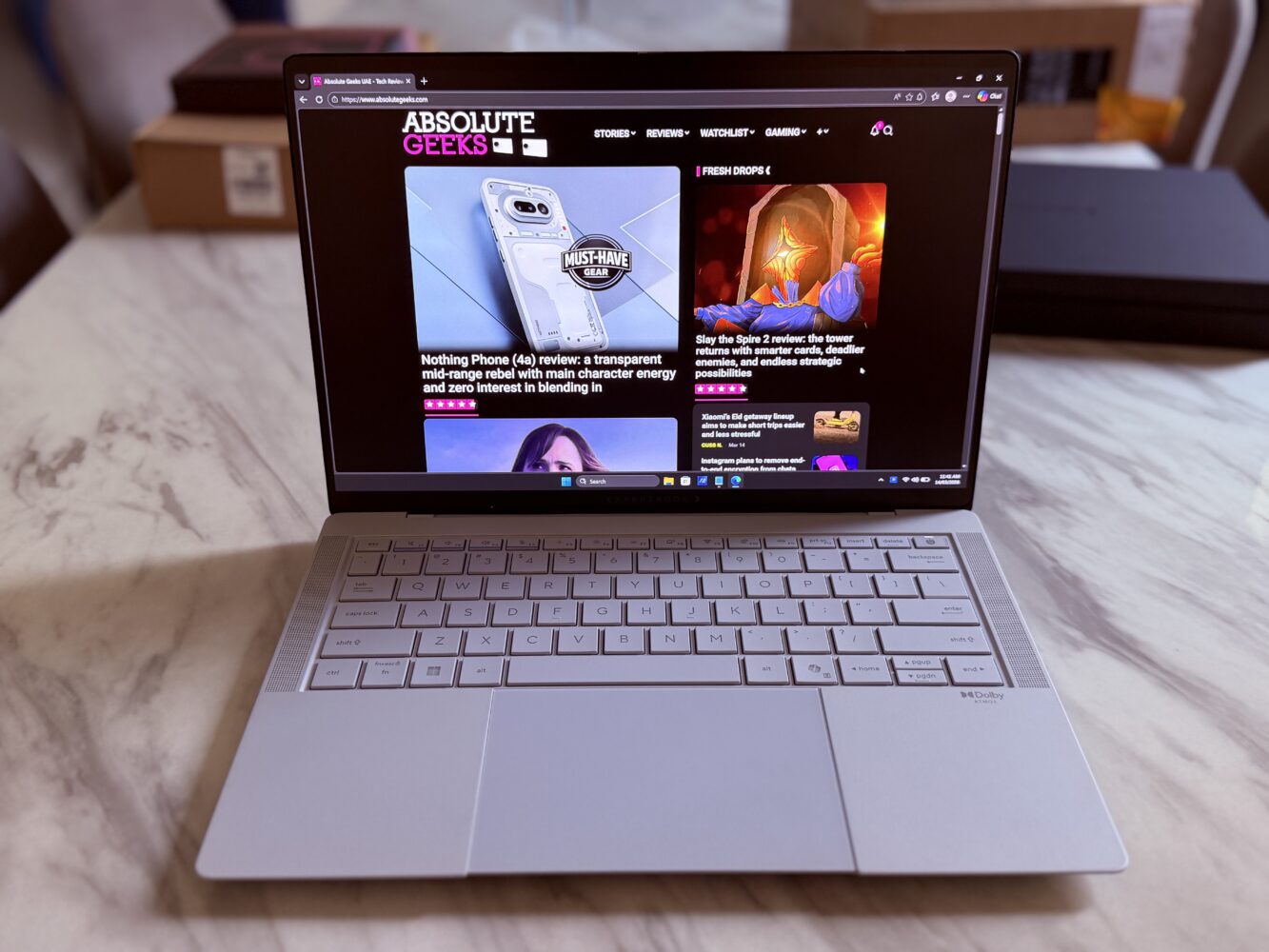
The device also supports features such as discrete TPM 2.0, optional Microsoft Pluton integration, and firmware protection standards aligned with NIST SP 800-193 guidelines.
These protections are designed to defend against firmware-level attacks that can persist even after operating system reinstalls, providing a level of resilience rarely found in consumer laptops.
Verdict
The ASUS ExpertBook Ultra represents a surprisingly bold evolution for business laptops. Instead of producing another conservative enterprise device, ASUS created a machine that blends premium ultrabook aesthetics, cutting-edge display technology, and enterprise security features into a remarkably light and powerful system. The Tandem OLED display alone places the laptop among the most visually impressive productivity machines currently available, while the lightweight magnesium chassis and advanced thermal design allow it to deliver strong performance without sacrificing portability. It is undeniably expensive, and many corporate users may never fully utilize its capabilities, but for professionals who want a business laptop that feels genuinely modern, the ExpertBook Ultra stands out as one of the most ambitious devices in its category.