Apple has announced a new iPad Air powered by the M4 chip, keeping the line’s two-size approach while focusing its message on performance gains, more memory, and iPadOS 26 features aimed at people who do real work on an iPad. The headline pitch is straightforward: the new iPad Air starts at the same U.S. prices as before—$599 for the 11-inch model and $799 for the 13-inch model—while raising baseline specs that matter for heavier tasks like video editing, image work, and gaming. Pre-orders open March 4, with general availability starting March 11 in 35 countries and regions.
The iPad Air with M4 uses an 8-core CPU and 9-core GPU, and Apple claims it’s up to 30 percent faster than the iPad Air with M3 and up to 2.3 times faster than the iPad Air with M1. Those comparisons will resonate most with buyers still on M1-era hardware, especially if their iPad has become their primary device for school or travel work. Apple is also emphasizing graphics improvements, including support for second-generation hardware-accelerated mesh shading and ray tracing. In practical terms, that should translate into smoother performance in graphics-heavy apps and more headroom for games that are trying to look like console titles, though how much that matters depends on whether developers actually target those features on iPad.
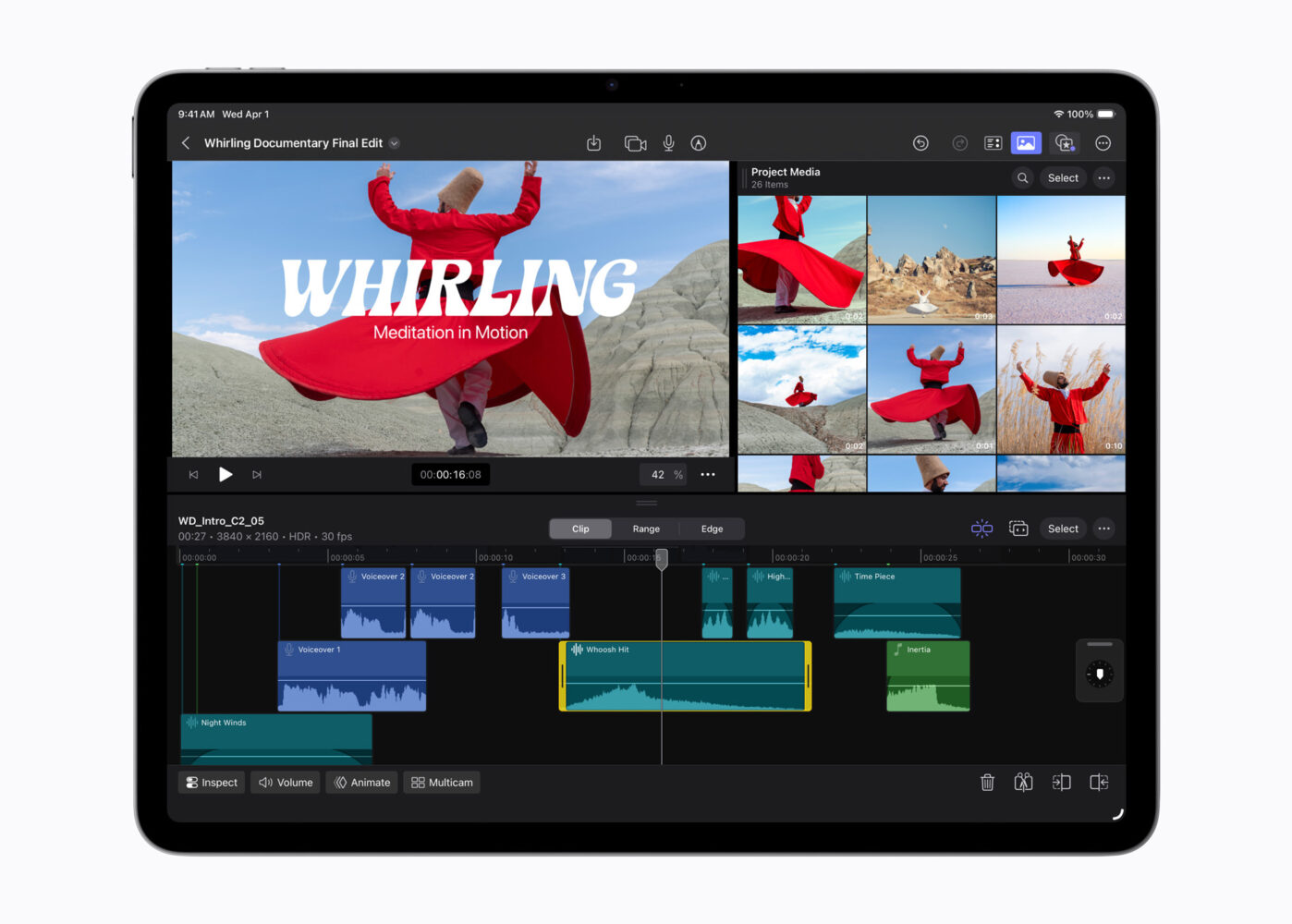
A more tangible change is memory: Apple says unified memory rises by 50 percent to 12GB, with memory bandwidth increasing to 120GB/s. For everyday use, memory increases don’t always show up as a single “wow” moment, but they can reduce friction—fewer app reloads, better multitasking, and a more stable experience when working with large files. Apple is also framing this as an AI upgrade. The M4’s 16-core Neural Engine is described as three times faster than the one in M1, and the company points to on-device tasks such as photo subject search, note transcription, and app-based AI workflows in tools like Goodnotes and sports analysis apps. That’s a reasonable direction for tablet computing in 2026, but buyers should still treat “AI performance” claims as workload-specific: some features will depend on how apps implement on-device models and how aggressively iPadOS manages power and thermals.
Connectivity is another major part of the update. The new iPad Air includes Apple-designed connectivity chips called N1 and C1X. N1 enables Wi-Fi 7, Bluetooth 6, and Thread, and Apple says it improves reliability for features like Personal Hotspot and AirDrop, particularly on 5GHz networks. Cellular models get the C1X modem, with Apple claiming up to 50 percent faster cellular data and up to 30 percent lower modem energy use than the iPad Air with M3 for active cellular users. Cellular iPad Air models also include GPS and support 5G with eSIM for easier plan setup and switching—useful for students, frequent travelers, and anyone who uses an iPad outside Wi-Fi more than occasionally.
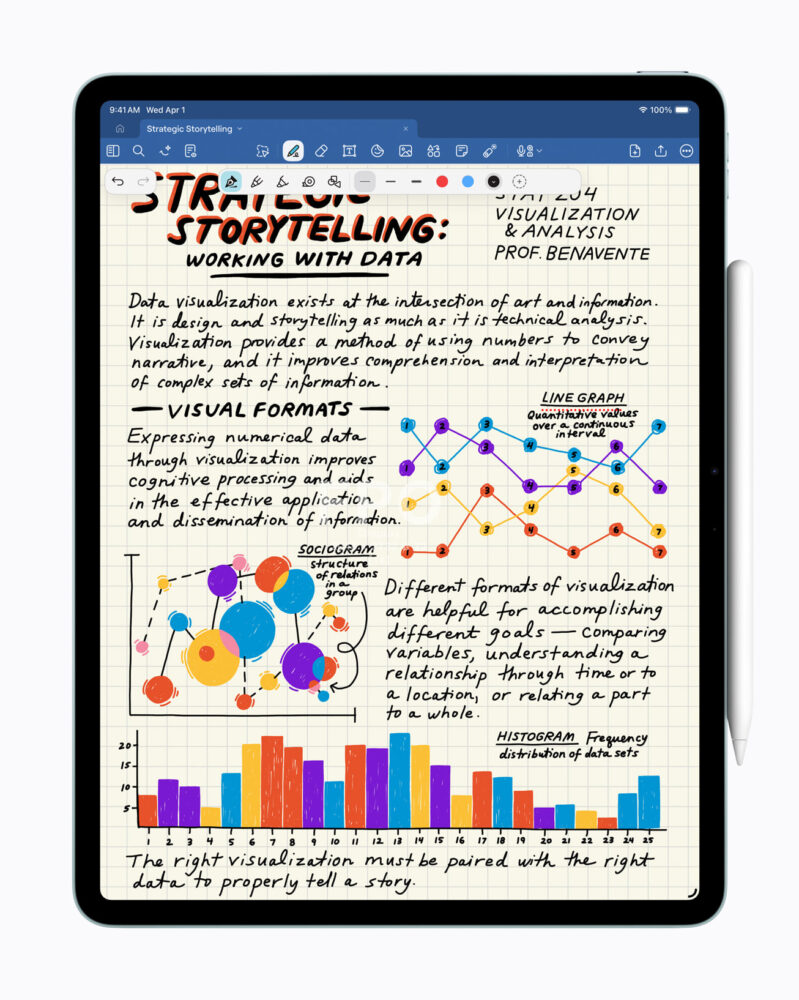
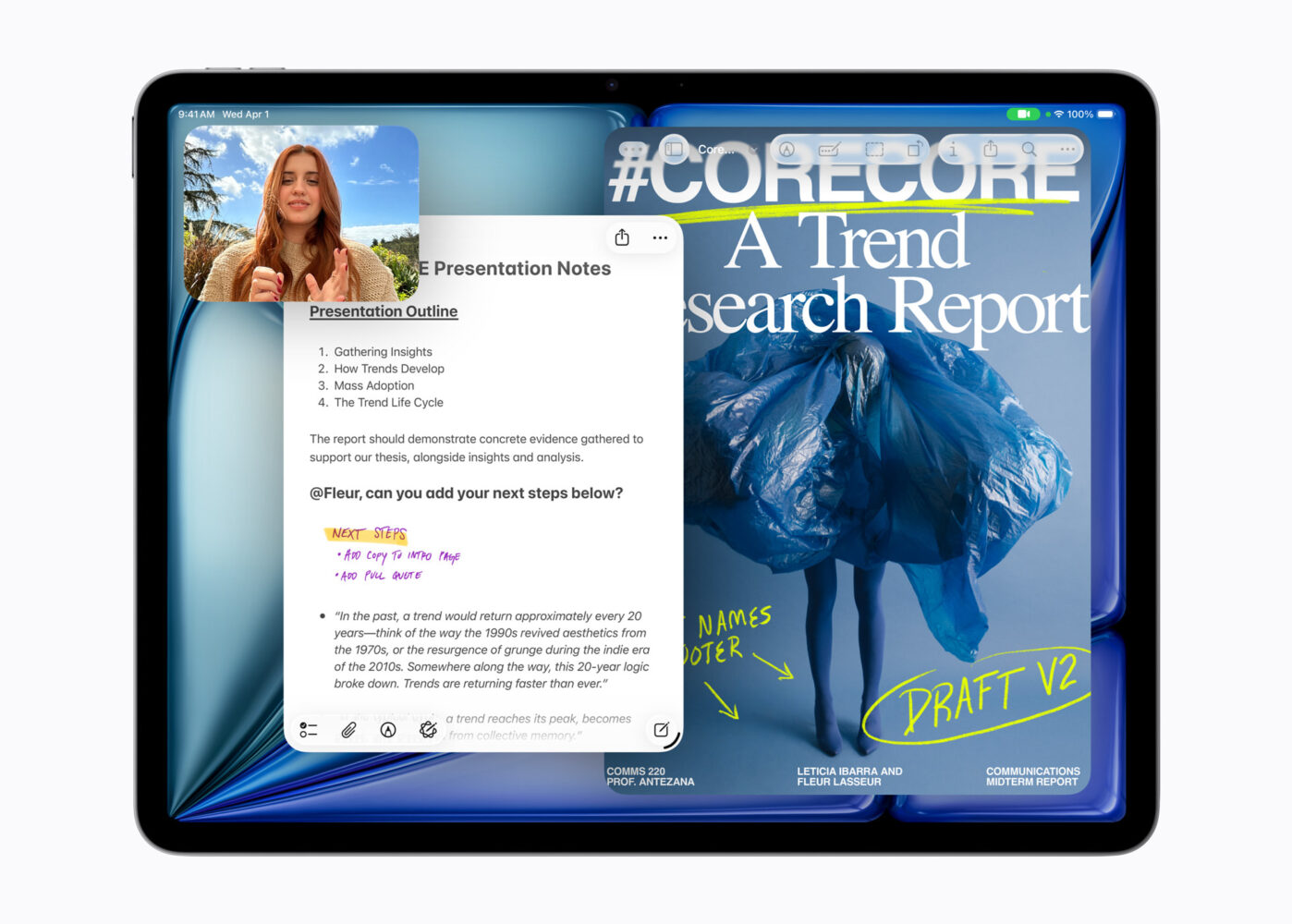
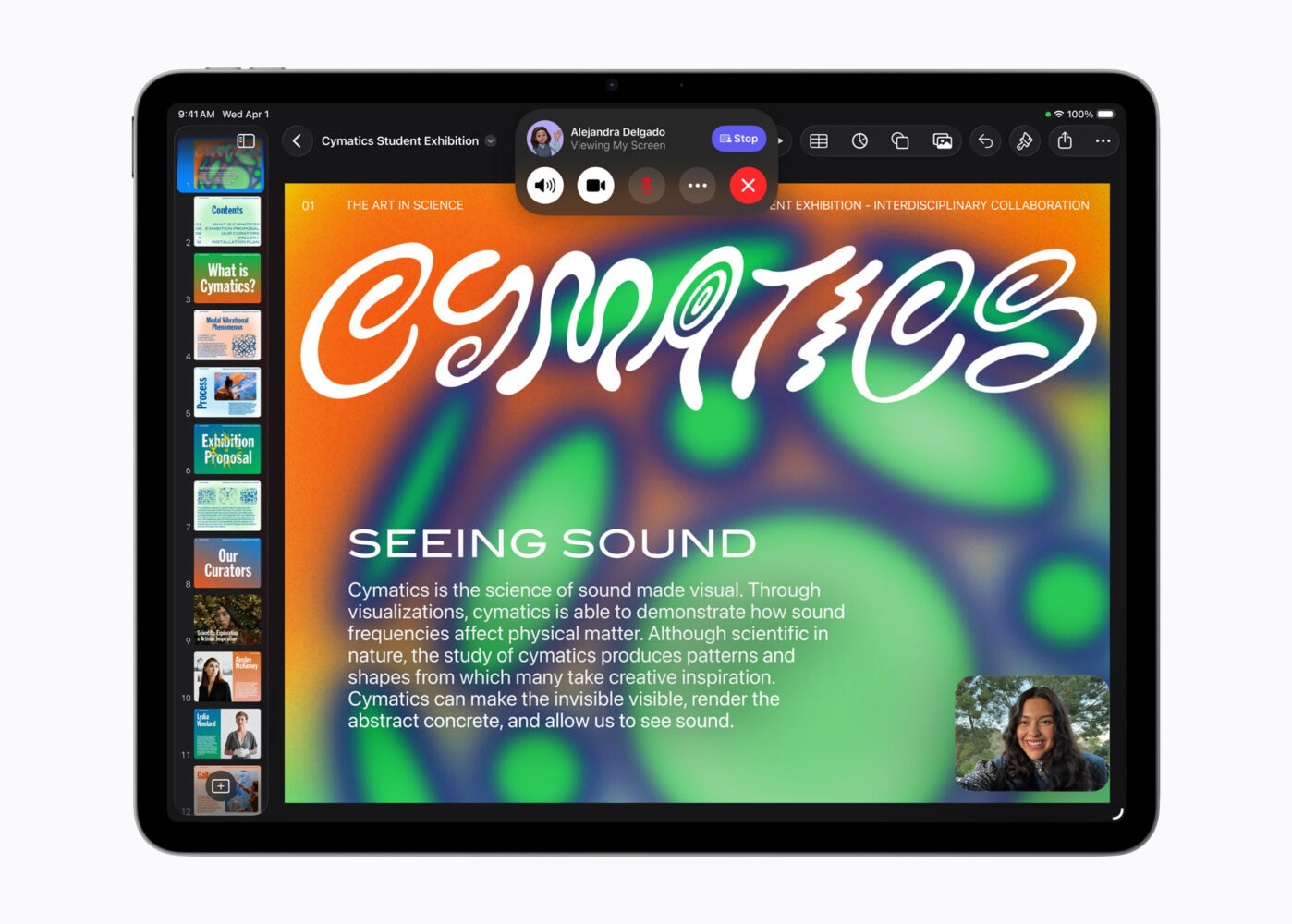
On the software side, iPadOS 26 is being positioned as a meaningful shift rather than a routine annual refresh. Apple is introducing a new “Liquid Glass” visual treatment and, more importantly, a new windowing system intended to make app management feel closer to a laptop without turning iPad into a full desktop OS. There’s also a new menu bar gesture for app commands, an upgraded Files app with a refreshed List view and folder customization, and the arrival of Preview on iPad for viewing and marking up PDFs and images with touch or Apple Pencil. Apple is also calling out improved audio input control, local high-quality capture, and Background Tasks, which could help iPad workflows feel less constrained—assuming third-party apps adopt the new capabilities.
The new iPad Air comes in 11-inch and 13-inch sizes and four finishes: blue, purple, starlight, and space gray. Storage options run from 128GB up to 1TB. Apple continues to pitch accessory support as a core part of the product: Apple Pencil Pro and Apple Pencil (USB-C) are both compatible, and the Magic Keyboard for iPad Air includes a trackpad and a 14-key function row. Pricing on accessories remains premium—$269 for the 11-inch Magic Keyboard and $319 for the 13-inch—so the real “iPad Air value” conversation depends on whether buyers plan to use it as a tablet-first device or a laptop replacement.
On sustainability, Apple says the iPad Air uses 30 percent recycled content, including 100 percent recycled aluminum in the enclosure and 100 percent recycled cobalt in the battery. The company also says 40 percent of electricity used across the supply chain comes from renewable sources, and that packaging is fiber-based.
Overall, the iPad Air with M4 looks like a deliberate attempt to narrow the gap between “mainstream iPad” and “serious productivity device” without forcing buyers into Pro pricing. For people upgrading from older iPad Air models—or anyone who has been pushing an iPad hard with creative apps—the added memory, newer GPU features, and Wi-Fi 7 support may be the most practical reasons to consider the new iPad Air. For everyone else, the decision will likely come down to whether iPadOS 26’s multitasking and file management improvements actually make iPad feel less like a companion device and more like a primary computer.