
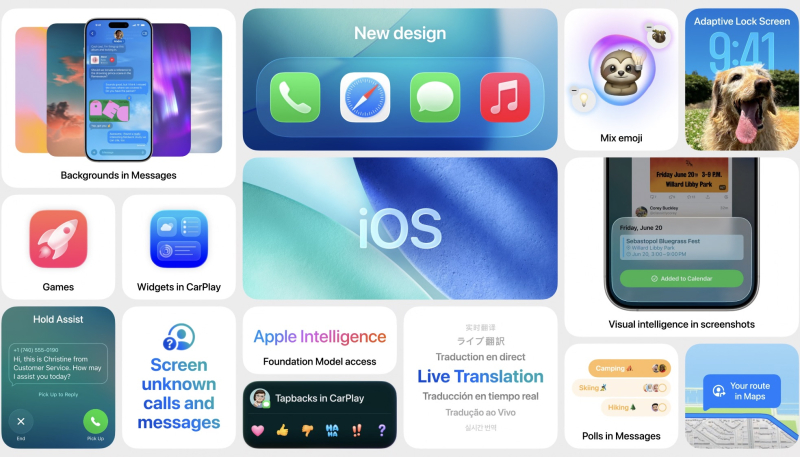
Apple has released the third developer betas of iOS 26.3 and iPadOS 26.3, continuing its steady pre-release cycle ahead of a wider rollout. The new builds arrive one week after the second betas and are currently available only to registered developers through the Software Update section of the Settings app. As with earlier betas, the focus remains on feature testing, regulatory compliance, and refinement rather than sweeping visual changes.
So far, the most notable addition in iOS 26.3 is a new transfer tool designed to make it easier for iPhone users to move to an Android device. The feature allows users to place an iPhone next to a compatible Android phone to begin a guided transfer process. Supported data includes photos, messages, notes, apps, passwords, and a user’s phone number. Certain categories are excluded, including health data, paired Bluetooth accessories, and protected content such as locked notes. The tool is located in the Settings app under General, then Transfer or Reset iPhone, followed by Transfer to Android, and is available globally.
This addition reflects a broader industry trend toward lowering barriers between competing platforms, though the exclusions make clear that not all data can move freely between ecosystems. For users considering a platform switch, the feature reduces friction but stops short of a full one-to-one migration.
iOS 26.3 also introduces a dedicated section for Weather-themed wallpapers. These presets can be added directly from the Lock Screen customization interface by pressing and holding the Lock Screen and selecting the plus icon. While relatively minor, this change continues Apple’s incremental expansion of Lock Screen personalization options introduced in earlier iOS releases.
In the European Union, the beta includes several changes tied to regulatory requirements. A new Notification Forwarding setting allows iPhone notifications to be forwarded to third-party devices, a capability not previously available. The update also adds proximity-based pairing for third-party accessories such as earbuds and smartwatches, mirroring the simplified pairing experience long associated with AirPods. These adjustments are part of Apple’s ongoing response to the Digital Markets Act, which requires platform holders to open certain system-level features to competitors.